



Vice Wave Shaders for Minecraft 26.2
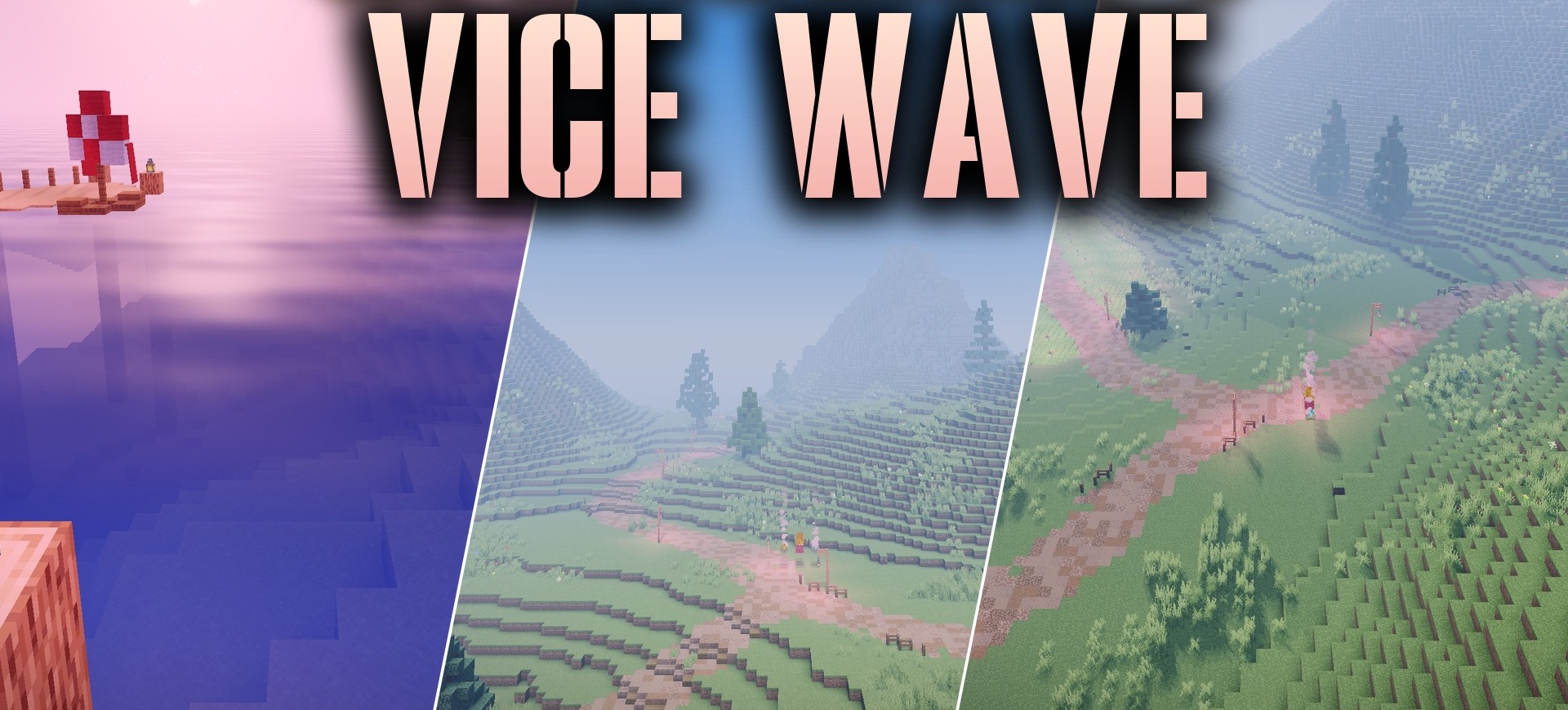
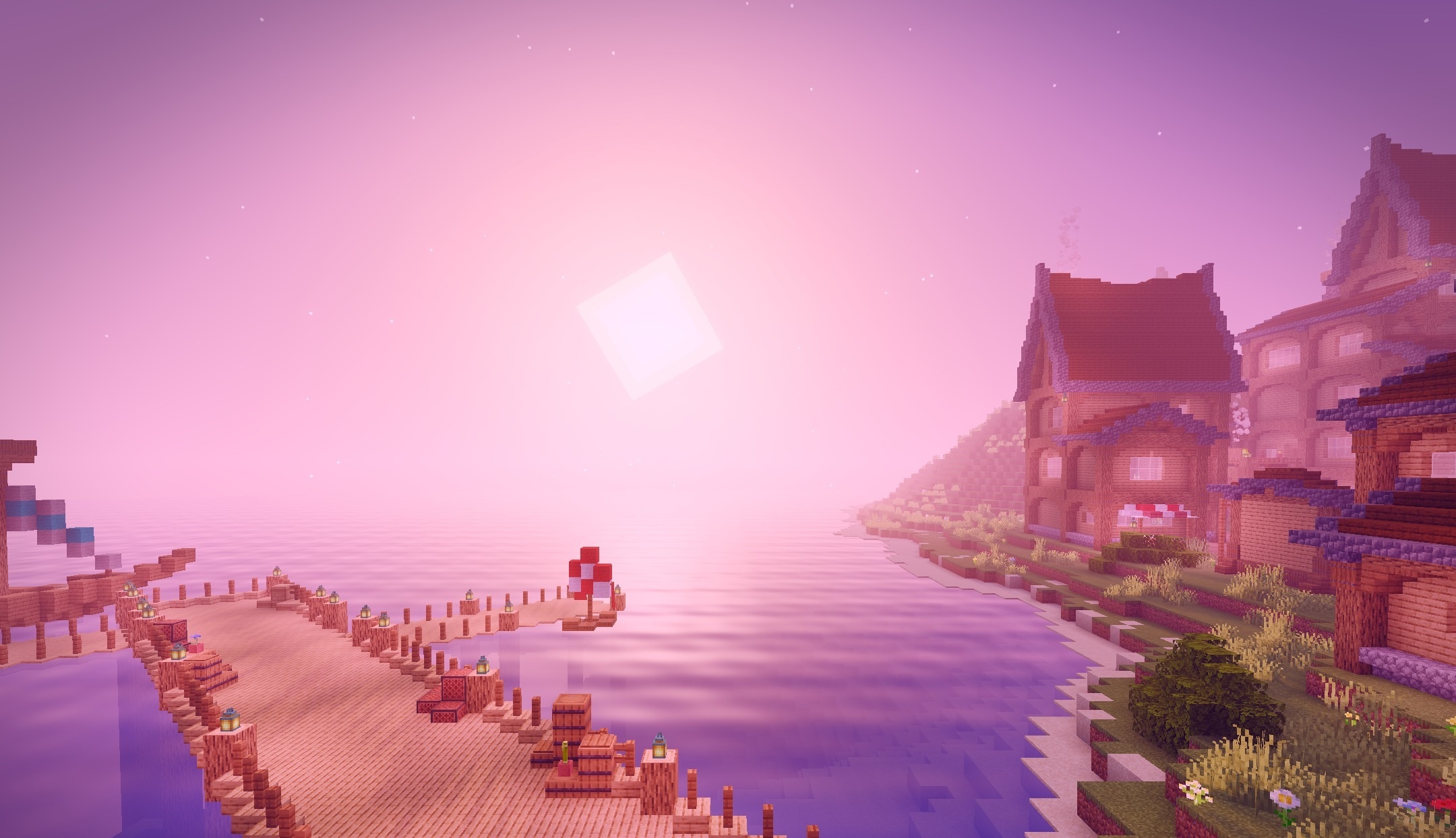
Vice Wave Shaders brings the aesthetics of a tropical city with bright sunlight and vivid neon sunsets to Minecraft. During the day, the environment gets a warm seaside tint and clean diffused lighting. In the evening, the sky turns pink, orange, and purple, creating the distinctive atmosphere of Vice City.
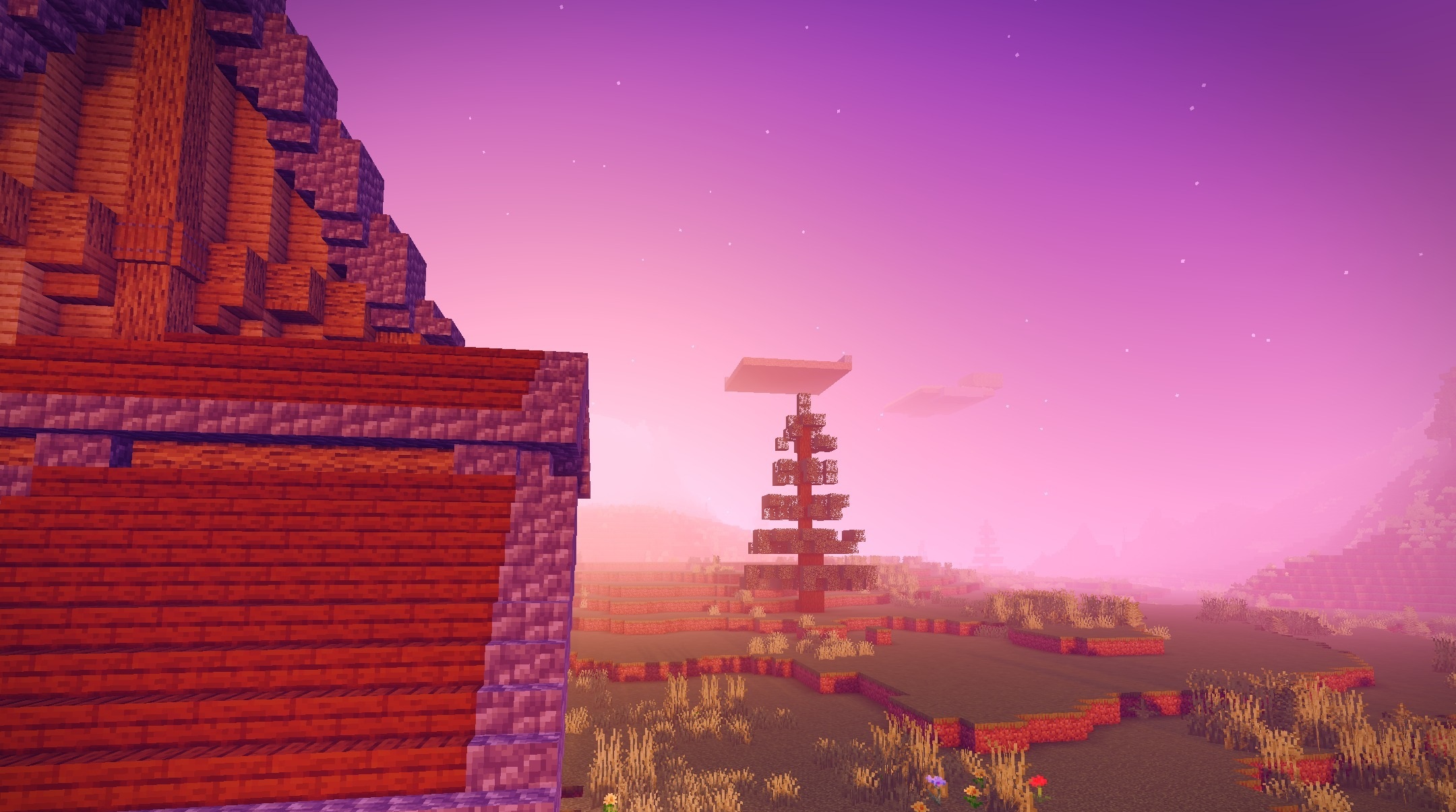
Water becomes noticeably more expressive thanks to reflections and smooth wave movement. Standard blocks remain clearly distinguishable, so the shader is suitable not only for screenshots but also for regular survival gameplay. It looks most impressive near oceans, beaches, and modern cities, turning the world into a bright coastal landscape with a neon palette.
How to install a shader:
First step: download the shader package from the link below.
Second step: Unpack the downloaded archive and copy the Vice Wave Shaders folder to c:\Users\User\AppData\Roaming\.minecraft\shaderpacks\(if this folder does not exist, create it yourself) (For Windows)
Third step: In the game, go to Settings, then to Graphics Settings. Select the "shaders" section and activate the shader pack of your choice.
Comments (0)