



Vice Wave Shaders for Minecraft 26.2
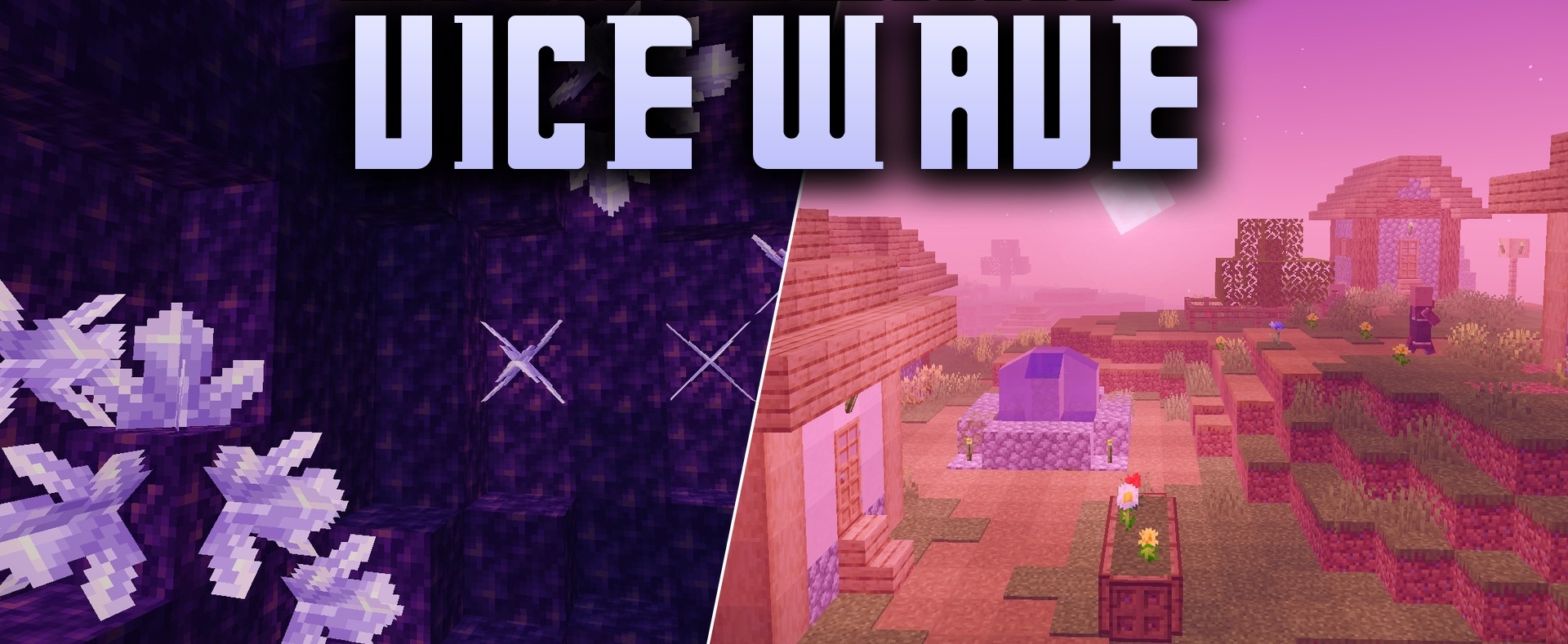
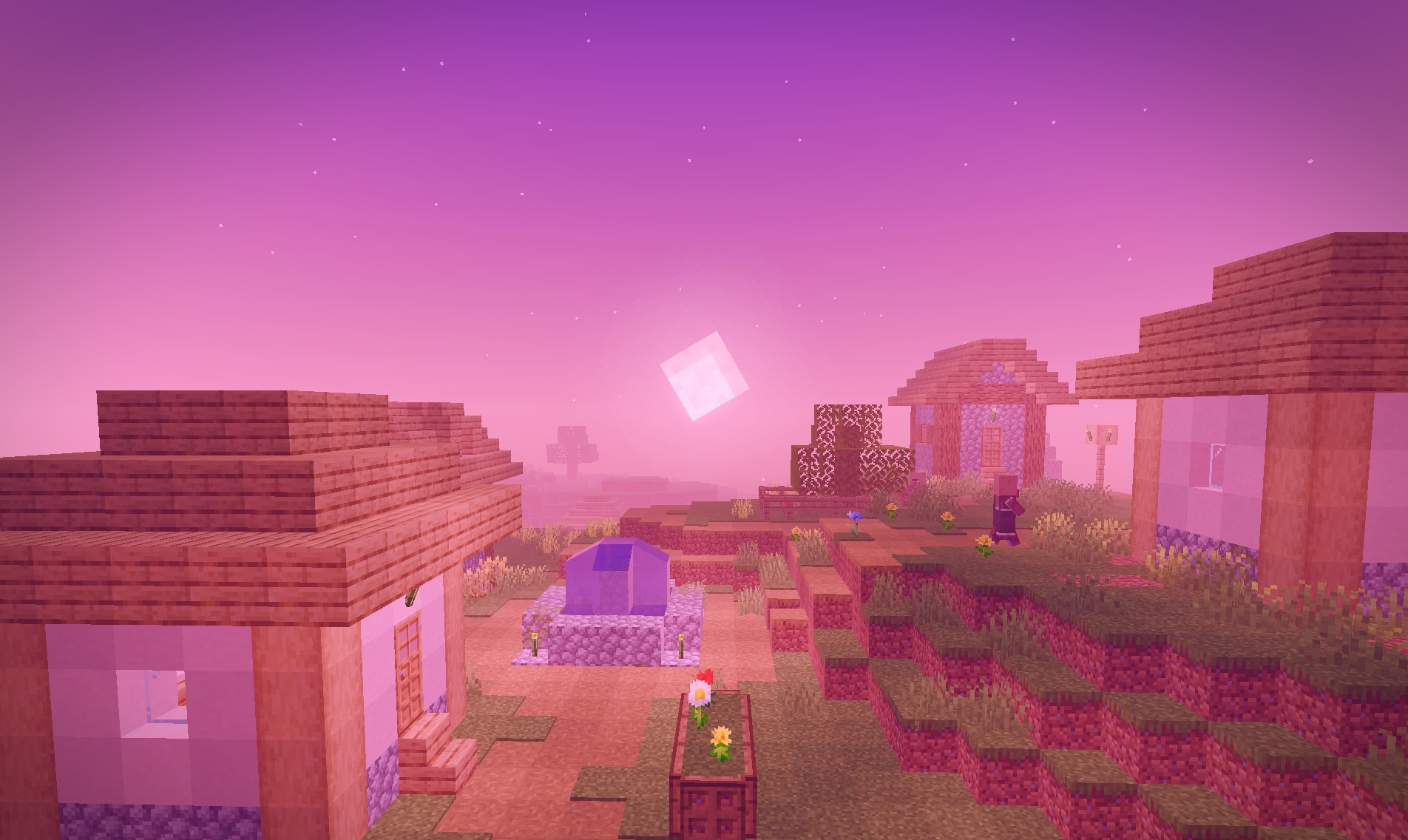
Tropical cities, neon, and the aesthetics of Vice City define the color scheme of Vice Wave Shaders. During the day, the world is illuminated by warm sunlight with clean, saturated shades, while closer to evening, the sky shifts toward pink, orange, and purple tones.
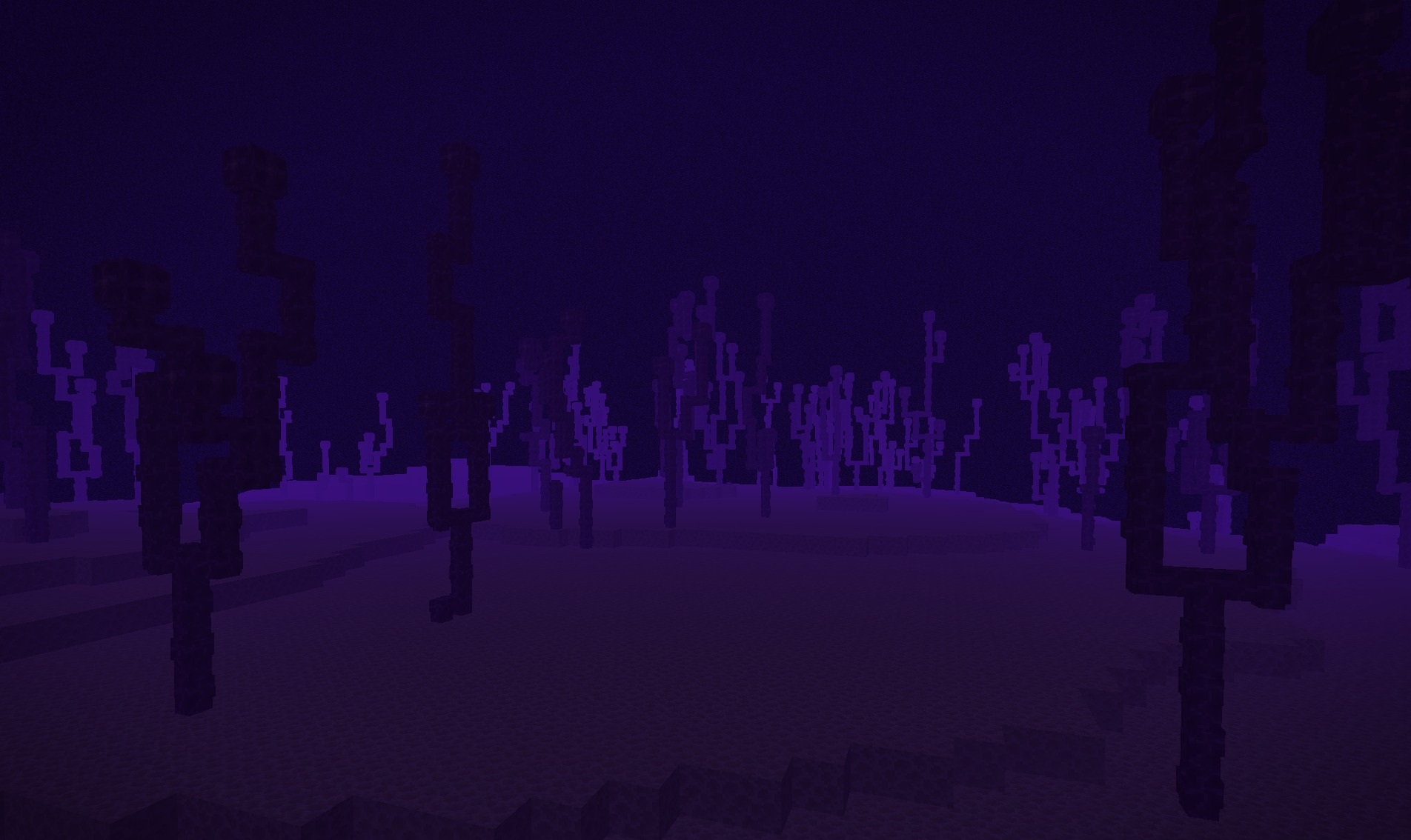
This processing is most expressive during sunrises and sunsets, when the entire scene receives a characteristic neon glow. Water has also been reworked: reflections and smooth wave movement appear on the surface, matching the new sky palette. Despite the active color correction, block textures remain easy to distinguish.
How to install a shader:
First step: download the shader package from the link below.
Second step: Unpack the downloaded archive and copy the Vice Wave Shaders folder to c:\Users\User\AppData\Roaming\.minecraft\shaderpacks\(if this folder does not exist, create it yourself) (For Windows)
Third step: In the game, go to Settings, then to Graphics Settings. Select the "shaders" section and activate the shader pack of your choice.
Comments (0)