



Visuality_Shaders for Minecraft 26.2
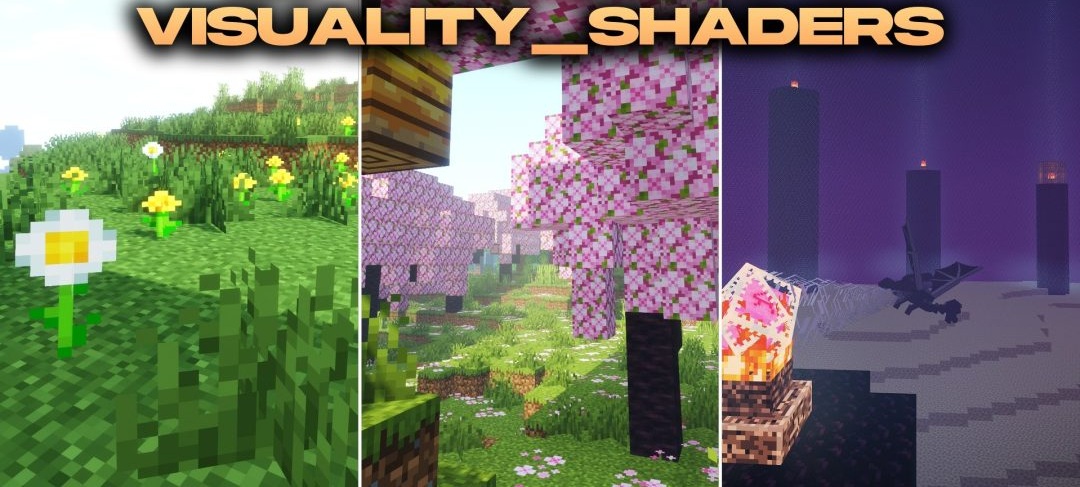
Realistic lighting techniques are mixed here with fantastical shades and the standard style of the game. Visuality_Shaders changes how light spreads through different types of environments, so open fields, high mountains, and dark caves each receive their own lighting character.
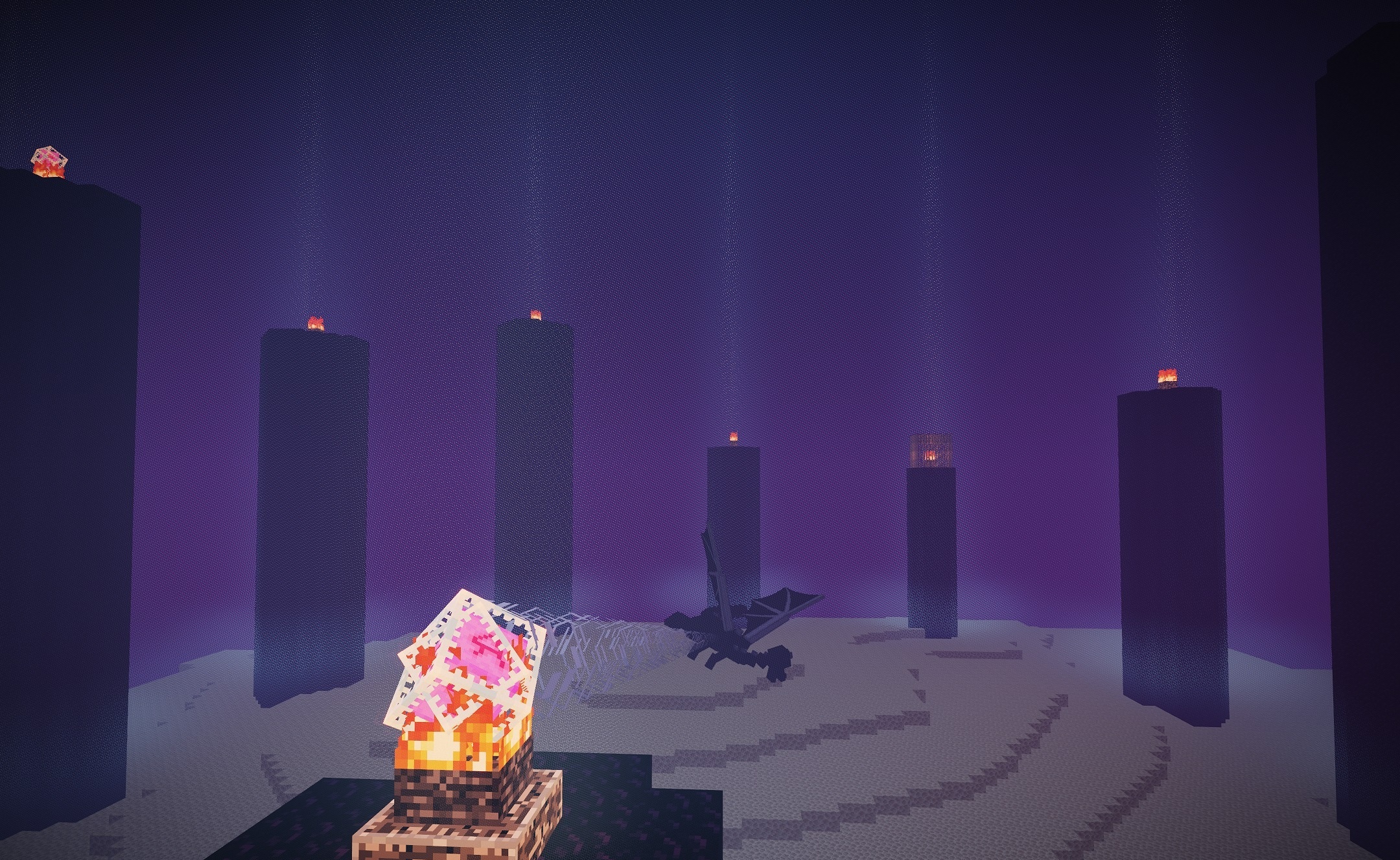
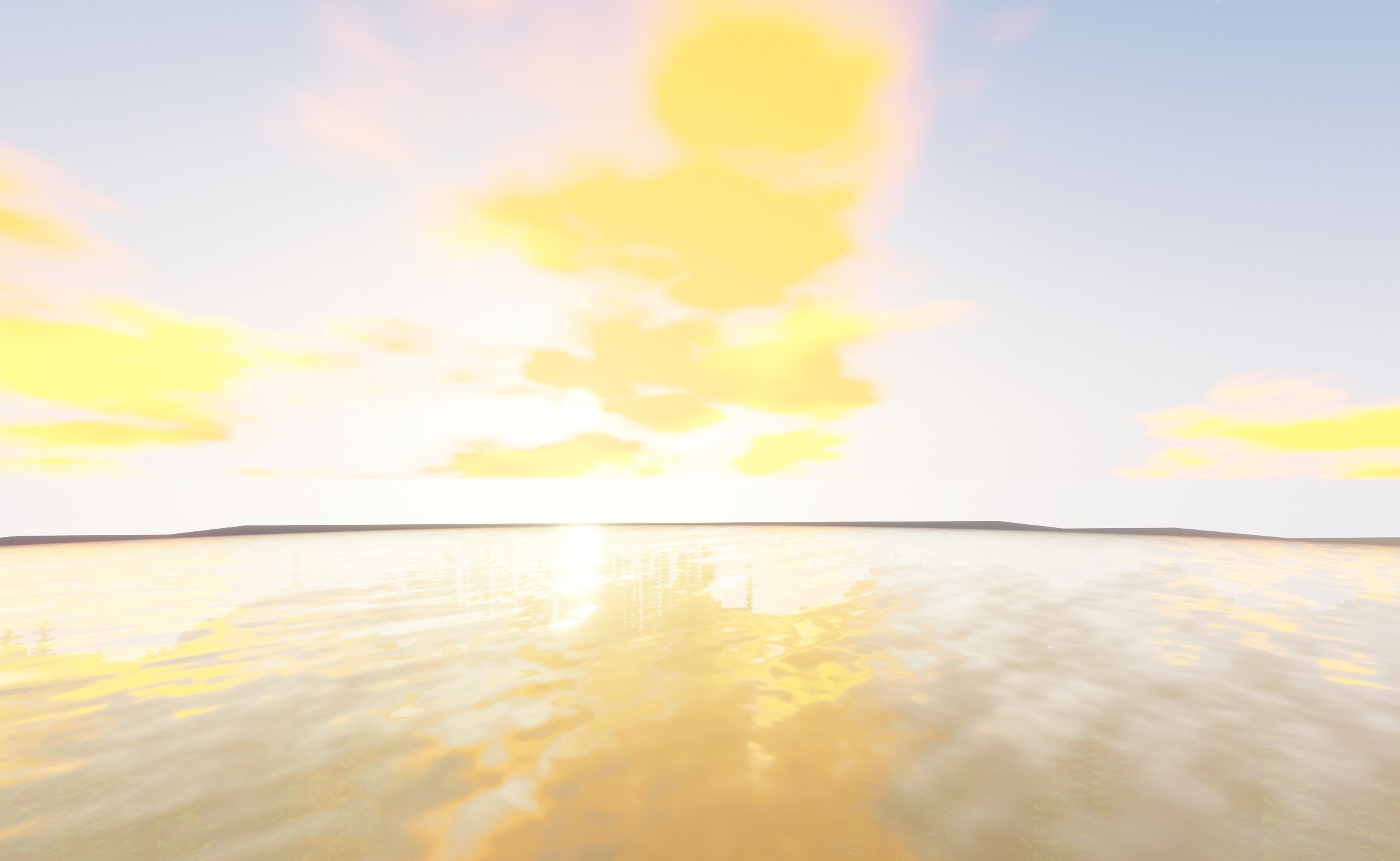
At the same time, the appearance of the sky and the color presentation of blocks are reworked, while the original pixel geometry remains the basis of the image. The shader does not fill the screen with a large number of additional effects and keeps the environment clean enough for regular gameplay. As a result, the changes cover different world conditions without completely replacing its visual style.
How to install a shader:
First step: download the shader package from the link below.
Second step: Unpack the downloaded archive and copy the Visuality_Shaders folder to c:\Users\User\AppData\Roaming\.minecraft\shaderpacks\(if this folder does not exist, create it yourself) (For Windows)
Third step: In the game, go to Settings, then to Graphics Settings. Select the "shaders" section and activate the shader pack of your choice.
Comments (0)