



VoidDream Shaders for Minecraft 26.2
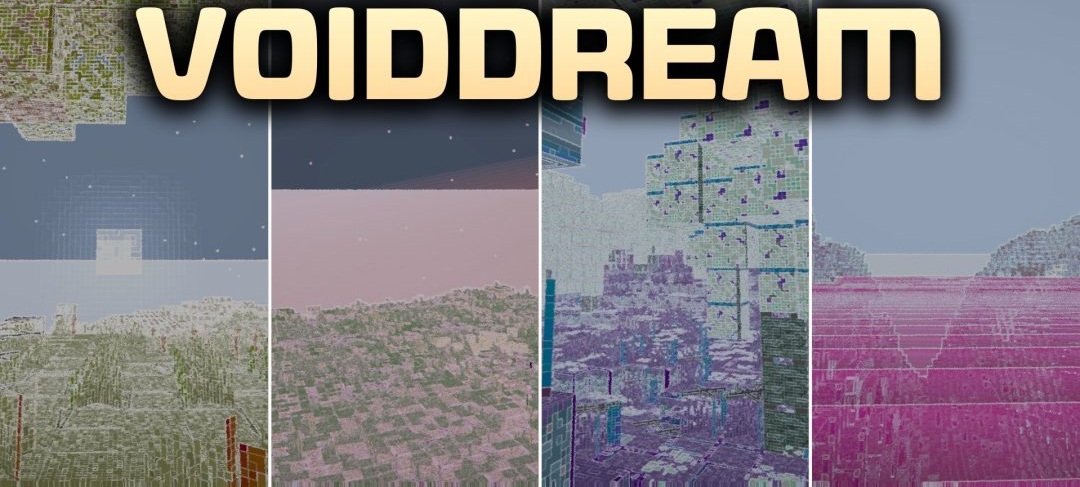
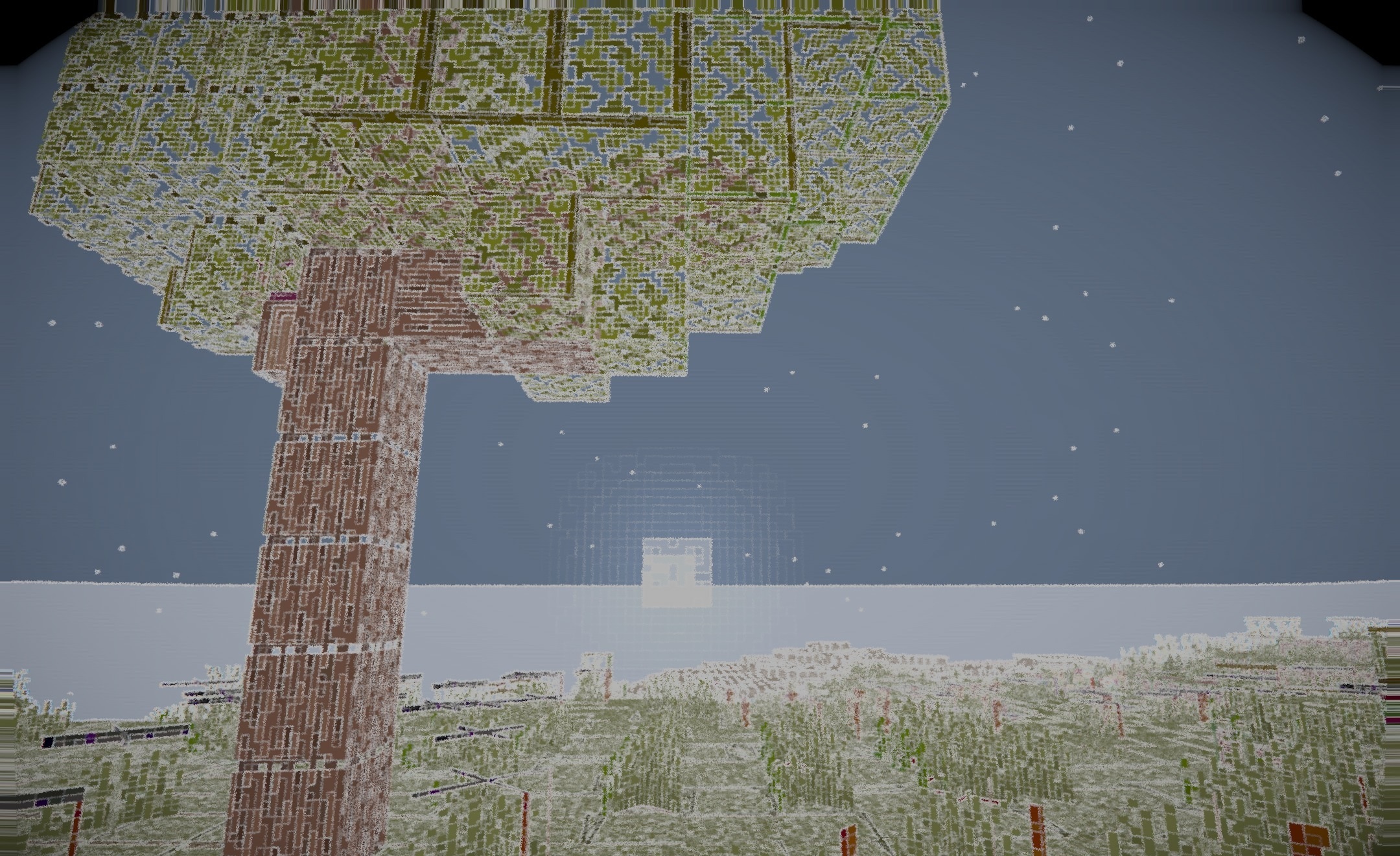
In VoidDream Shaders, the familiar relationship between light and darkness is literally turned upside down. The shader inverts the standard lighting while simultaneously changing the colors of the surrounding world, turning ordinary landscapes into unsettling, dream-like spaces.
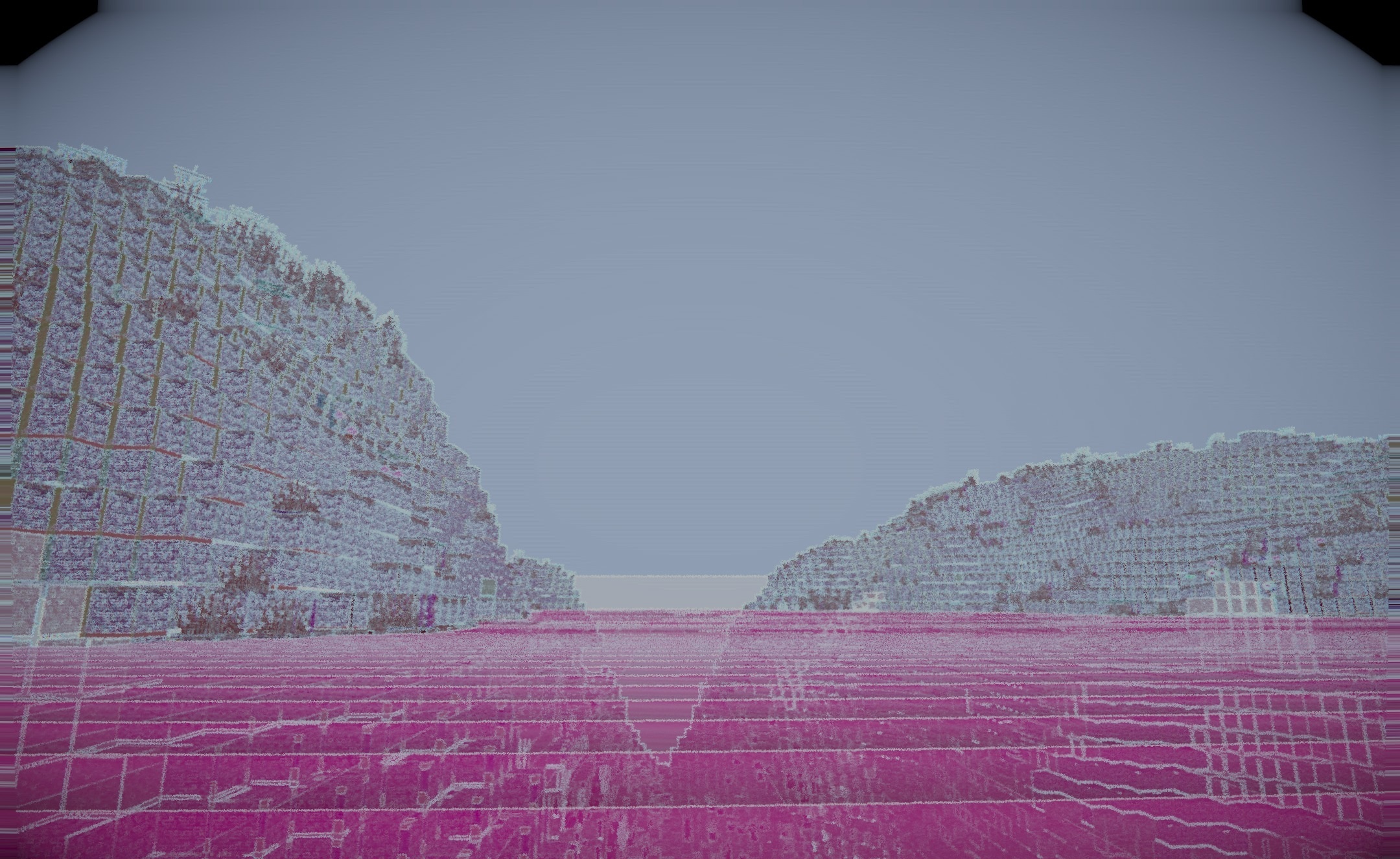
An additional effect is created by glowing block edges: the outlines become brighter and help distinguish the geometry of the environment even with the unusual color processing. Despite all the visual strangeness, the pack does not interfere with the main mechanics, so building, resource gathering, and normal survival continue to work without changes.
How to install a shader:
First step: download the shader package from the link below.
Second step: Unpack the downloaded archive and copy the VoidDream Shaders folder to c:\Users\User\AppData\Roaming\.minecraft\shaderpacks\(if this folder does not exist, create it yourself) (For Windows)
Third step: In the game, go to Settings, then to Graphics Settings. Select the "shaders" section and activate the shader pack of your choice.
Comments (0)