



WpyQwq’s Apex Shaders for Minecraft 26.2
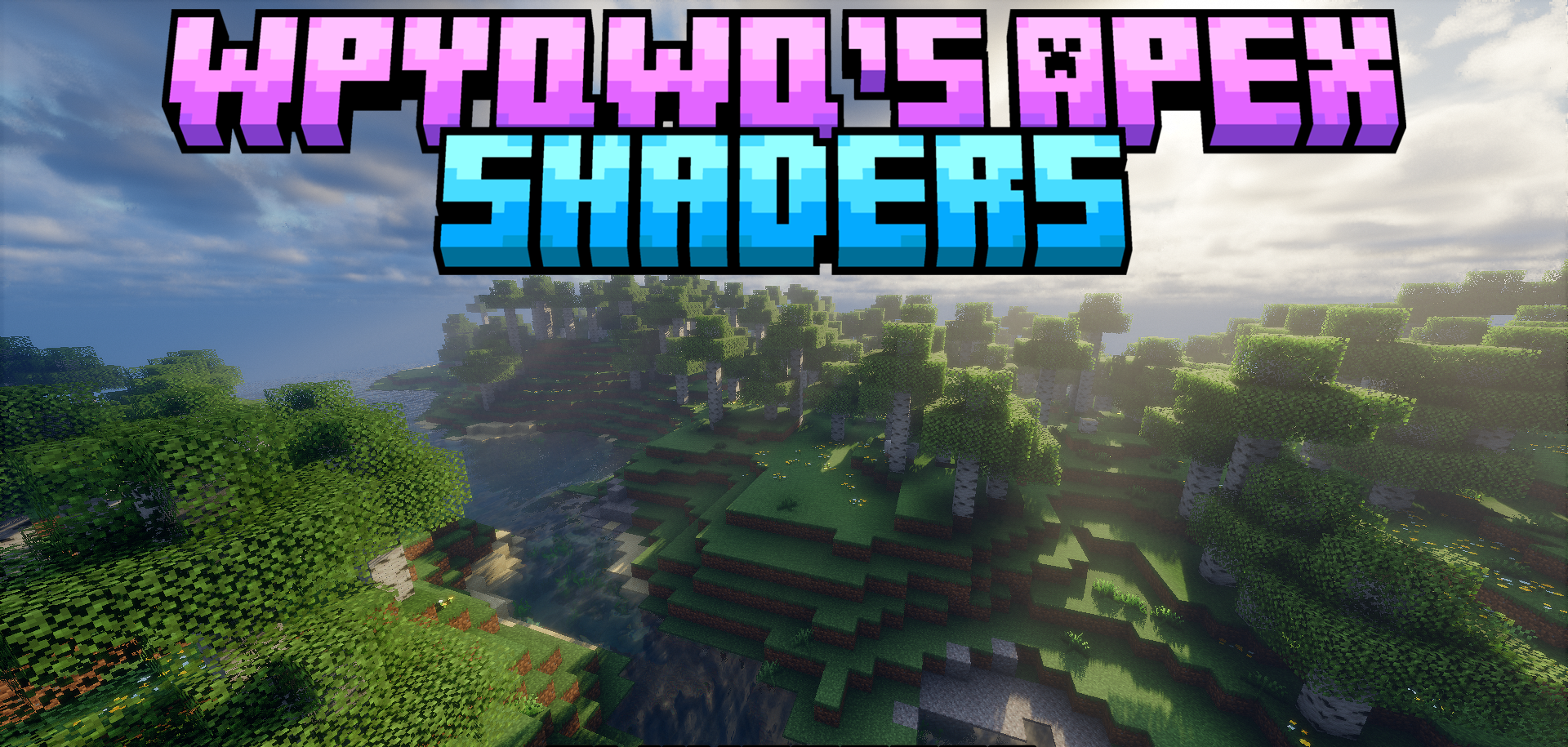
WpyQwq’s Apex Shaders focuses on complex lighting, weather, and atmosphere. Global illumination simulates light reflecting from blocks, giving interiors and outdoor areas more natural light coverage. Water reflects its surroundings, moves in waves, refracts light, and looks different beneath the surface.
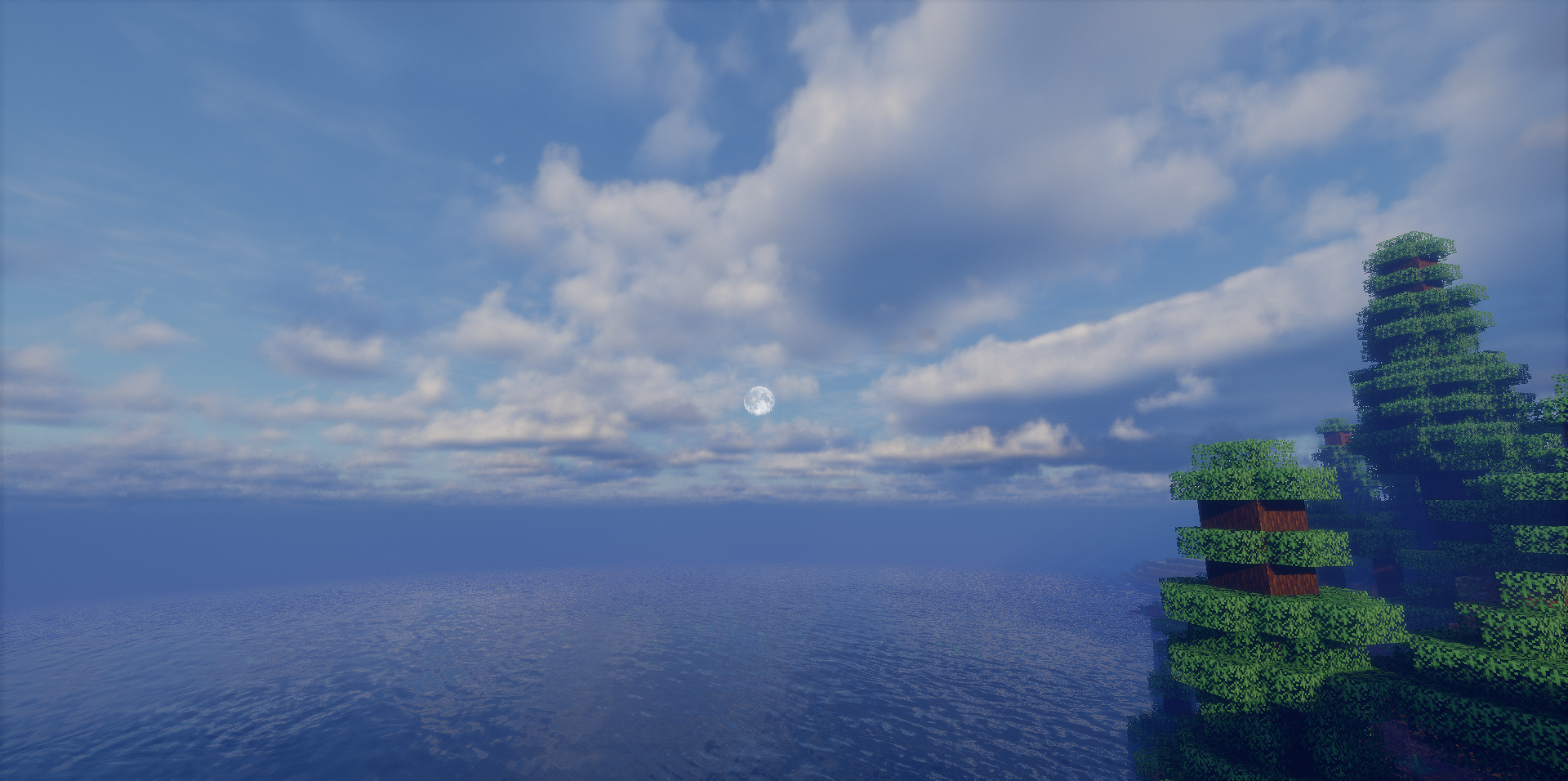
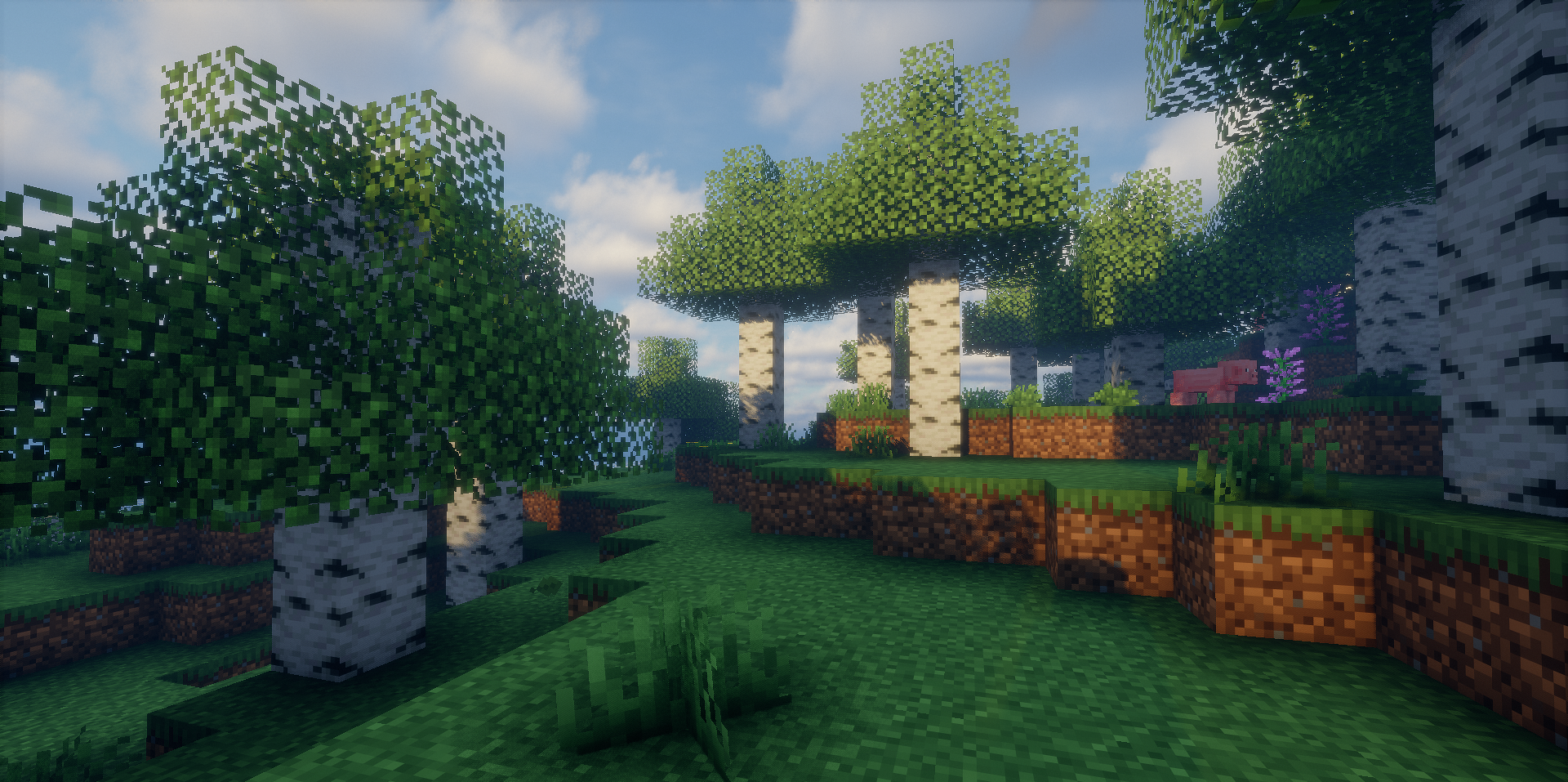
The sky consists of several cloud layers, while the weather changes through different daytime profiles. Nighttime brightness depends on the moon phase, the moon itself receives a detailed texture, and transparent blocks such as leaves and colored glass allow light to pass through more softly. Light rays appear through the treetops in forests, while volumetric haze forms in foggy areas.
How to install a shader:
First step: download the shader package from the link below.
Second step: Unpack the downloaded archive and copy the WpyQwq’s Apex Shaders folder to c:\Users\User\AppData\Roaming\.minecraft\shaderpacks\(if this folder does not exist, create it yourself) (For Windows)
Third step: In the game, go to Settings, then to Graphics Settings. Select the "shaders" section and activate the shader pack of your choice.
Comments (1)