



Zayko Lite for Minecraft 26.2
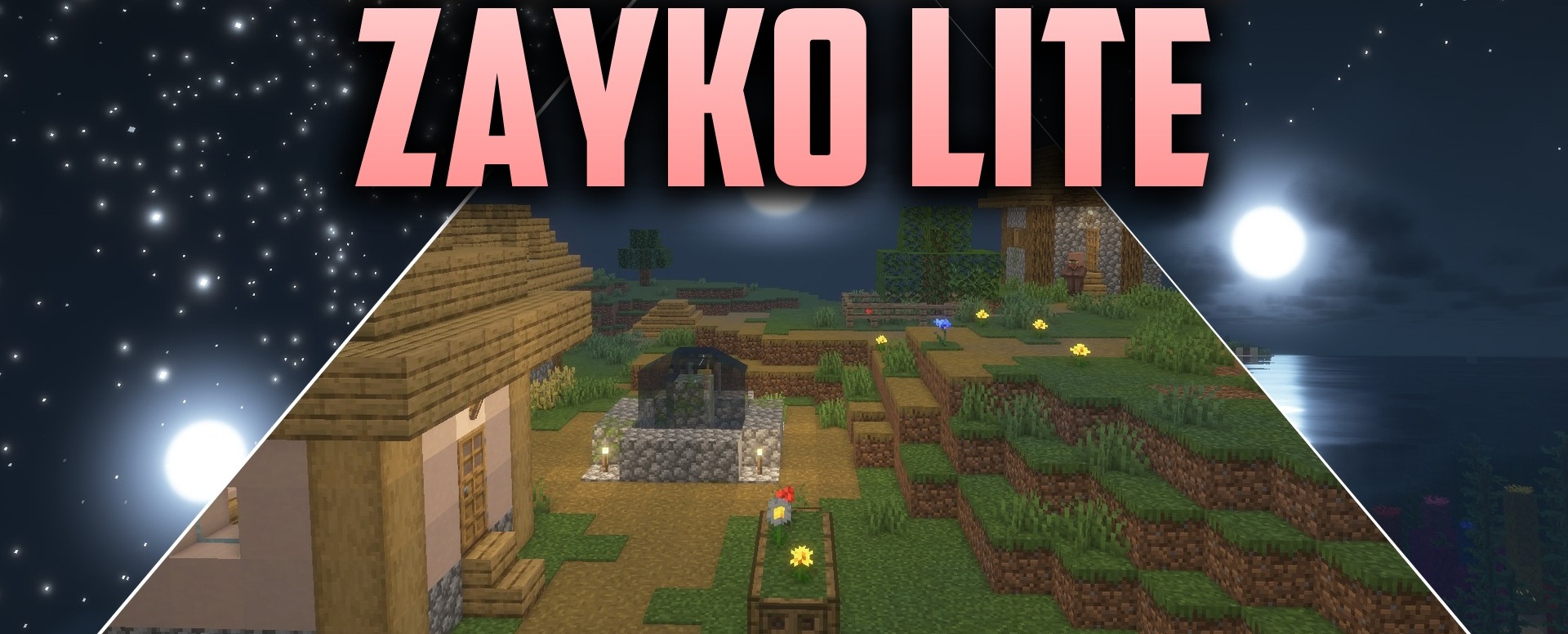
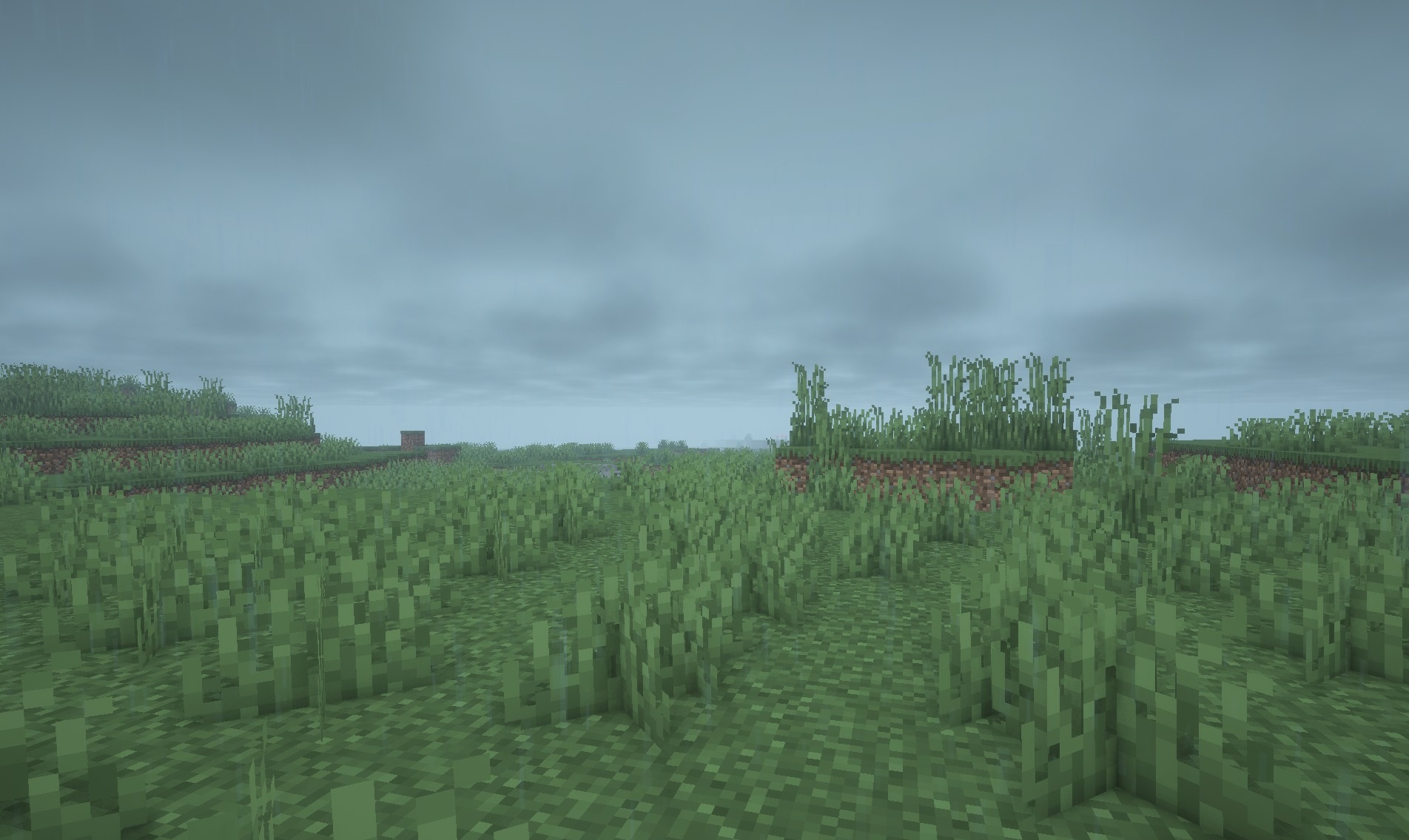
The main goal of Zayko Lite is to maintain a high frame rate without leaving the lighting completely standard. The shader combines clean shadows with a bright fantasy palette and gently adjusts the lighting in open biomes.
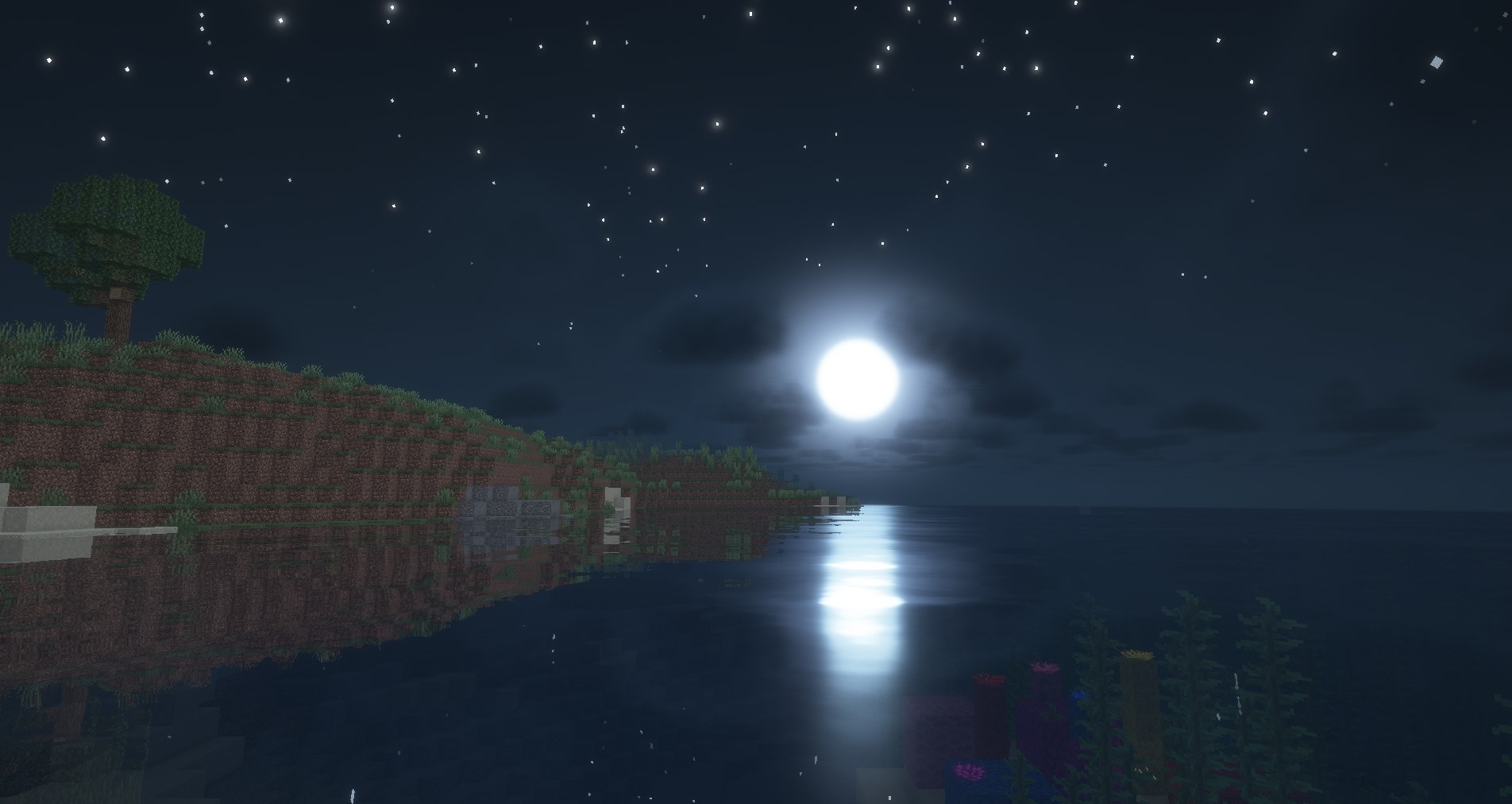
The sky becomes more expressive, while blocks receive a more careful distribution of brightness without heavy reflections, complex volumetric fog, and other effects that usually put more load on the system. Because of this, the visual rework can be felt during regular exploration but does not turn the image into a demonstration of graphics technologies. The pack is designed primarily for stability and can work even on weak devices.
 How to install a shader:
First step: download the shader package from the link below.
Second step: Unpack the downloaded archive and copy the Zayko Lite folder to c:\Users\User\AppData\Roaming\.minecraft\shaderpacks\(if this folder does not exist, create it yourself) (For Windows)
Third step: In the game, go to Settings, then to Graphics Settings. Select the "shaders" section and activate the shader pack of your choice.
Comments (0)