



Aetheria Lite Shaders for Minecraft 26.3
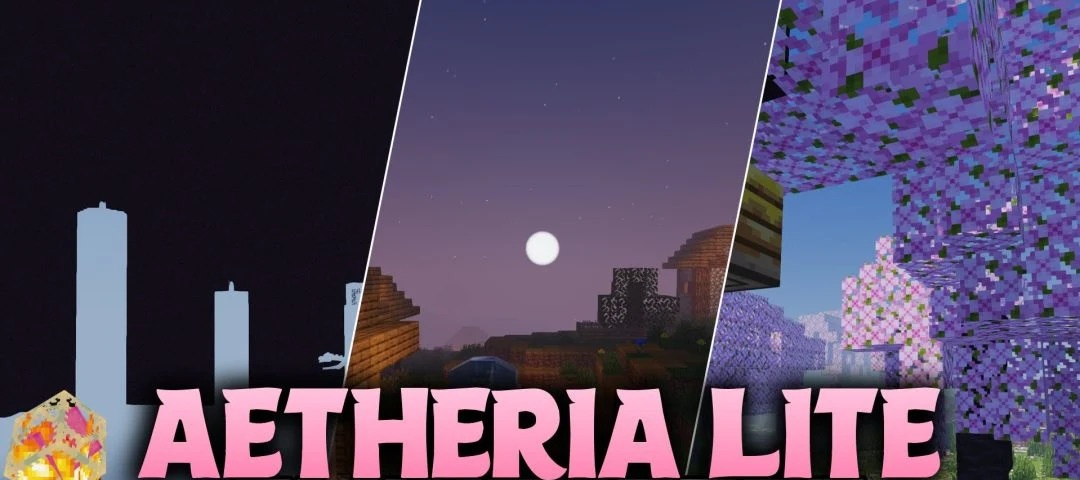
Aetheria Lite Shaders offers improved lighting for low-end hardware. The pack is designed even for older computers and integrated graphics at the level of Intel HD Graphics 4000, so its set of effects has been selected with limited performance in mind.
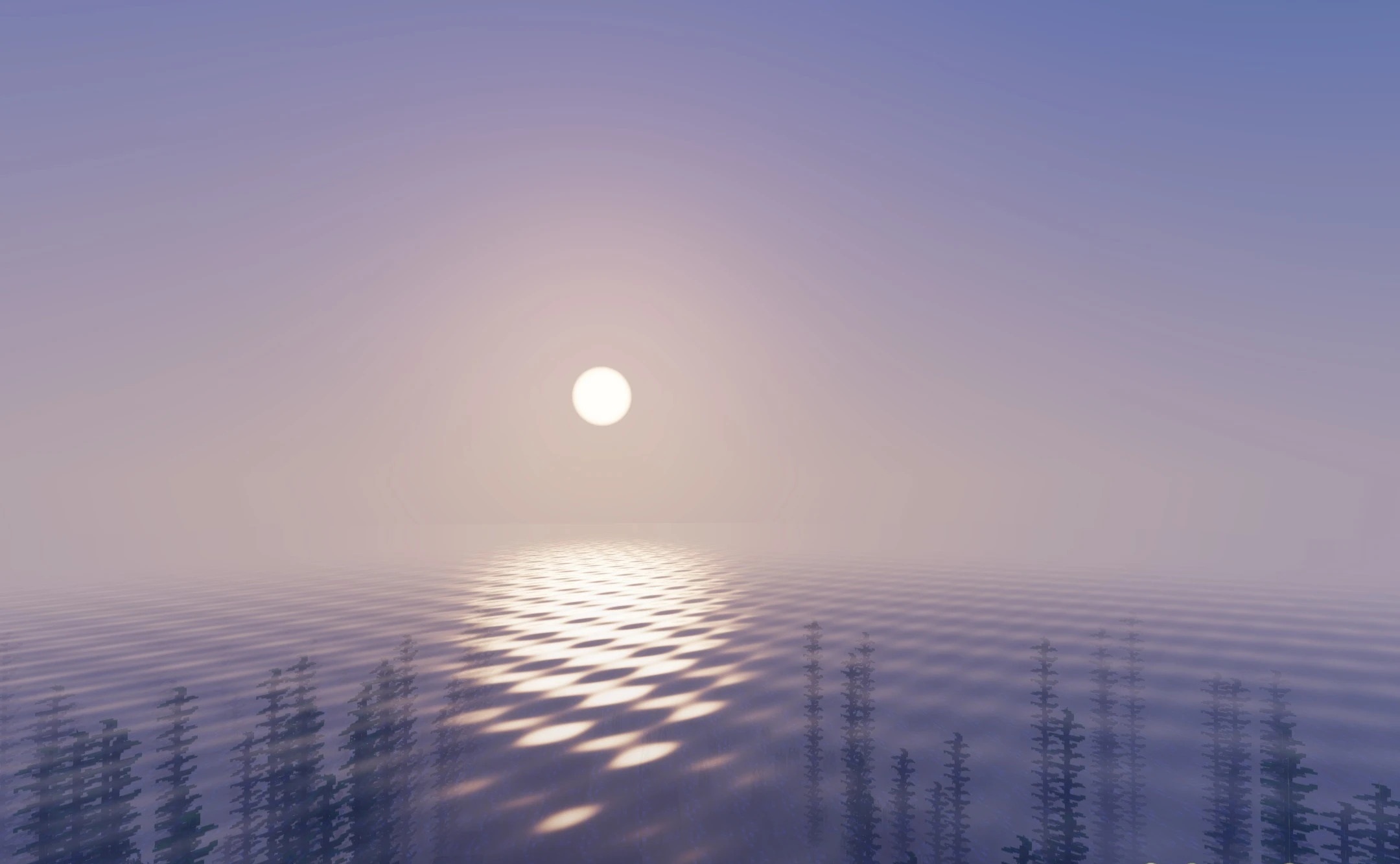
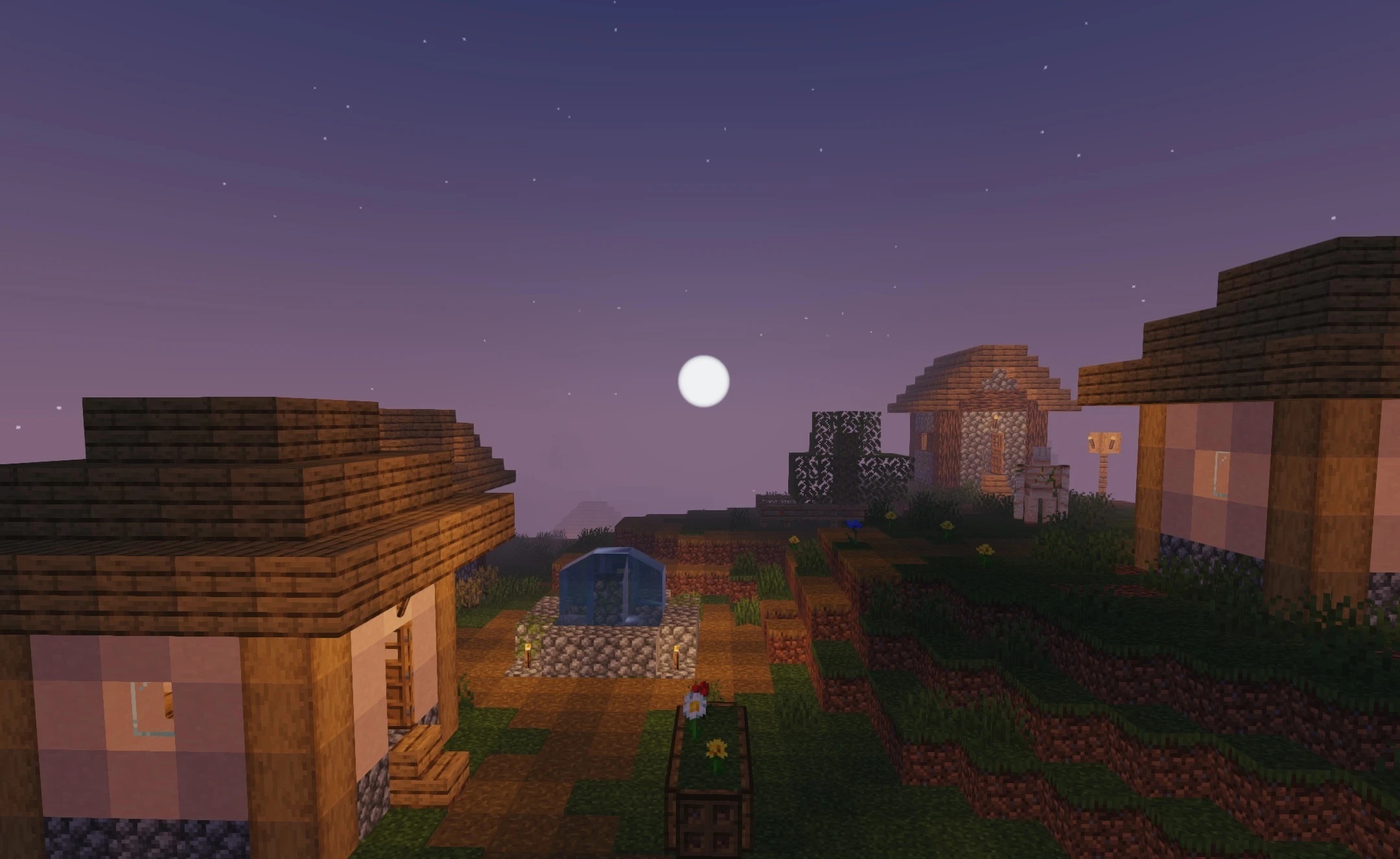
The shader adds more expressive shadows, ambient lighting, and a touch of realism while preserving the blocky shapes and familiar colors of Minecraft. The graphics gain more depth than vanilla visuals, but without heavy reflections, complex tracing, or other resource-intensive technologies. Low resource consumption helps maintain a stable frame rate and reduces the load on a laptop, including battery usage.
How to install a shader:
First step: download the shader package from the link below.
Second step: Unpack the downloaded archive and copy the Aetheria Lite Shaders folder to c:\Users\User\AppData\Roaming\.minecraft\shaderpacks\(if this folder does not exist, create it yourself) (For Windows)
Third step: In the game, go to Settings, then to Graphics Settings. Select the "shaders" section and activate the shader pack of your choice.
Comments (0)