



Aetheria Realism Shaders for Minecraft 26.3
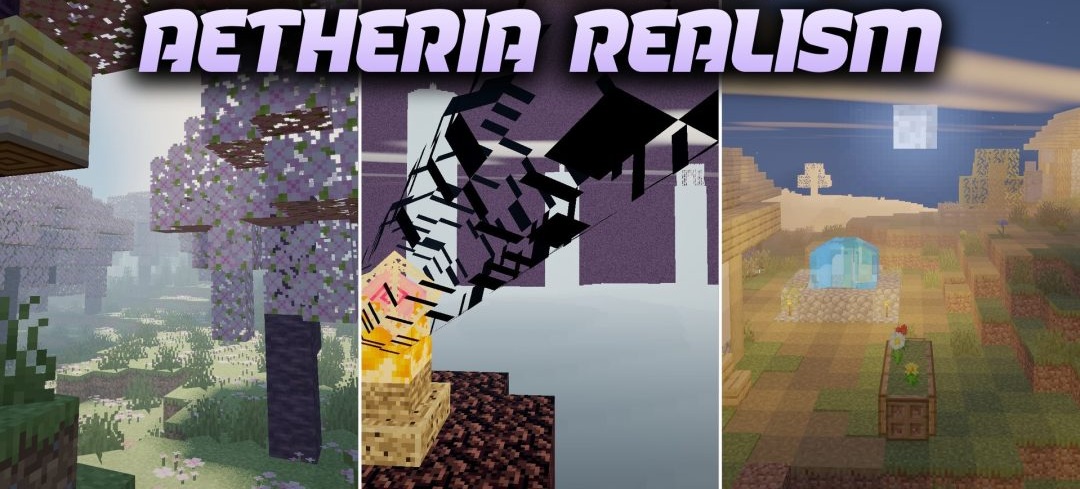
Photorealistic lighting in Aetheria Realism Shaders is combined with a slight fantasy atmosphere without destroying Minecraft’s familiar appearance. Sunlight, the sky, and the environment naturally affect the brightness of blocks in different biomes, while shadows beneath trees, rocks, and buildings become deeper and more three-dimensional.
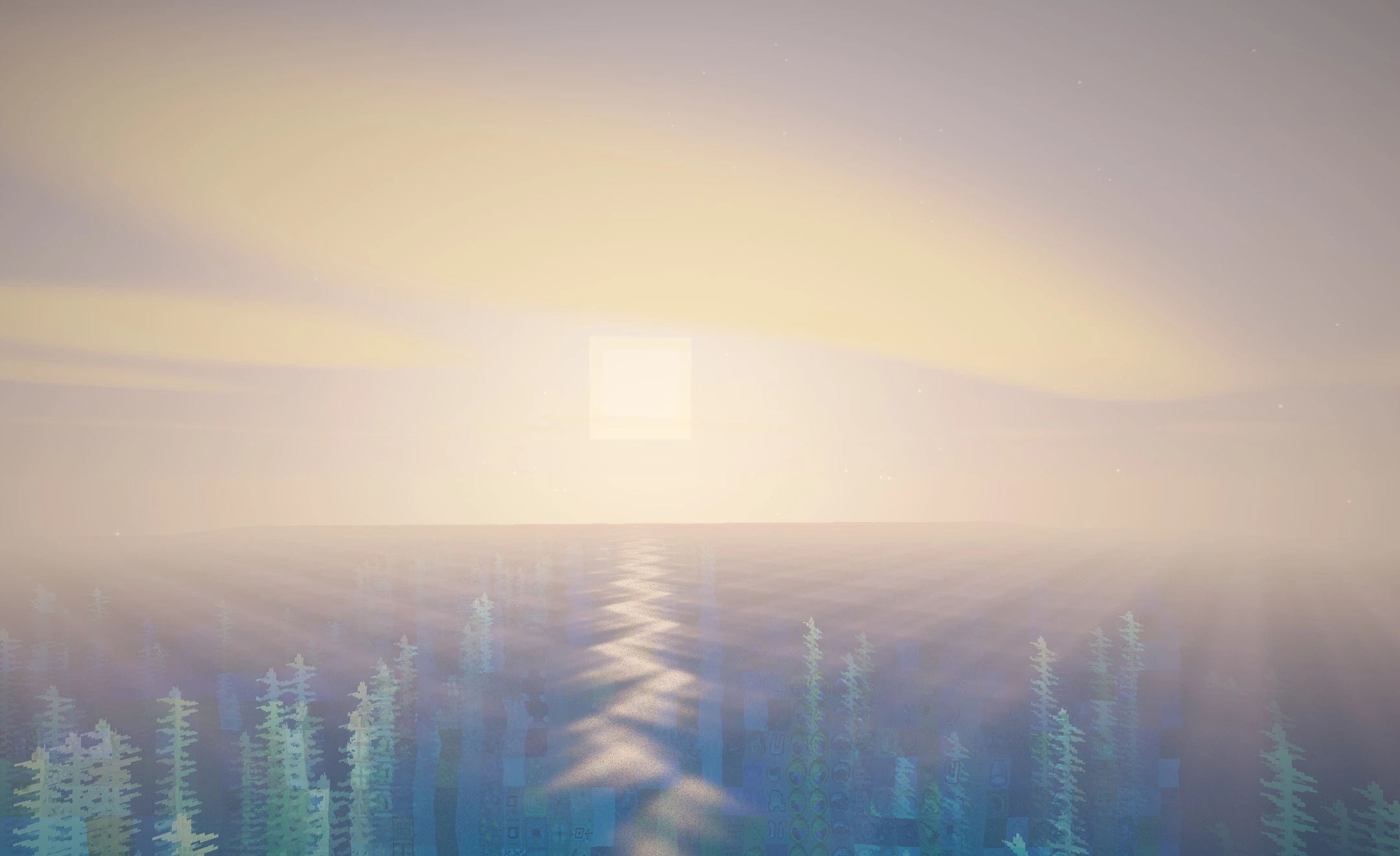
At the same time, standard textures remain easily recognizable, so the world does not turn into an entirely new visual system. The shader makes daytime scenes brighter and cleaner, while shaded areas gain more pronounced contrast. The main idea is to add realistic lighting and a sense of space while preserving the vanilla foundation.
How to install a shader:
First step: download the shader package from the link below.
Second step: Unpack the downloaded archive and copy the Aetheria Realism Shaders folder to c:\Users\User\AppData\Roaming\.minecraft\shaderpacks\(if this folder does not exist, create it yourself) (For Windows)
Third step: In the game, go to Settings, then to Graphics Settings. Select the "shaders" section and activate the shader pack of your choice.
Comments (0)