



Aster Shaders for Minecraft 26.3
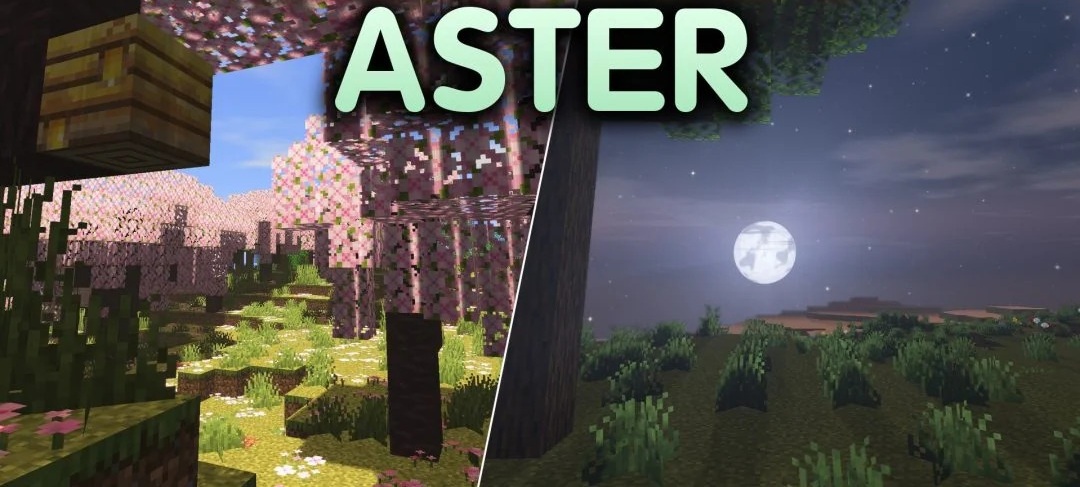
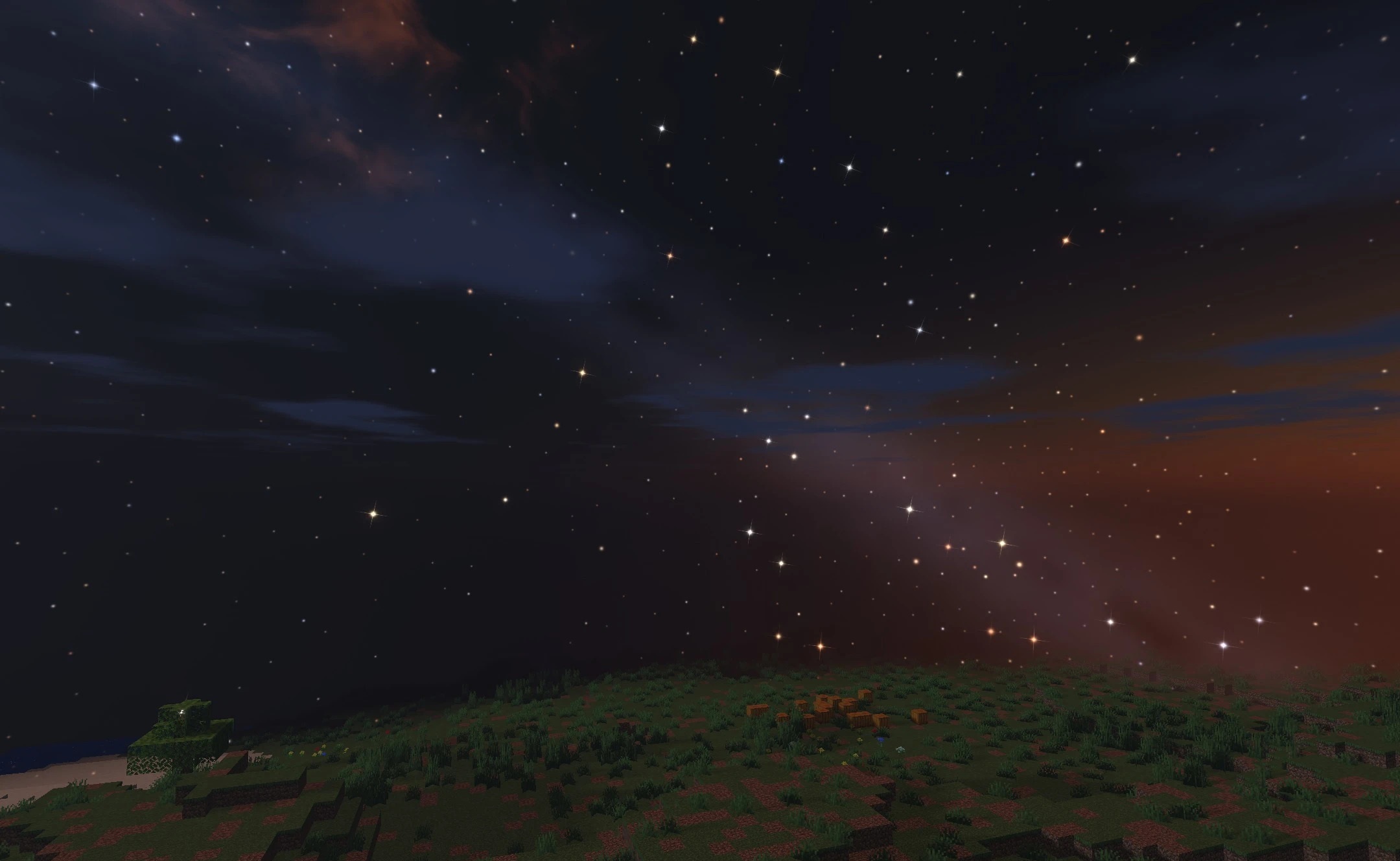
Aster Shaders softens Minecraft's lighting and gives the scenery a slightly storybook feel. During the day, warm sunlight and colored shadows are easy to spot; at night, the sky has a new look. Light from certain sources can tint nearby surfaces, making houses and streets look more varied.
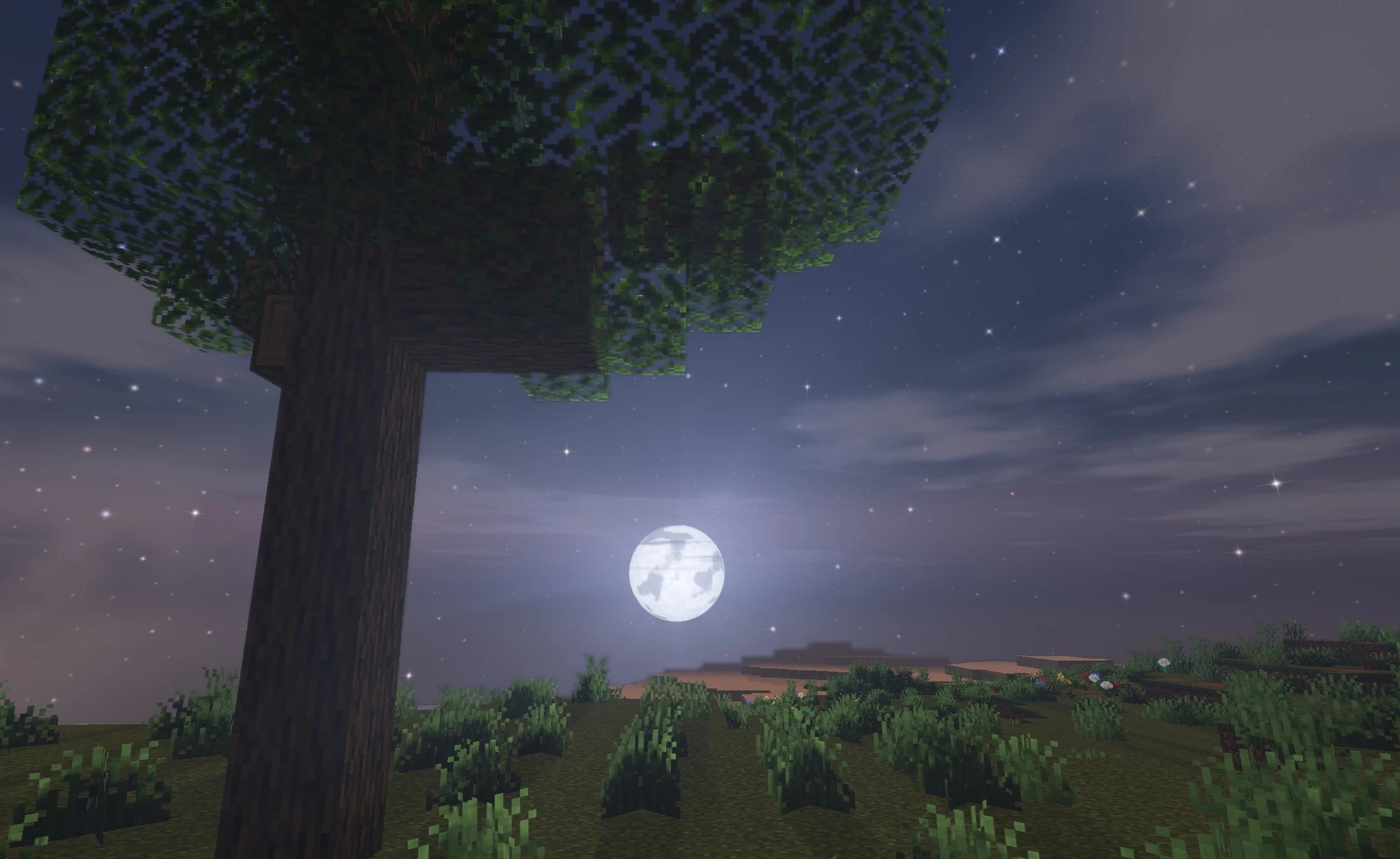
Water has been improved, and thunderstorms have a more distinctive appearance too. Despite these changes, the world remains familiar. The blocky shapes and overall feel of Minecraft's original graphics are still there. Rather than relying on one unusual trick, the pack makes smaller adjustments to lighting, weather, the sky, and the water.
How to install the shader:
Step one: Download the shader pack using the link below.
Step two: Extract the downloaded archive and copy the folder to the following path: c:\Users\Пользователь\AppData\Roaming\.minecraft\shaderpacks\ (if this folder does not exist, create it yourself) (For Windows)
Step three: In the game, go to Settings, then Graphics Settings. Select the ‘Shaders’ section and enable the shader pack of your choice.
Comments (0)