



Astral Cinema Shaders for Minecraft 26.3
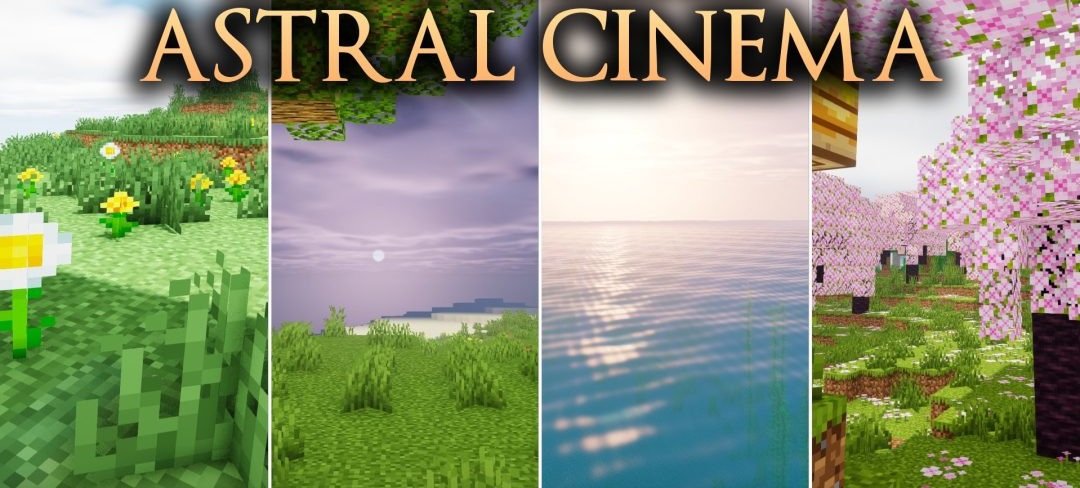
Soft color grading and cinematic lighting form the foundation of Astral Cinema Shaders. The pack changes daytime and nighttime scenes so that forests, mountains, and buildings look like shots from a movie while remaining bright enough for regular exploration.
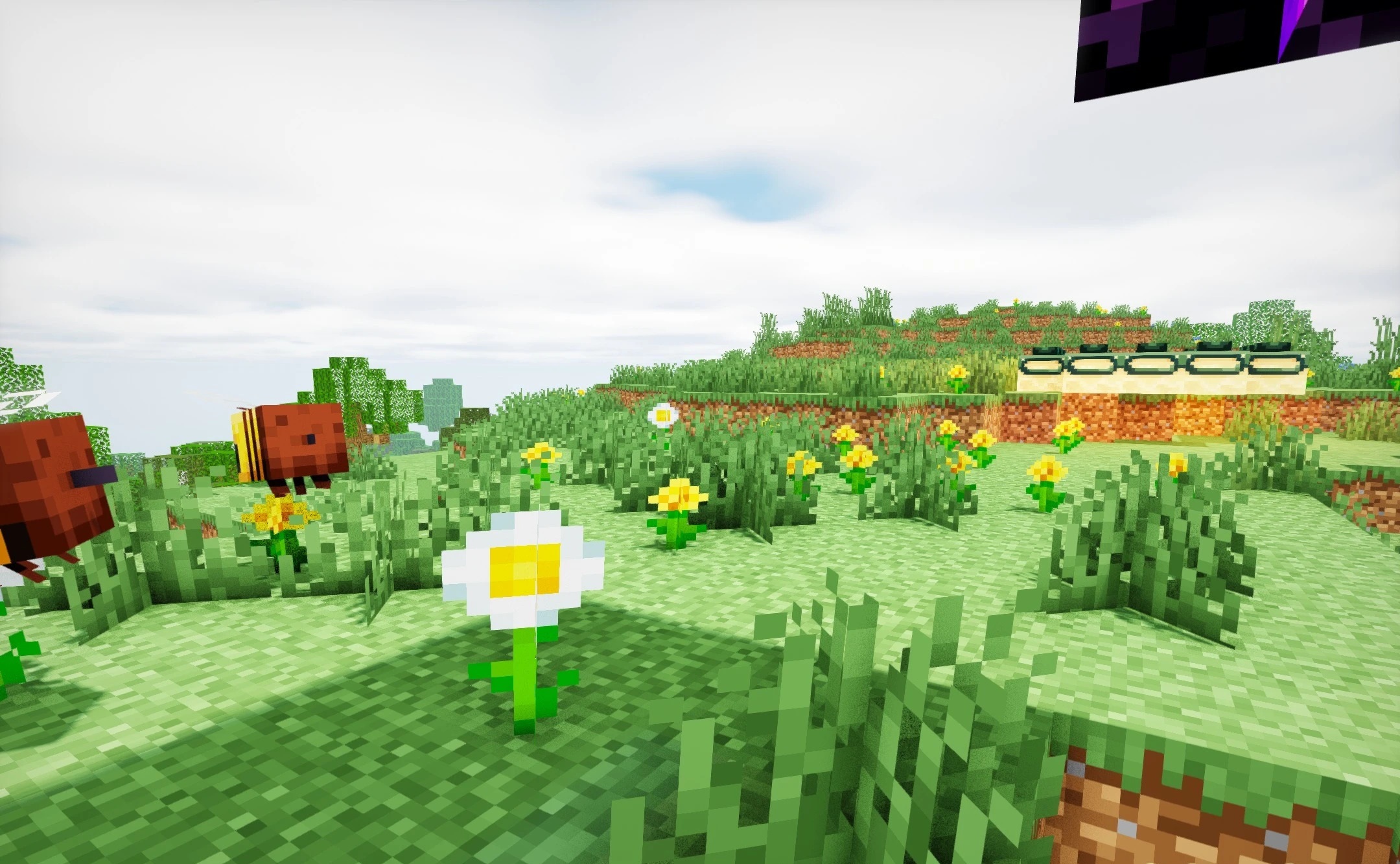
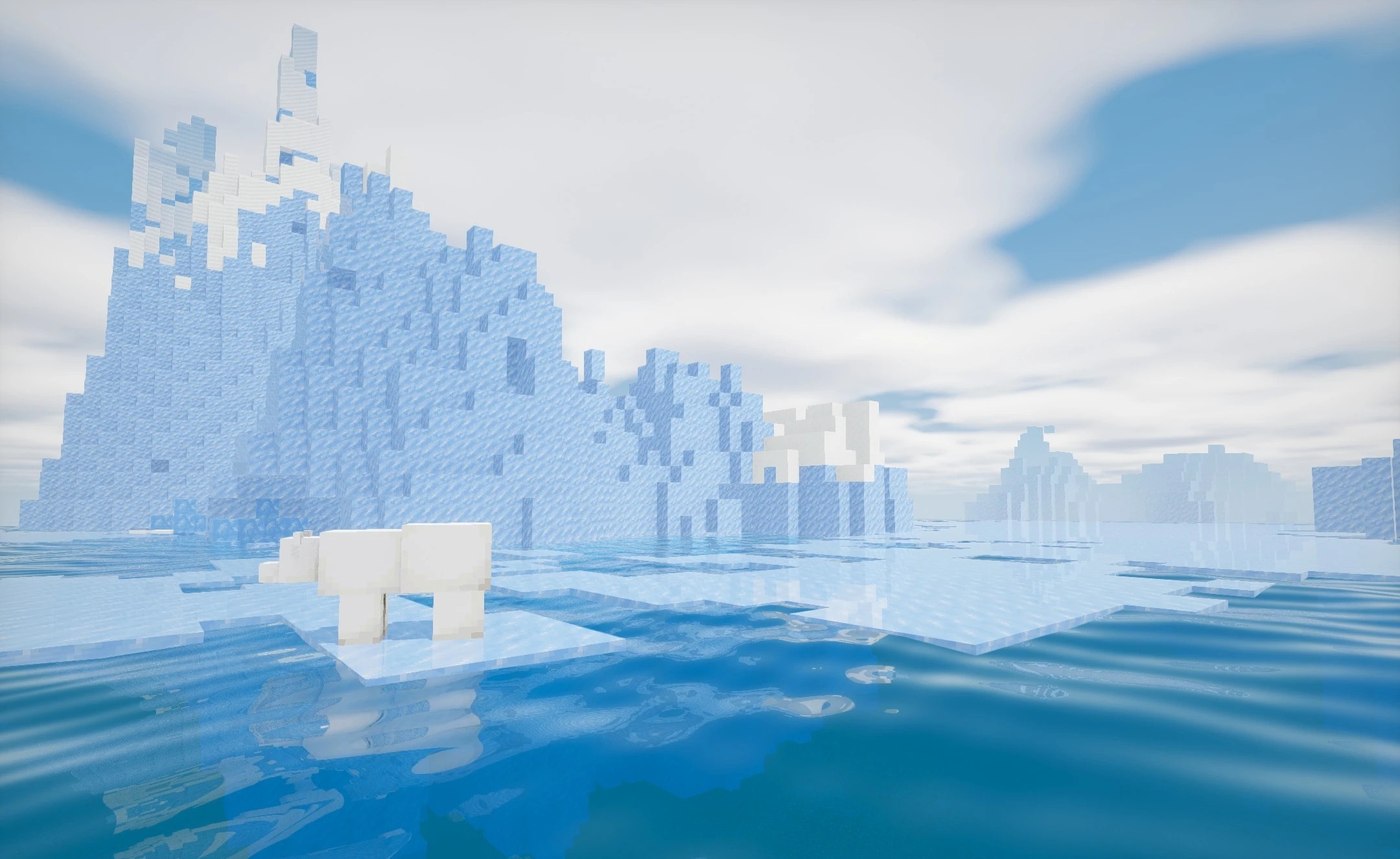
Shadows are deliberately softened and do not turn shaded areas into completely black zones, so details remain visible even outside direct light. The color tones of different biomes are configured separately, creating a warmer and calmer palette. Water and sky receive smooth lighting transitions that reduce the harsh contrast between bright and dark areas.
How to install a shader:
First step: download the shader package from the link below.
Second step: Unpack the downloaded archive and copy the Astral Cinema Shaders folder to c:\Users\User\AppData\Roaming\.minecraft\shaderpacks\(if this folder does not exist, create it yourself) (For Windows)
Third step: In the game, go to Settings, then to Graphics Settings. Select the "shaders" section and activate the shader pack of your choice.
Comments (2)