



Aurelia Realistic Shaders for Minecraft 26.3
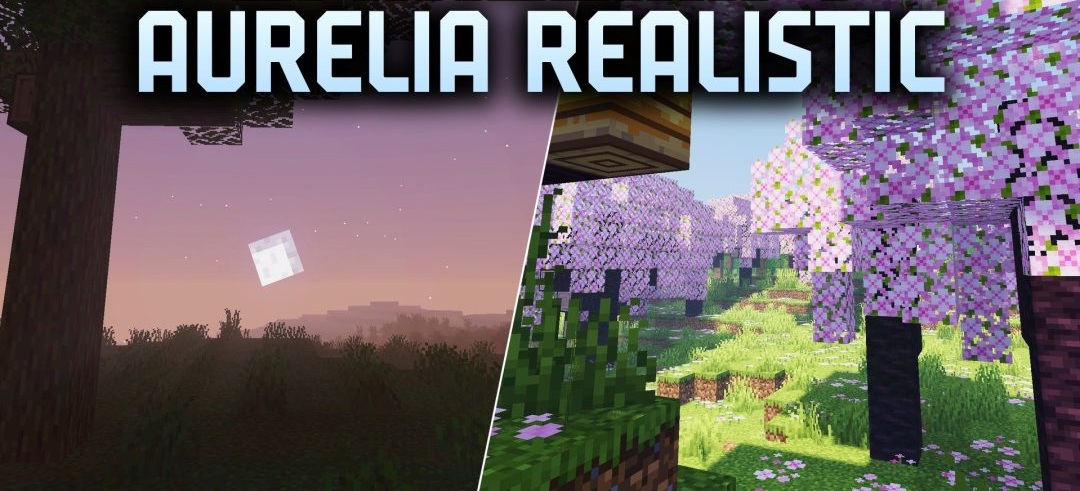
Cinematic lighting is the defining feature of Aurelia Realistic Shaders. The shader enhances sunlight, reworks light emitted by blocks, and makes shadows softer, giving buildings and trees more volume without losing Minecraft's familiar geometry. Water gains pronounced specular highlights and reflects the sun, surrounding terrain, and sky.
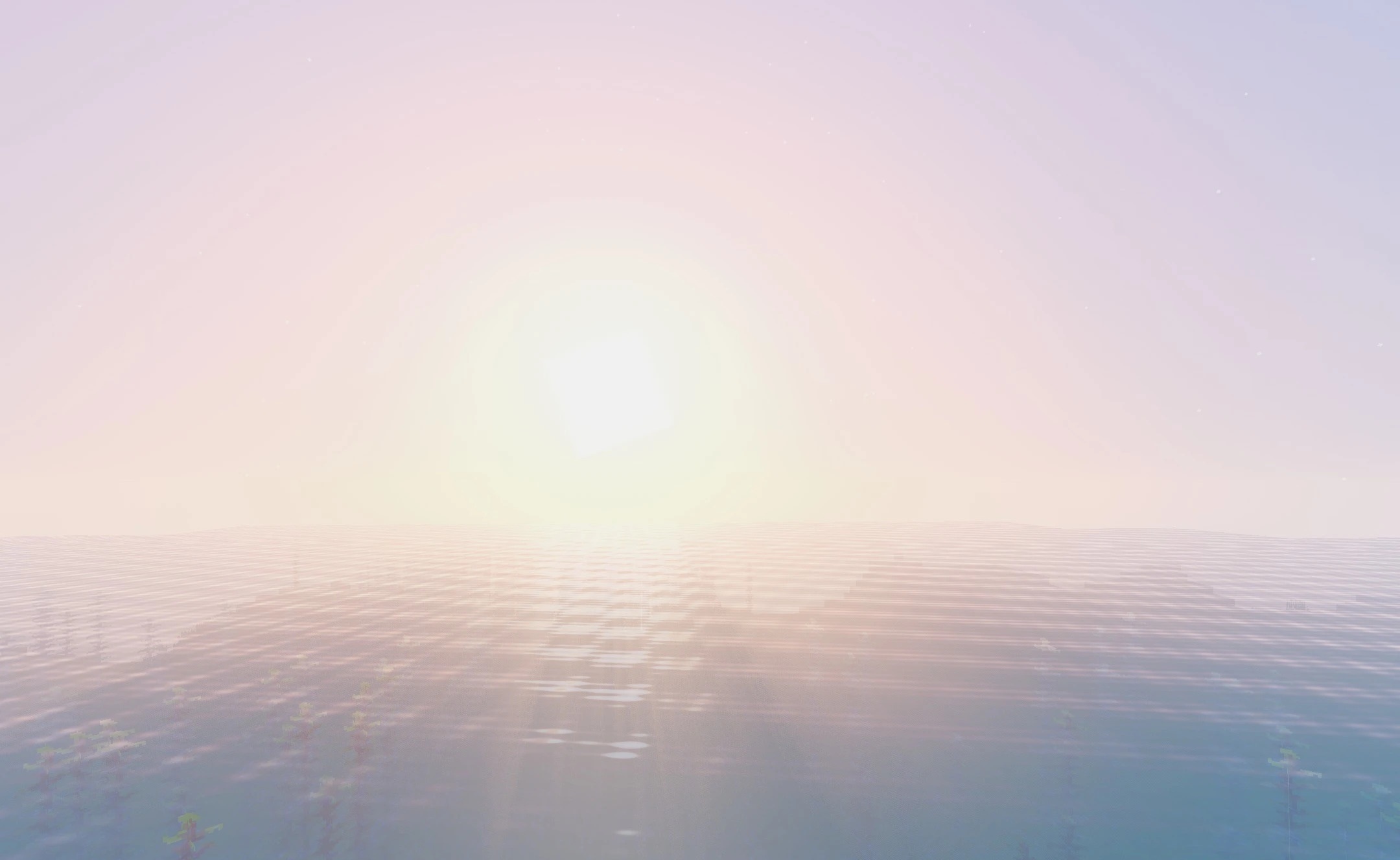
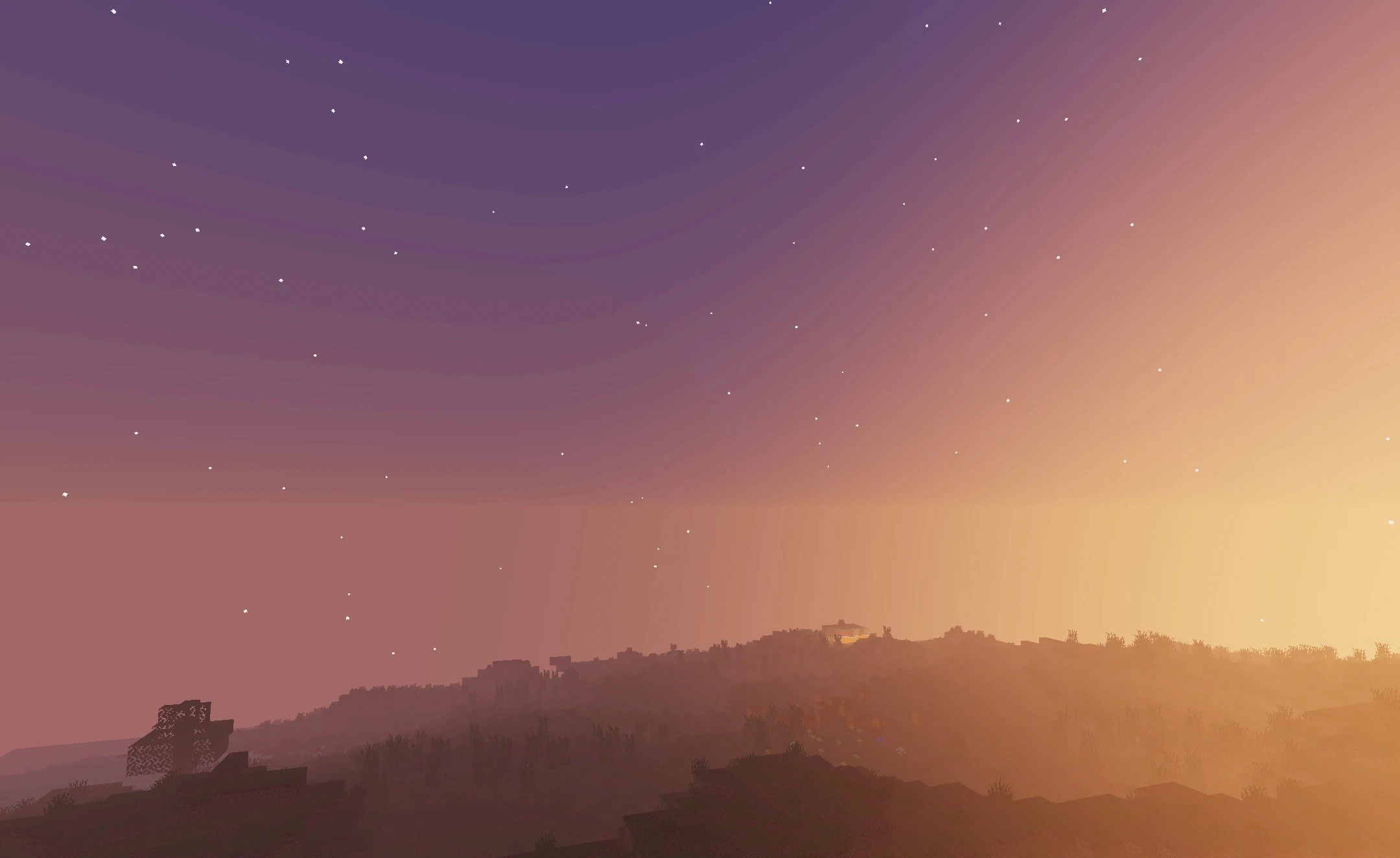
The skybox itself changes throughout the day: daytime clouds and starry nights take on a more expressive atmosphere. Underwater visibility is improved, making oceans and deep bodies of water easier to explore. Visually, the pack strikes a balance between realism and a fantasy-inspired presentation while retaining the standard block textures.
How to install a shader:
First step: download the shader package from the link below.
Second step: Unpack the downloaded archive and copy the Aurelia Realistic Shaders folder to c:\Users\User\AppData\Roaming\.minecraft\shaderpacks\(if this folder does not exist, create it yourself) (For Windows)
Third step: In the game, go to Settings, then to Graphics Settings. Select the "shaders" section and activate the shader pack of your choice.
Comments (0)