



Aurora Dreams Shaders for Minecraft 26.3
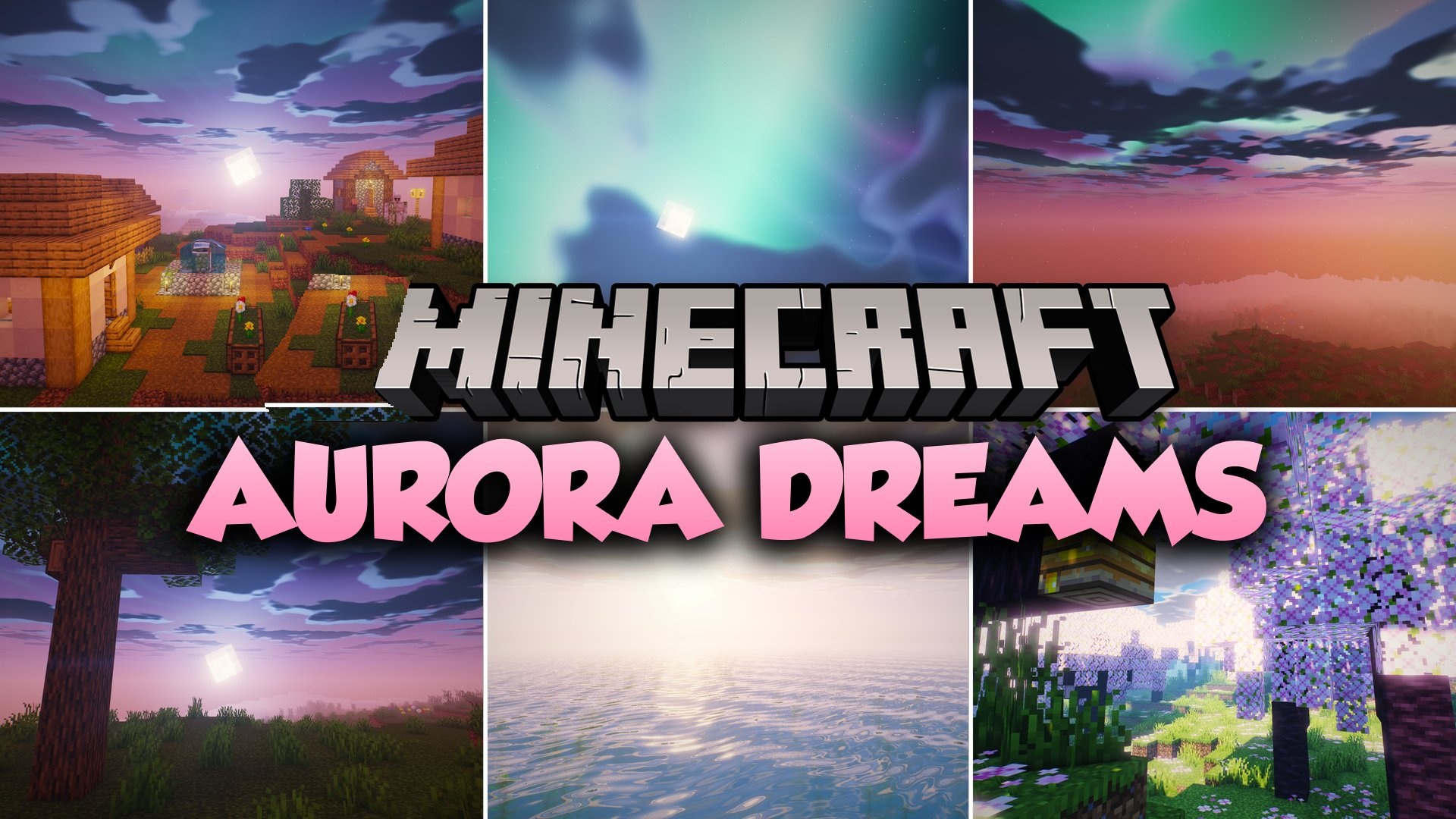
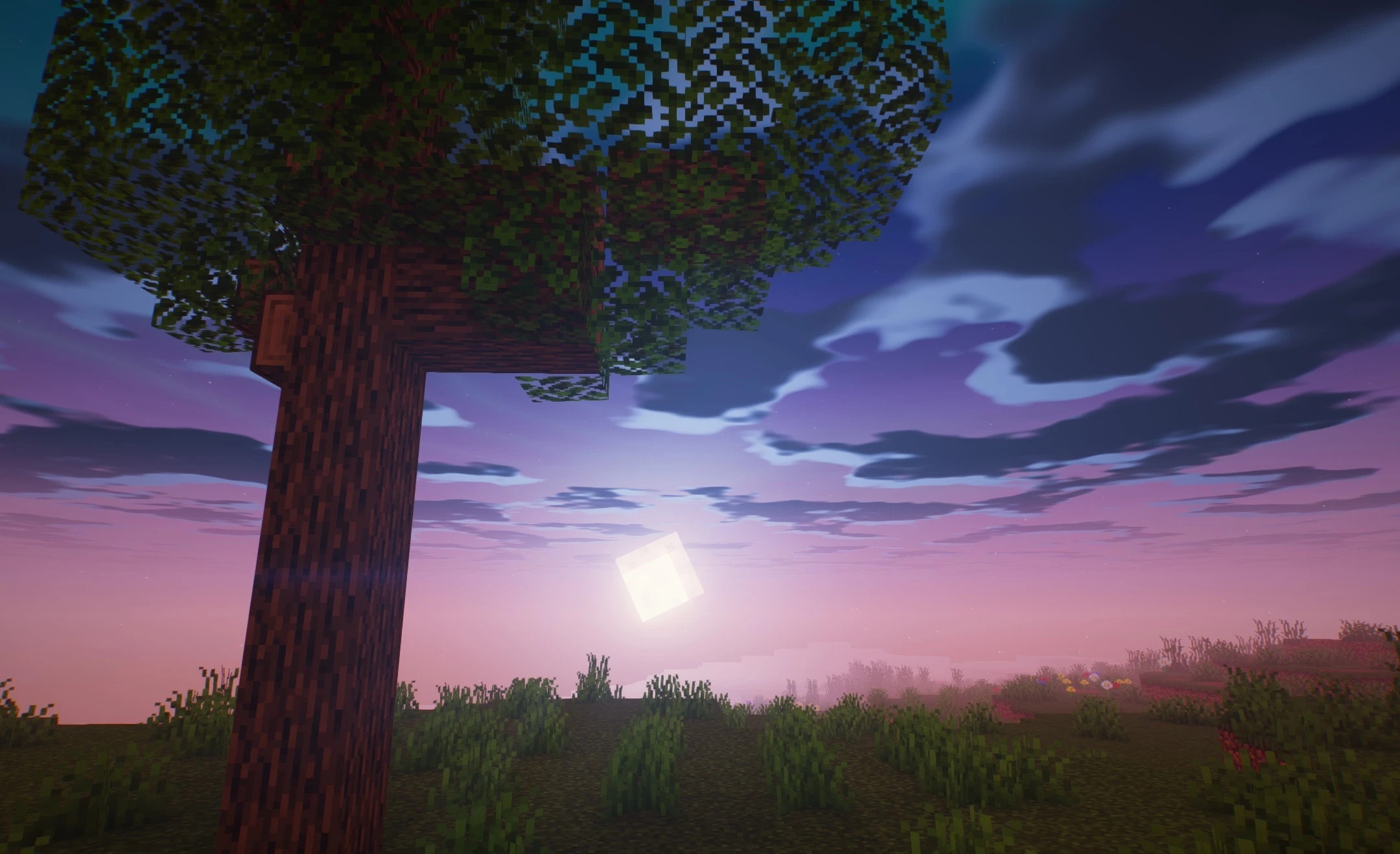
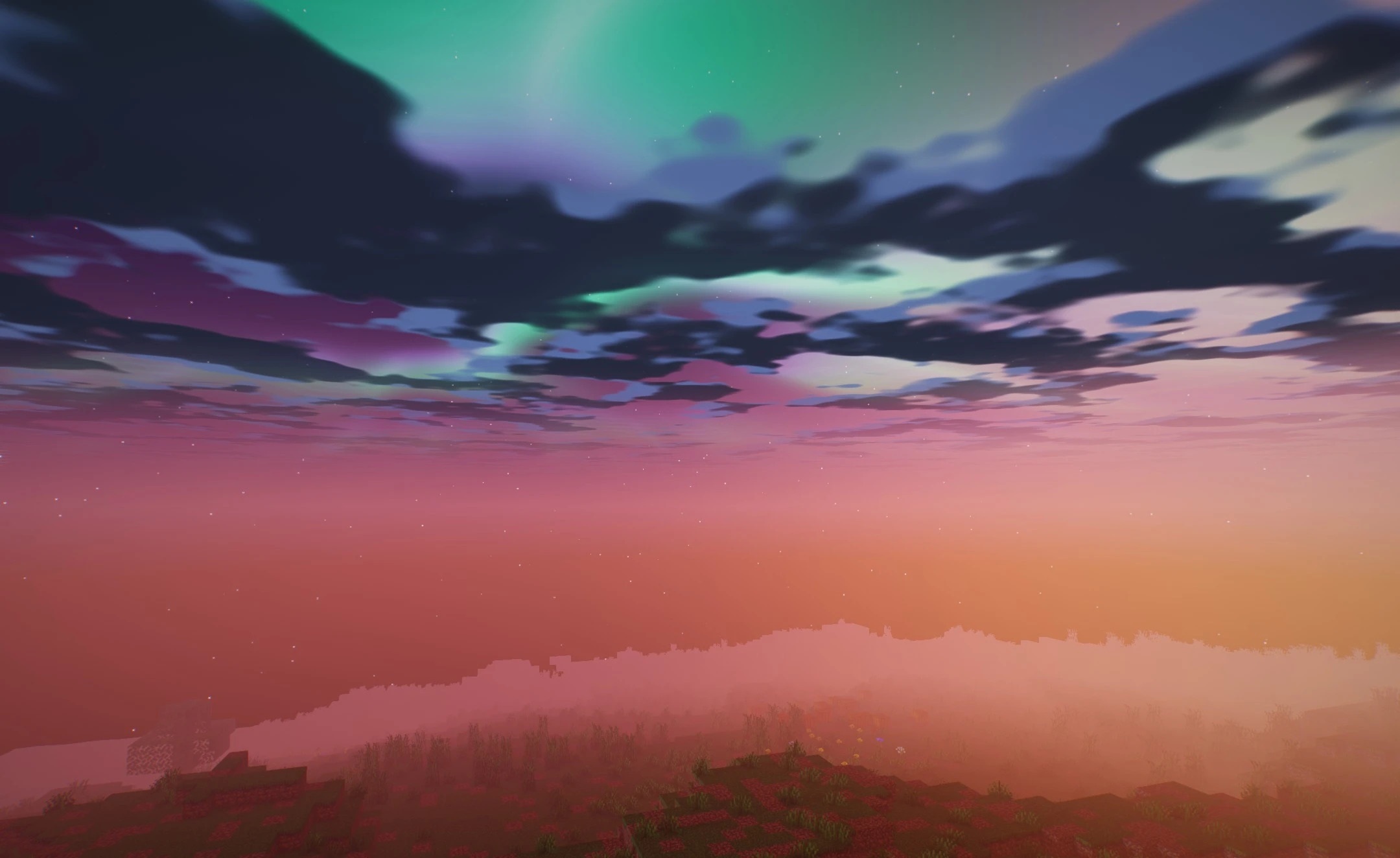
The night sky becomes the main visual highlight of Aurora Dreams Shaders. Multicolored bands of the aurora appear above the world, turning the dark hours into vivid fantasy scenes. Lighting changes smoothly during the day and night, while shadows beneath trees and structures gain soft, blurred edges.
Water uses screen-space reflections, showing nearby terrain and blocks, while transparency and small waves make swimming look visually cleaner. The sky is complemented by volumetric clouds slowly moving over the terrain. Torches, lanterns, and other light sources can tint the surrounding area with soft, colored light.
How to install a shader:
First step: download the shader package from the link below.
Second step: Unpack the downloaded archive and copy the Aurora Dreams Shaders folder to c:\Users\User\AppData\Roaming\.minecraft\shaderpacks\(if this folder does not exist, create it yourself) (For Windows)
Third step: In the game, go to Settings, then to Graphics Settings. Select the "shaders" section and activate the shader pack of your choice.
Comments (0)