



Booxyx Optimized Shaders for Minecraft 26.3
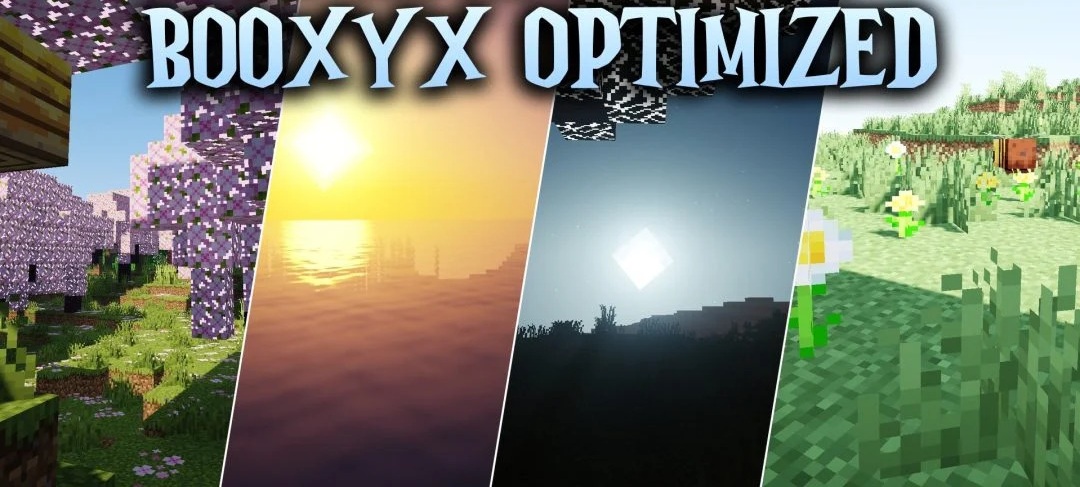
Booxyx Optimized Shaders is focused on improving the visuals without a sharp increase in system load. The pack adds semi-realistic lighting, soft shadows, and neat reflections on water and wet surfaces while maintaining a high frame rate even on weaker hardware.
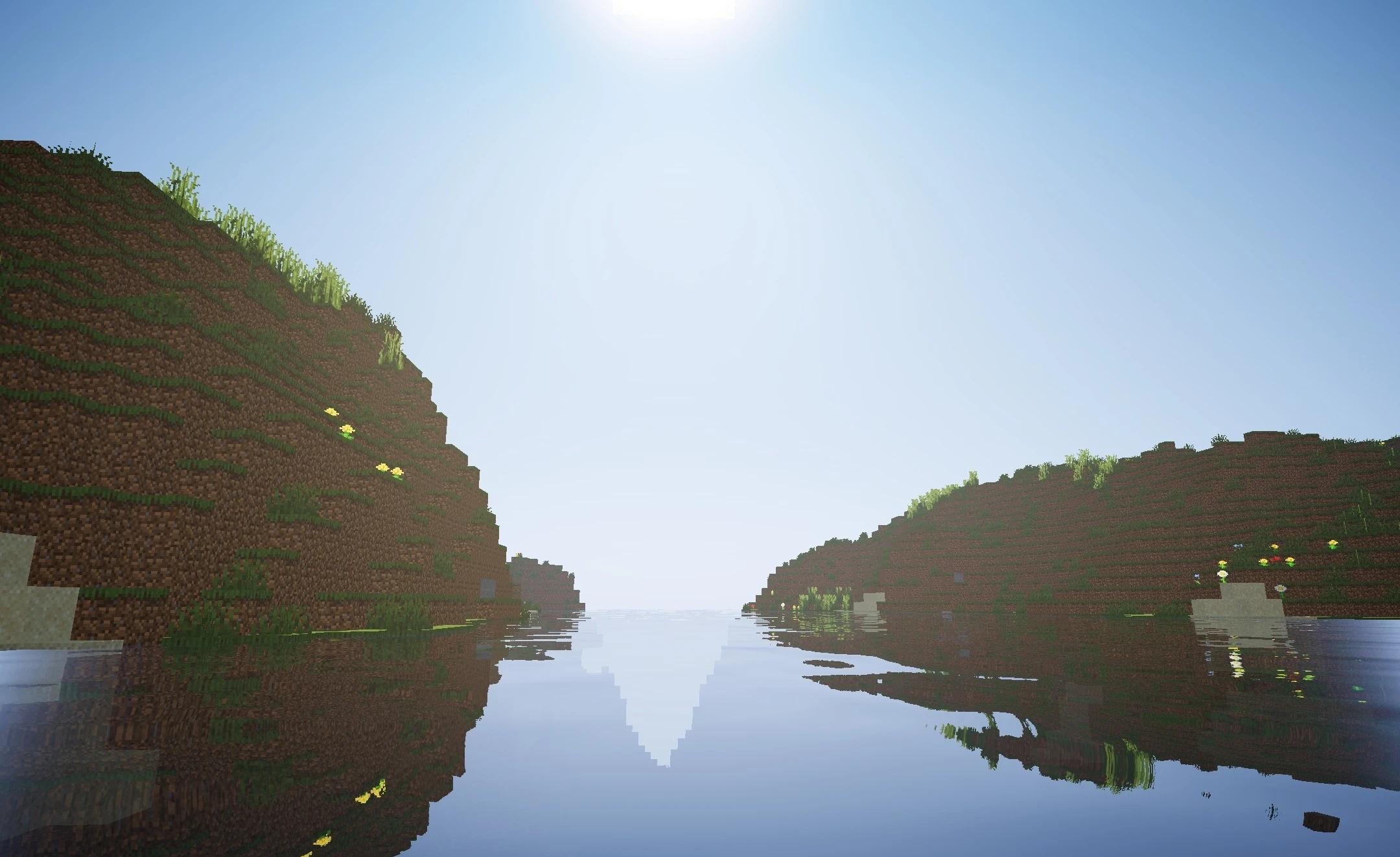
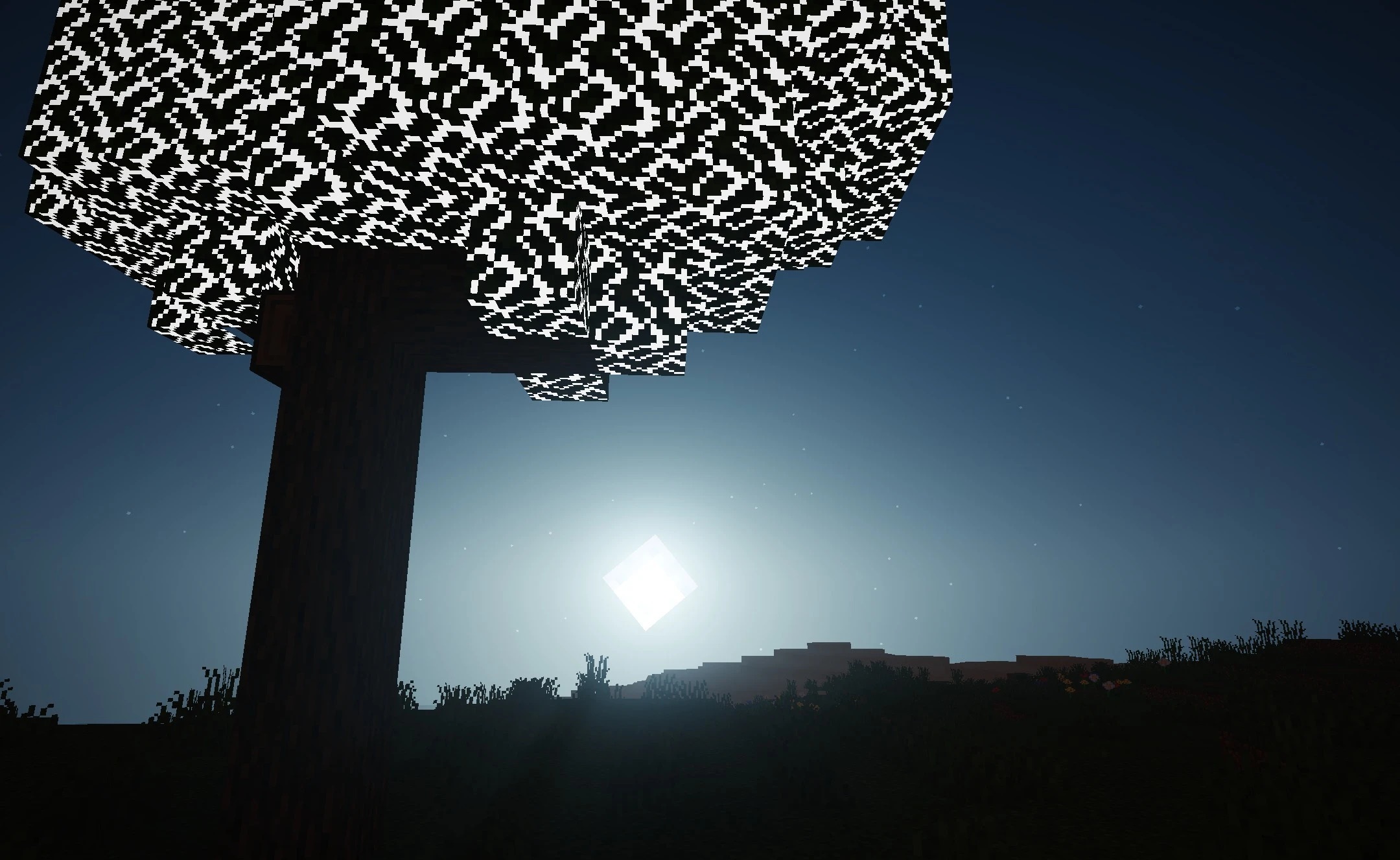
Separate profiles are available for different configurations, ranging from minimal to medium quality settings, allowing the number of effects to be adjusted according to the capabilities of the computer. Shadows from blocks and mobs make the scene deeper, while the sky receives a brighter and cleaner appearance. The pack does not overload the world with numerous heavy post-processing effects and maintains a simple, readable image.
How to install a shader:
First step: download the shader package from the link below.
Second step: Unpack the downloaded archive and copy the Booxyx Optimized Shaders folder to c:\Users\User\AppData\Roaming\.minecraft\shaderpacks\(if this folder does not exist, create it yourself) (For Windows)
Third step: In the game, go to Settings, then to Graphics Settings. Select the "shaders" section and activate the shader pack of your choice.
Comments (0)