



Brilliant Shaders for Minecraft 26.3
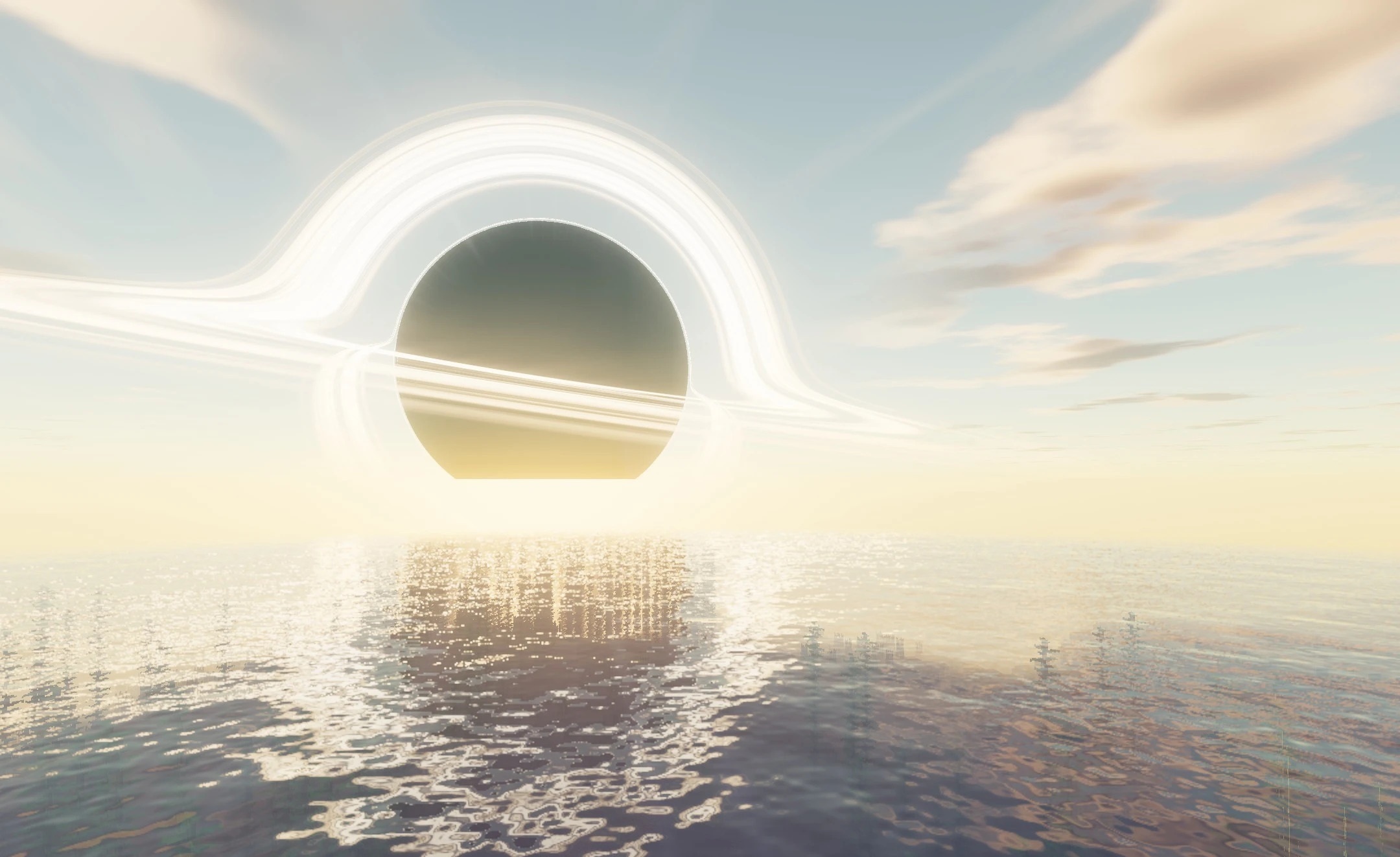
Brilliant Shaders replaces the familiar sun and moon with a black hole. You can customize its appearance, so the view overhead doesn't have to look the same in every world. There's more to the pack than that striking addition, though.
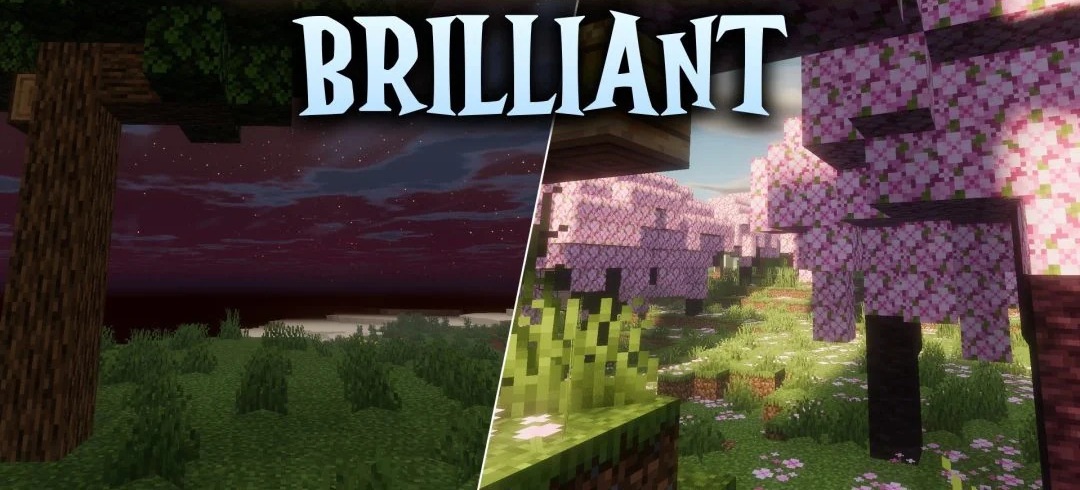
It brings reflections, shadows cast by blocks and other objects, and a soft bloom around bright light sources. The atmosphere has been reworked, and grass and foliage look a little different too. You'll notice the new lighting both around buildings and out in the open. It's an unusual mix: ordinary Minecraft landscapes beneath a fantastic sky that's hard to miss.
How to install a shader:
Step one: Download the shader pack using the link below.
Step two: Extract the downloaded archive and copy the folder to the following path: c:\Users\Пользователь\AppData\Roaming\.minecraft\shaderpacks\ (if this folder does not exist, create it yourself) (For Windows)
Step three: In the game, go to Settings, then Graphics Settings. Select the ‘Shaders’ section and enable the shader pack of your choice.
Comments (0)