



BSR Shaders for Minecraft 26.3
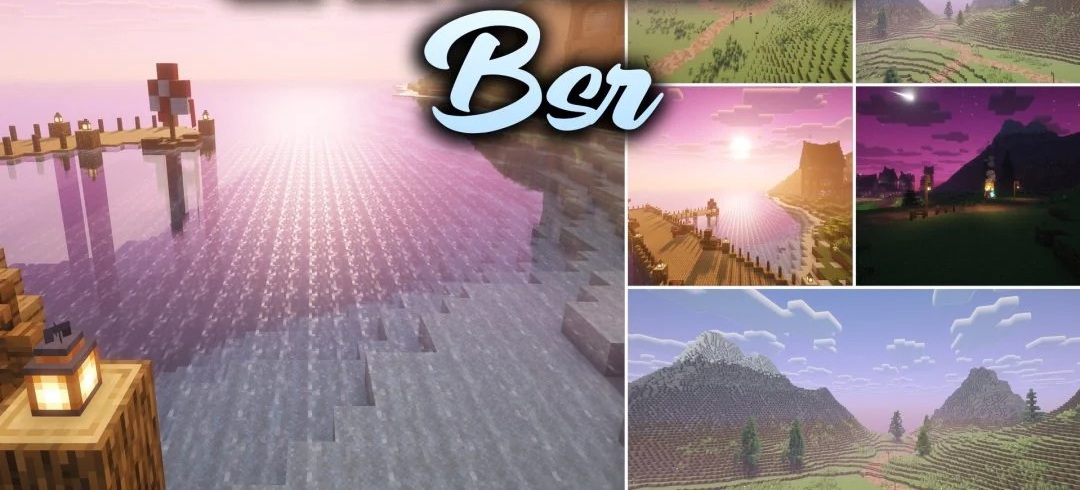
More vivid colours are the first thing you notice after installing BSR Shaders. The pack is based on Complementary Reimagined and builds on its work in lighting, shadows and water rendering. However, the visual style here is noticeably more colourful.
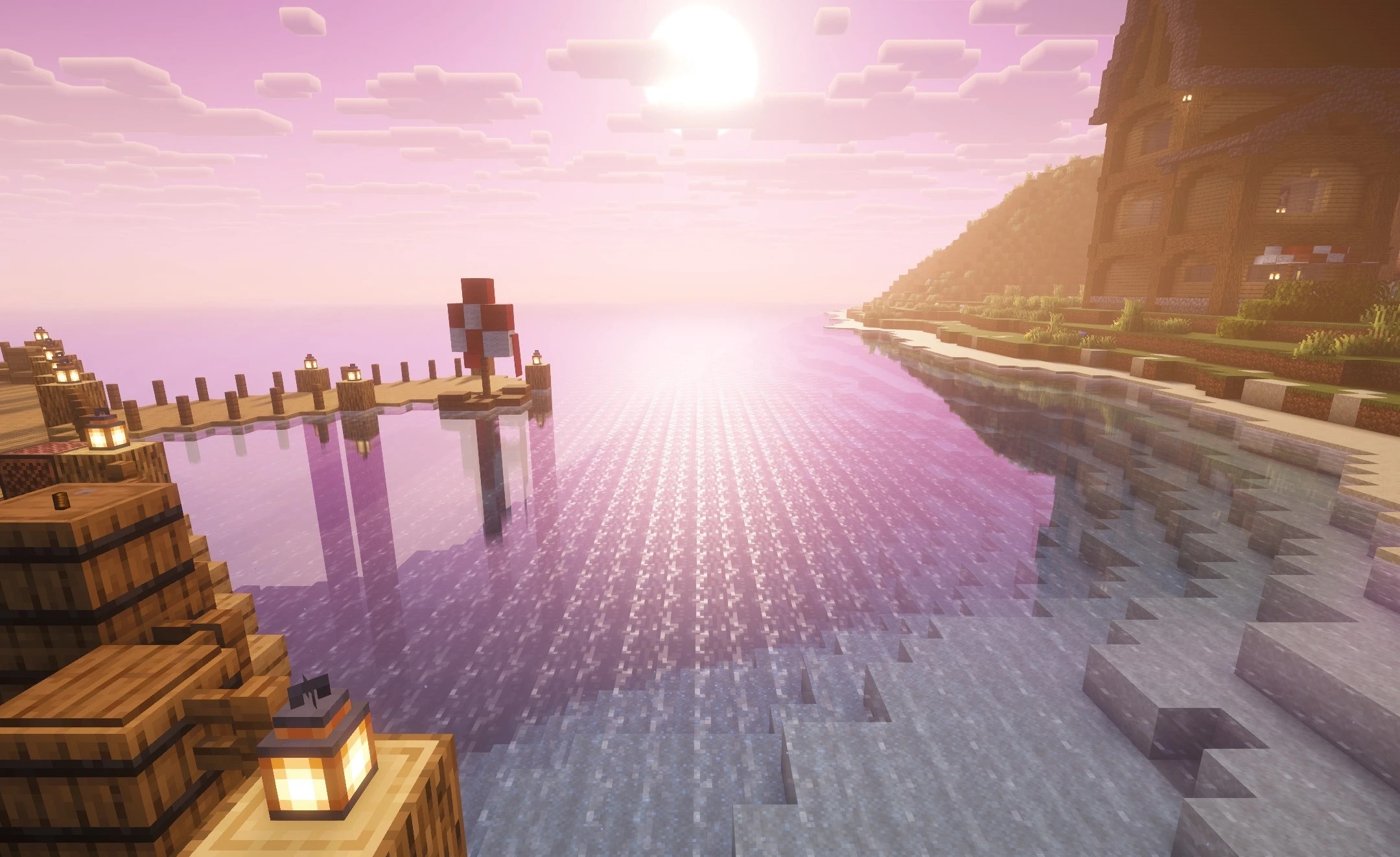
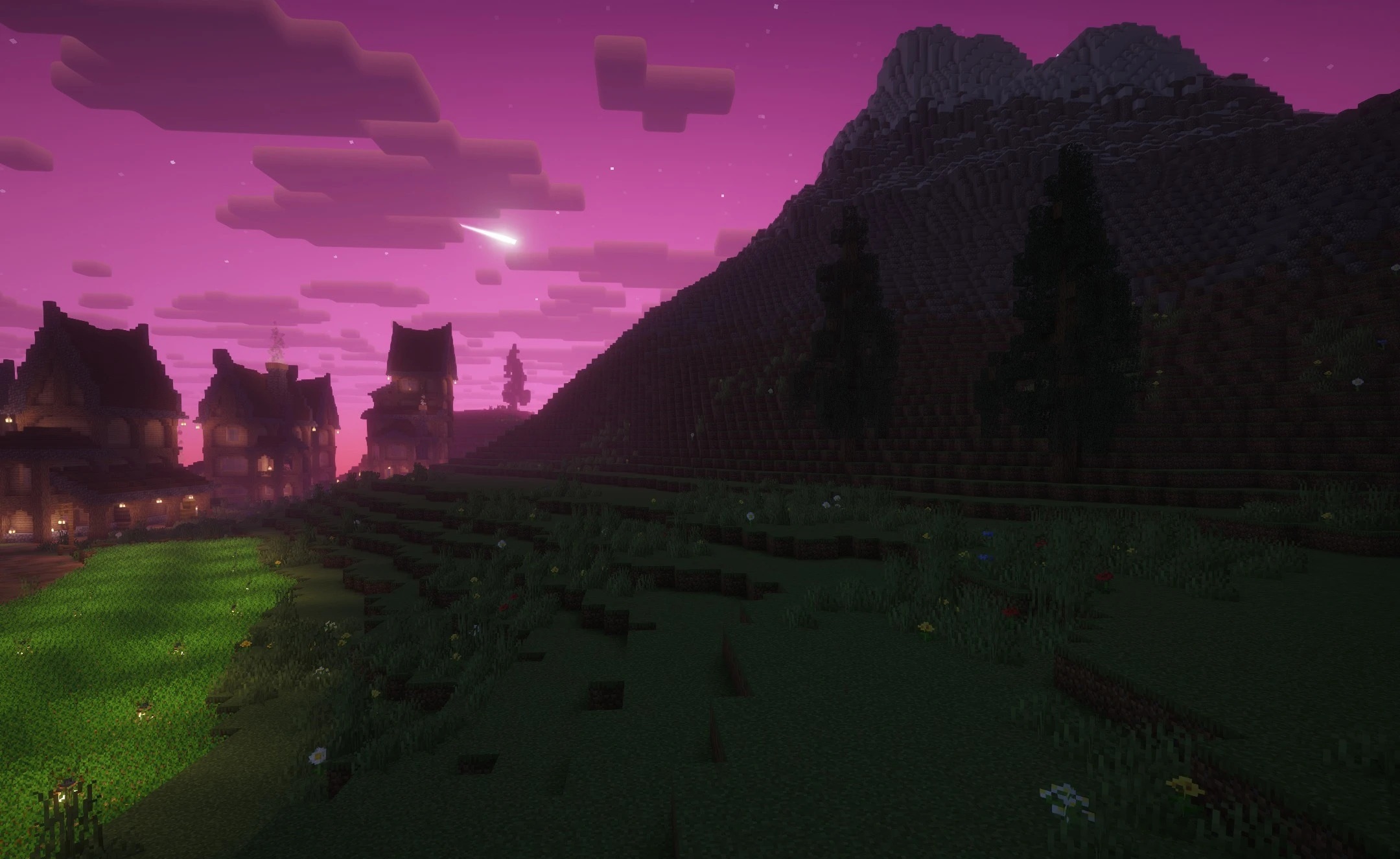
Glowing objects look brighter, block surfaces take on richer shades, and the sky gains a richer colour palette. The difference is most visible in well-lit areas, where sunlight accentuates the surrounding colours. Despite these changes, the geometry of objects remains the same. Houses, forests and other structures retain their vanilla appearance; only the overall image becomes noticeably brighter, with stronger contrast.
How to install a shader:
Step one: Download the shader pack using the link below.
Step two: Unzip the downloaded archive and copy the folder to the following path: c:\Users\Пользователь\AppData\Roaming\.minecraft\shaderpacks\ (if this folder does not exist, create it yourself) (For Windows)
Step three: In the game, go to Settings, then to Graphics Settings. Select the "Shaders" section and activate your chosen shader pack.
Comments (0)