



Cartoon Shaders for Minecraft 26.3
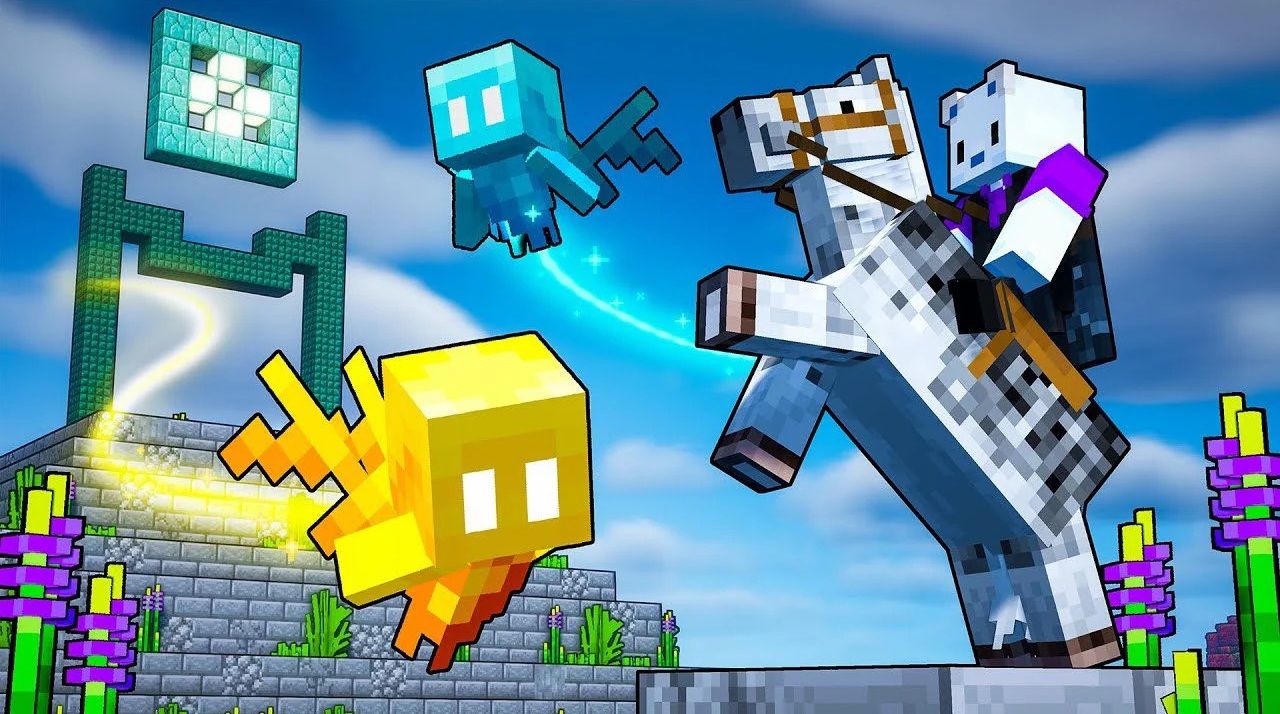
Instead of a complex lighting system, Cartoon Shaders focuses on clear outlines and a cartoon-like presentation. Block edges are emphasized more strongly, making buildings, terrain, and individual objects easier to distinguish even in visually dense scenes. The result resembles the graphics of Minecraft Legends, where shapes remain simple but look more illustrative.
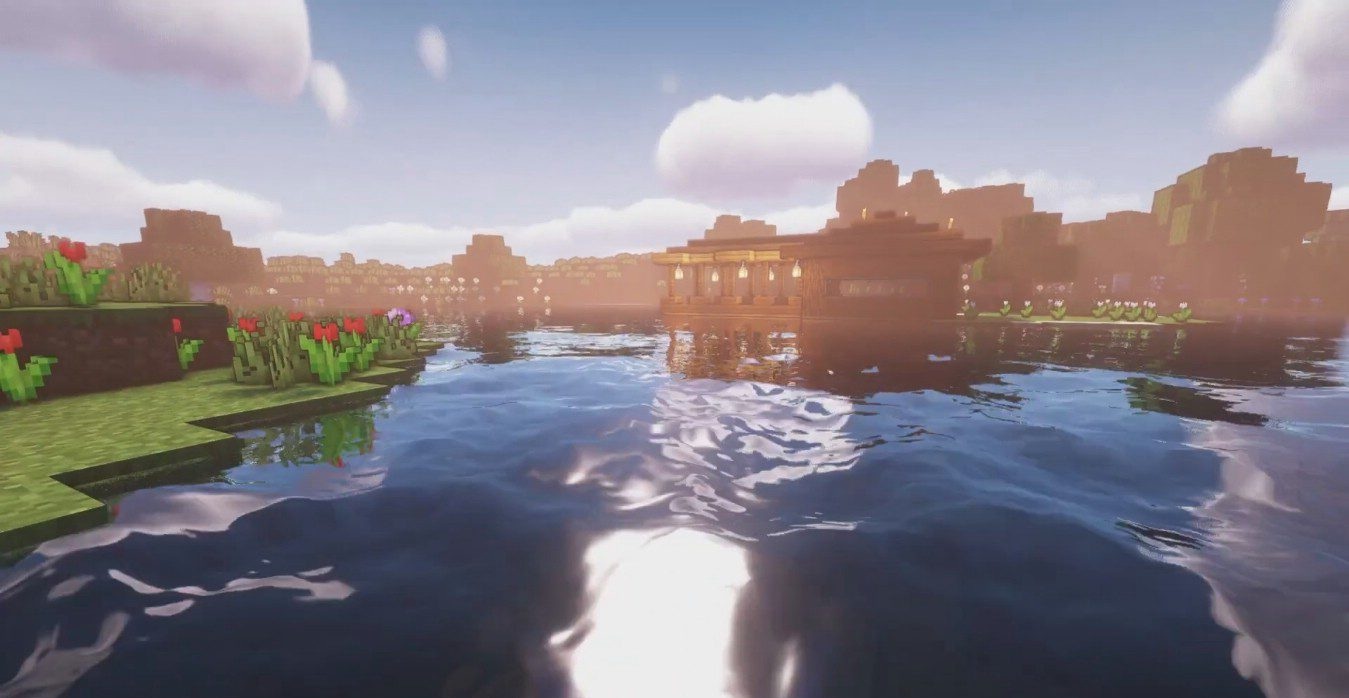
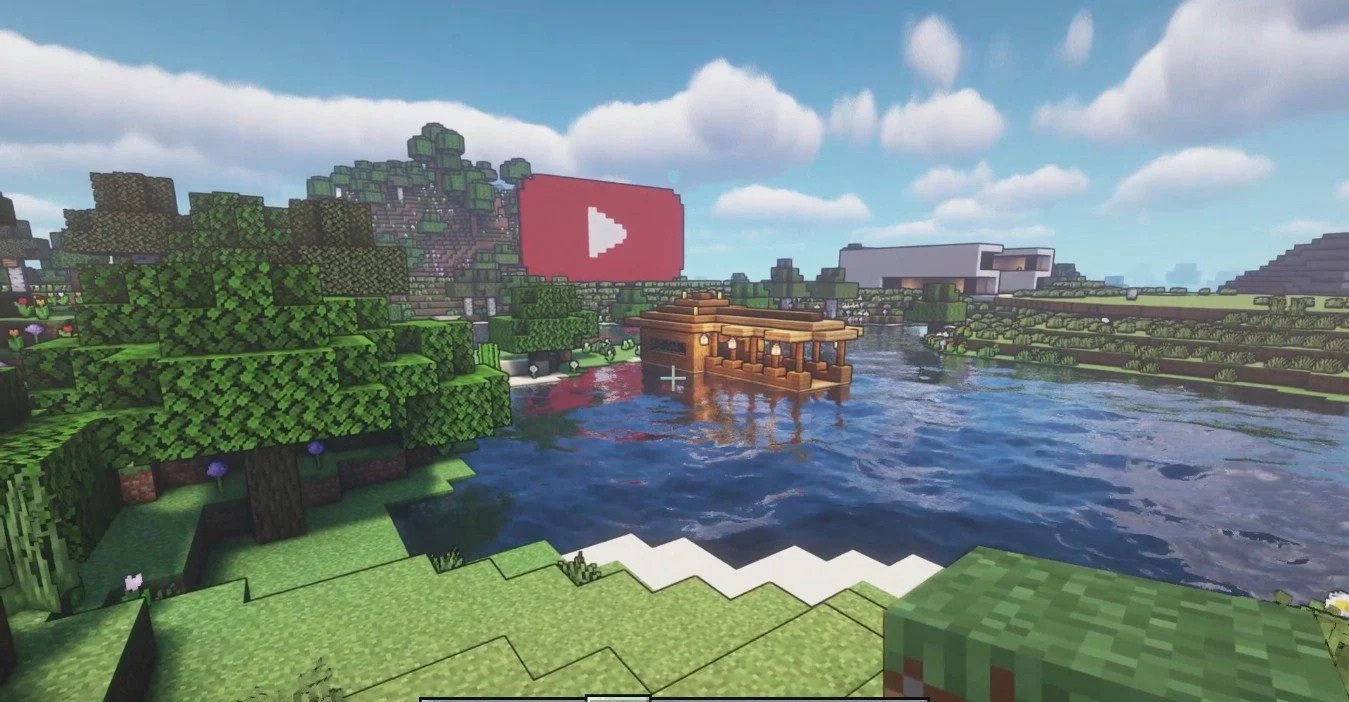
Lighting and reflections barely change, so the shader does not rebuild the atmosphere of the world through realistic effects. A small redesign affects the water, but most of the visual effect is created specifically by the outlined rendering of blocks.
How to install a shader:
First step: download the shader package from the link below.
Second step: Unpack the downloaded archive and copy the Cartoon Shaders folder to c:\Users\User\AppData\Roaming\.minecraft\shaderpacks\(if this folder does not exist, create it yourself) (For Windows)
Third step: In the game, go to Settings, then to Graphics Settings. Select the "shaders" section and activate the shader pack of your choice.
Comments (0)