



Cealith Shaders for Minecraft 26.3
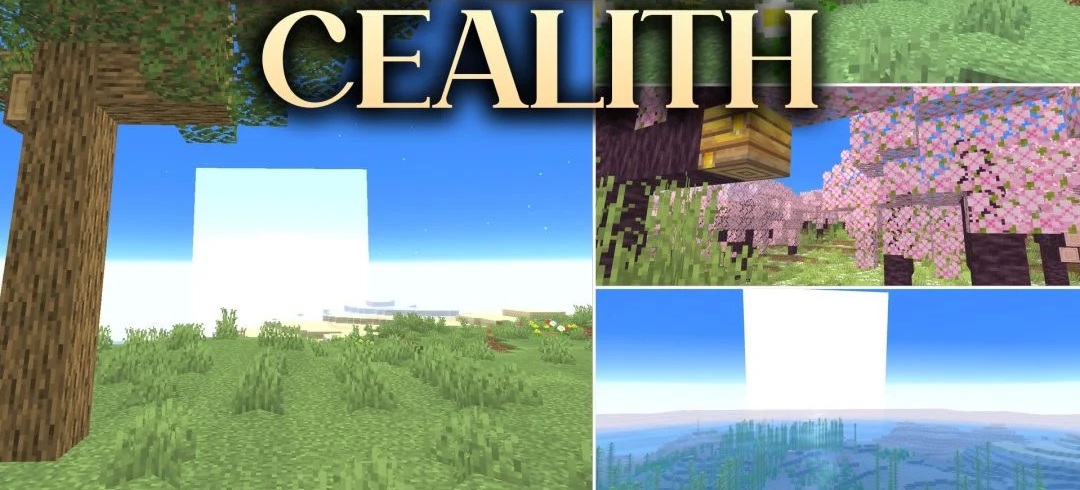
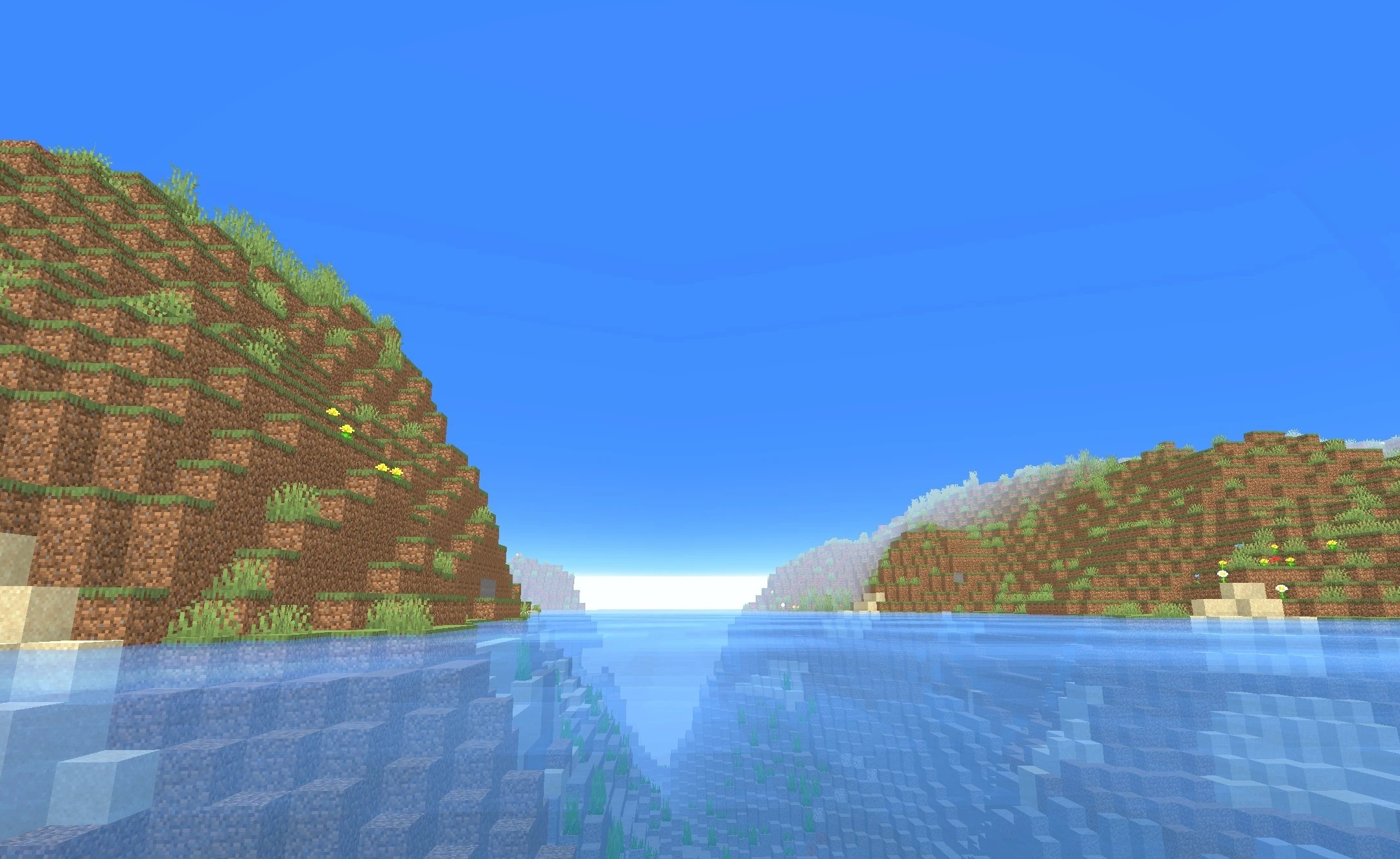
Transparent water, soft shadows, and a bright sky shape the visual style of Cealith Shaders. Oceans and rivers receive a clear surface with reflections, while lighting from torches and other sources becomes warm and colorful. Shadows change together with the position of the sun and moon, creating more pronounced depth without harsh edges.
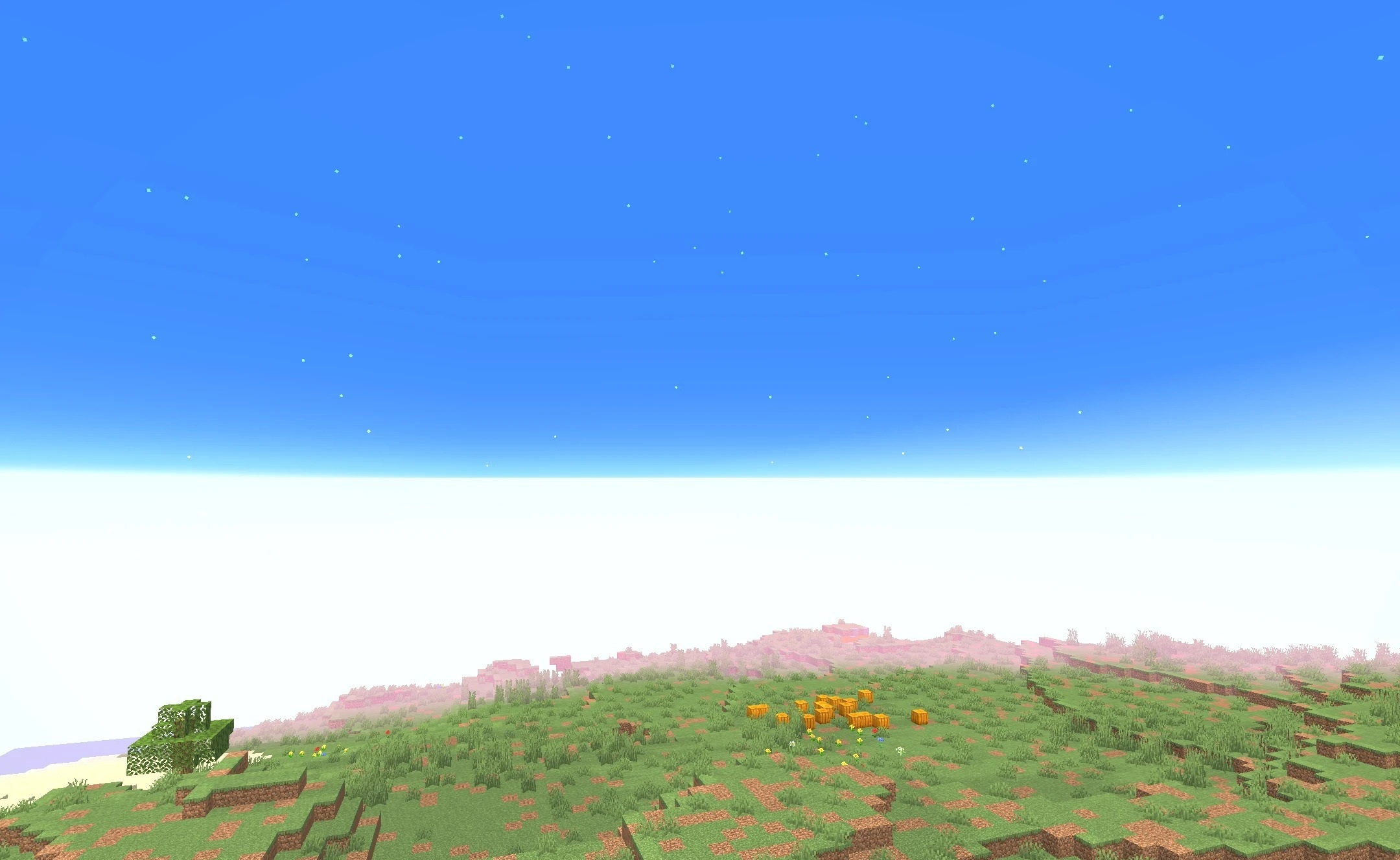
During the day, the sky is filled with rich shades, while at night it becomes dark and starry. At the same time, the blocks themselves and the overall artistic style remain close to the vanilla version, so the shader does not disrupt the familiar visual structure of Minecraft. The pack is optimized for weaker and mid-range systems, making it possible to use updated water, lighting, and shadows.
How to install a shader:
First step: download the shader package from the link below.
Second step: Unpack the downloaded archive and copy the Cealith Shaders folder to c:\Users\User\AppData\Roaming\.minecraft\shaderpacks\(if this folder does not exist, create it yourself) (For Windows)
Third step: In the game, go to Settings, then to Graphics Settings. Select the "shaders" section and activate the shader pack of your choice.
Comments (0)