



Complementary Reimagined Shaders for Minecraft 26.3
Complementary Reimagined Shaders develops the visual style of Minecraft without trying to replace it with photorealism. The pack is inspired by Minecraft Dungeons, Minecraft Story Mode, and Minecraft Legends, so many effects look like a continuation of the game’s signature style. The main focus is placed on high-quality lighting, environmental details, and the cohesive interaction of all visual elements.
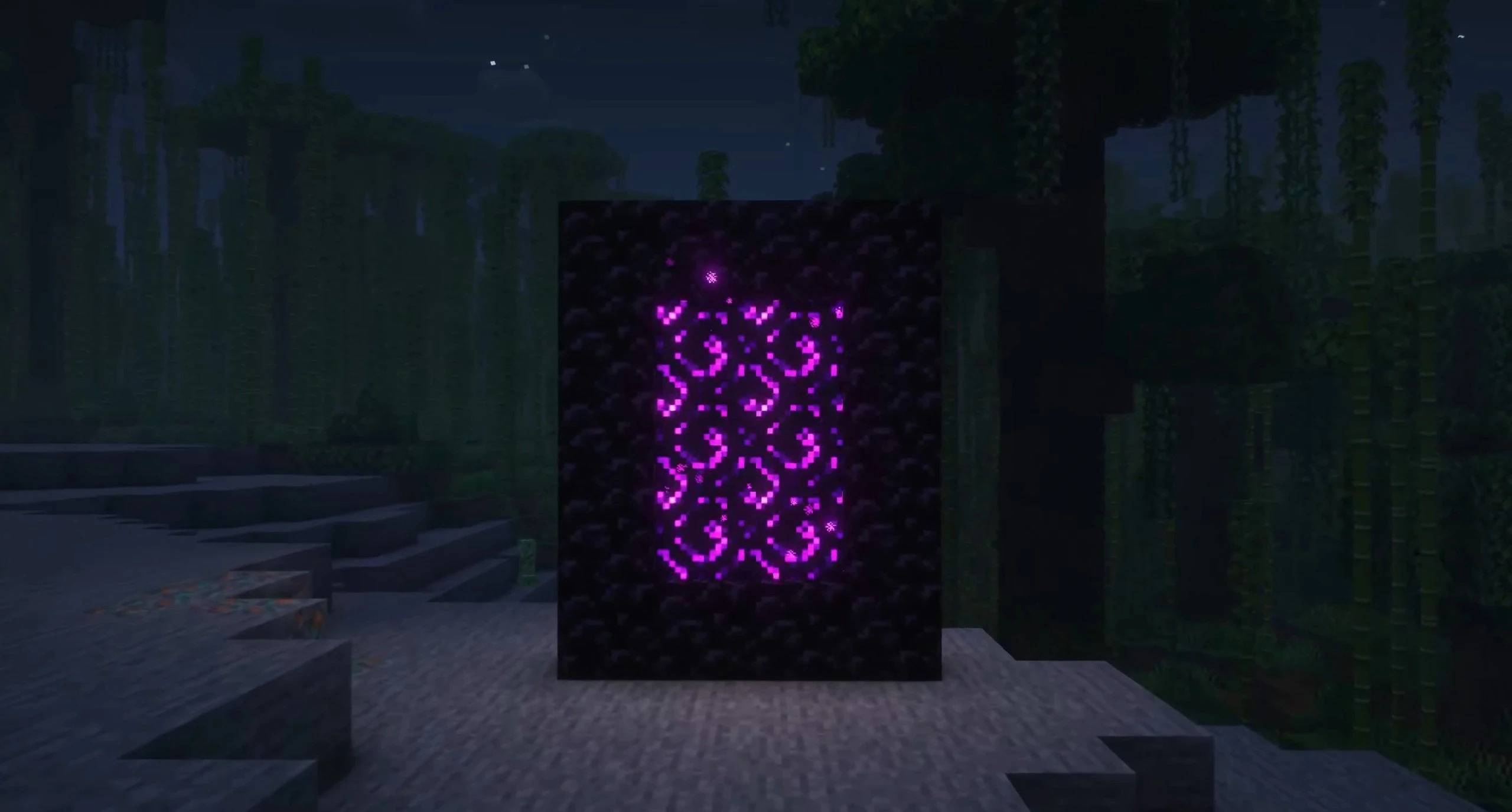
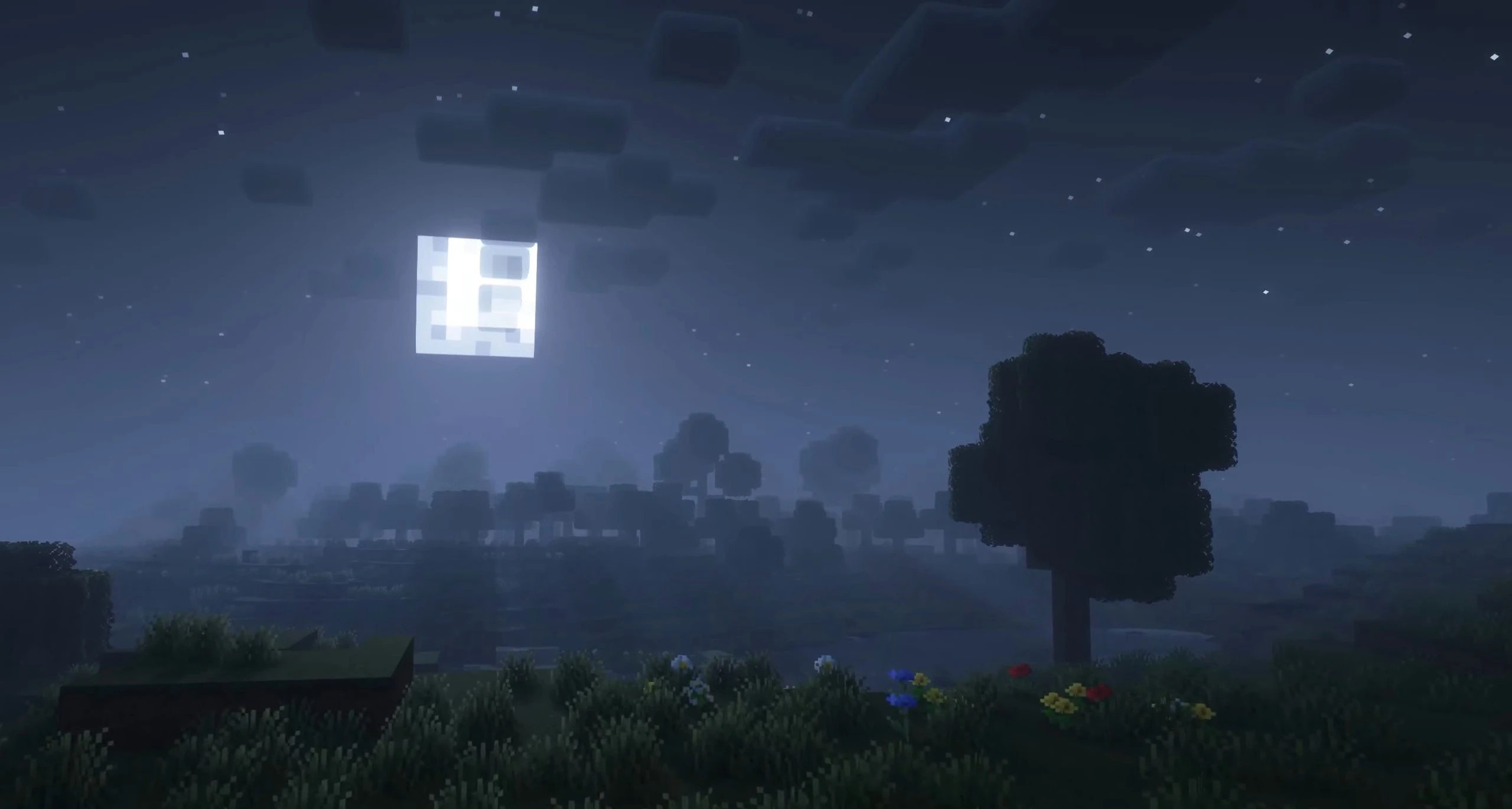
The shader combines a large number of effects with thoughtful optimization, so the improvements are not reduced to a single bright filter or heavy reflections. Blocks, landscapes, and the atmosphere preserve Minecraft’s simple geometry while gaining more expressive lighting and depth.
How to install a shader:
First step: download the shader package from the link below.
Second step: Unpack the downloaded archive and copy the Complementary Reimagined Shaders folder to c:\Users\User\AppData\Roaming\.minecraft\shaderpacks\(if this folder does not exist, create it yourself) (For Windows)
Third step: In the game, go to Settings, then to Graphics Settings. Select the "shaders" section and activate the shader pack of your choice.
Comments (0)