



CosmicGlow Shaders for Minecraft 26.3
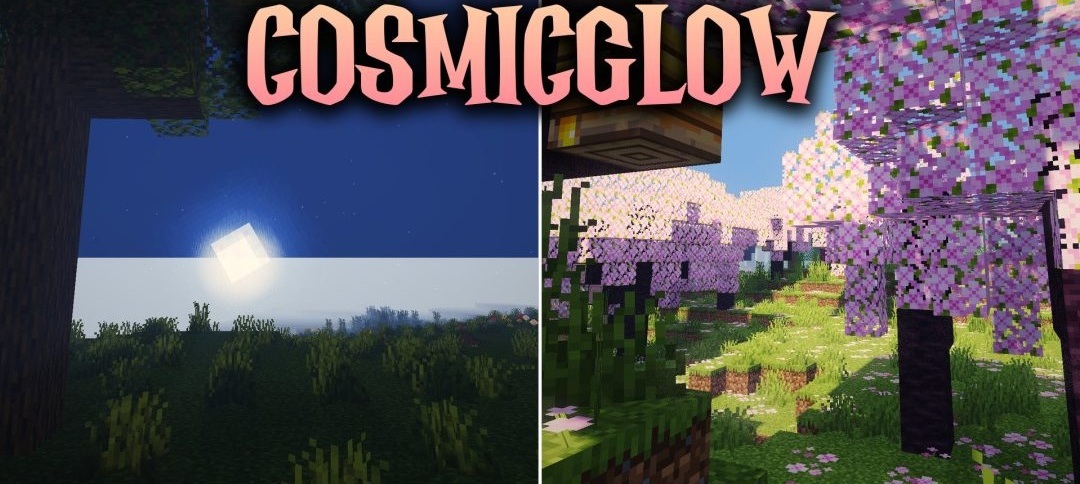
Movement and colored lighting make CosmicGlow Shaders feel more alive even inside ordinary buildings. Torches, campfires, and glowing blocks bathe dark rooms in warm tones, while Nether portals cast a bright purple glow onto nearby surfaces.
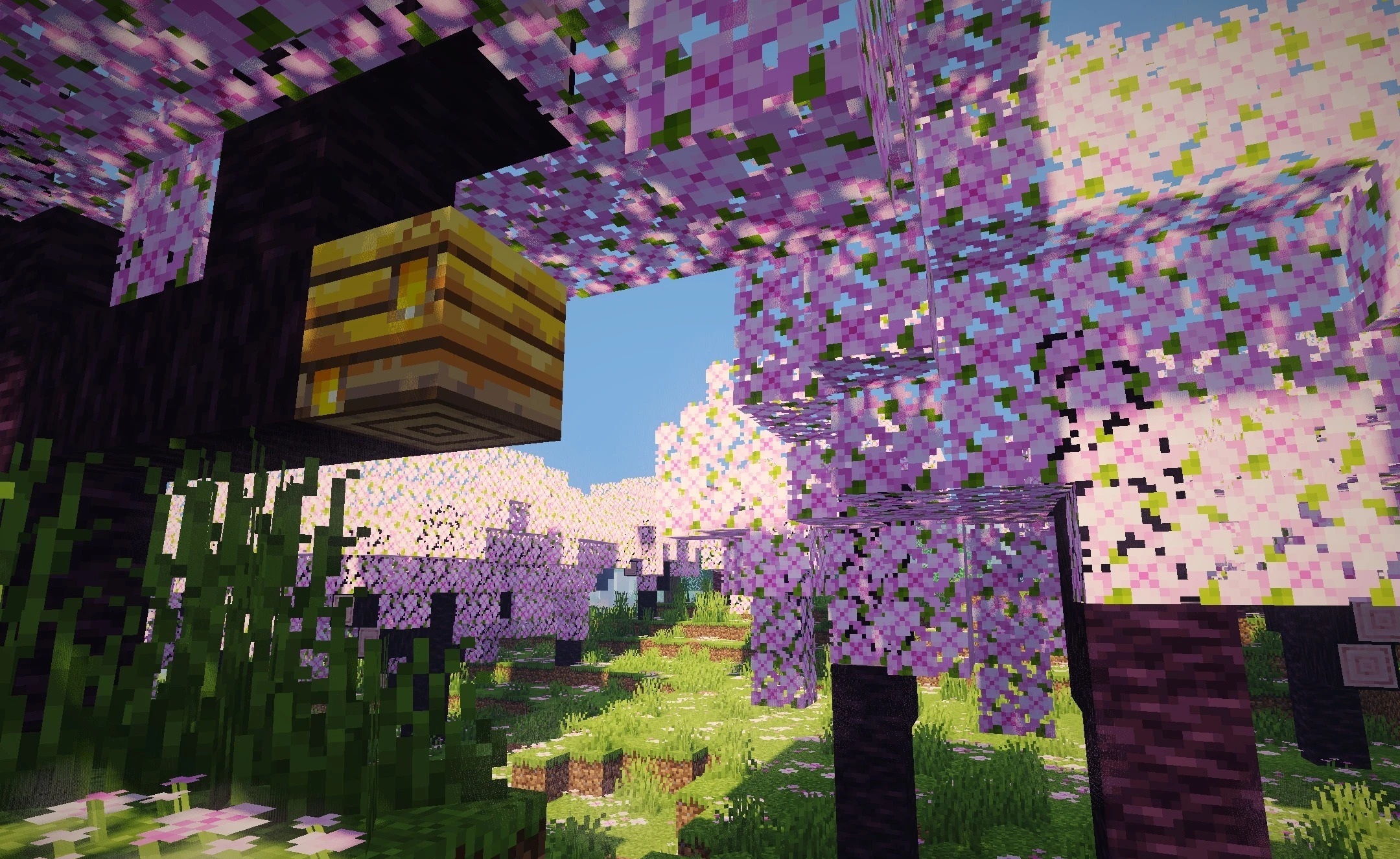
Lanterns and chains sway gently in the wind, and leaves, tall grass, and crops also respond to moving air. Water gains gentle waves and reflections of the sky, while soft shadows change depending on the sun's position. The menu includes settings that let users reduce or intensify individual effects to achieve the desired balance between image quality and FPS.
How to install a shader:
First step: download the shader package from the link below.
Second step: Unpack the downloaded archive and copy the CosmicGlow Shaders folder to c:\Users\User\AppData\Roaming\.minecraft\shaderpacks\(if this folder does not exist, create it yourself) (For Windows)
Third step: In the game, go to Settings, then to Graphics Settings. Select the "shaders" section and activate the shader pack of your choice.
Comments (0)