



Cristalino Shaders for Minecraft 26.3
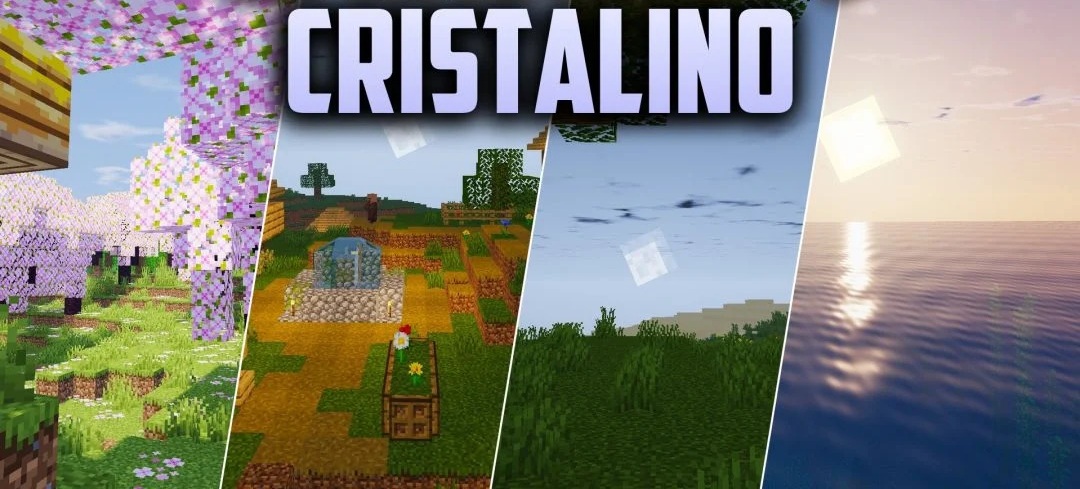
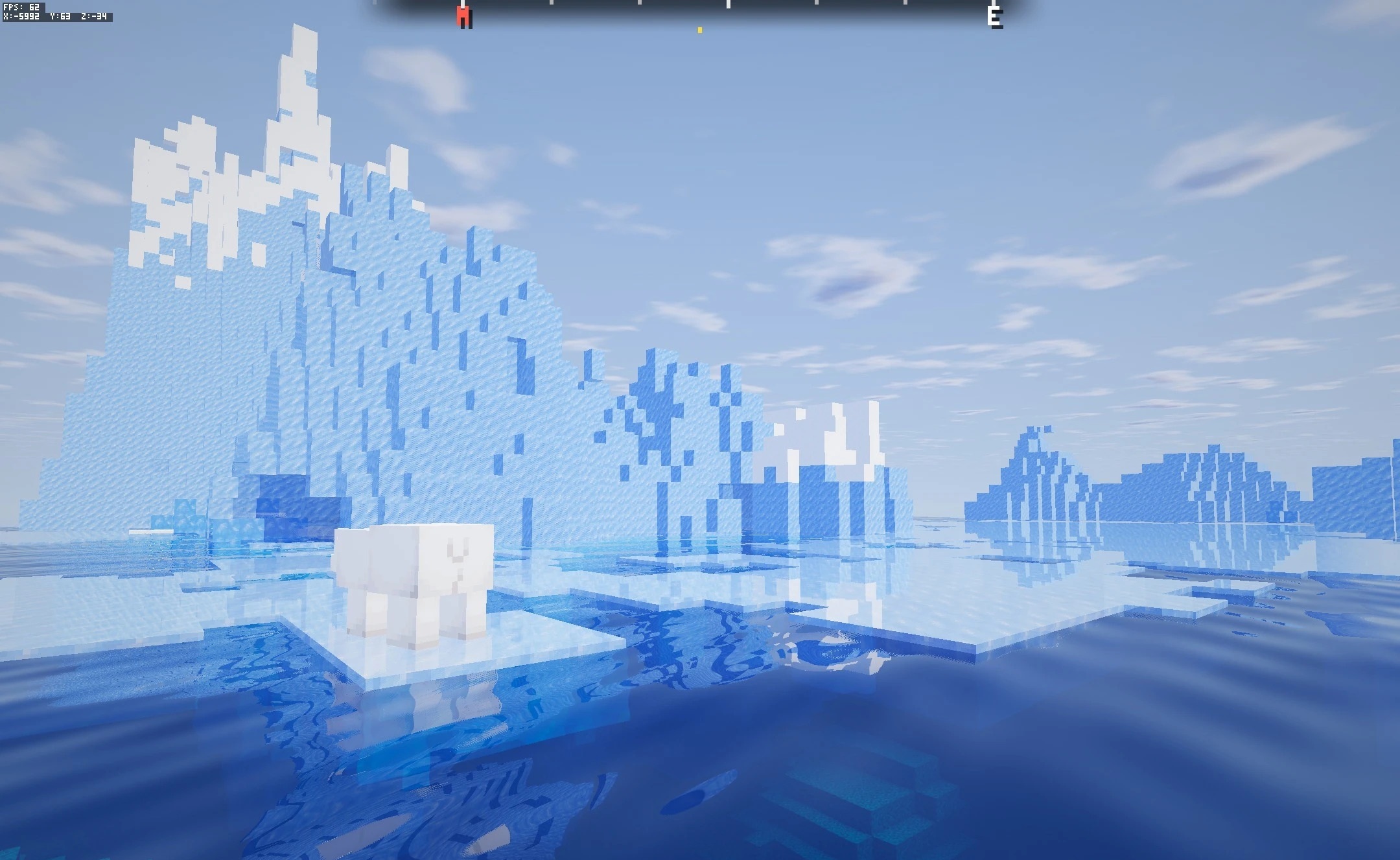
Clean reflections, transparent glass, and calm water define the style of Cristalino Shaders. Glossy surfaces and mineral blocks react to lighting using physically based reflections, while glass elements and precious materials become visually more transparent and brighter.
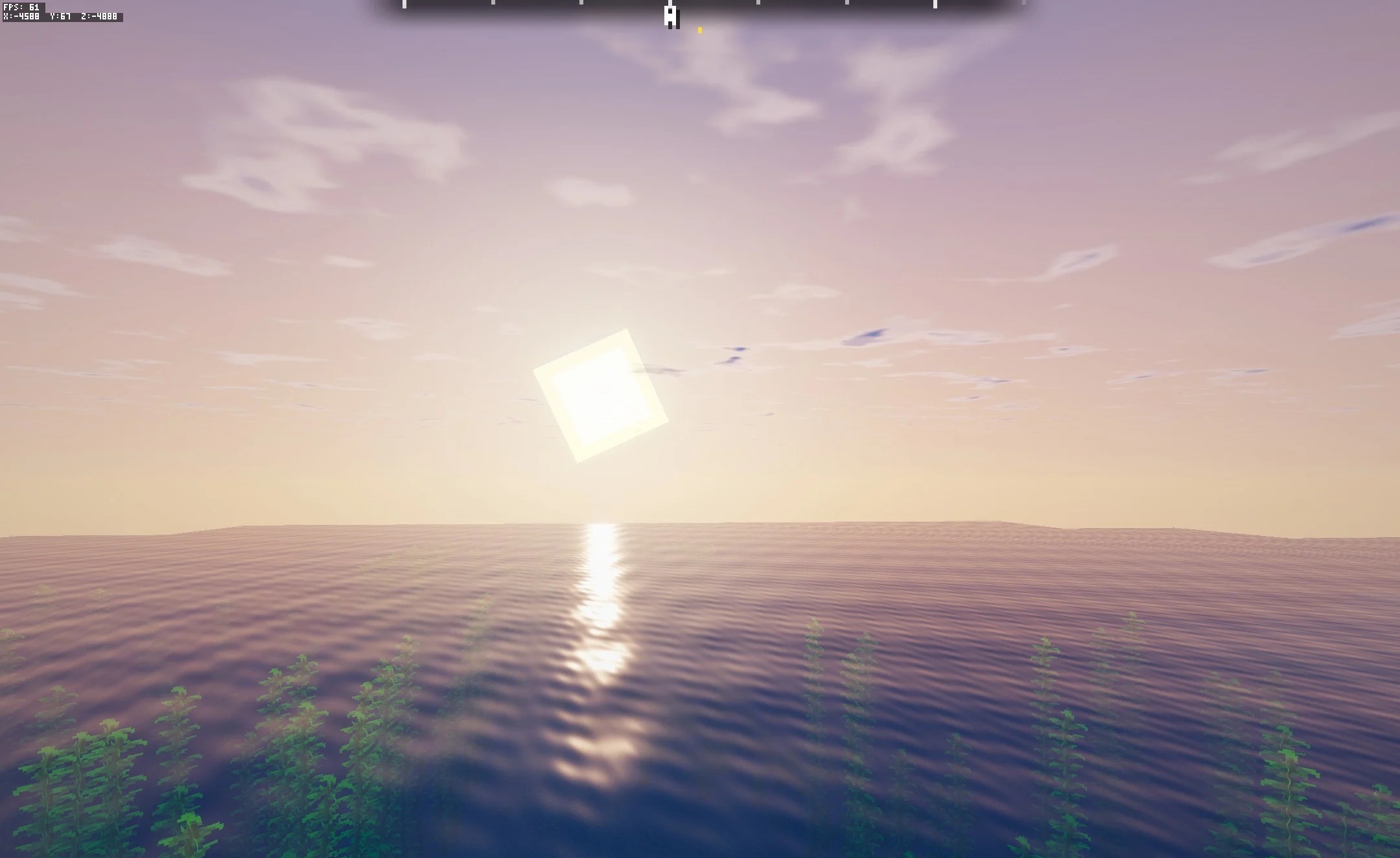
Bodies of water gain gentle ripples and natural depth without turning into excessively mirror-like surfaces. Sunlight shadows become softer and develop diffused edges across terrain and buildings. At the same time, the pack is not designed to put maximum strain on the system: the stated goal is to keep performance close to vanilla while adding only the main realistic effects.
How to install a shader:
First step: download the shader package from the link below.
Second step: Unpack the downloaded archive and copy the Cristalino Shaders folder to c:\Users\User\AppData\Roaming\.minecraft\shaderpacks\(if this folder does not exist, create it yourself) (For Windows)
Third step: In the game, go to Settings, then to Graphics Settings. Select the "shaders" section and activate the shader pack of your choice.
Comments (0)