



CrustShader for Minecraft 26.3
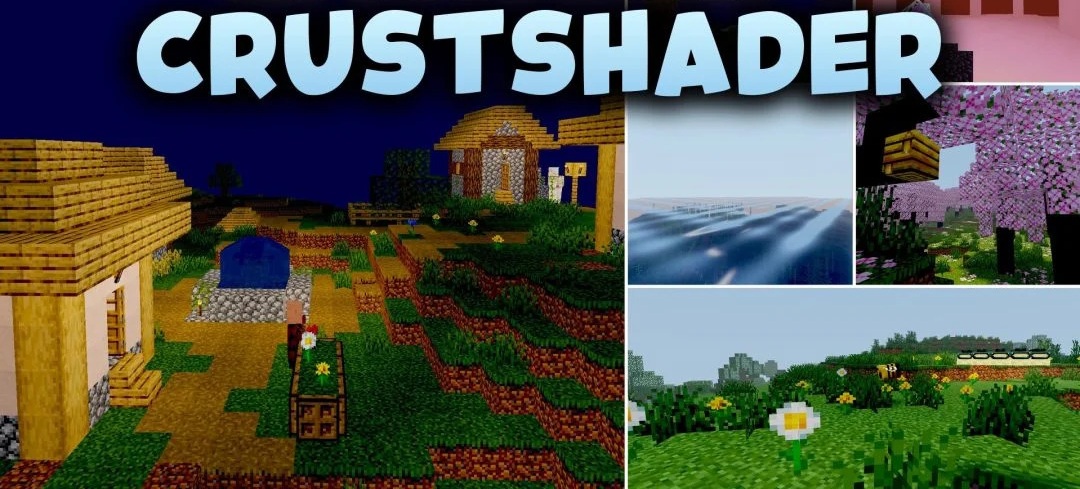
A rough retro presentation distinguishes CrustShader from most packs that aim for realistic lighting. Instead of a smooth and clean image, it deliberately makes the world rougher and more unusual, giving the visuals an old-fashioned character. This effect is not associated with heavy reflections, complex shadows, or volumetric lighting, so the shader remains very lightweight.
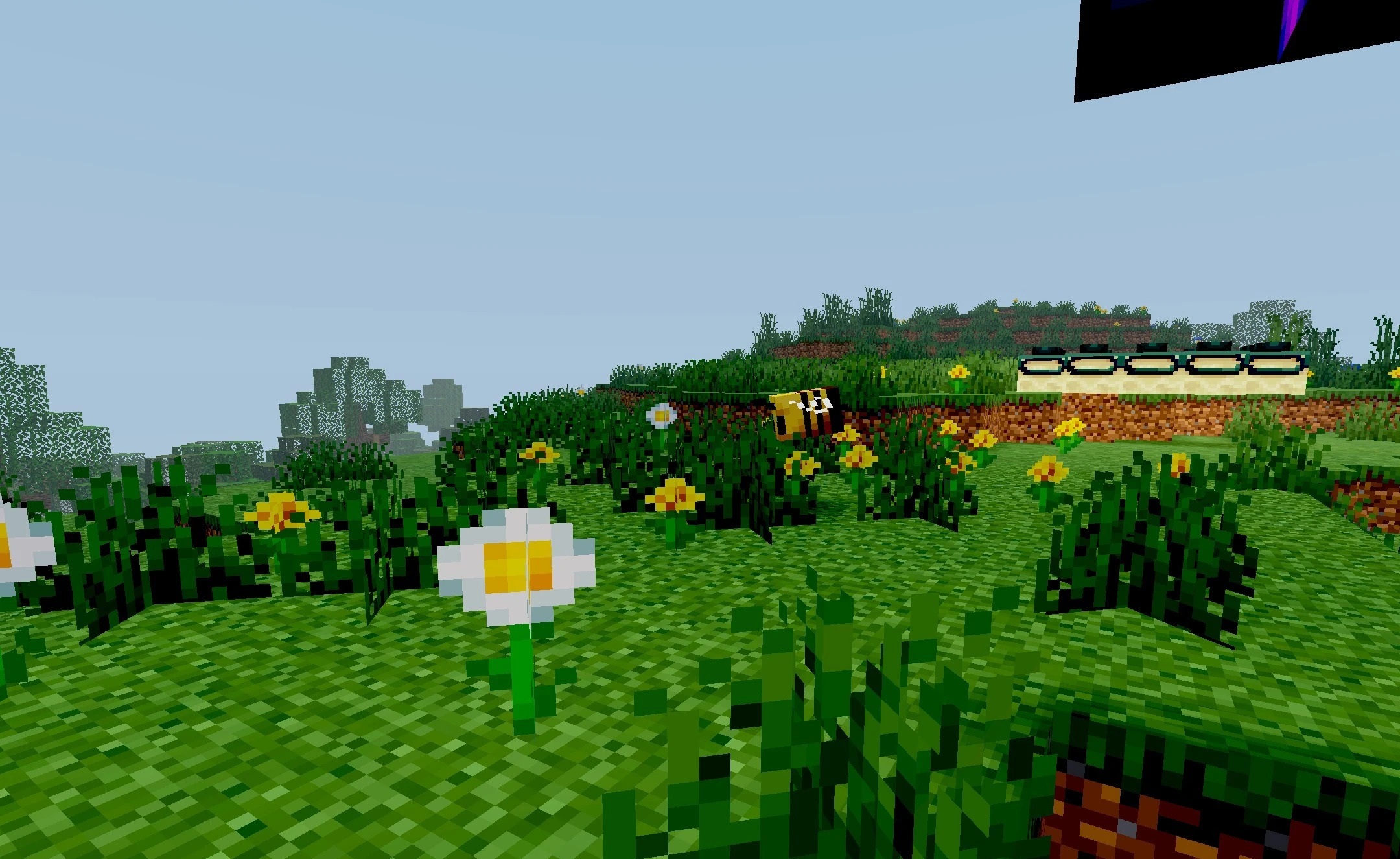
It is designed for older computers and budget configurations where maintaining a high frame rate is more important than using a large number of post-processing effects. The changes affect the overall presentation of the world and make standard scenes look stranger and more expressive without requiring serious graphics card resources.
How to install a shader:
First step: download the shader package from the link below.
Second step: Unpack the downloaded archive and copy the CrustShader folder to c:\Users\User\AppData\Roaming\.minecraft\shaderpacks\(if this folder does not exist, create it yourself) (For Windows)
Third step: In the game, go to Settings, then to Graphics Settings. Select the "shaders" section and activate the shader pack of your choice.
Comments (0)