



Depth Style Shaders for Minecraft 26.3
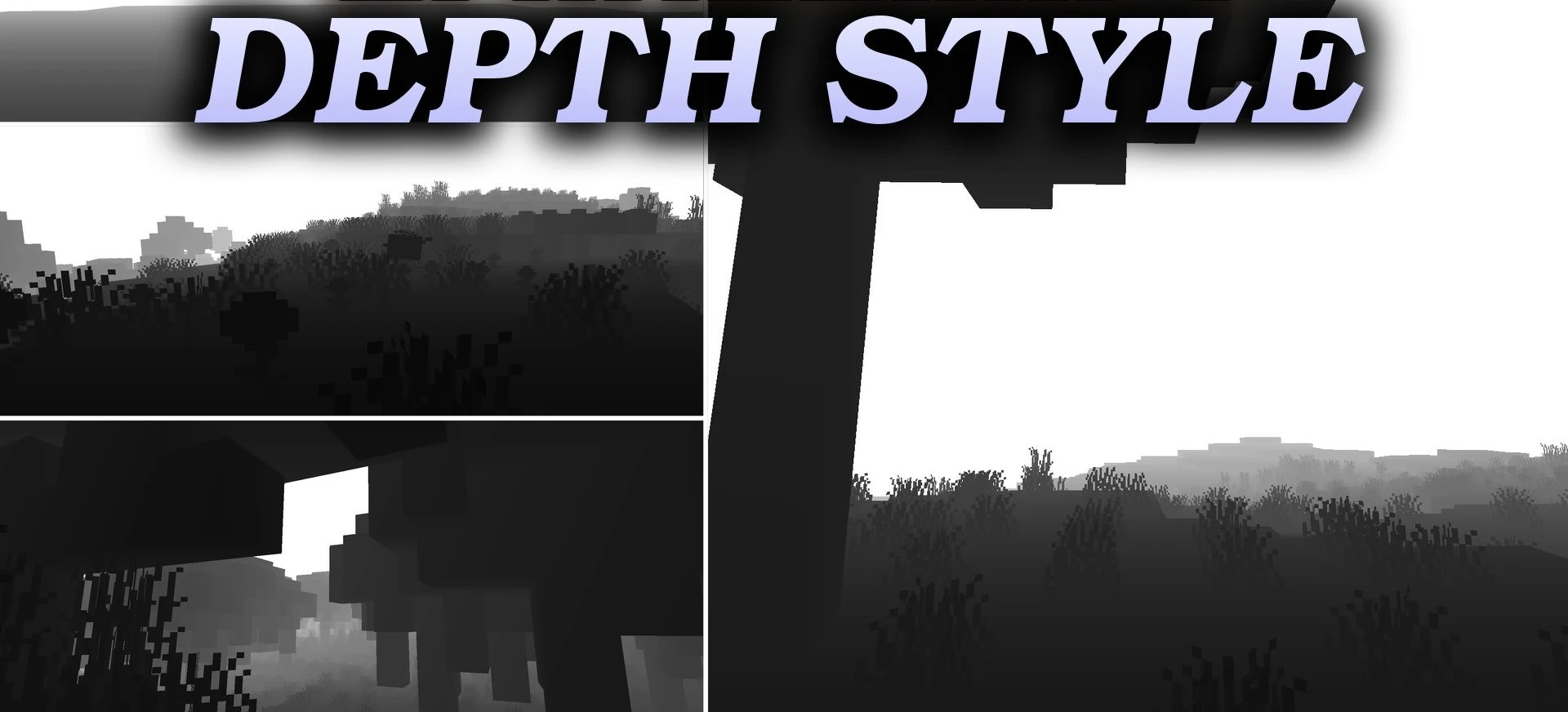
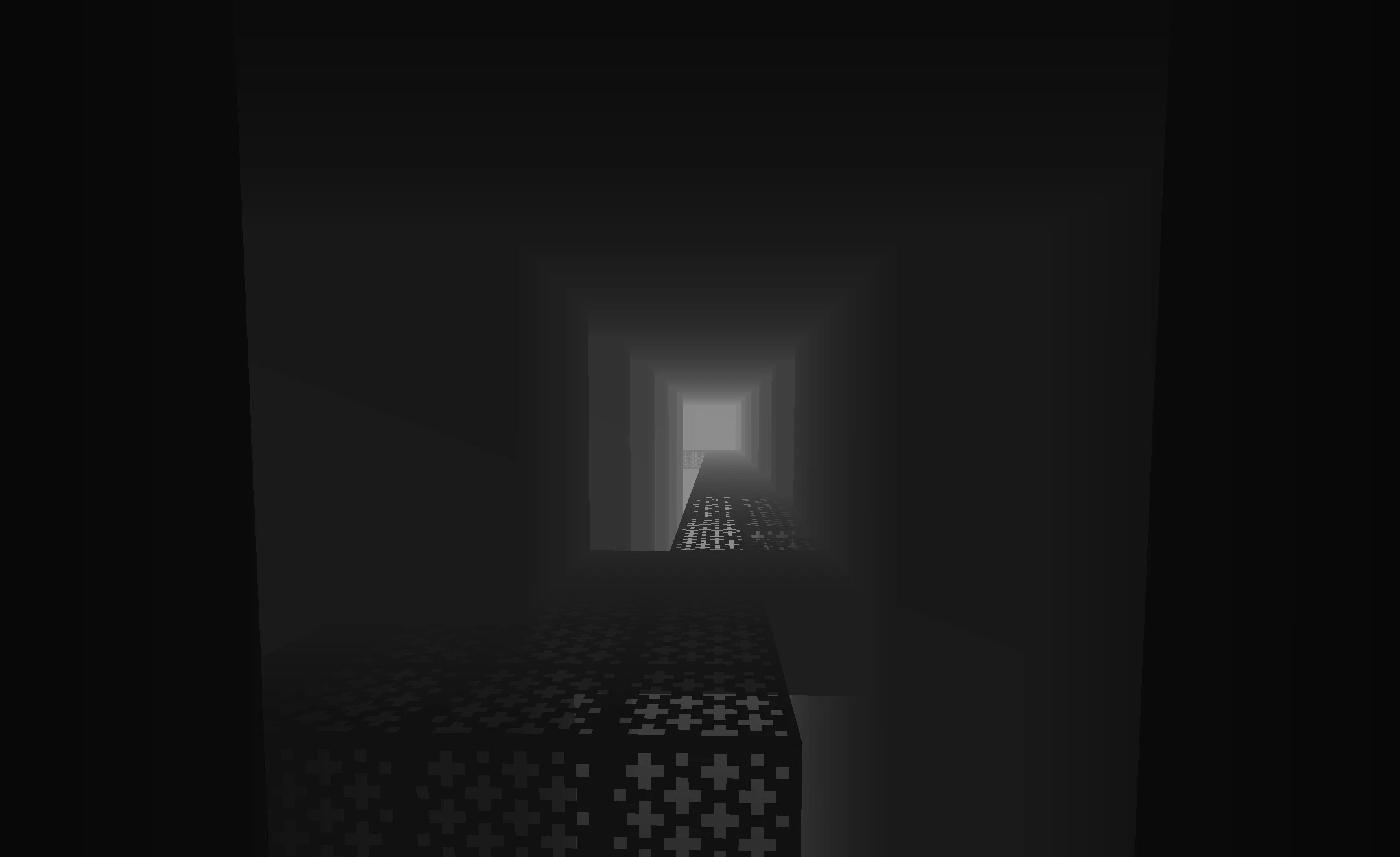
Depth Style Shaders is used not as an ordinary decorative shader, but as a tool for displaying scene depth. The entire world is converted into shades of gray, where the distance to objects is determined by brightness: nearby blocks become darker, while distant areas gradually become lighter.
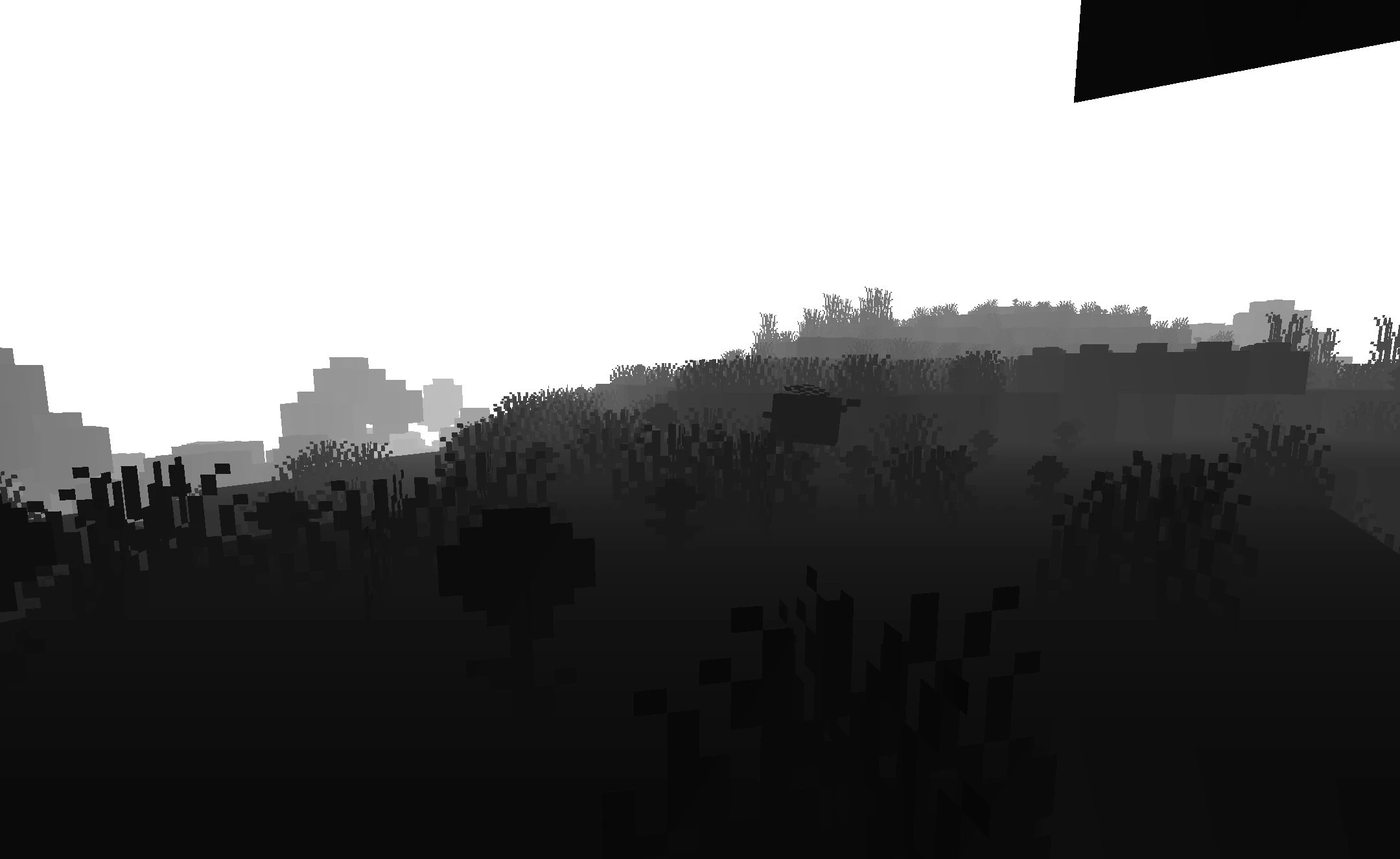
This presentation makes it possible to clearly separate the foreground from the background and use the resulting image during further editing. The shader is especially useful for creating depth-of-field masks in external programs, where the gray gradient helps automatically determine distances within the frame. Thanks to its simple processing, it has almost no impact on performance and works even on weaker computers.
How to install a shader:
First step: download the shader package from the link below.
Second step: Unpack the downloaded archive and copy the Depth Style Shaders folder to c:\Users\User\AppData\Roaming\.minecraft\shaderpacks\(if this folder does not exist, create it yourself) (For Windows)
Third step: In the game, go to Settings, then to Graphics Settings. Select the "shaders" section and activate the shader pack of your choice.
Comments (0)