



Doruk’s Plus Shaders for Minecraft 26.3
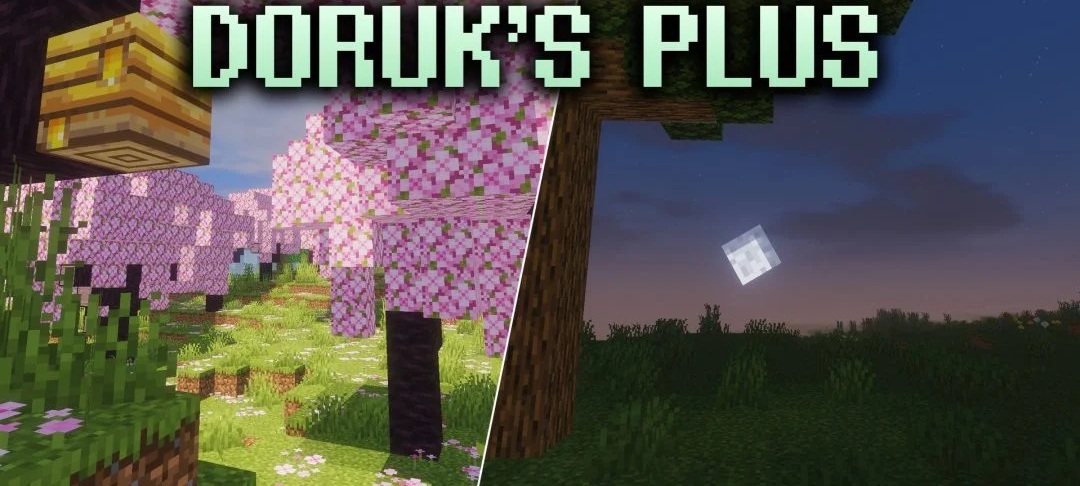
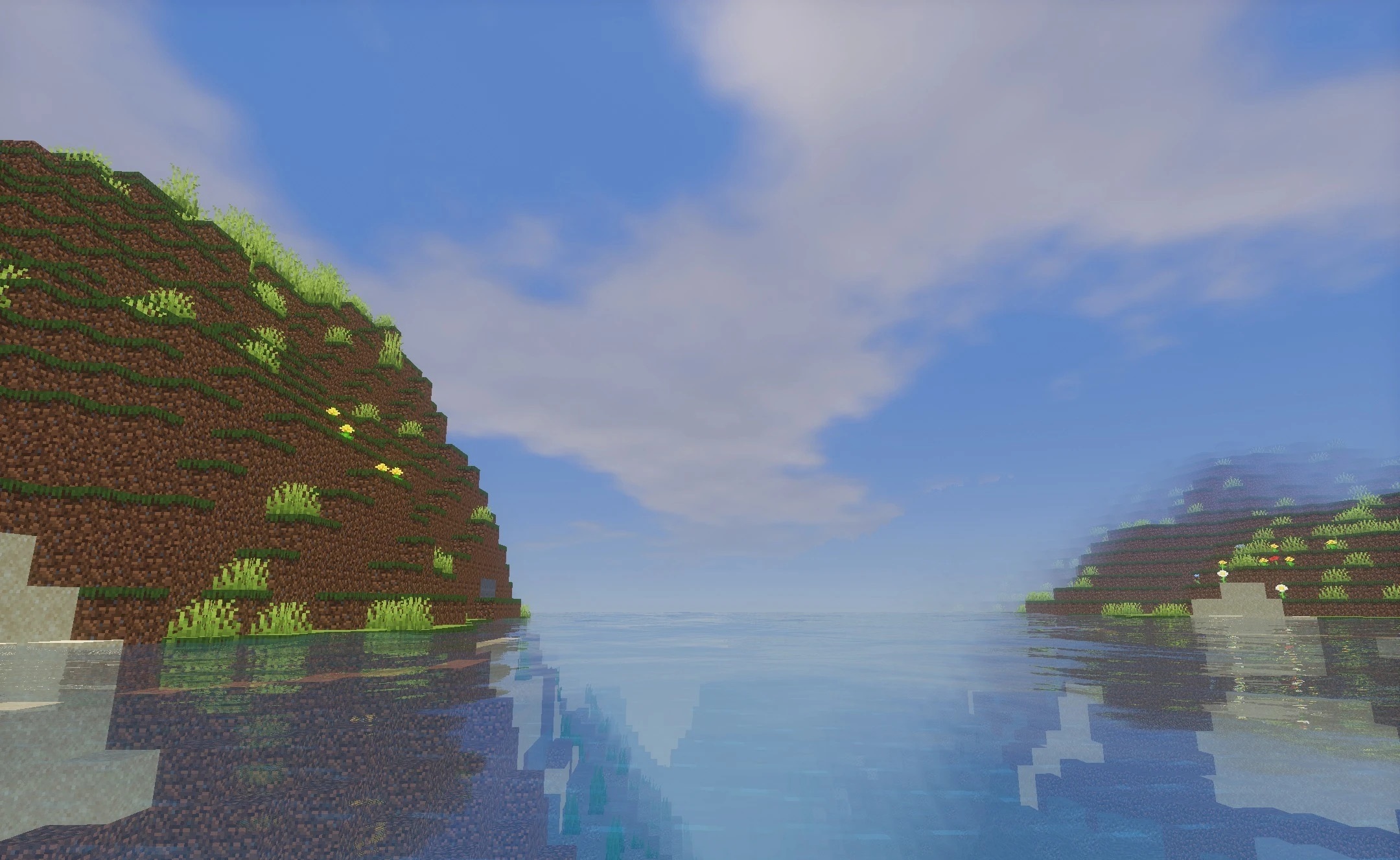
Semi-realistic lighting is combined with low system load in Doruk’s Plus Shaders. The pack is based on Mellow and uses it as a foundation for a cleaner image, shadows, and reflections. Blocks and terrain receive clear shading, while water surfaces and other suitable materials display smooth reflections without heavy visual effects.
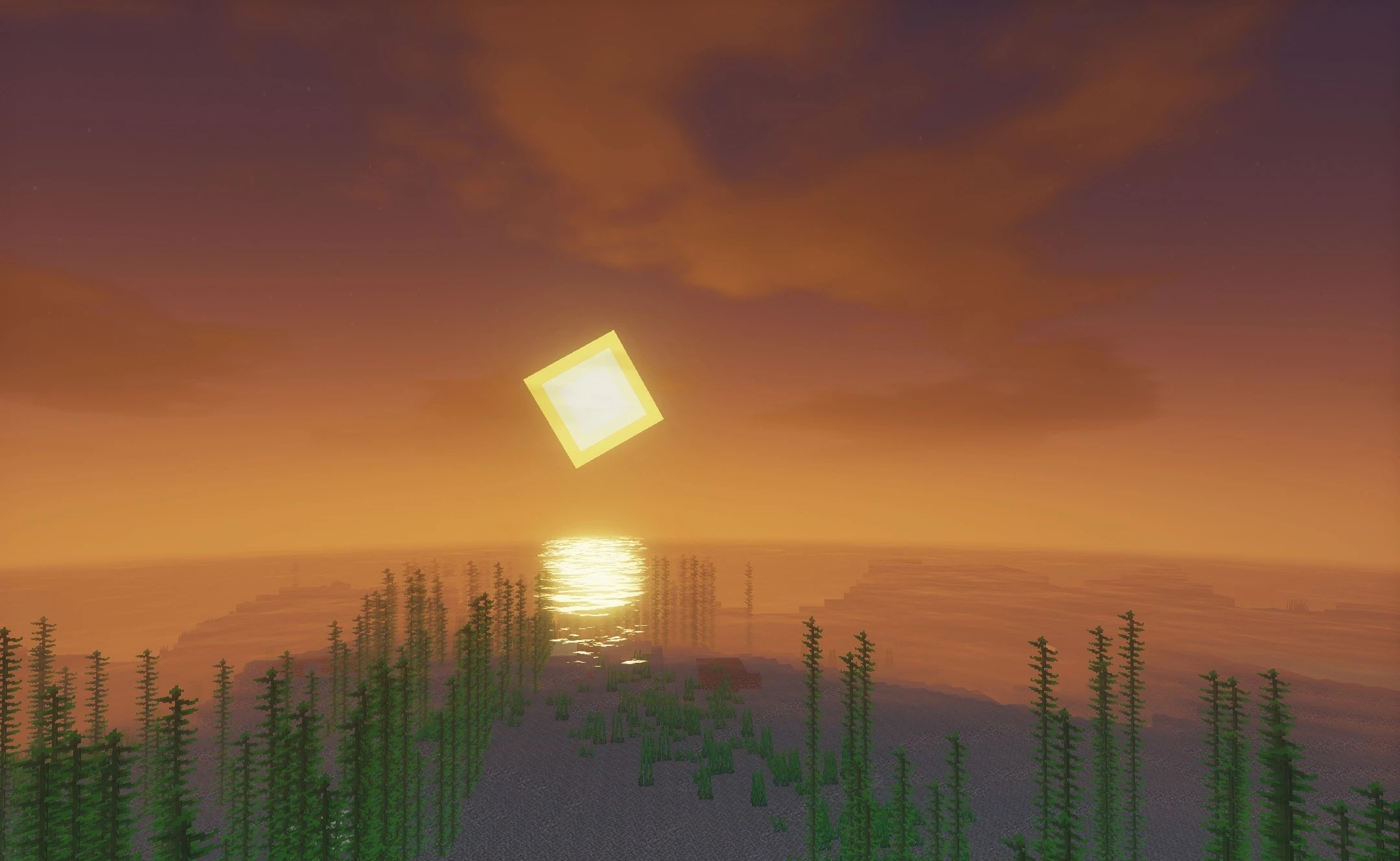
At the same time, the shader is designed to work with budget graphics cards and weaker hardware, so it does not require a powerful system to maintain a stable frame rate. The colors remain restrained, and the lighting does not turn Minecraft into a completely realistic game.
How to install a shader:
First step: download the shader package from the link below.
Second step: Unpack the downloaded archive and copy the Doruk’s Plus Shaders folder to c:\Users\User\AppData\Roaming\.minecraft\shaderpacks\(if this folder does not exist, create it yourself) (For Windows)
Third step: In the game, go to Settings, then to Graphics Settings. Select the "shaders" section and activate the shader pack of your choice.
Comments (0)