



DragonsShaders for Minecraft 26.3
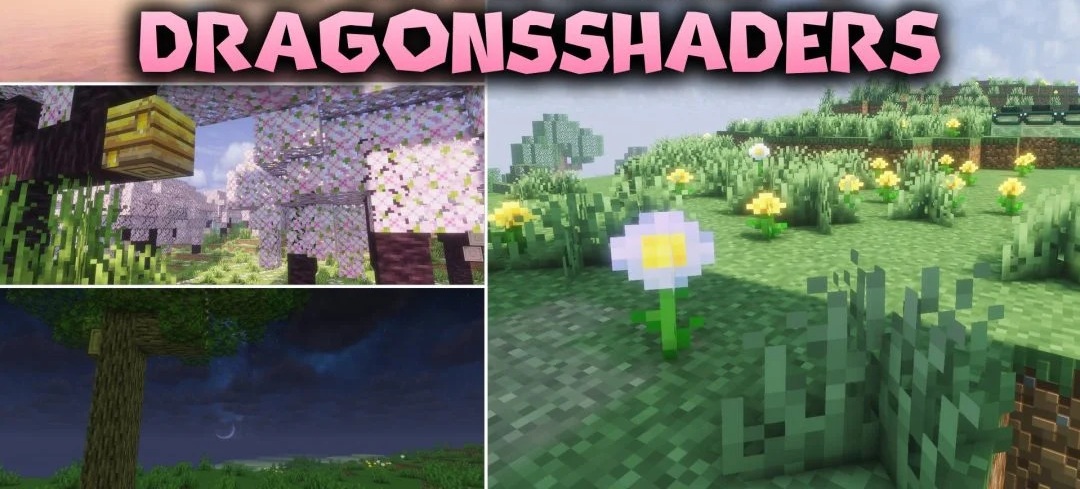
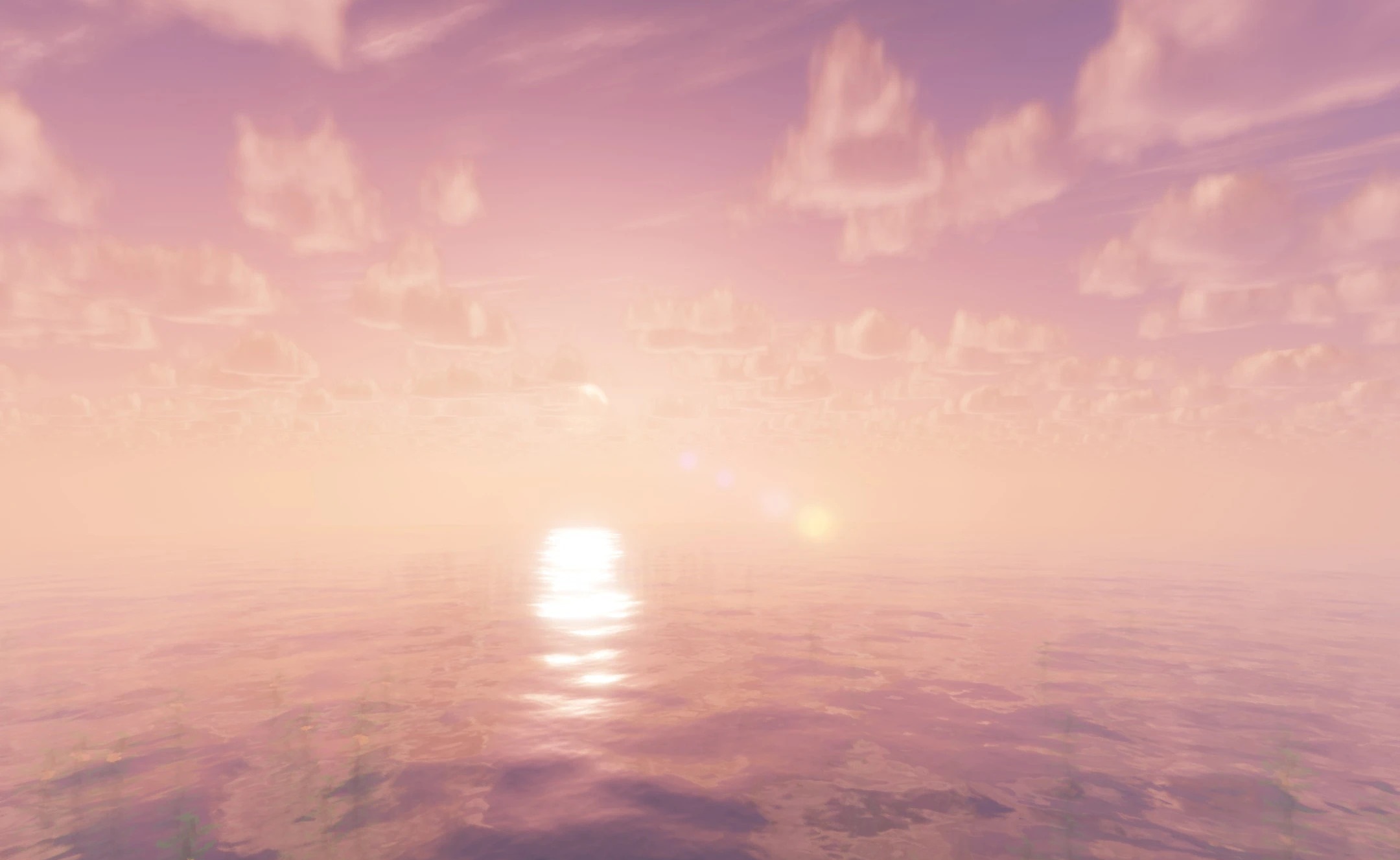
The purple sky and rich cosmic shades become the main feature of DragonsShaders. The shader shifts the atmosphere of the world toward fantasy, but does not recolor the block textures themselves and preserves their familiar readability.
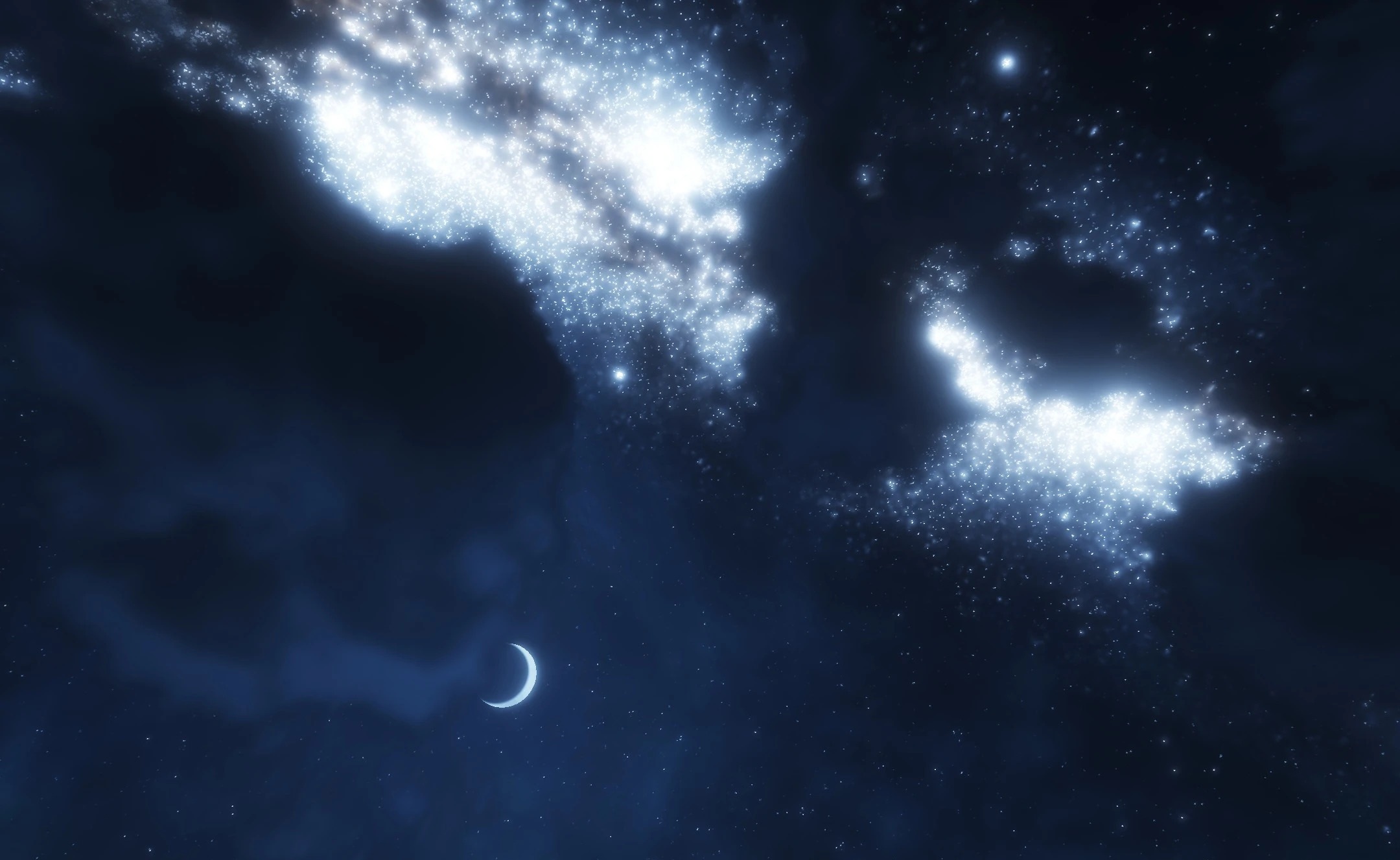
At night, the sky turns into a bright starry landscape with purple and cosmic tones, while lighting in biomes takes on a more expressive magical character. At the same time, the effects are not limited to a single color filter: the pack combines a fantasy palette with more realistic lighting and shadows. During the day, the environment remains recognizable, while in the evening and at night the visual style changes more noticeably.
How to install a shader:
First step: download the shader package from the link below.
Second step: Unpack the downloaded archive and copy the DragonsShaders folder to c:\Users\User\AppData\Roaming\.minecraft\shaderpacks\(if this folder does not exist, create it yourself) (For Windows)
Third step: In the game, go to Settings, then to Graphics Settings. Select the "shaders" section and activate the shader pack of your choice.
Comments (0)