



Evelite the Nostalgia Shaders for Minecraft 26.3
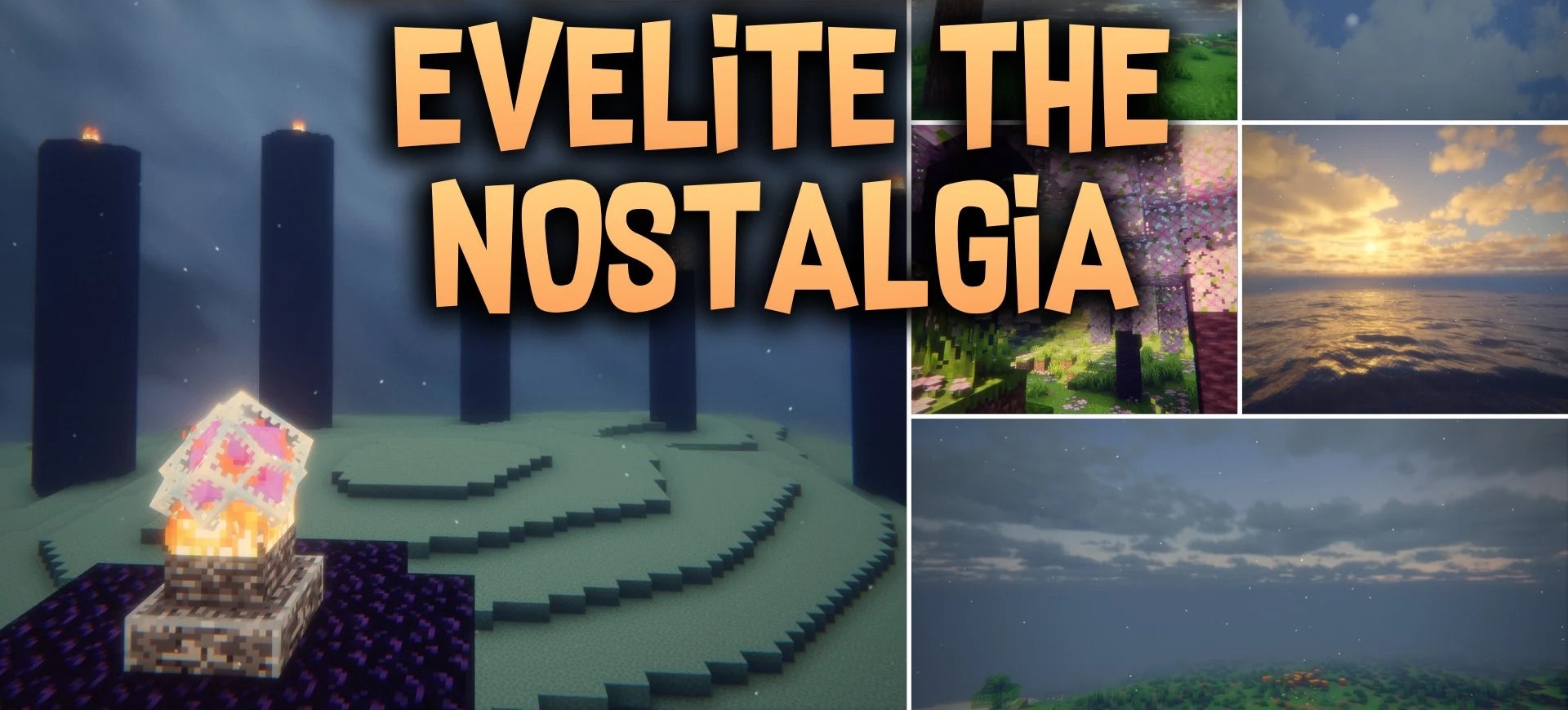
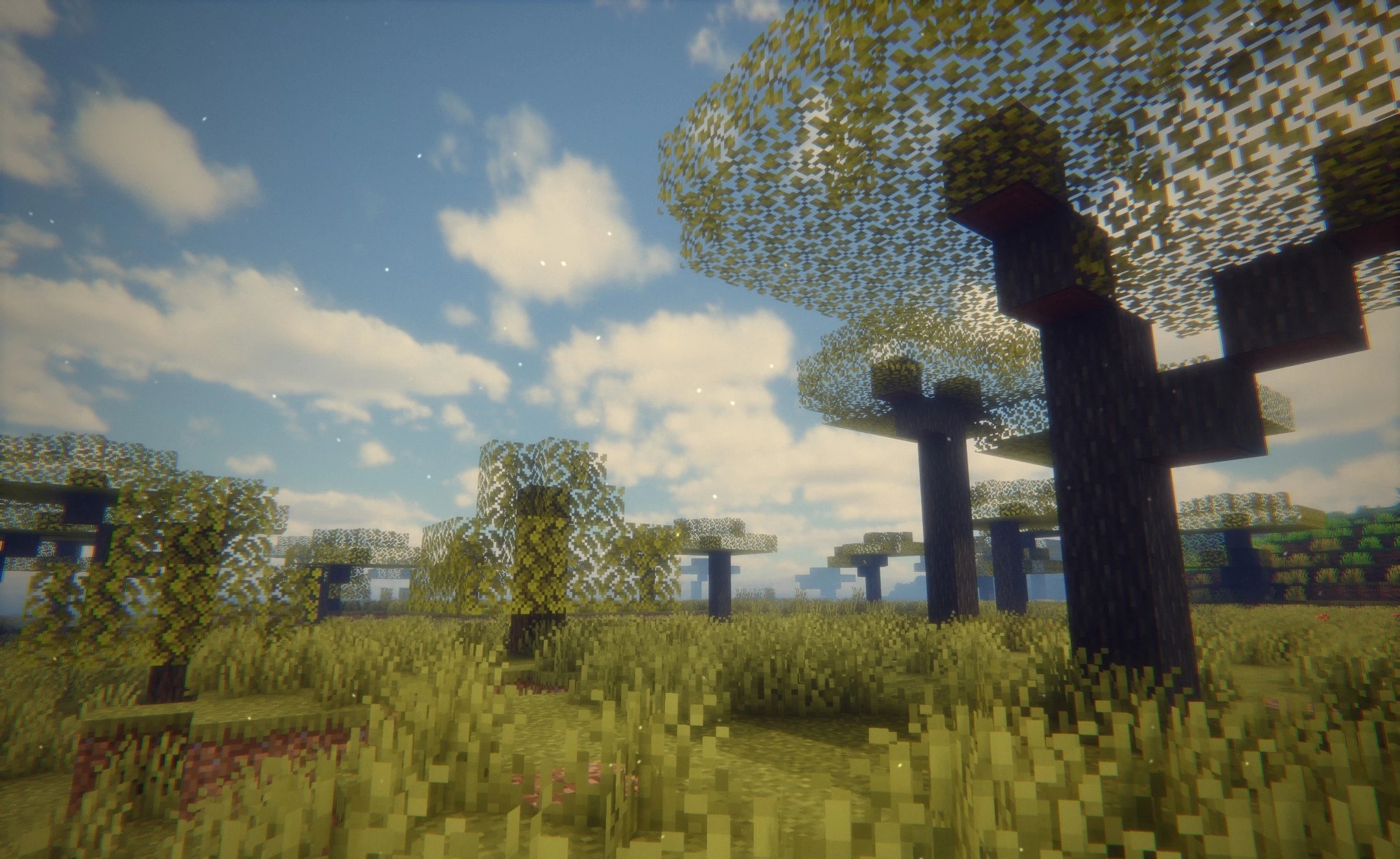
Evelite the Nostalgia Shaders stylizes Minecraft to resemble fantasy games from the early 2000s. The image takes on a warm palette, soft diffused lighting, and a subtle retro feel, making fields, hills, and open biomes reminiscent of old adventure games.
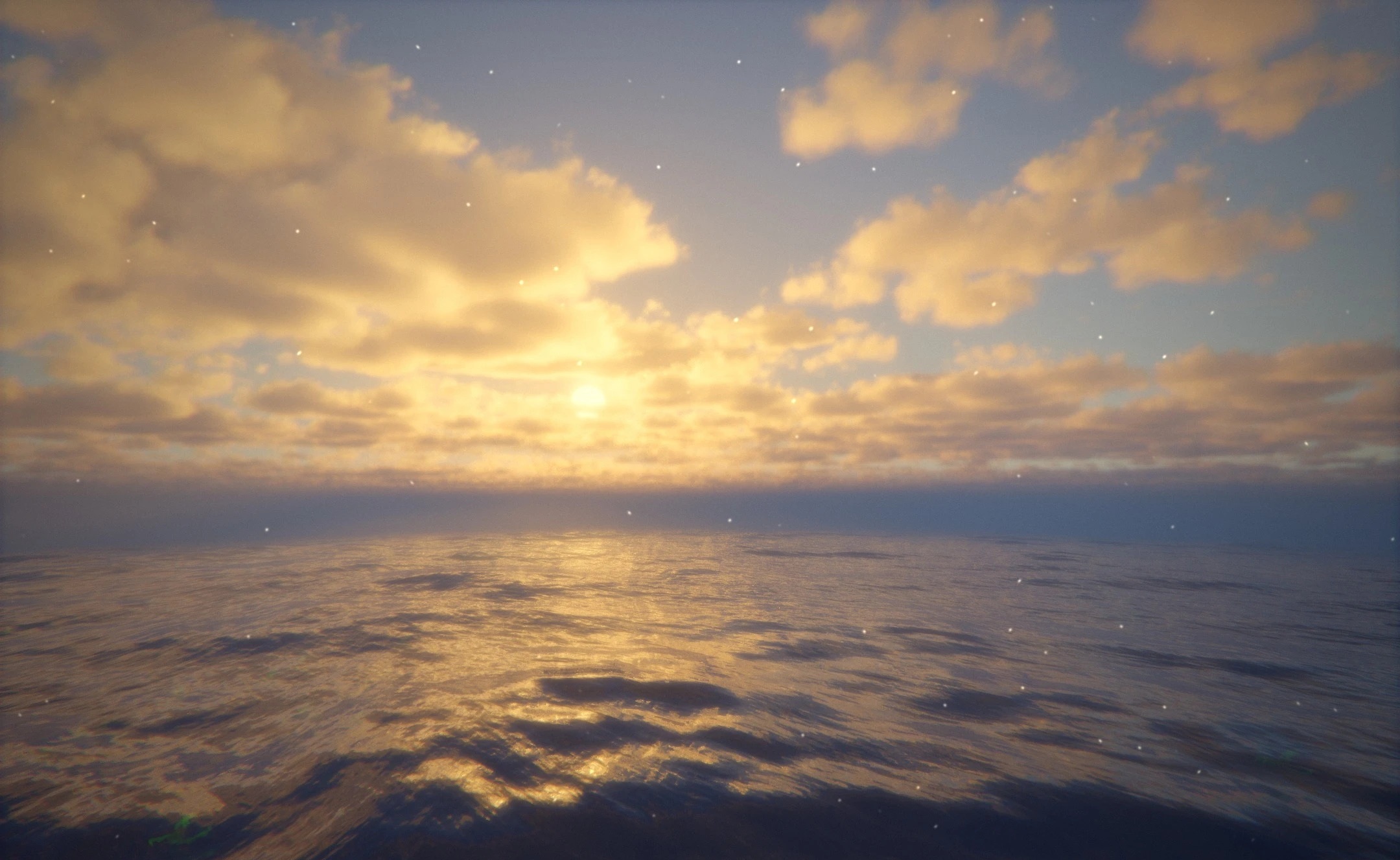
Sunbeams become bright and slightly fairy-tale-like, while shadows retain their natural shape beneath trees and large structures. A light haze appears in the distance, softening the horizon and adding depth to the scene. Water reflects the light of sunrises and sunsets, while the nighttime scene is tuned so that the world remains visible without becoming completely black.
How to install a shader:
First step: download the shader package from the link below.
Second step: Unpack the downloaded archive and copy the Evelite the Nostalgia Shaders folder to c:\Users\User\AppData\Roaming\.minecraft\shaderpacks\(if this folder does not exist, create it yourself) (For Windows)
Third step: In the game, go to Settings, then to Graphics Settings. Select the "shaders" section and activate the shader pack of your choice.
Comments (0)