



Evelite Toon Shaders for Minecraft 26.3
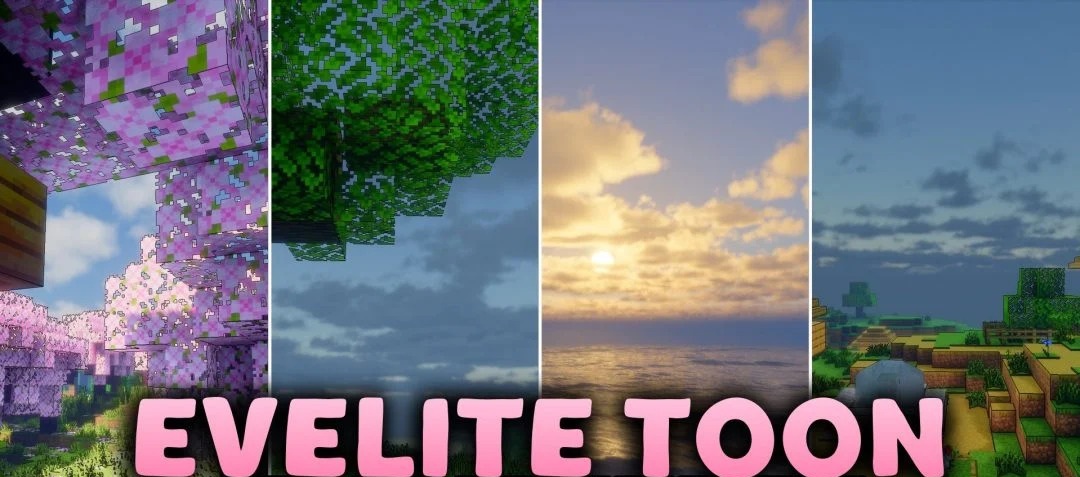
Evelite Toon Shaders transforms the standard world into a bright cartoon style with a noticeable anime influence. Lighting becomes cleaner and more colorful, while familiar blocks and landscapes resemble scenery from a hand-drawn fantasy world.
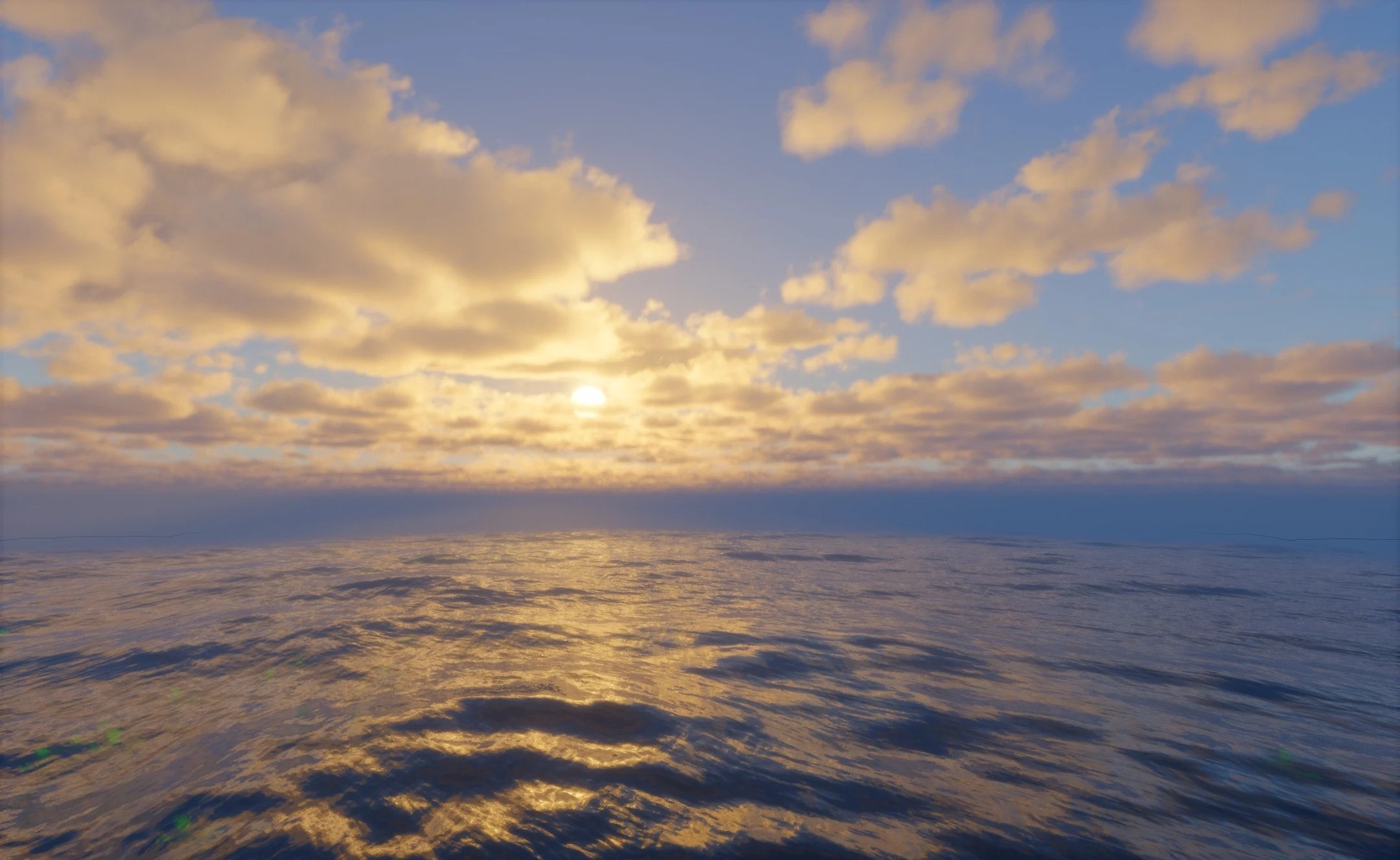
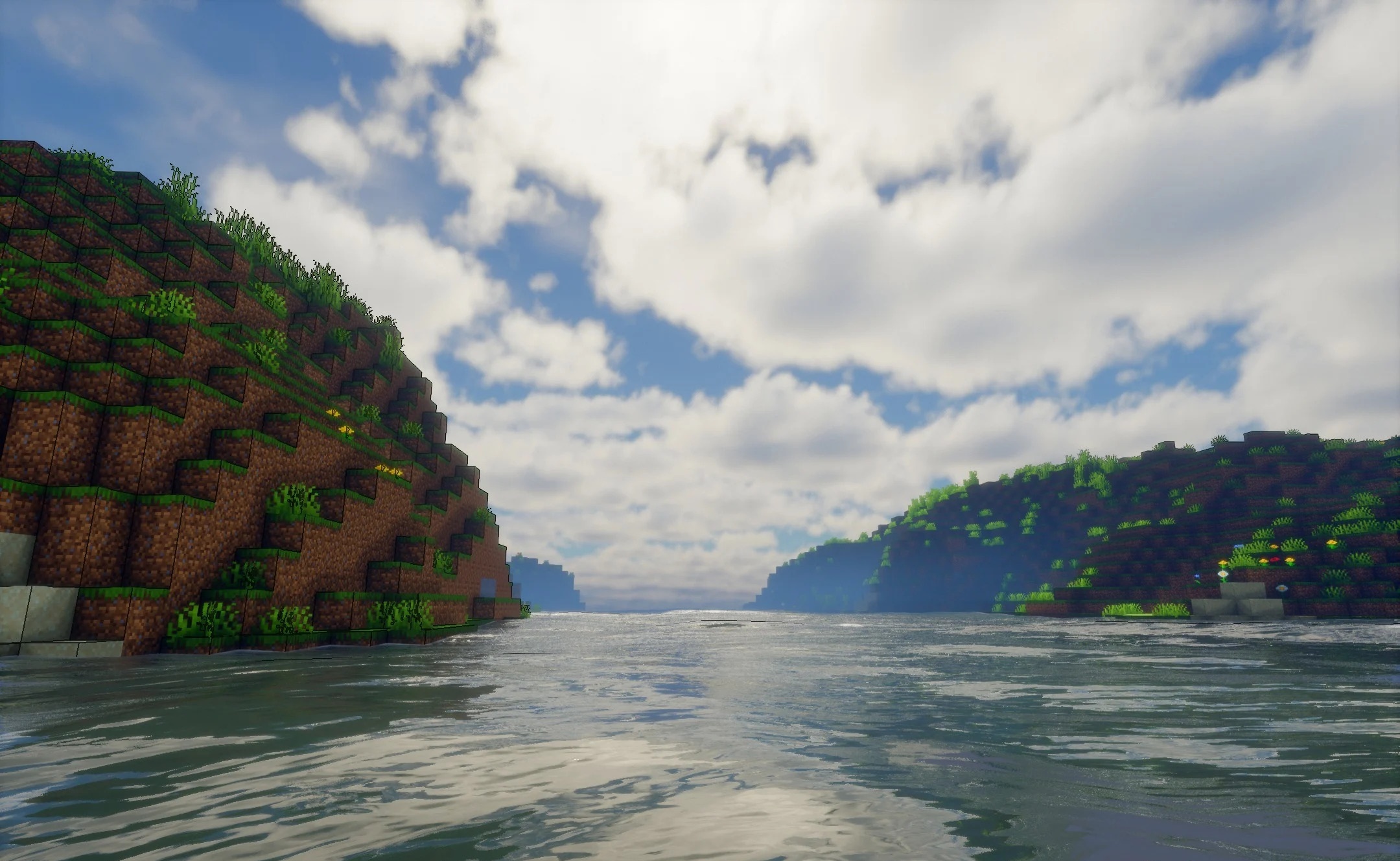
At the same time, shading is not simplified into a completely flat image: shadows retain their depth and help separate objects from one another. The day-night cycle also affects the character of the surrounding light, so the style is not limited to a single constant color scheme. The pack does not try to make surfaces photorealistic—the main emphasis remains on bright shades, clear shapes, and a stylized presentation.
How to install a shader:
First step: download the shader package from the link below.
Second step: Unpack the downloaded archive and copy the Evelite Toon Shaders folder to c:\Users\User\AppData\Roaming\.minecraft\shaderpacks\(if this folder does not exist, create it yourself) (For Windows)
Third step: In the game, go to Settings, then to Graphics Settings. Select the "shaders" section and activate the shader pack of your choice.
Comments (0)