



Frangilus Shaders for Minecraft 26.3
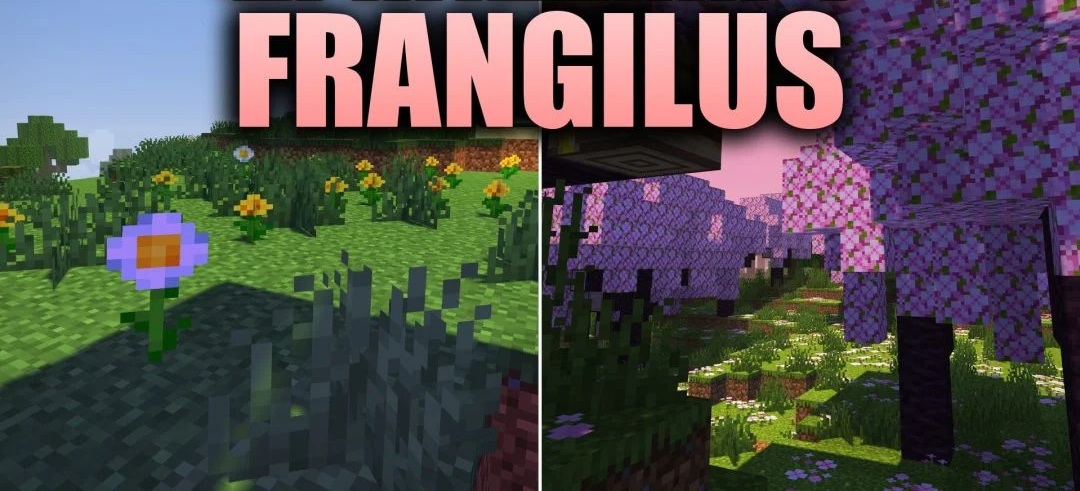
Different dimensions receive their own visual design in Frangilus Shaders. The Overworld uses warm cartoon-like lighting, a colorful sky, and animated water with an effect of constant surface movement. The Nether changes more strongly depending on the specific biome: each region is assigned its own color tone that emphasizes its environment.
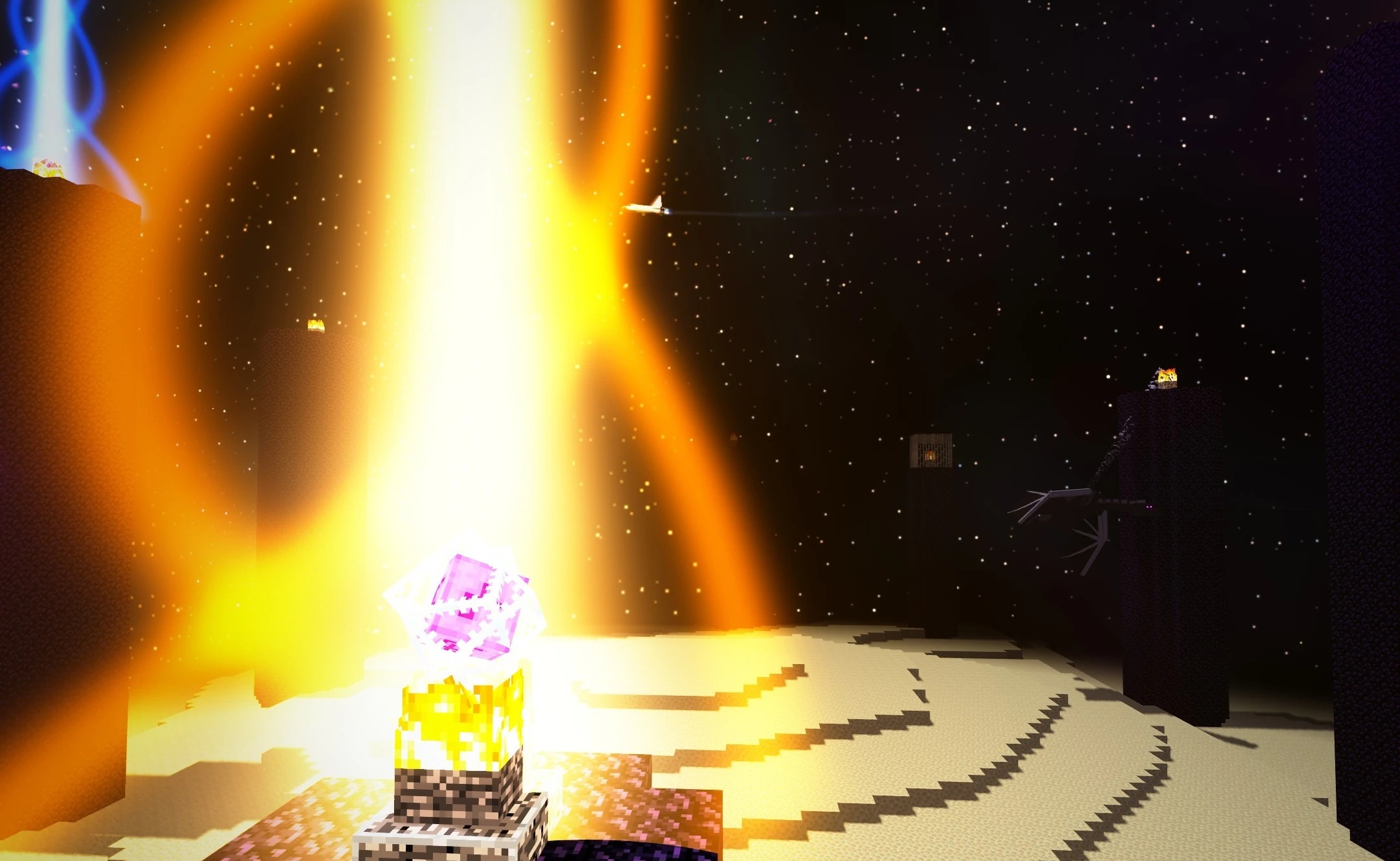
The End receives the most unusual redesign. Instead of the familiar dark void, space appears with Earth, galaxies, shuttles, and a floating astronaut. Despite the number of visual changes, the pack is designed for low and medium hardware settings.
How to install a shader:
First step: download the shader package from the link below.
Second step: Unpack the downloaded archive and copy the Frangilus Shaders folder to c:\Users\User\AppData\Roaming\.minecraft\shaderpacks\(if this folder does not exist, create it yourself) (For Windows)
Third step: In the game, go to Settings, then to Graphics Settings. Select the "shaders" section and activate the shader pack of your choice.
Comments (0)