



Galaxy’S Shaders for Minecraft 26.3
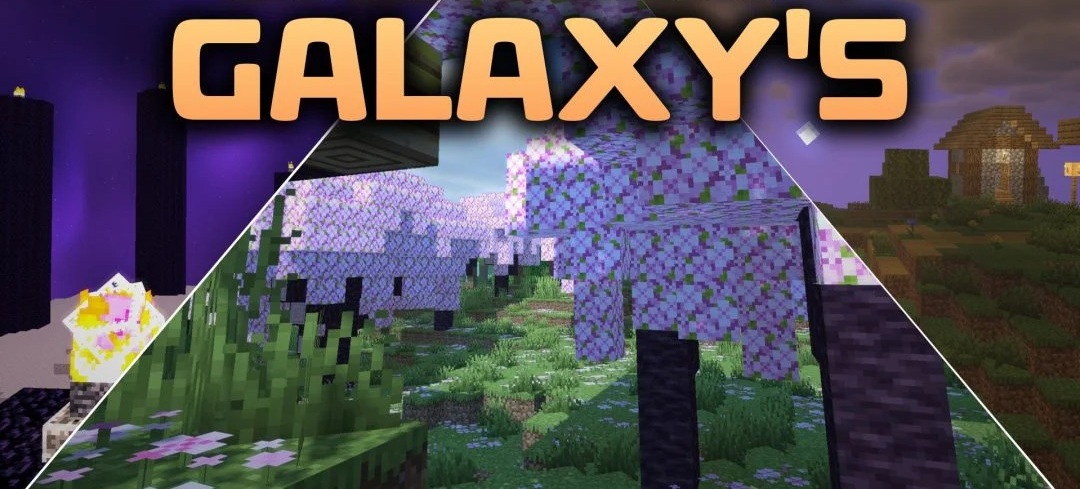
Galaxy’S Shaders offers light cartoon-style lighting without heavy effects. The pack makes blocks, the sky, and overall lighting brighter and cleaner while preserving simple graphics that do not overload the screen with additional reflections and complex post-processing effects.
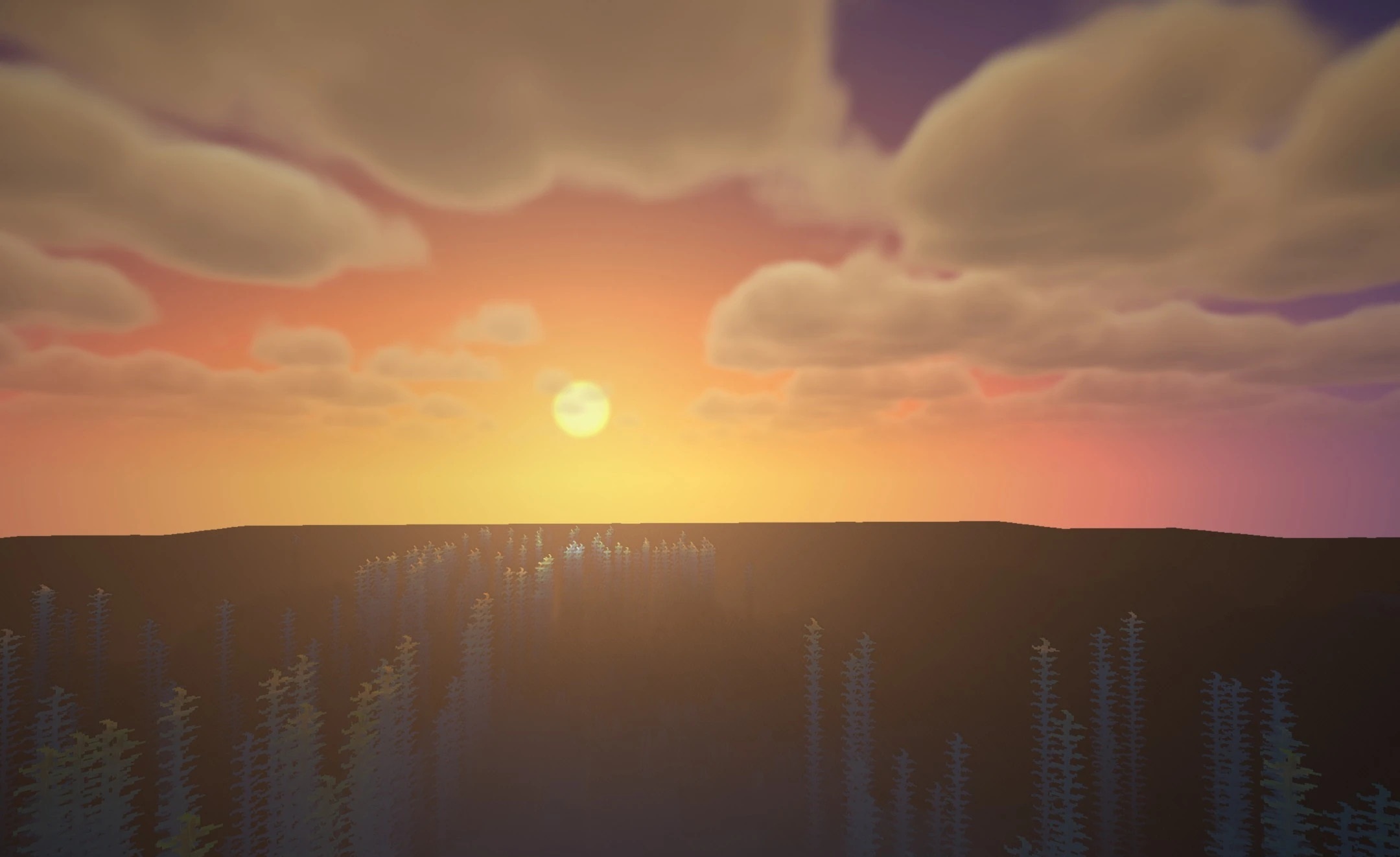
The main focus is on performance: the shader is designed for budget computers and inexpensive laptops, where heavier packs quickly reduce the frame rate. The visual quality falls between basic and medium—the image becomes noticeably more expressive than vanilla graphics but does not require significant resources. High performance is maintained during regular survival gameplay, while the surrounding world gains a more cohesive animated look.
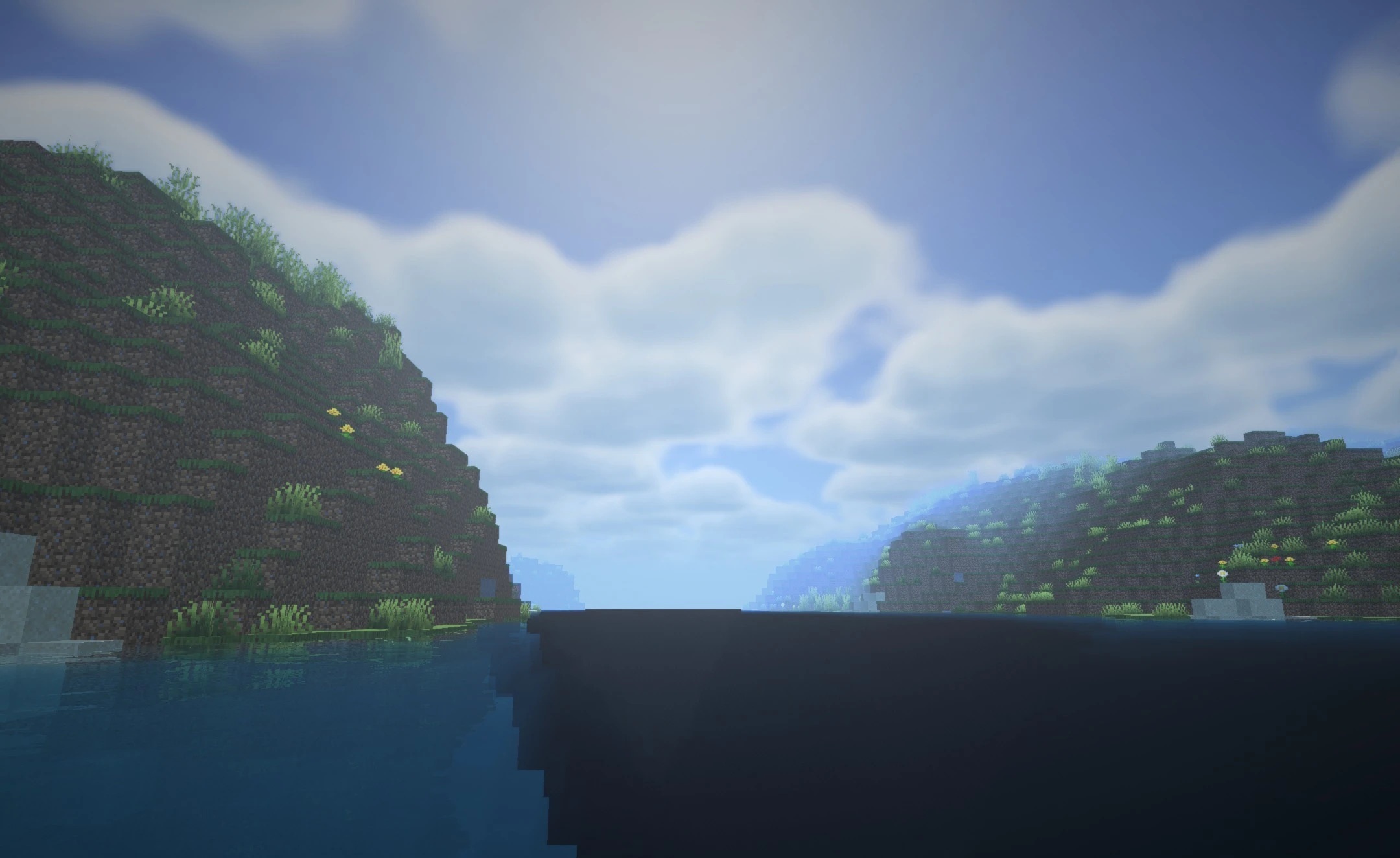
How to install a shader:
First step: download the shader package from the link below.
Second step: Unpack the downloaded archive and copy the Galaxy’S Shaders folder to c:\Users\User\AppData\Roaming\.minecraft\shaderpacks\(if this folder does not exist, create it yourself) (For Windows)
Third step: In the game, go to Settings, then to Graphics Settings. Select the "shaders" section and activate the shader pack of your choice.
Comments (0)