



Hearthlight Shaders for Minecraft 26.3
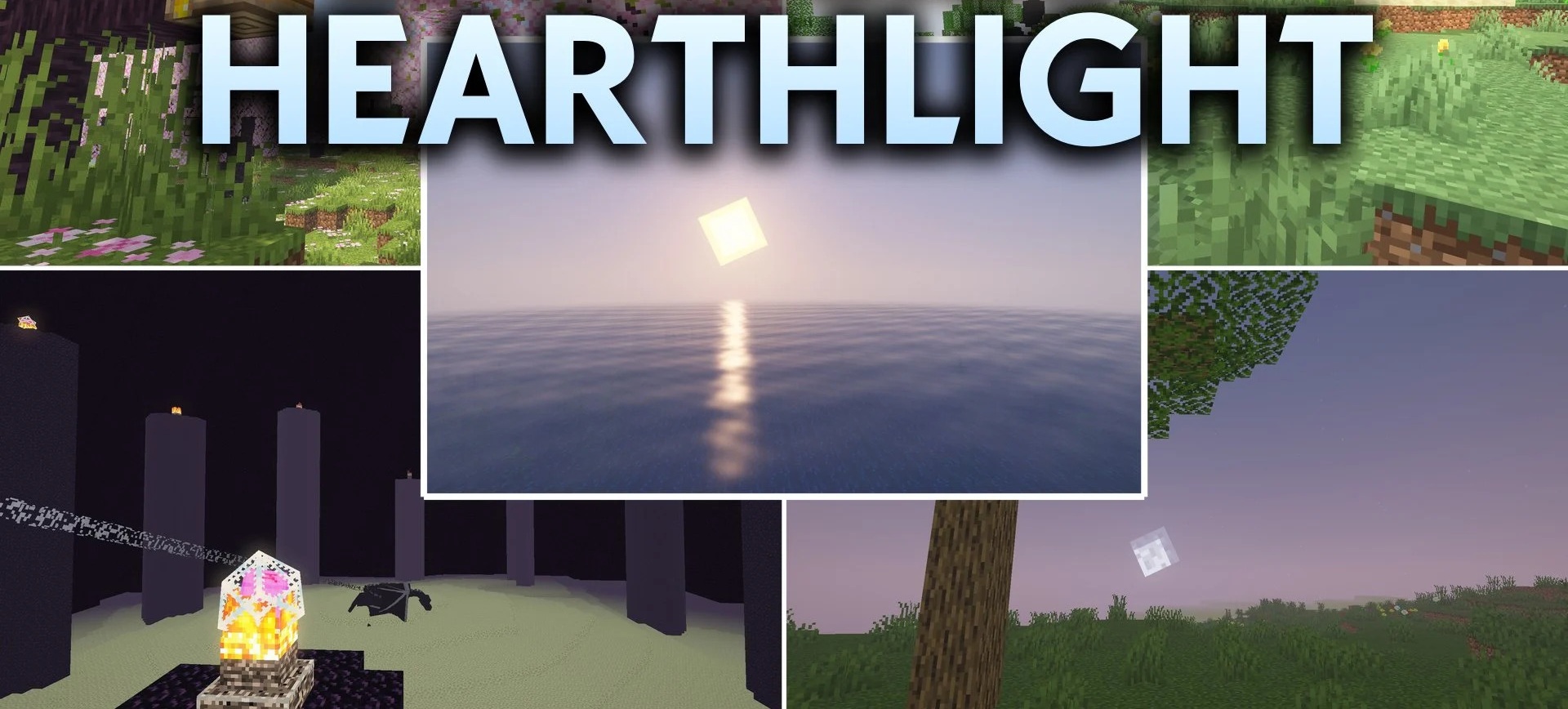
The warm light of torches, lanterns, and campfires sets the mood of Hearthlight Shaders. The pack enhances local light sources, adding a soft glow without harsh color filters. Shadows smoothly react to the position of the sun and moon, while a slight blur effect appears around bright blocks and the morning sky.
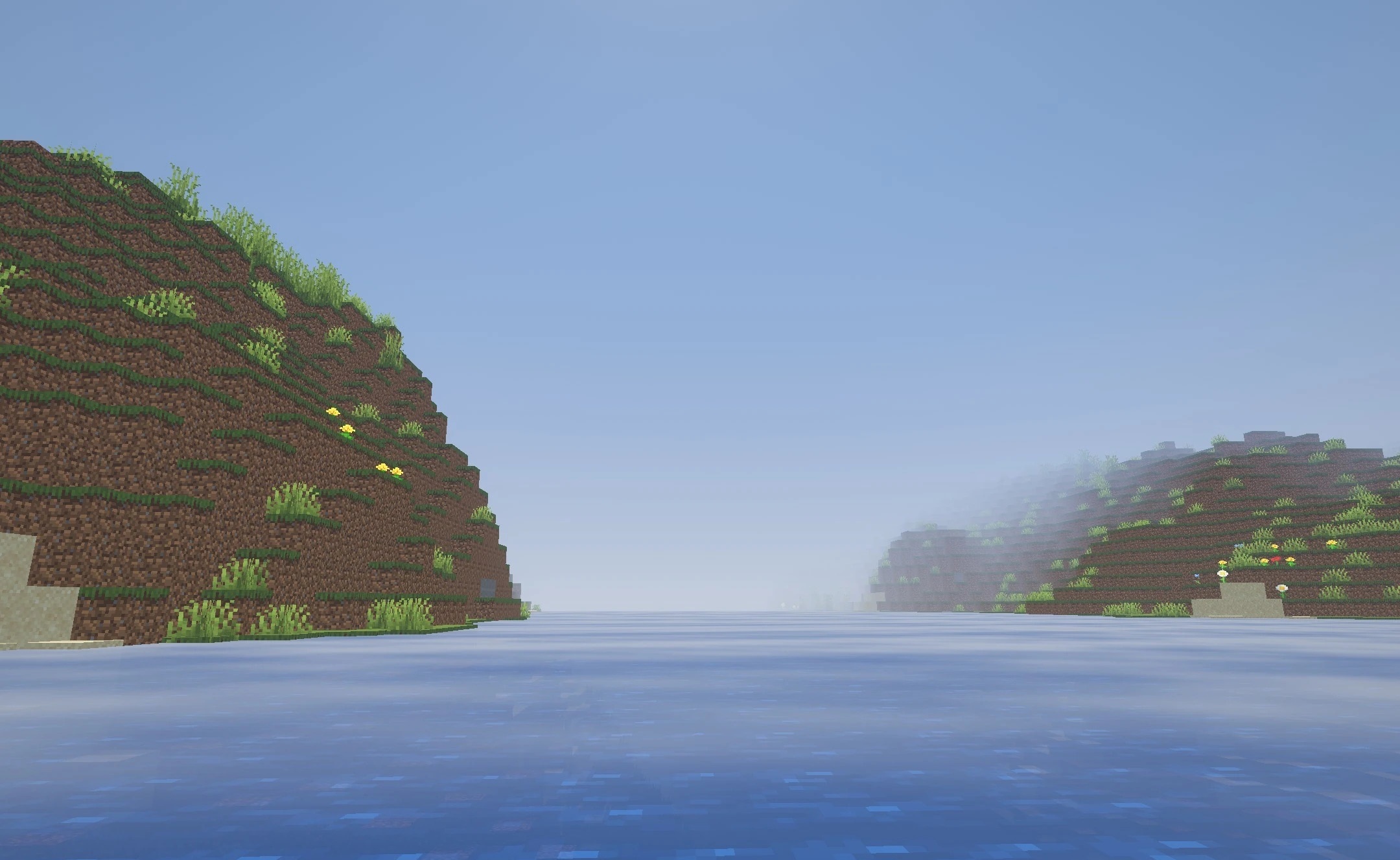
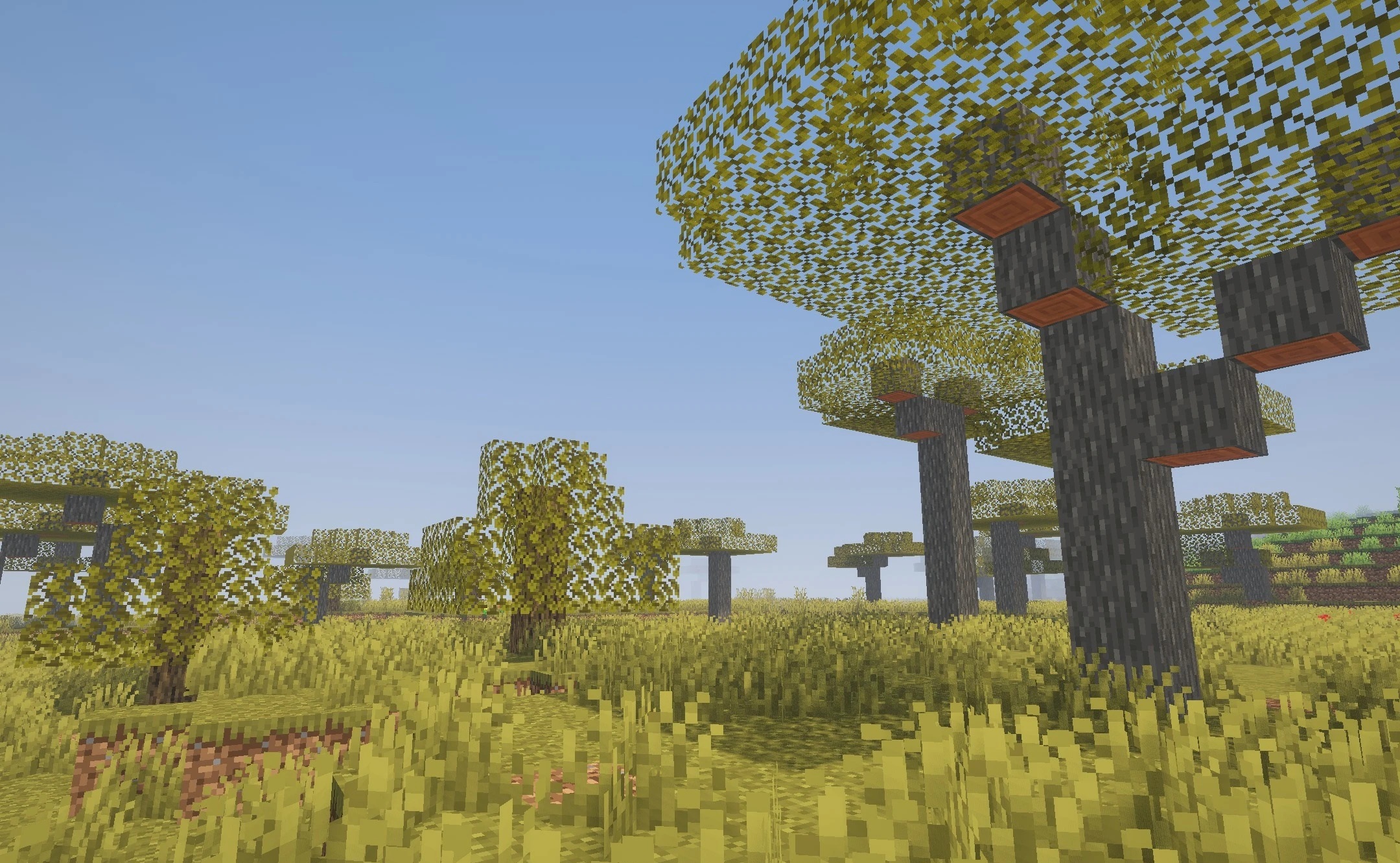
Vegetation also gains movement: leaves, crops, and tall grass gently sway in the wind. In caves, light sources become more expressive, making glowing blocks easier to distinguish in the darkness. The optimization is designed for older graphics cards and weaker hardware, preserving smooth performance while improving the lighting.
How to install a shader:
First step: download the shader package from the link below.
Second step: Unpack the downloaded archive and copy the Hearthlight Shaders folder to c:\Users\User\AppData\Roaming\.minecraft\shaderpacks\(if this folder does not exist, create it yourself) (For Windows)
Third step: In the game, go to Settings, then to Graphics Settings. Select the "shaders" section and activate the shader pack of your choice.
Comments (0)