



Humid Shaders for Minecraft 26.3
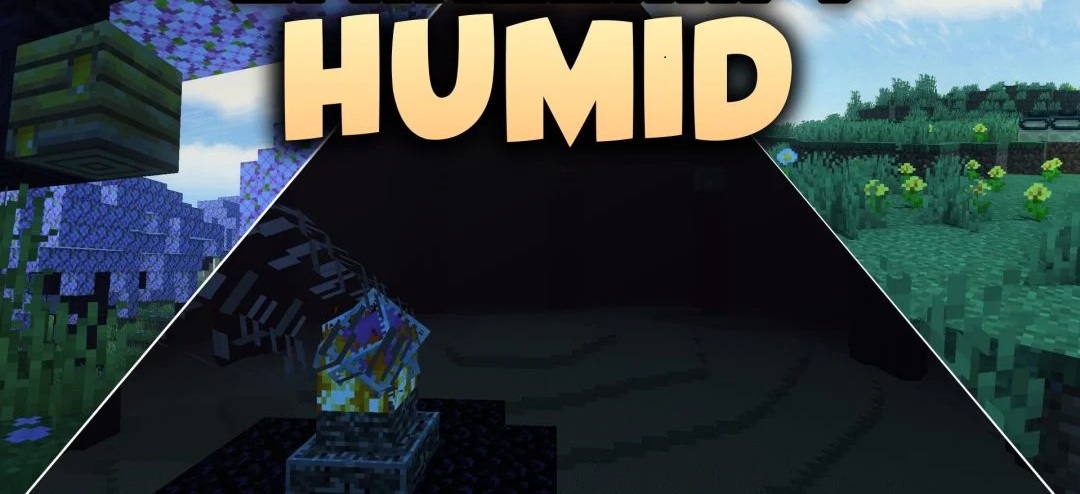
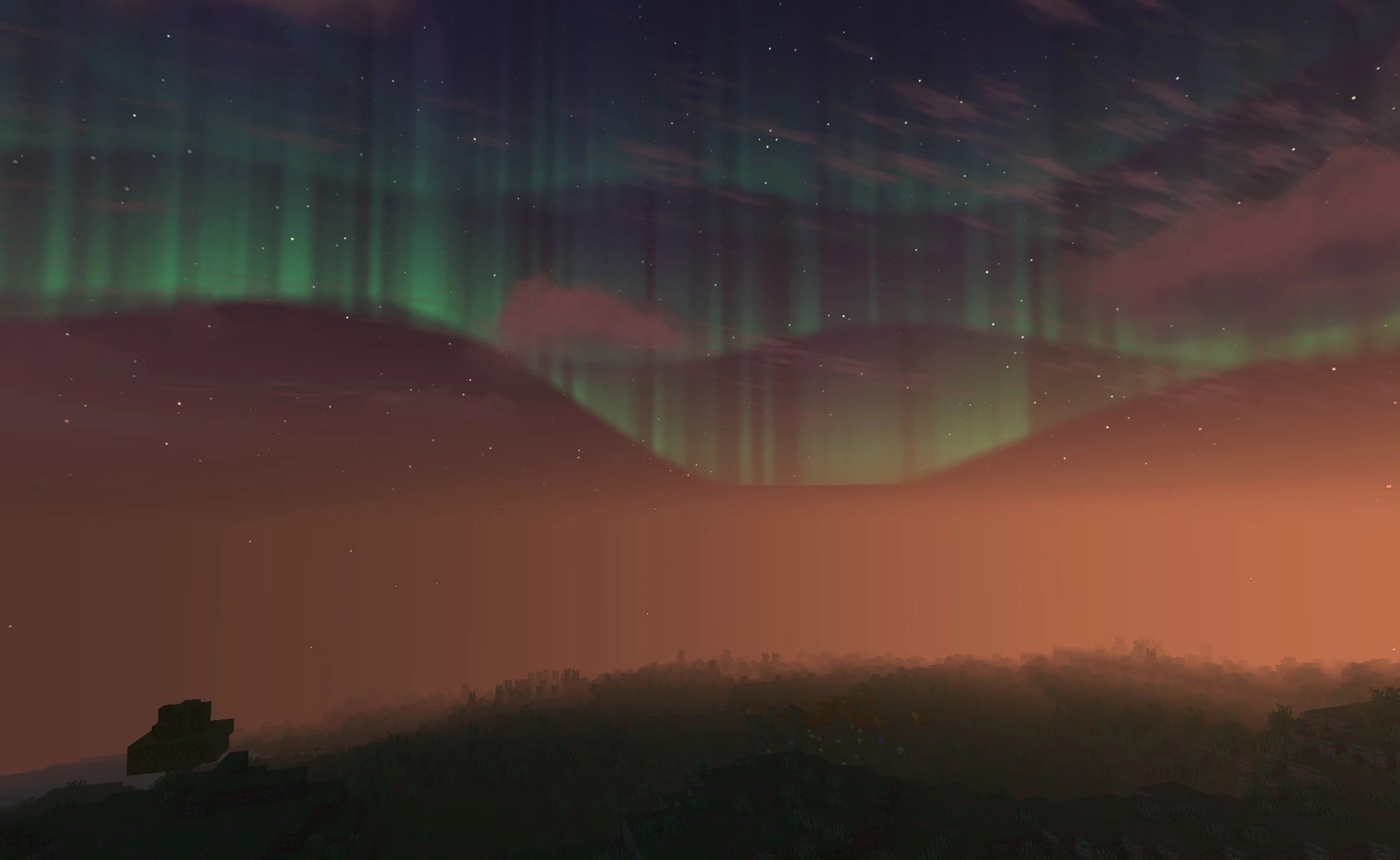
Humid Shaders focuses on soft lighting and performance. The pack adds neat shadows under blocks, trees, and terrain elements, while torches and glowstone receive a soft glow around the light source. The color rendering remains close to realistic and does not shift toward excessively saturated or fantastical shades.

The main purpose of the shader is to improve image depth without putting a serious load on the system, so it is designed for weaker computers as well. Visual settings can be adjusted manually, allowing individual effects to be changed and the balance between quality and performance to be controlled.
How to install a shader:
First step: download the shader package from the link below.
Second step: Unpack the downloaded archive and copy the Humid Shaders folder to c:\Users\User\AppData\Roaming\.minecraft\shaderpacks\(if this folder does not exist, create it yourself) (For Windows)
Third step: In the game, go to Settings, then to Graphics Settings. Select the "shaders" section and activate the shader pack of your choice.
Comments (0)