



IttaPROcraft ULTIMATE Shaders for Minecraft 26.3
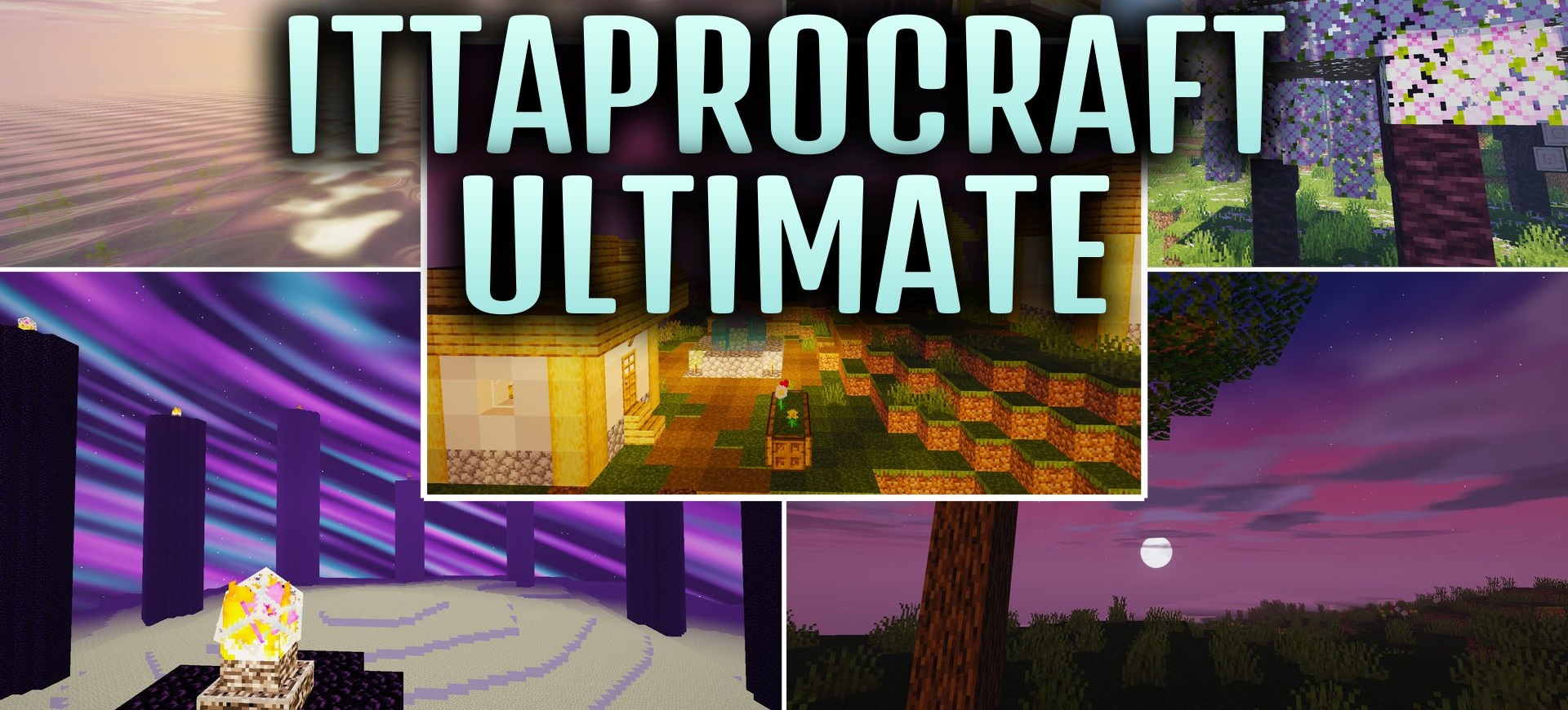
The sky and water receive the main visual overhaul in IttaPROcraft ULTIMATE Shaders. Lakes and oceans become more transparent and gain natural surface movement, while trees and buildings cast soft shadows. The upper part of the world is filled with volumetric 3D clouds slowly drifting across the sky.
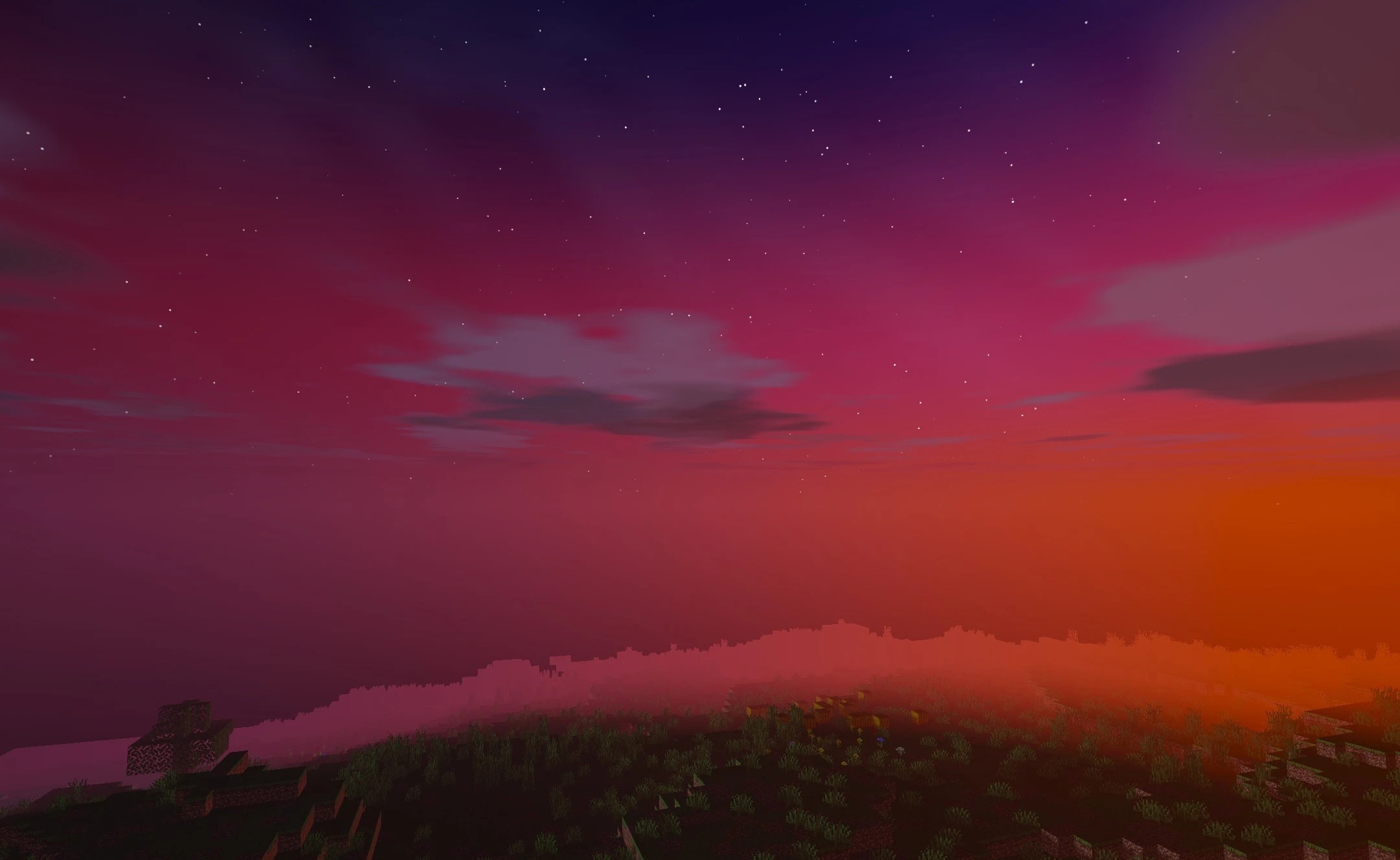
The sun becomes round, the moon displays its phases, and evening horizons take on warm sunset colors. Twinkling stars appear at night, while the shade of the sky itself changes depending on the current biome. As a result, each part of the day gains its own character, and the surrounding landscape looks more varied.
How to install a shader:
First step: download the shader package from the link below.
Second step: Unpack the downloaded archive and copy the IttaPROcraft ULTIMATE Shaders folder to c:\Users\User\AppData\Roaming\.minecraft\shaderpacks\(if this folder does not exist, create it yourself) (For Windows)
Third step: In the game, go to Settings, then to Graphics Settings. Select the "shaders" section and activate the shader pack of your choice.
Comments (0)