



Java Vibrant Visuals Shaders for Minecraft 26.3
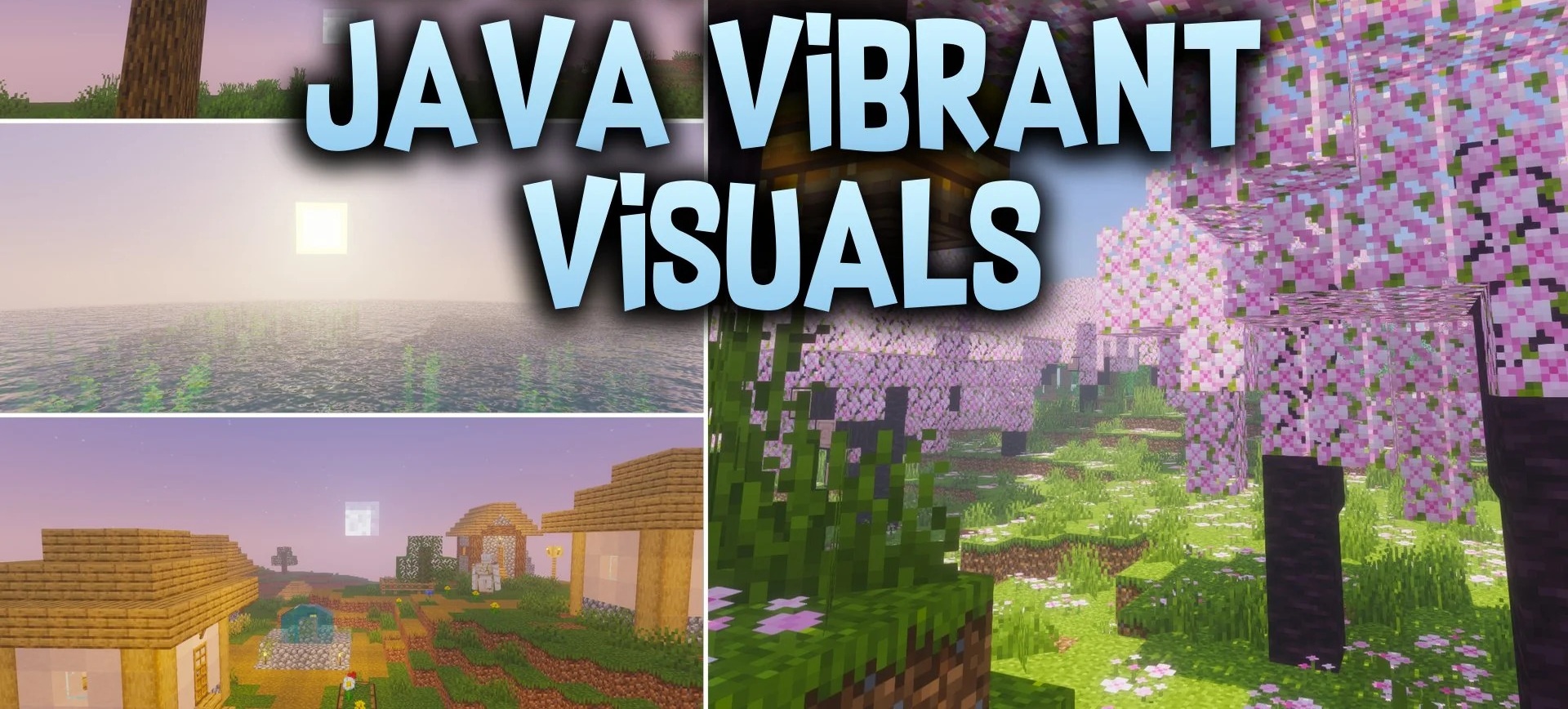
The Java Vibrant Visuals Shaders shader pack does not try to make Minecraft look like a photograph. Instead, its visual style is built around familiar pixel art, complemented by modern lighting effects. For example, shadows retain their characteristic square shape, which fits well with the geometry of the blocks.
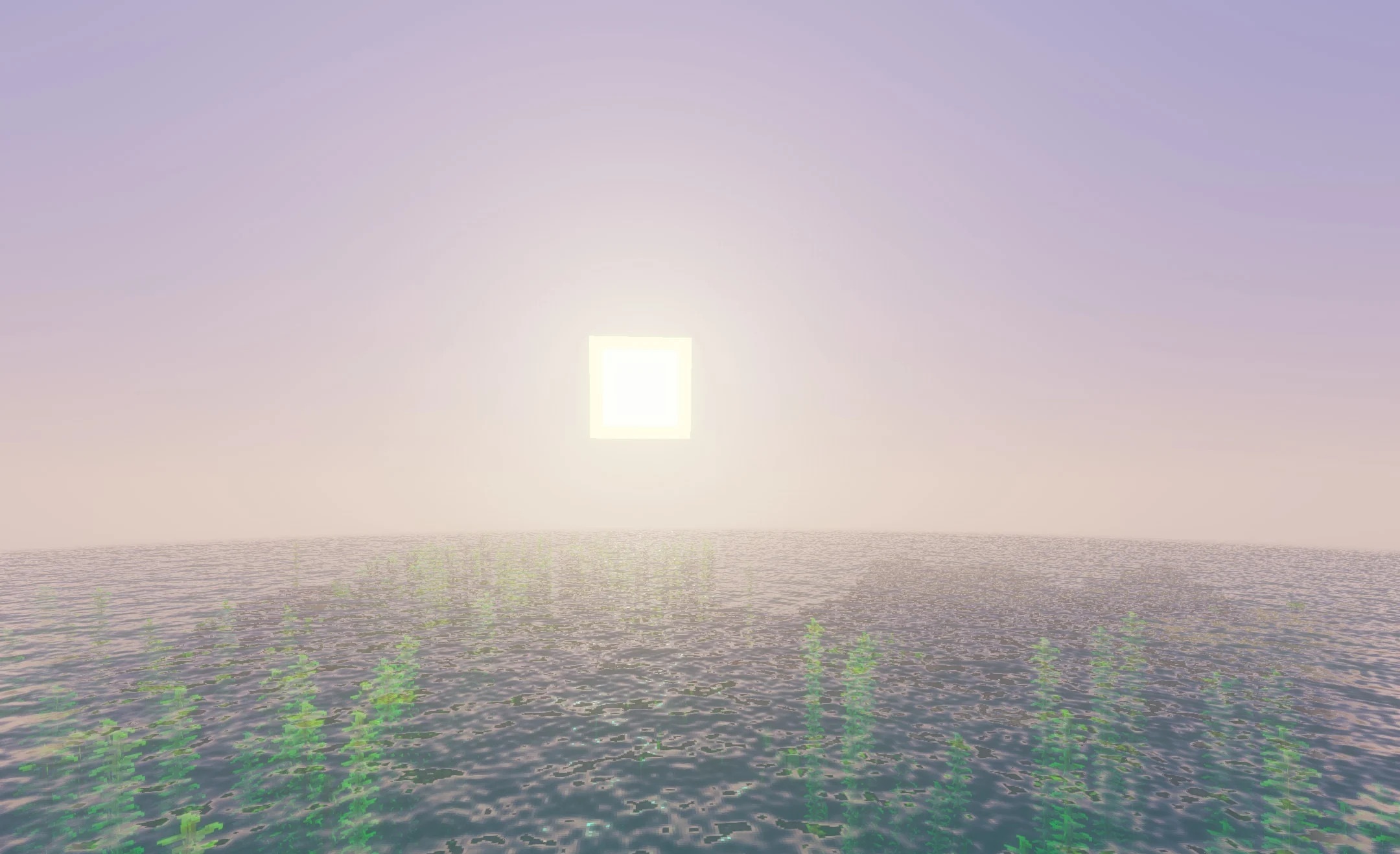
At the same time, the light sources themselves are handled differently, making the surrounding surfaces look more striking. Reflections appear, and the lighting becomes more varied. Interestingly, the author does not try to smooth every edge or hide the cubic nature of the world.
How to install the shader:
First step: Download the shader pack using the link below.
Second step: Unpack the downloaded archive and copy the folder to the following path: c:\Users\Пользователь\AppData\Roaming\.minecraft\shaderpacks\ (if this folder does not exist, create it yourself) (For Windows)
Third step: In the game, go to Settings, then Graphics Settings. Select the "Shaders" section and activate your chosen shader pack.
Comments (0)