



Kuwahara Shaders for Minecraft 26.3
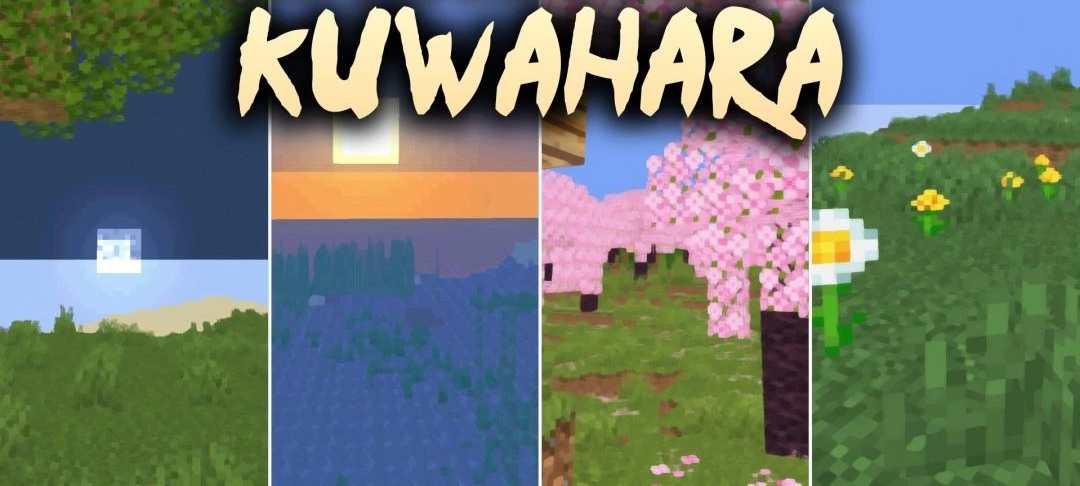
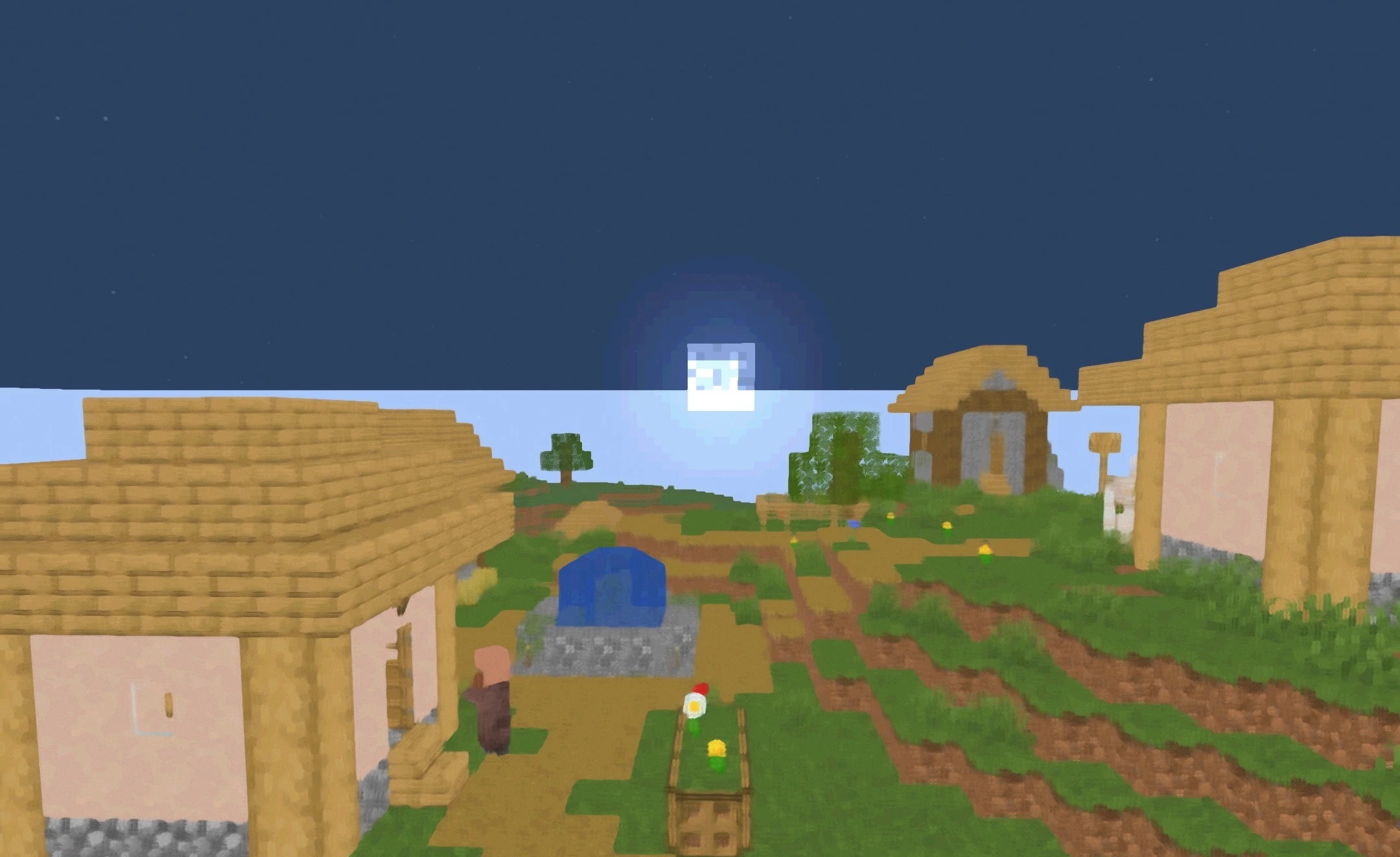
Surfaces in Kuwahara Shaders look as if they have been processed with an oil painting filter. The pack smooths the sharp pixelated edges of textures, turning standard blocks into softer patches of color while preserving the cubic structure of the world itself. The filter is applied to the landscape, sky, and scenes with mobs, so the overall style remains consistent in different situations.
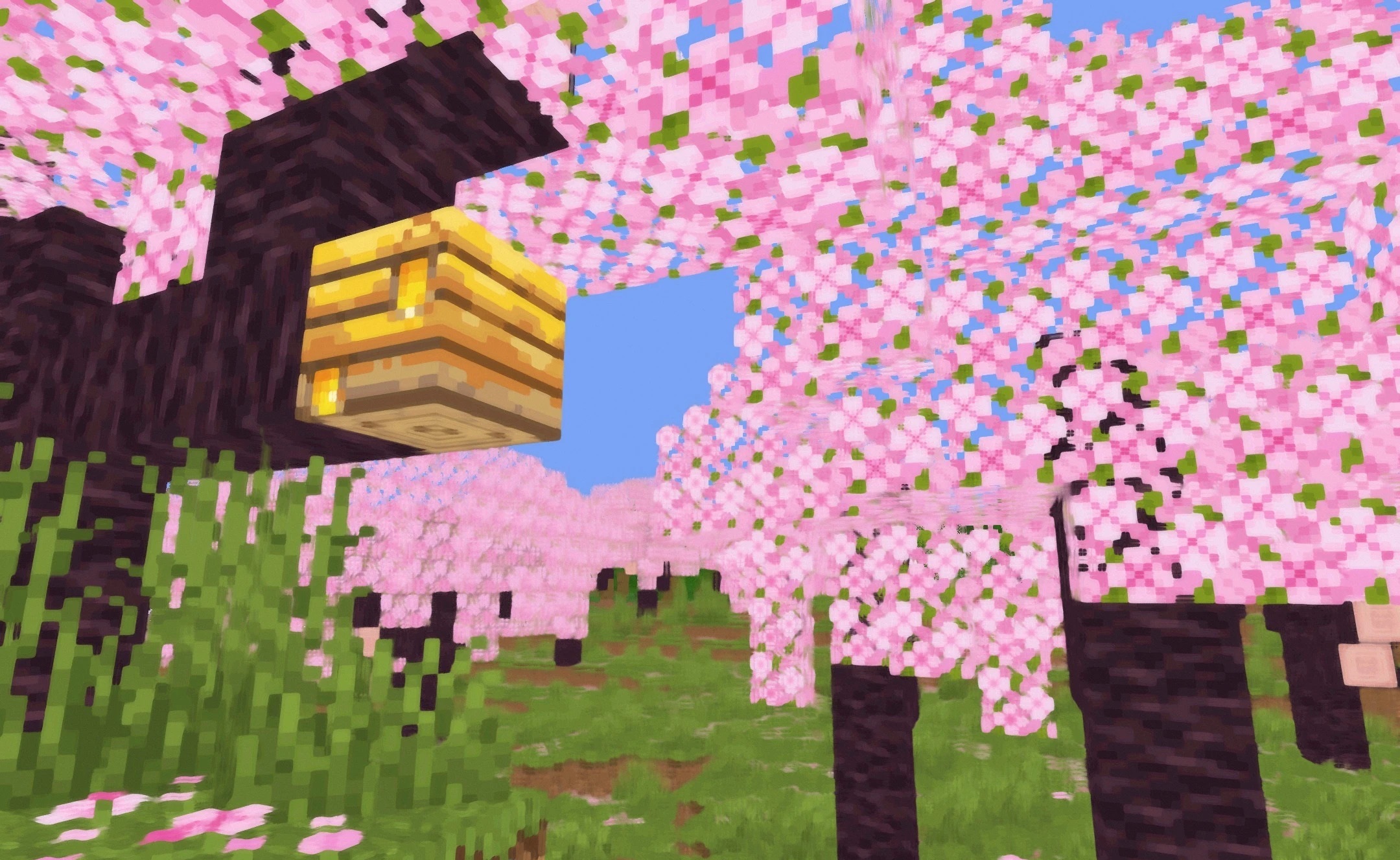
Bright surfaces and light sources additionally receive a soft glow that enhances the illustrative effect. Despite the unusual processing, blocks remain easy to distinguish and do not lose their basic shape.
How to install a shader:
First step: download the shader package from the link below.
Second step: Unpack the downloaded archive and copy the Kuwahara Shaders folder to c:\Users\User\AppData\Roaming\.minecraft\shaderpacks\(if this folder does not exist, create it yourself) (For Windows)
Third step: In the game, go to Settings, then to Graphics Settings. Select the "shaders" section and activate the shader pack of your choice.
Comments (0)