



Lavi_bloomz Shaders for Minecraft 26.3
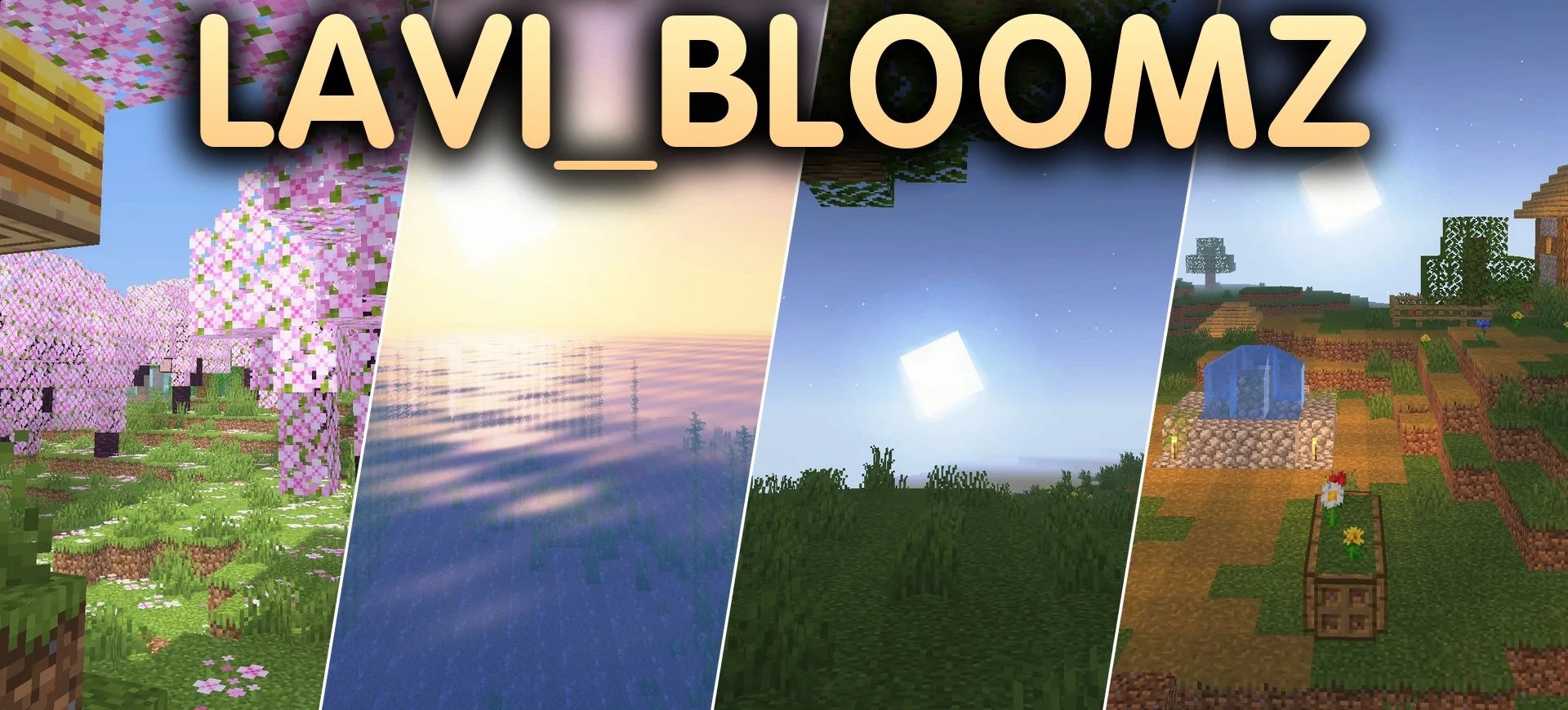
Lavi_bloomz Shaders focuses on soft lighting and performance. Torches and lanterns gain warm, colored lighting that spreads smoothly across neighboring blocks, while bright objects create a subtle bloom effect in dark rooms. Soft shadows appear beneath trees and buildings, adding depth without harsh contrasts.
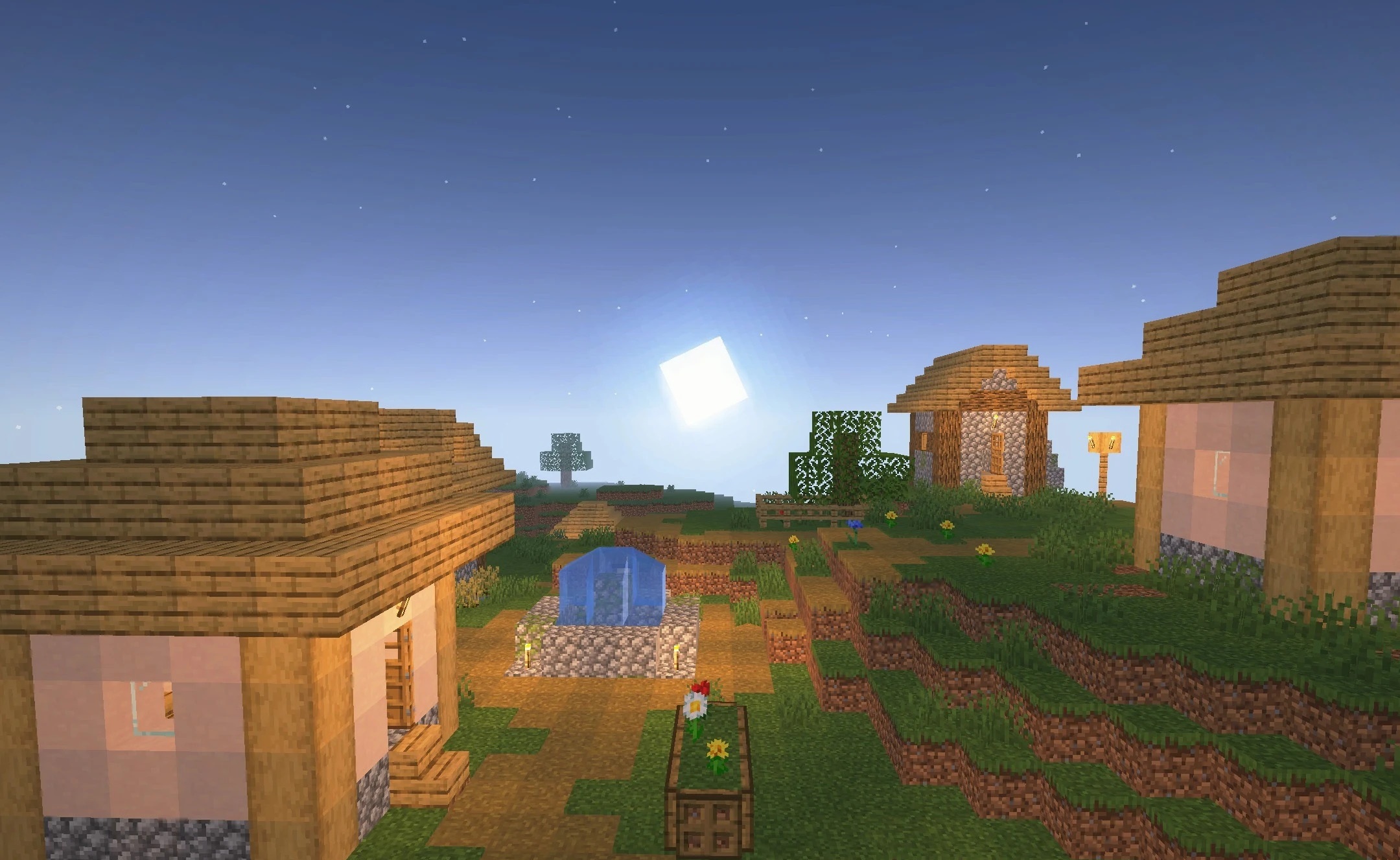
Ambient lighting remains semi-realistic, but the world's overall blocky shape does not change, so the shader preserves the vanilla look and feel of the landscape. The pack is designed for low-end systems and aims to maintain a high frame rate without demanding effects.
How to install a shader:
First step: download the shader package from the link below.
Second step: Unpack the downloaded archive and copy the Lavi_bloomz Shaders folder to c:\Users\User\AppData\Roaming\.minecraft\shaderpacks\(if this folder does not exist, create it yourself) (For Windows)
Third step: In the game, go to Settings, then to Graphics Settings. Select the "shaders" section and activate the shader pack of your choice.
Comments (0)