



Lit Vanilla Plus Shaders for Minecraft 26.3
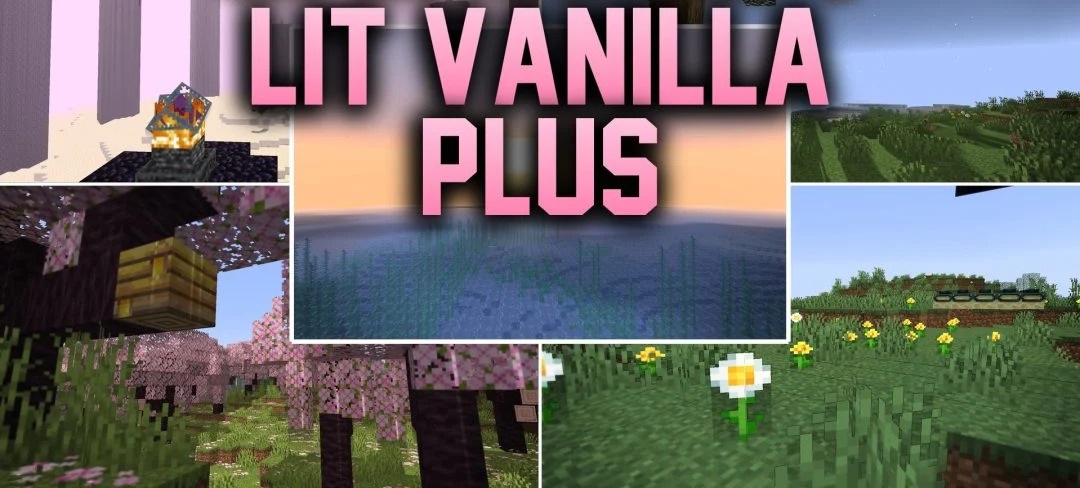
The basic graphics remain at the center of Lit Vanilla Plus Shaders, while the main changes affect lighting and the overall atmosphere. The shader makes the lighting of blocks and the environment more realistic, but does not change the shape of the world or overload the scene with complex effects.
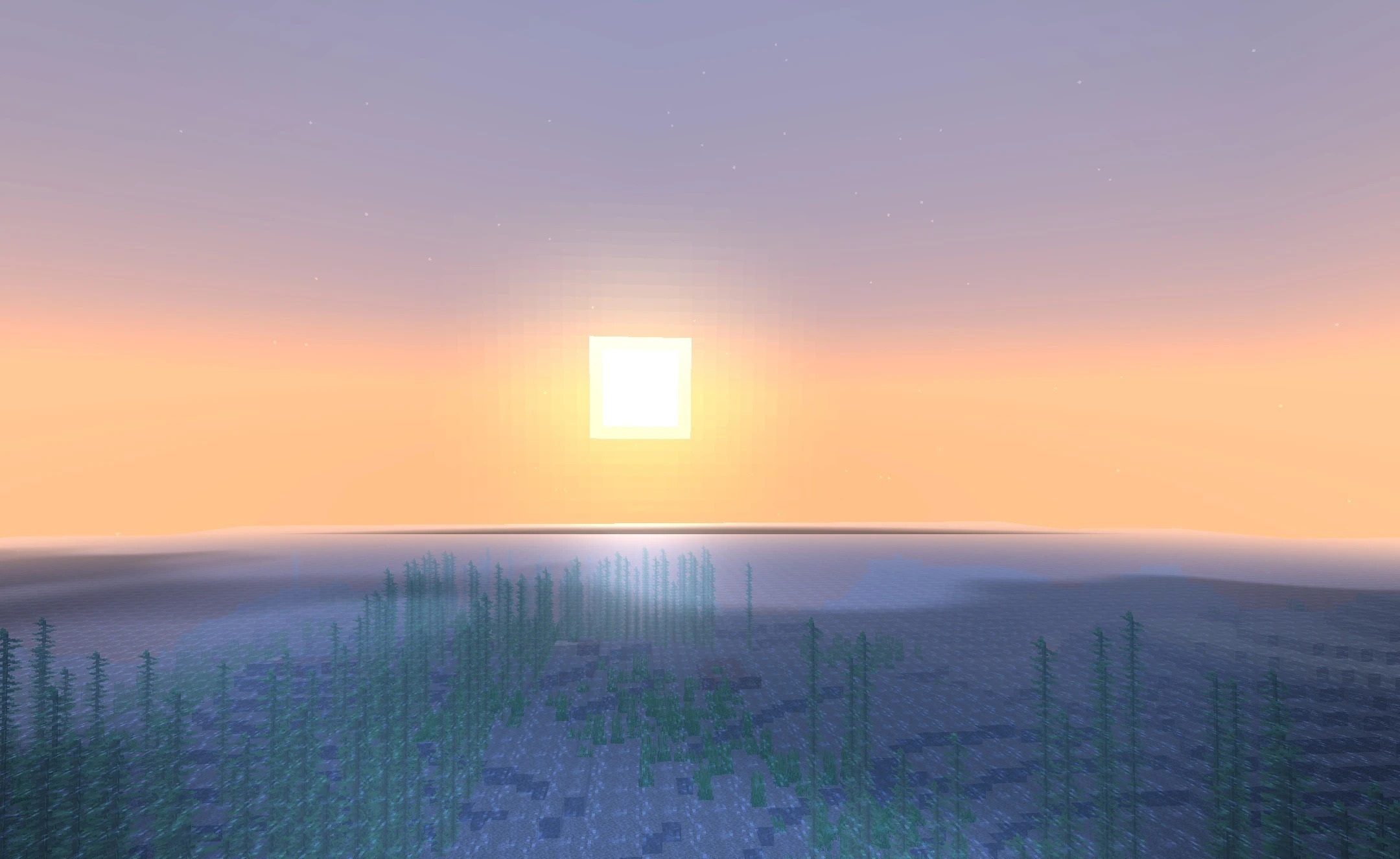
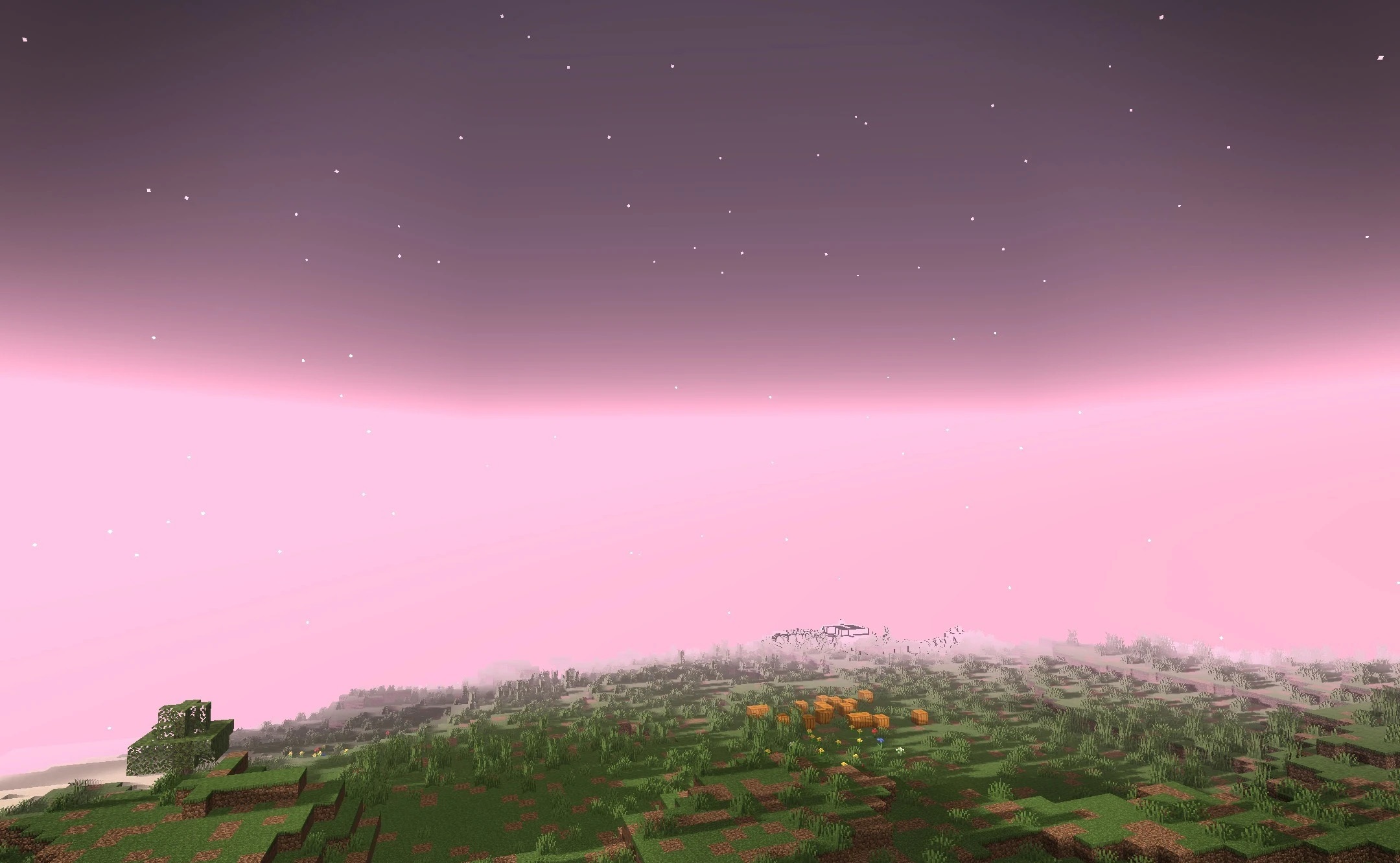
In certain biomes, subtle fantasy elements appear, working as an addition to the vanilla visuals rather than a complete replacement of their style. The colors remain easy to read, so buildings, caves, and natural objects do not get lost behind post-processing. The pack maintains good visibility during exploration and building while adding depth to the scene through updated lighting.
How to install a shader:
First step: download the shader package from the link below.
Second step: Unpack the downloaded archive and copy the Lit Vanilla Plus Shaders folder to c:\Users\User\AppData\Roaming\.minecraft\shaderpacks\(if this folder does not exist, create it yourself) (For Windows)
Third step: In the game, go to Settings, then to Graphics Settings. Select the "shaders" section and activate the shader pack of your choice.
Comments (0)