



Lomborebi Shaders for Minecraft 26.3
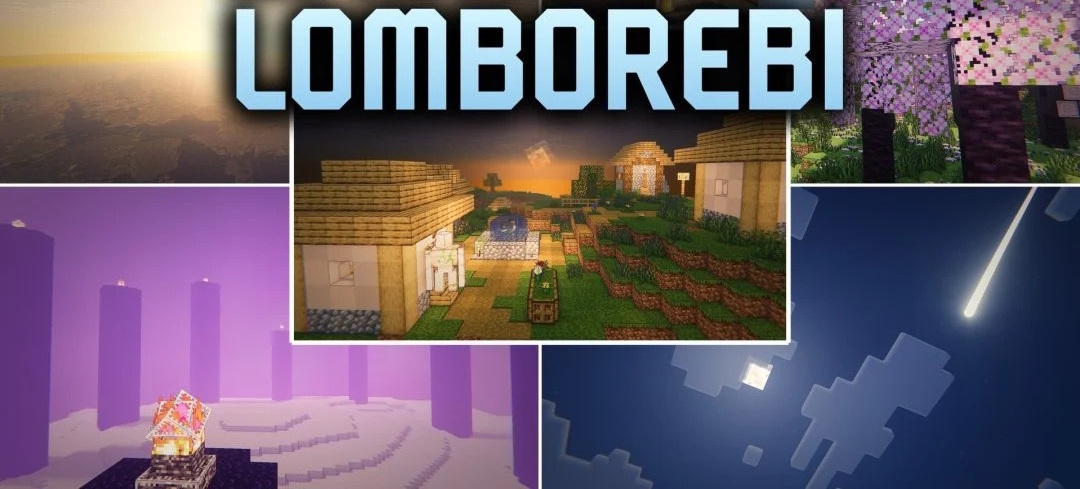
Anime-inspired stylization and cel-shading define the character of Lomborebi Shaders. Blocks gain distinct outlines that make terrain, buildings, and individual surfaces look like elements of a cartoon scene. When aiming at a block, a neat selection outline also appears.
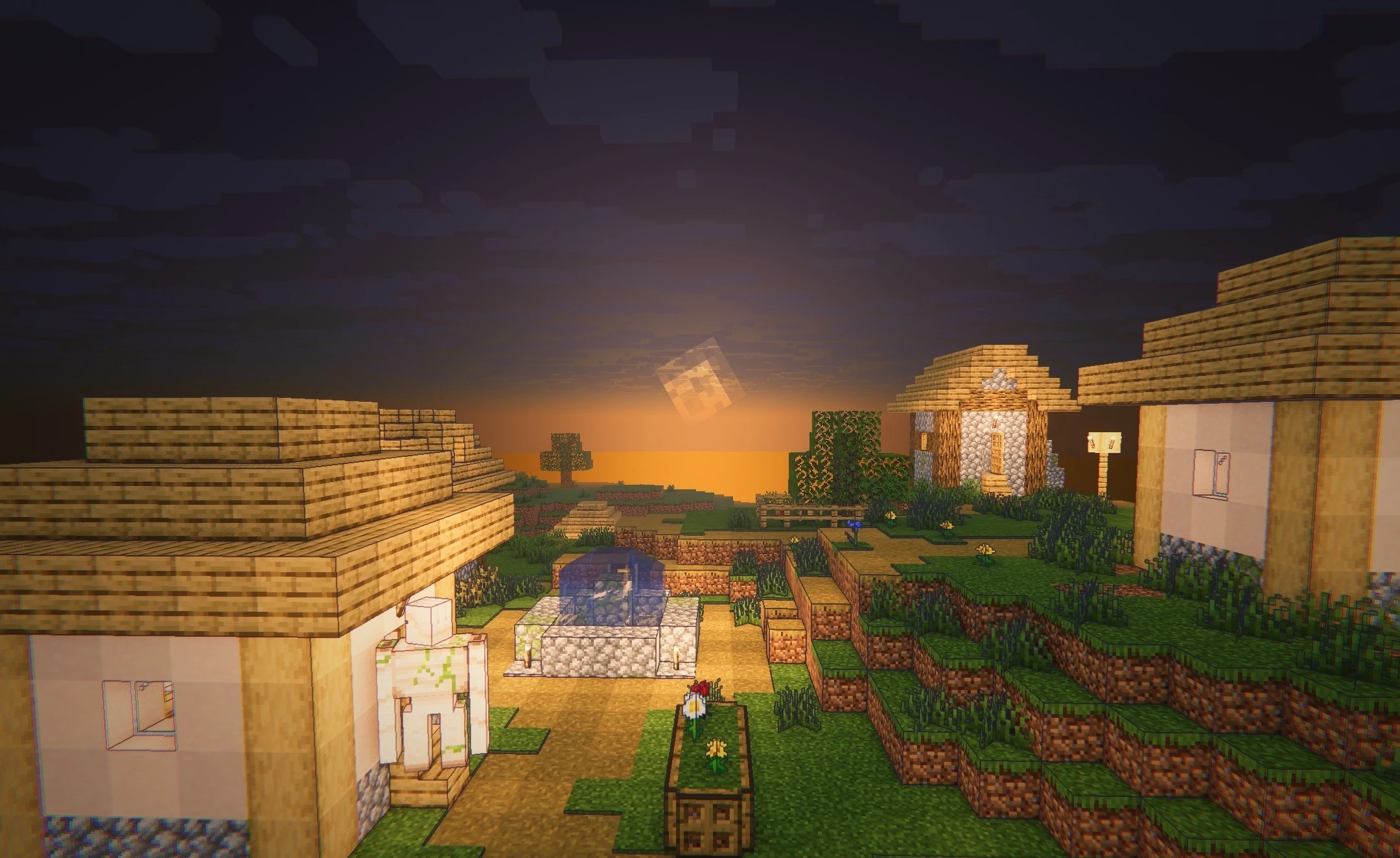
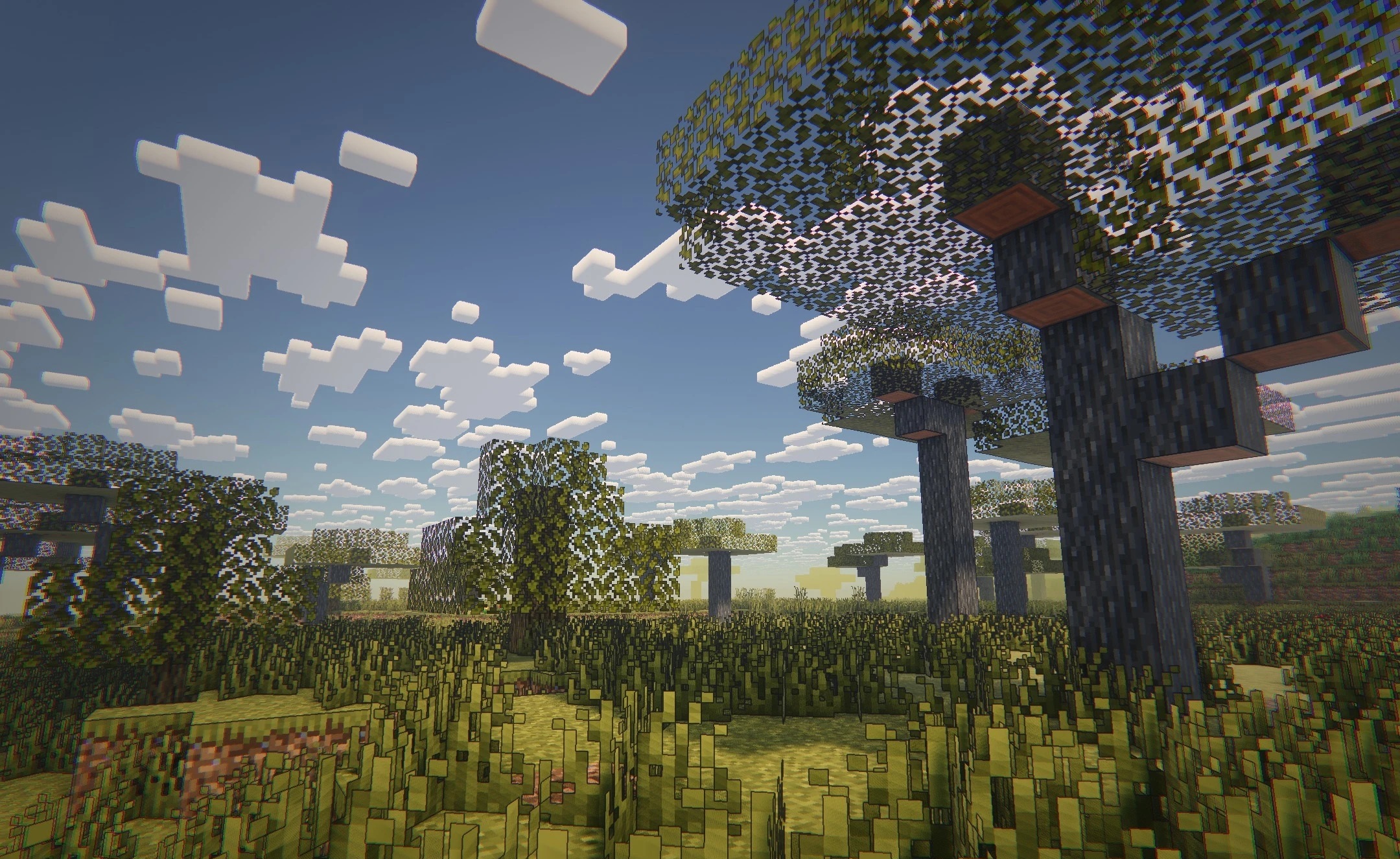
In caves, ores glow in their own bright colors, while underground and nighttime lighting becomes warmer and more saturated. The sky features soft, fluffy clouds; water and materials support reflections and PBR depth, while shadows can be adjusted for a softer or semi-realistic appearance. Profiles ranging from low to high settings are available for different systems.
How to install a shader:
First step: download the shader package from the link below.
Second step: Unpack the downloaded archive and copy the Lomborebi Shaders folder to c:\Users\User\AppData\Roaming\.minecraft\shaderpacks\(if this folder does not exist, create it yourself) (For Windows)
Third step: In the game, go to Settings, then to Graphics Settings. Select the "shaders" section and activate the shader pack of your choice.
Comments (0)