



Lumarit Shaders for Minecraft 26.3
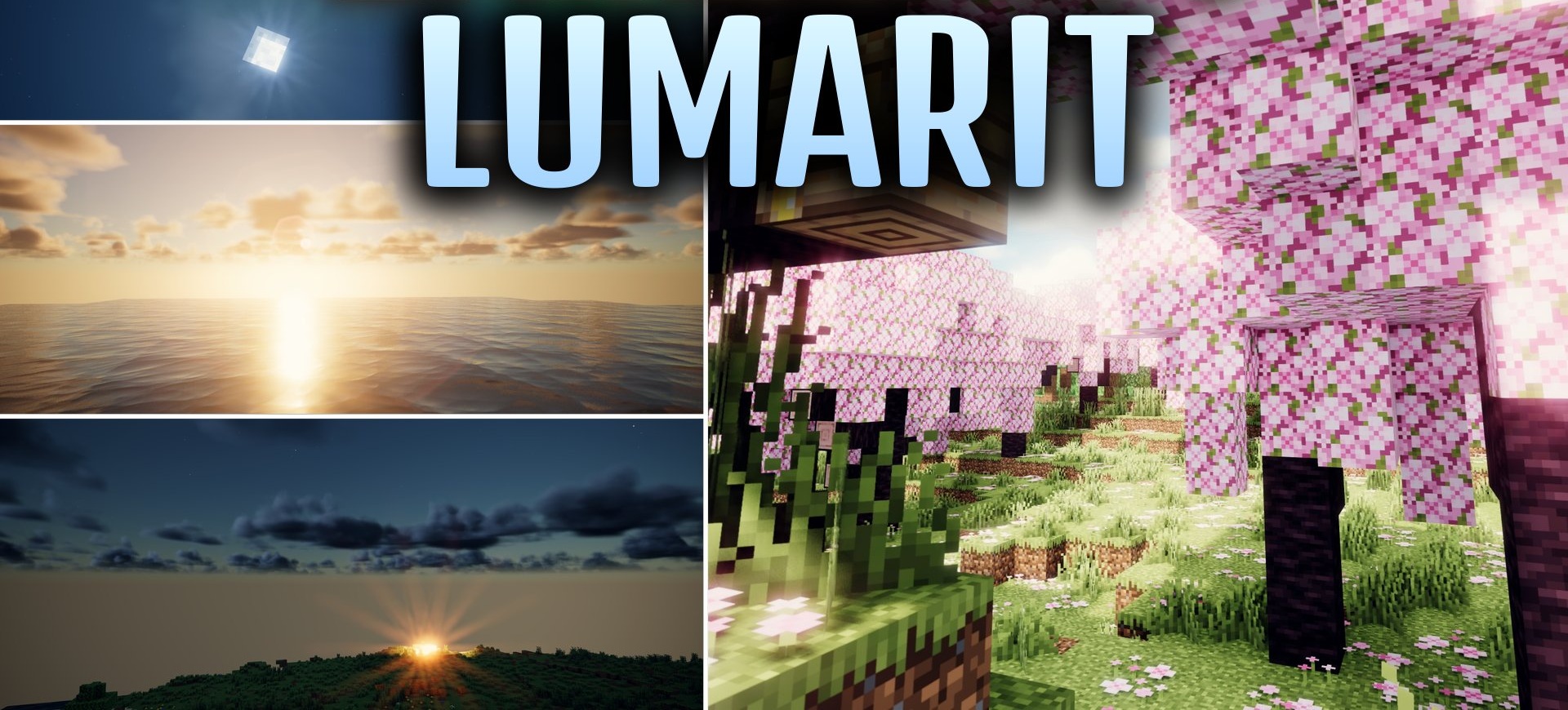
Lumarit Shaders makes the image look like a shot from a camera: exposure, colors, and lighting are adjusted so that scenes appear natural and clean. The pack supports PBR materials, so compatible textures gain roughness, shine, and reflections. Torches and lanterns cast colored light, while a soft, diffused glow appears around bright sources.
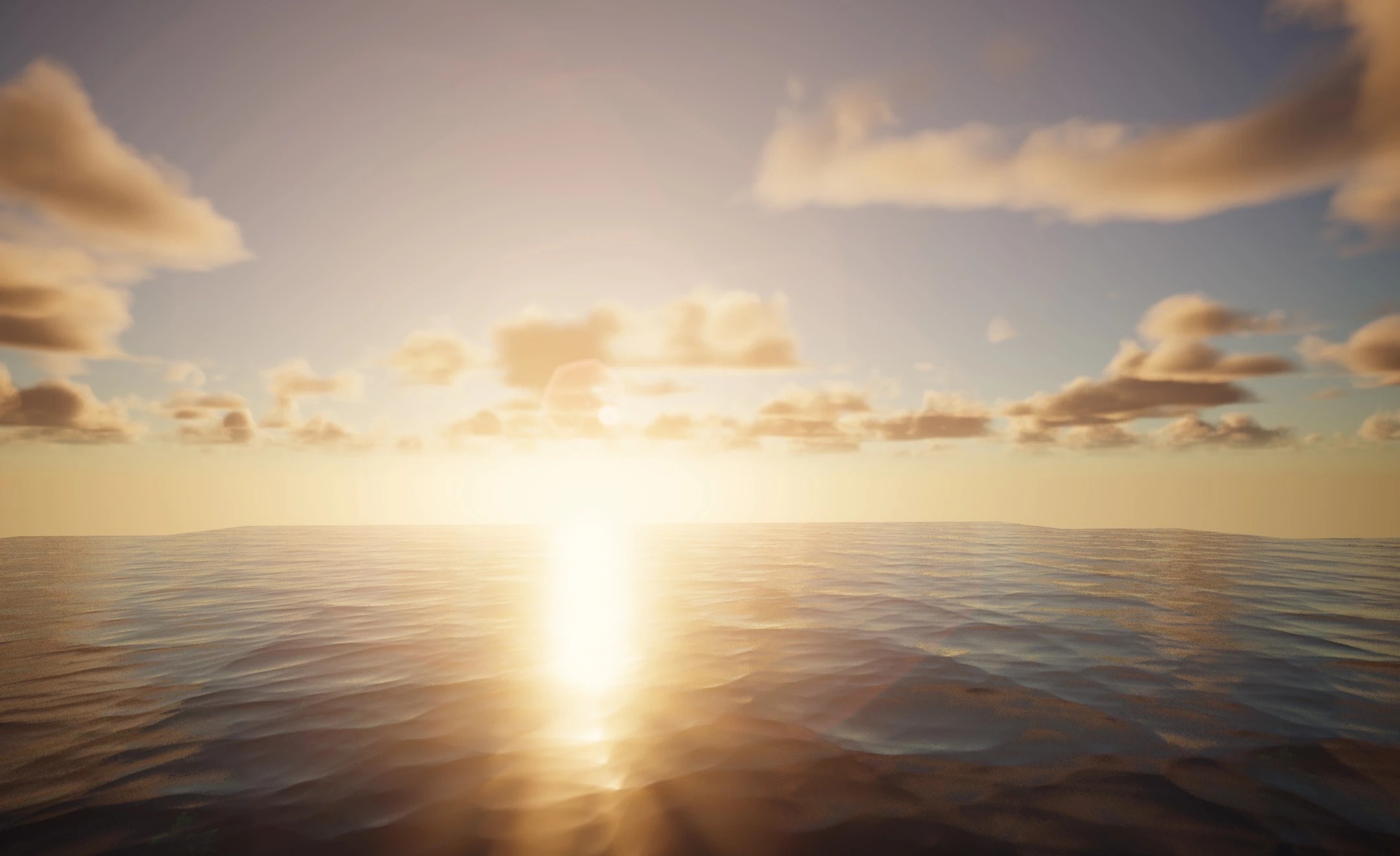
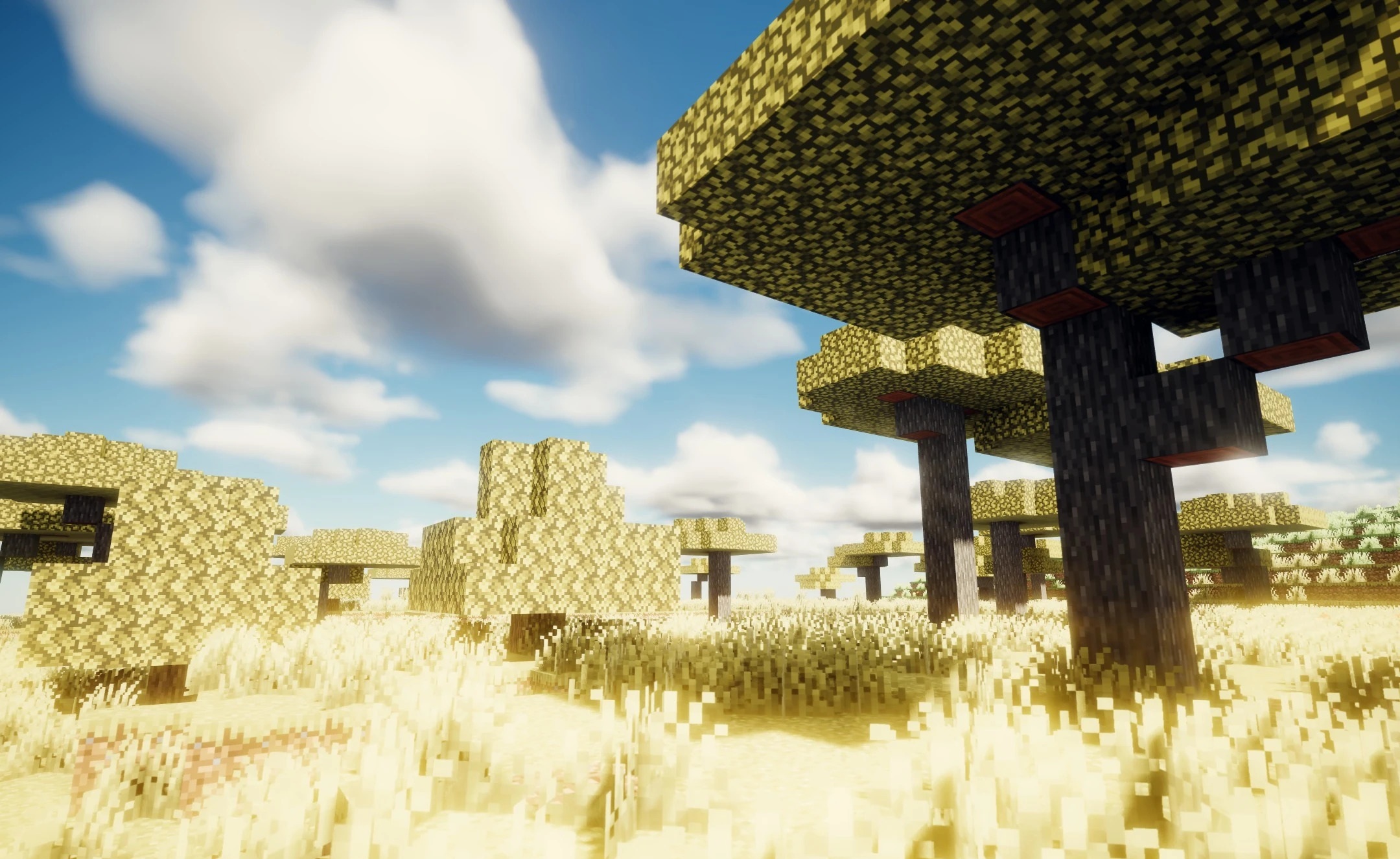
Shadows change smoothly with the positions of the sun and moon without creating overly harsh outlines. Leaves and other vegetation move slightly, bringing life to forests and open biomes. At the same time, the shader is designed for extended gameplay and aims to maintain a stable frame rate.
How to install a shader:
First step: download the shader package from the link below.
Second step: Unpack the downloaded archive and copy the Lumarit Shaders folder to c:\Users\User\AppData\Roaming\.minecraft\shaderpacks\(if this folder does not exist, create it yourself) (For Windows)
Third step: In the game, go to Settings, then to Graphics Settings. Select the "shaders" section and activate the shader pack of your choice.
Comments (2)