



Lumenite Shaders for Minecraft 26.3
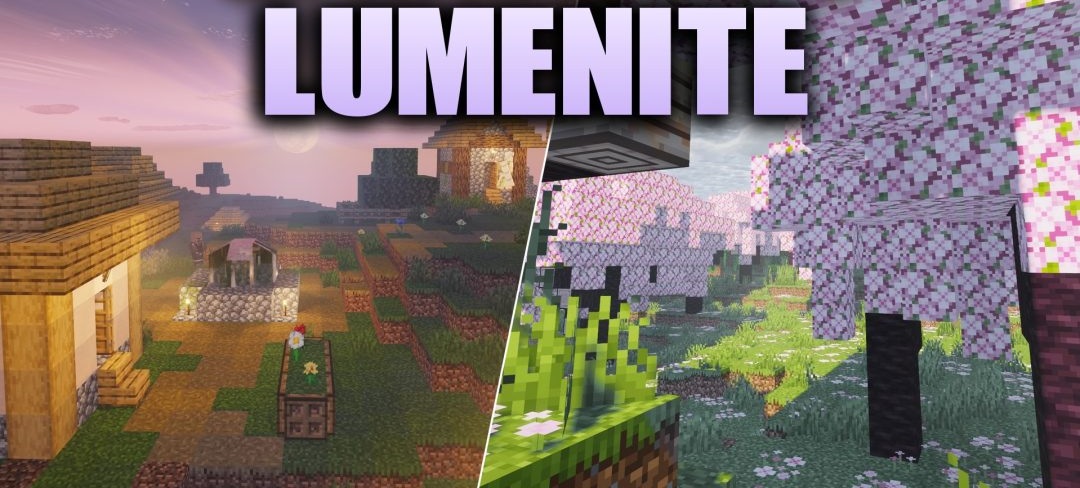
Highly detailed lighting is the main focus of Lumenite Shaders. Light sources tint surrounding blocks with their own colors and can cast full shadows, so torches and lanterns affect the scene more strongly than in ordinary shaders.
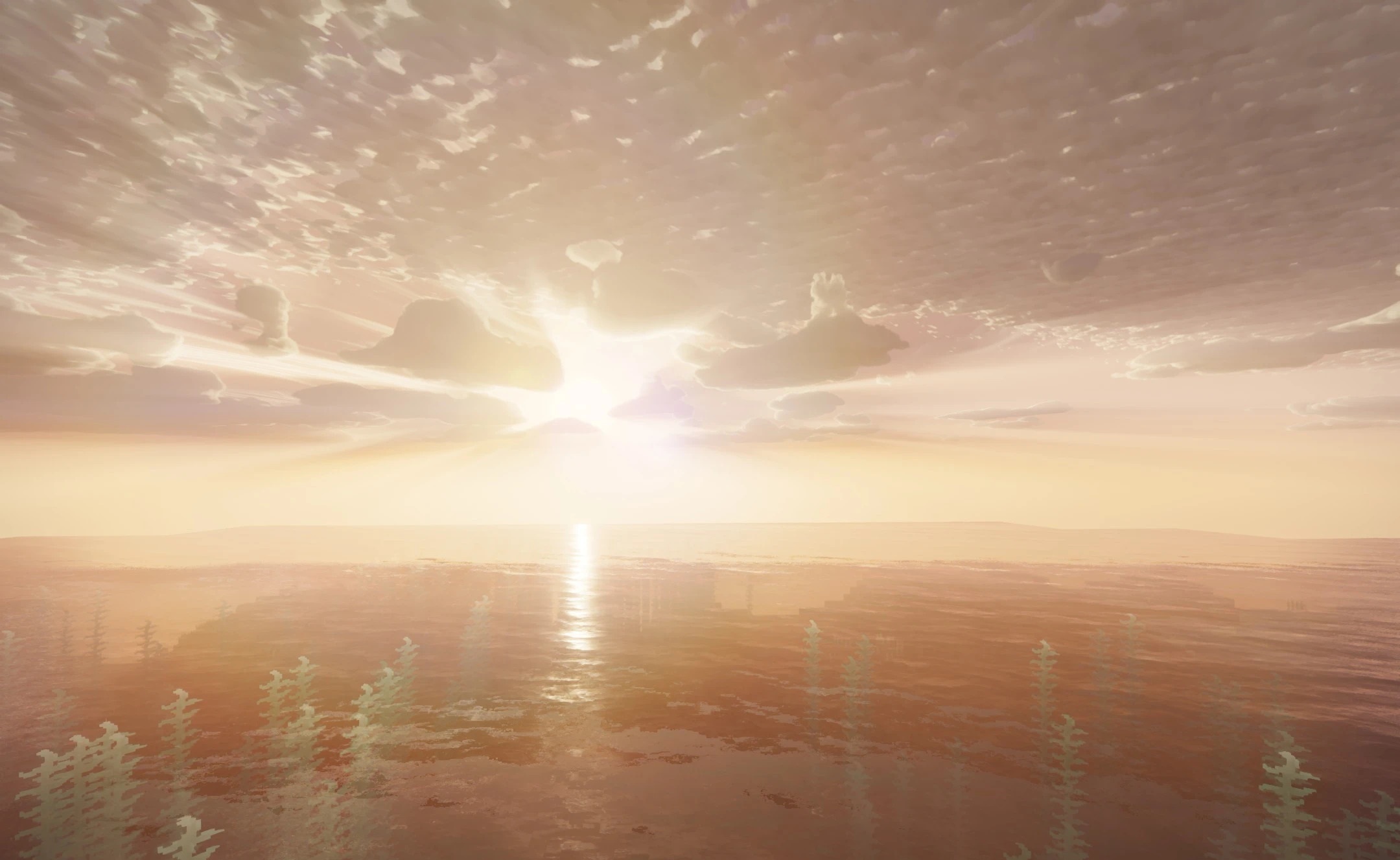
Cascaded shadow maps provide sharp shading both near the player and at long distances. The water surface moves through changes in geometry, creating ripples and more natural movement. Vegetation sways slightly, clouds gain a volumetric structure, and rays of light pass through the foliage.
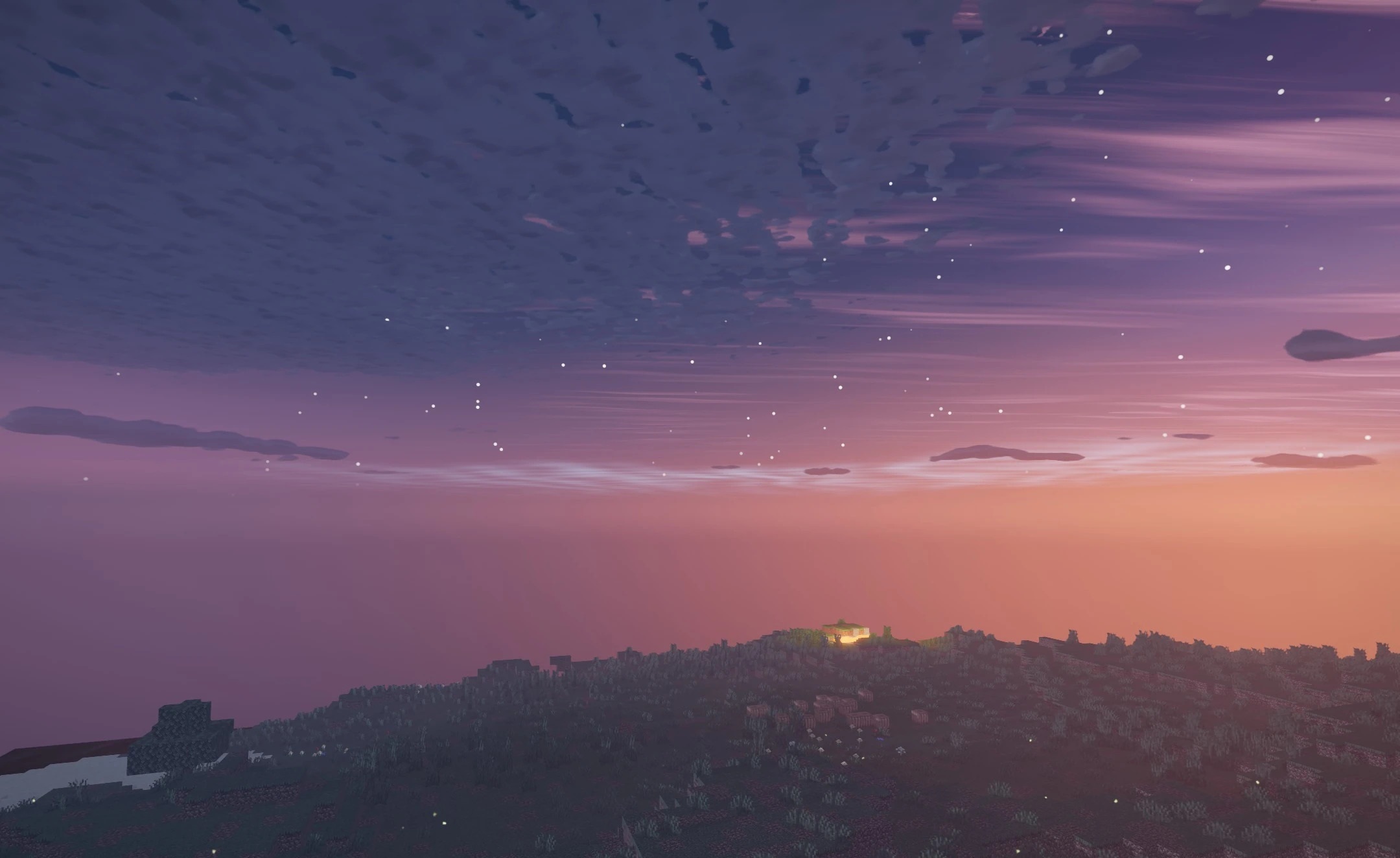
How to install a shader:
First step: download the shader package from the link below.
Second step: Unpack the downloaded archive and copy the Lumenite Shaders folder to c:\Users\User\AppData\Roaming\.minecraft\shaderpacks\(if this folder does not exist, create it yourself) (For Windows)
Third step: In the game, go to Settings, then to Graphics Settings. Select the "shaders" section and activate the shader pack of your choice.
Comments (0)