



Luminol Republic Shaders for Minecraft 26.3
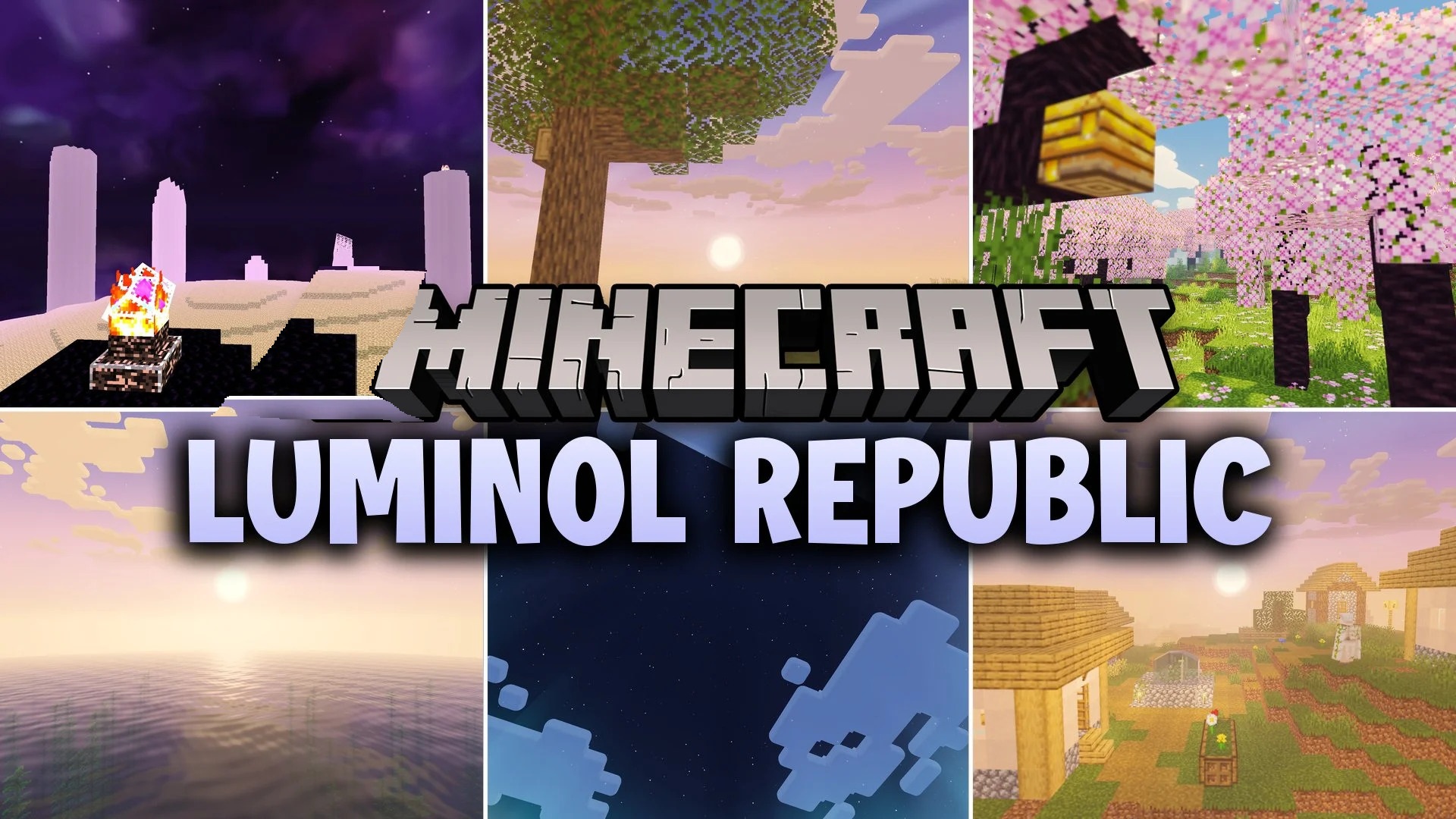
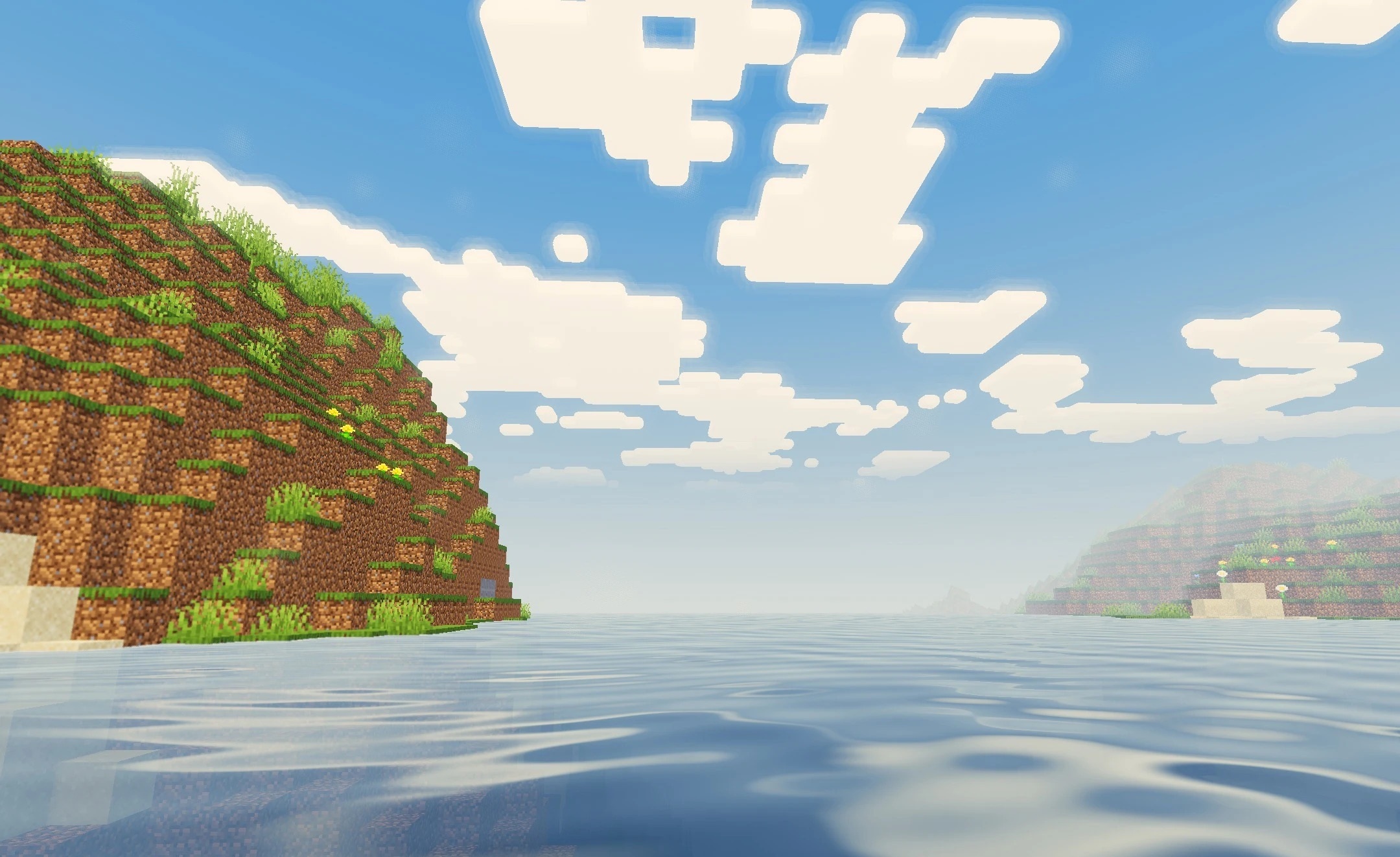
Warm sunlight, soft shadows, and gray-turquoise water define the character of Luminol Republic Shaders. Rivers and oceans gain moving waves and reflections, while smooth, natural shadows without harsh edges appear beneath trees and buildings.
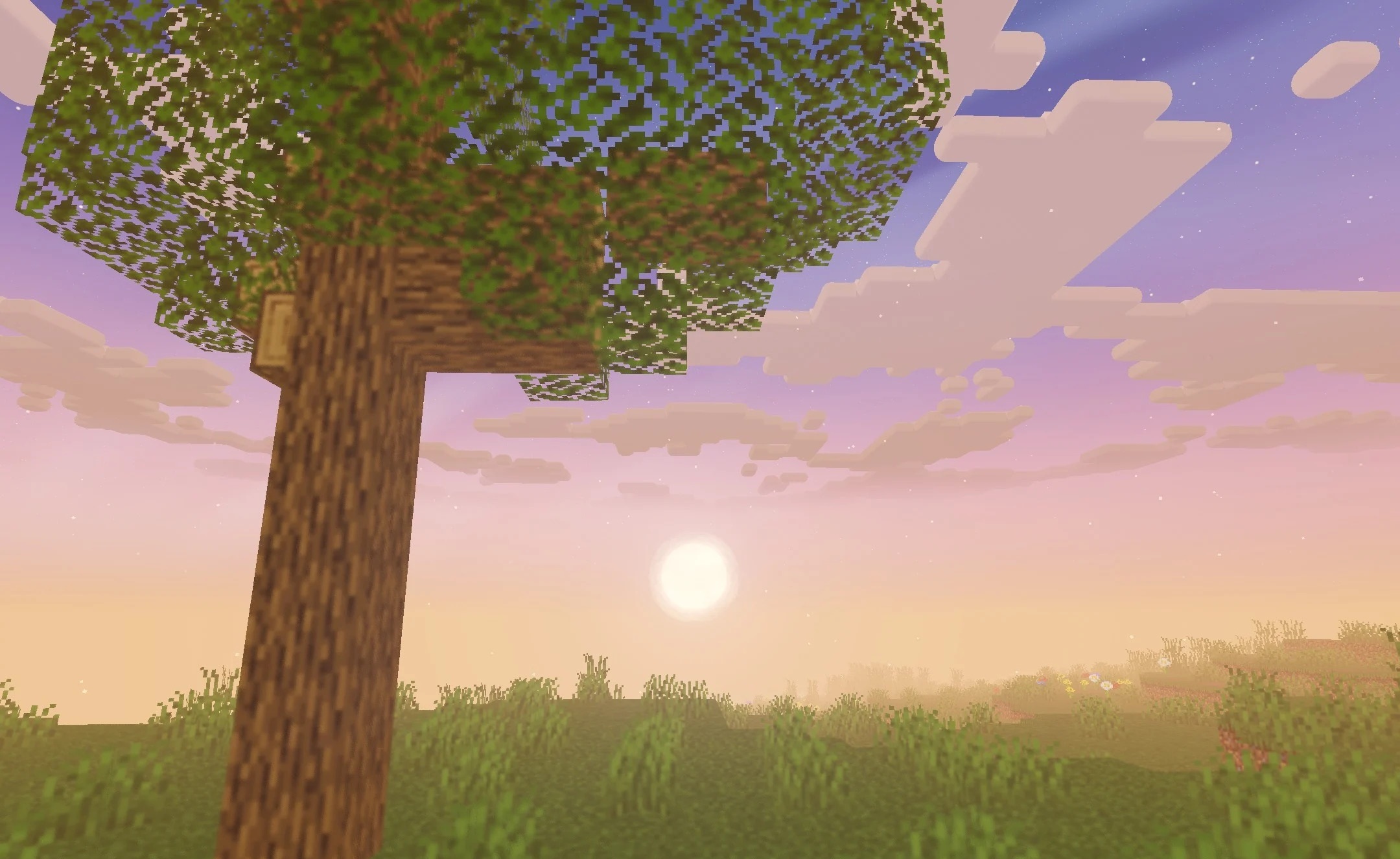
Noticeable rays of light pass through foliage and gaps in the clouds, enhancing the depth of forests and open landscapes. An additional bloom effect softens bright areas without making the image excessively overexposed. Six quality profiles are provided for performance, ranging from Minimum to Ultra, so the intensity of the effects can be adjusted to suit the hardware.
How to install a shader:
First step: download the shader package from the link below.
Second step: Unpack the downloaded archive and copy the Luminol Republic Shaders folder to c:\Users\User\AppData\Roaming\.minecraft\shaderpacks\(if this folder does not exist, create it yourself) (For Windows)
Third step: In the game, go to Settings, then to Graphics Settings. Select the "shaders" section and activate the shader pack of your choice.
Comments (0)