



LVS Lite Visual Style Shaders for Minecraft 26.3
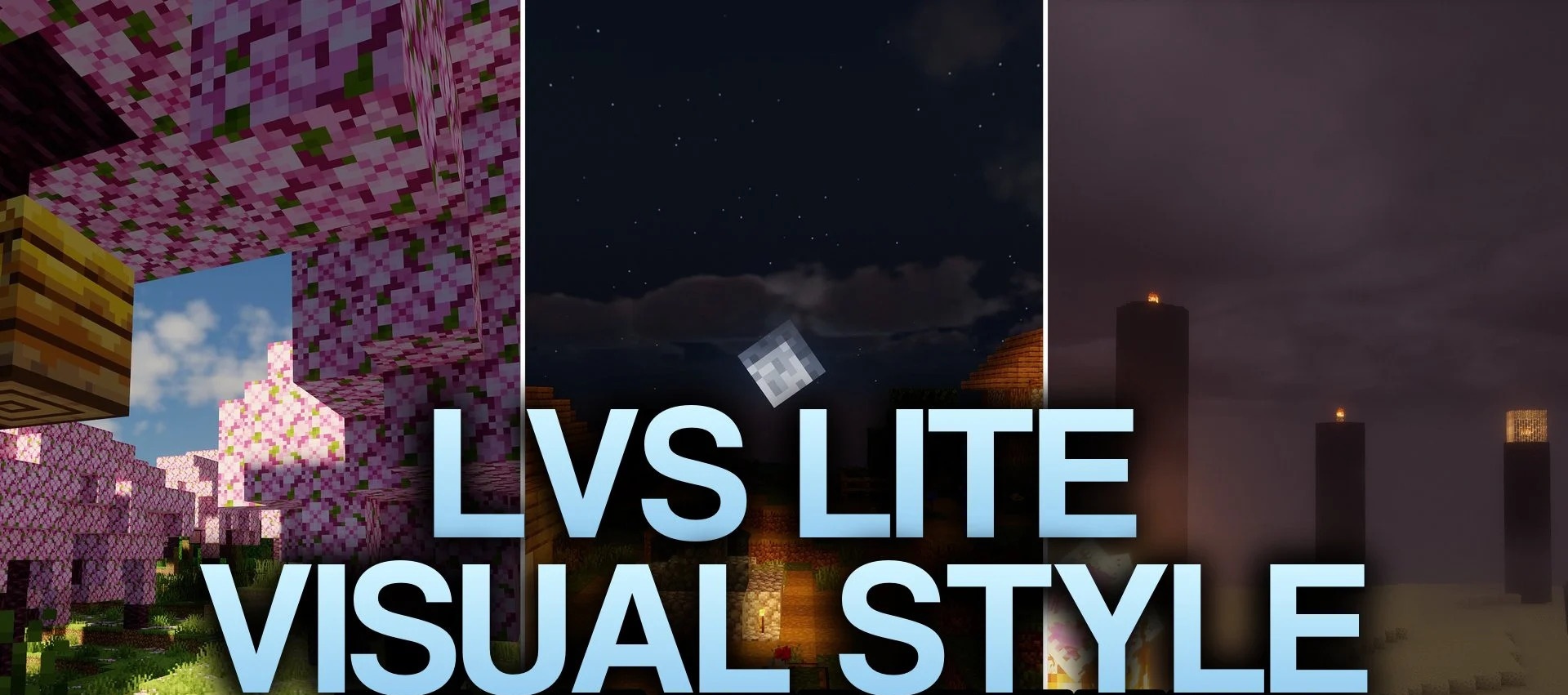
LVS Lite Visual Style Shaders is based on a reworked Chocapic13 foundation and focuses on clean lighting without a heavy graphics load. Open spaces become brighter, while daytime and nighttime light levels are adjusted to keep the surroundings easy to see.
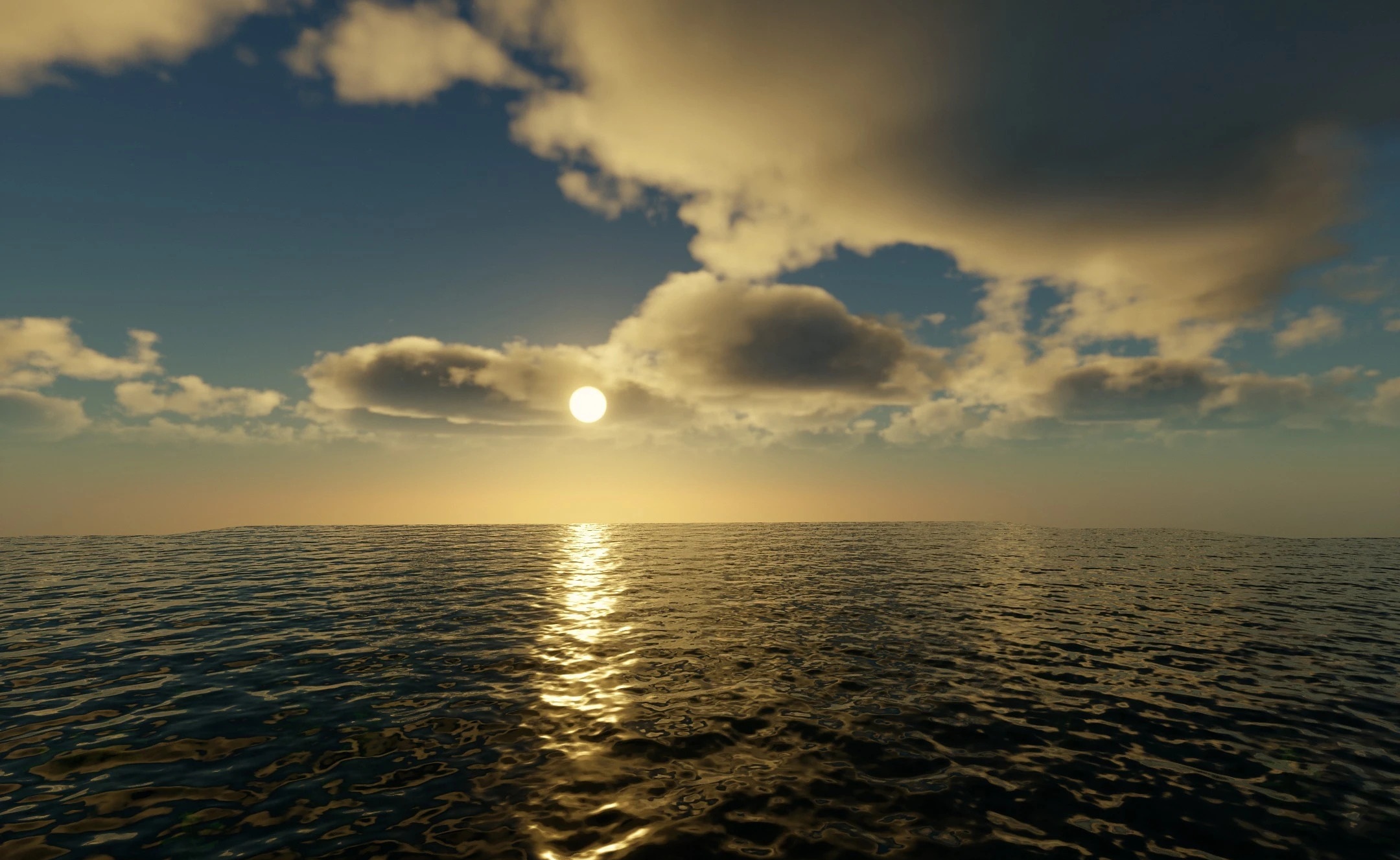
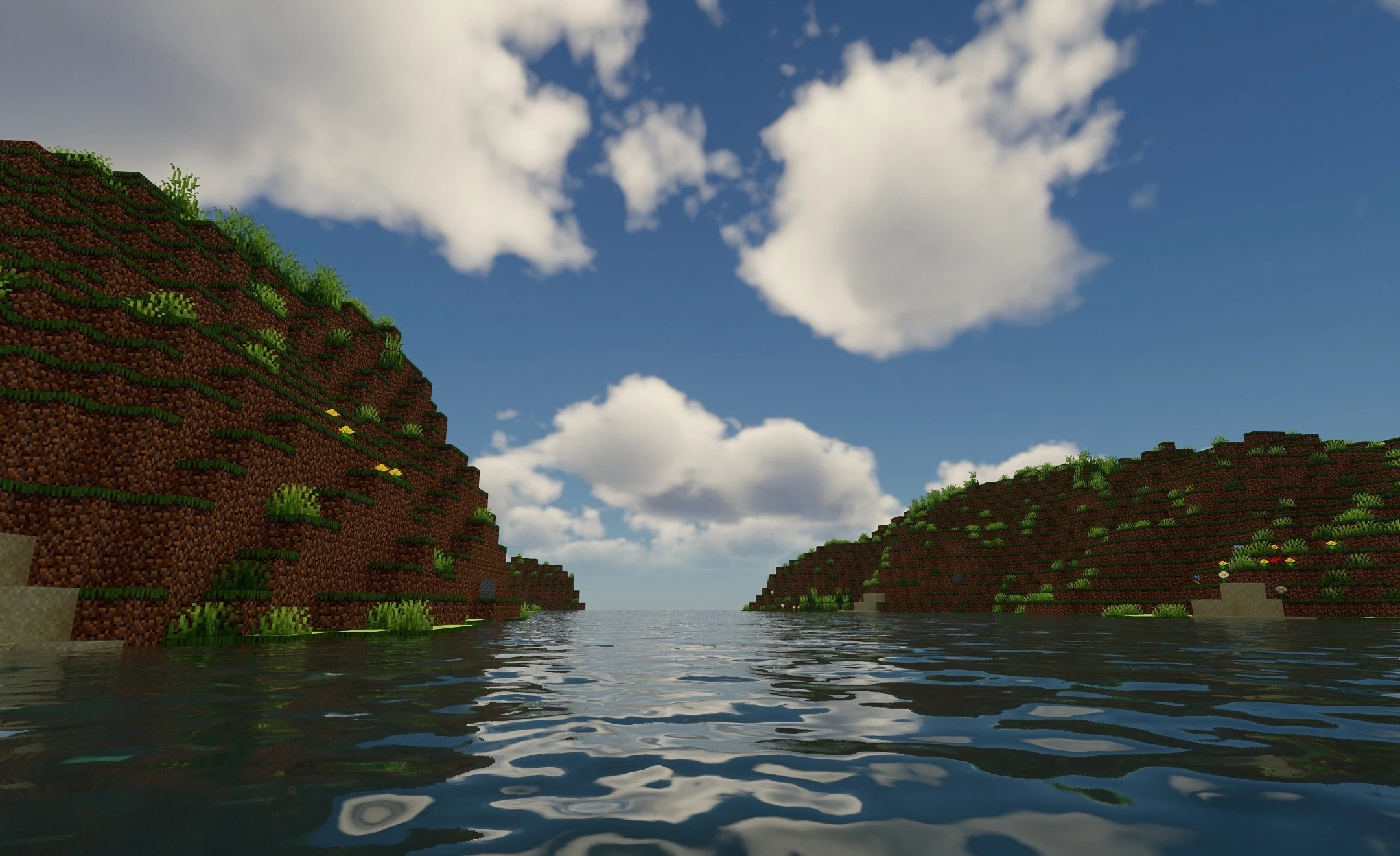
Torches gain a warmer glow, buildings and terrain receive soft shadows, and water benefits from improved shading. Atmospheric color rendering has also been reworked, but without an excessive number of post-processing effects. The pack runs in a lightweight mode and is designed for everyday exploration of the world, where a stable frame rate matters.
How to install a shader:
First step: download the shader package from the link below.
Second step: Unpack the downloaded archive and copy the LVS Lite Visual Style Shaders folder to c:\Users\User\AppData\Roaming\.minecraft\shaderpacks\(if this folder does not exist, create it yourself) (For Windows)
Third step: In the game, go to Settings, then to Graphics Settings. Select the "shaders" section and activate the shader pack of your choice.
Comments (1)