



Modhorizon Shaders for Minecraft 26.3
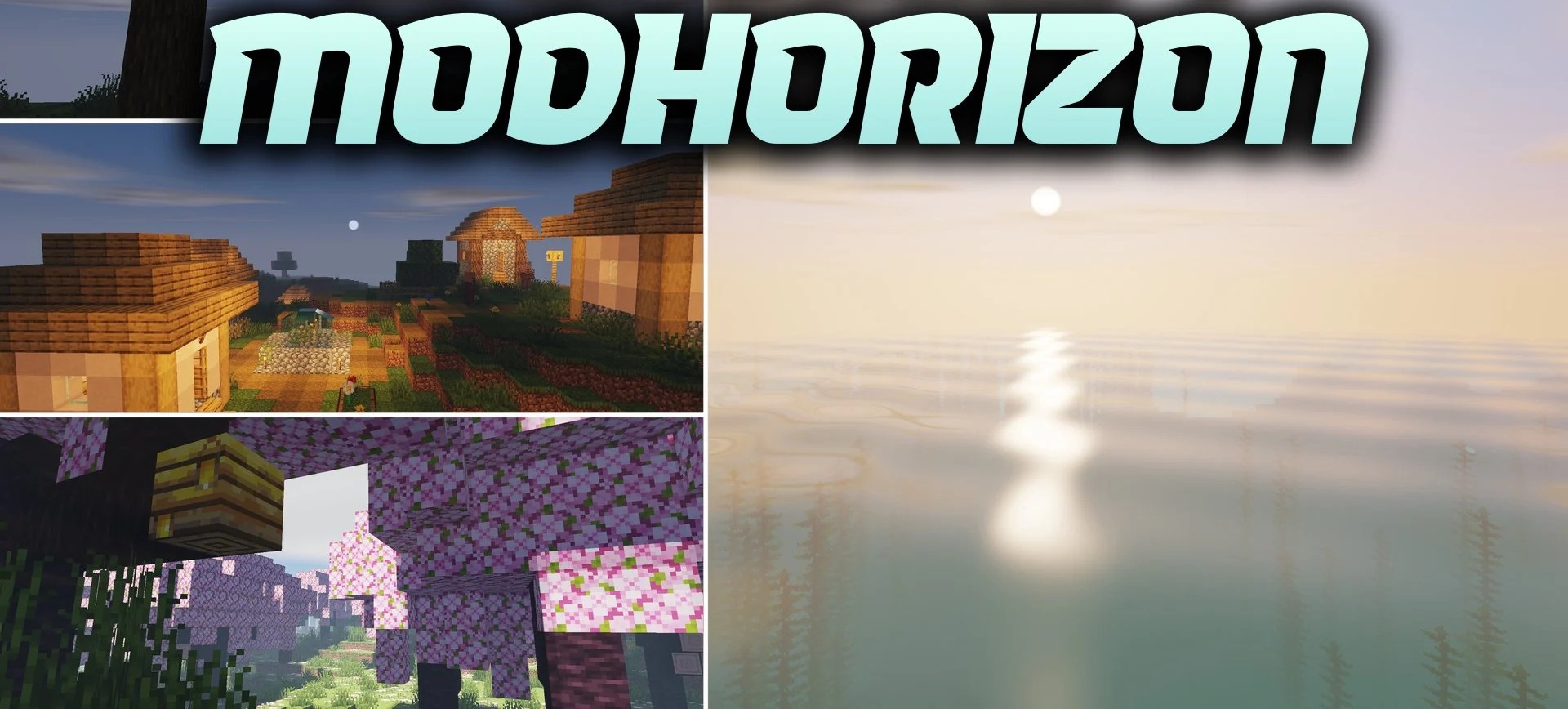
The name Modhorizon Shaders is a little misleading. This project is less about graphics effects and more about using artificial intelligence to create Minecraft add-ons.
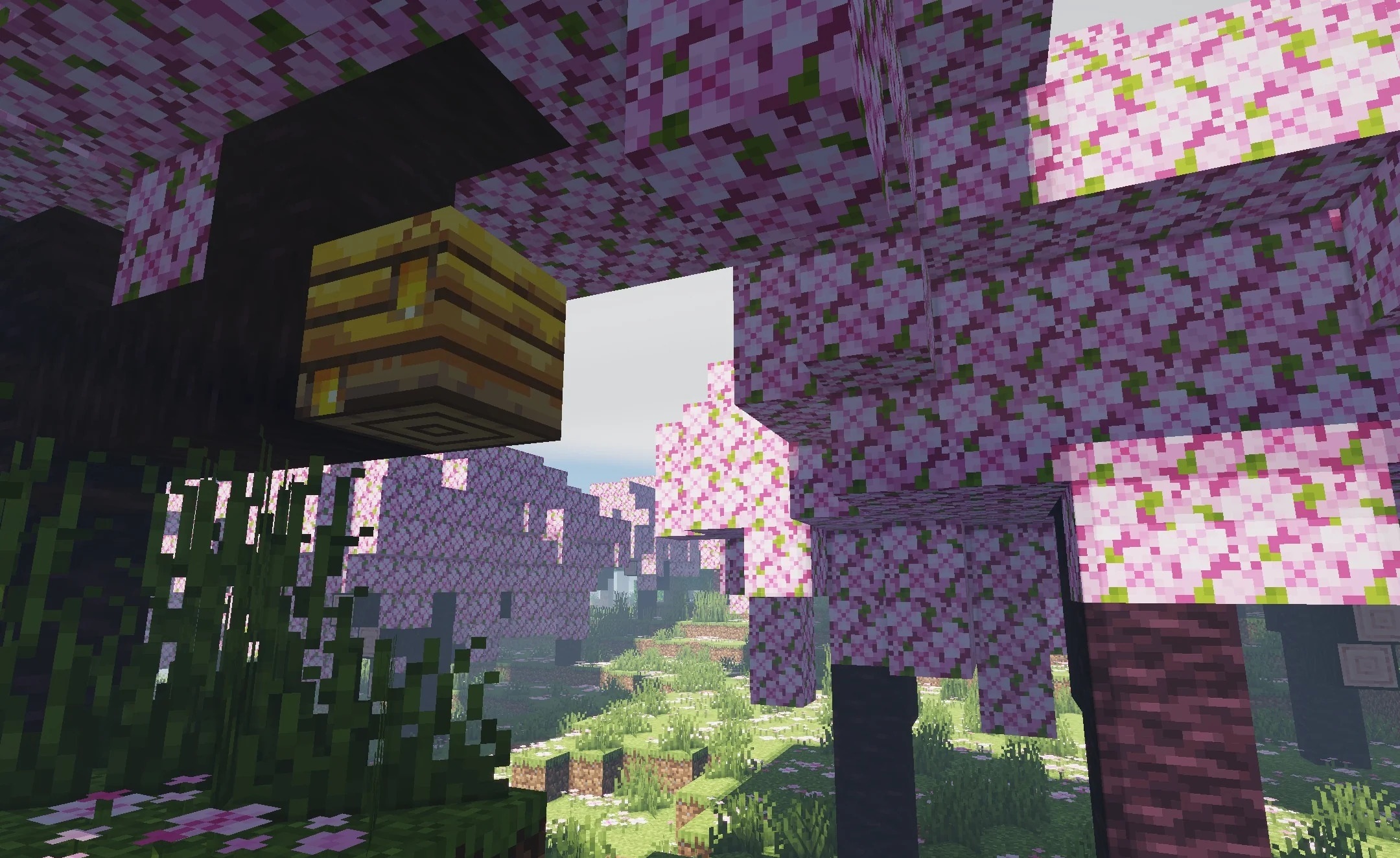
It provides tools for generating mods, plugins, data packs, resource packs, and shader packs. AI is also used to check the content it produces and look for potential errors. So Modhorizon is aimed at people making their own projects rather than players who simply want different lighting in an existing world. The description doesn't give specific details about new shadows, reflections, water, or skies, and there's no reason to attribute those effects to it.
How to install the shader:
Step one: Download the shader pack using the link below.
Step two: Extract the downloaded archive and copy the folder to the following path: c:\Users\Пользователь\AppData\Roaming\.minecraft\shaderpacks\ (if this folder does not exist, create it yourself) (For Windows)
Step three: In the game, go to Settings, then Graphics Settings. Select the "Shaders" section and enable the shader pack of your choice.
Comments (0)