



Natural Comfort Shaders for Minecraft 26.3
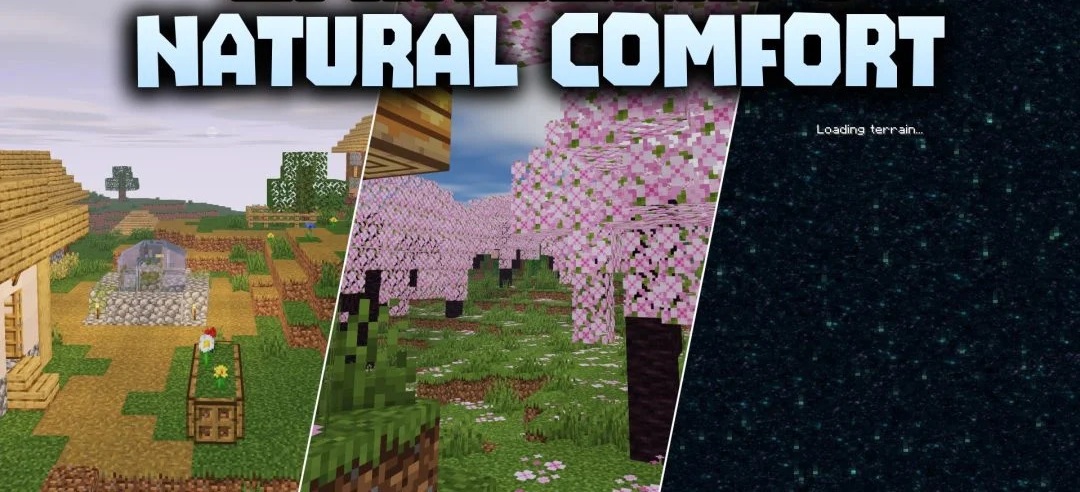
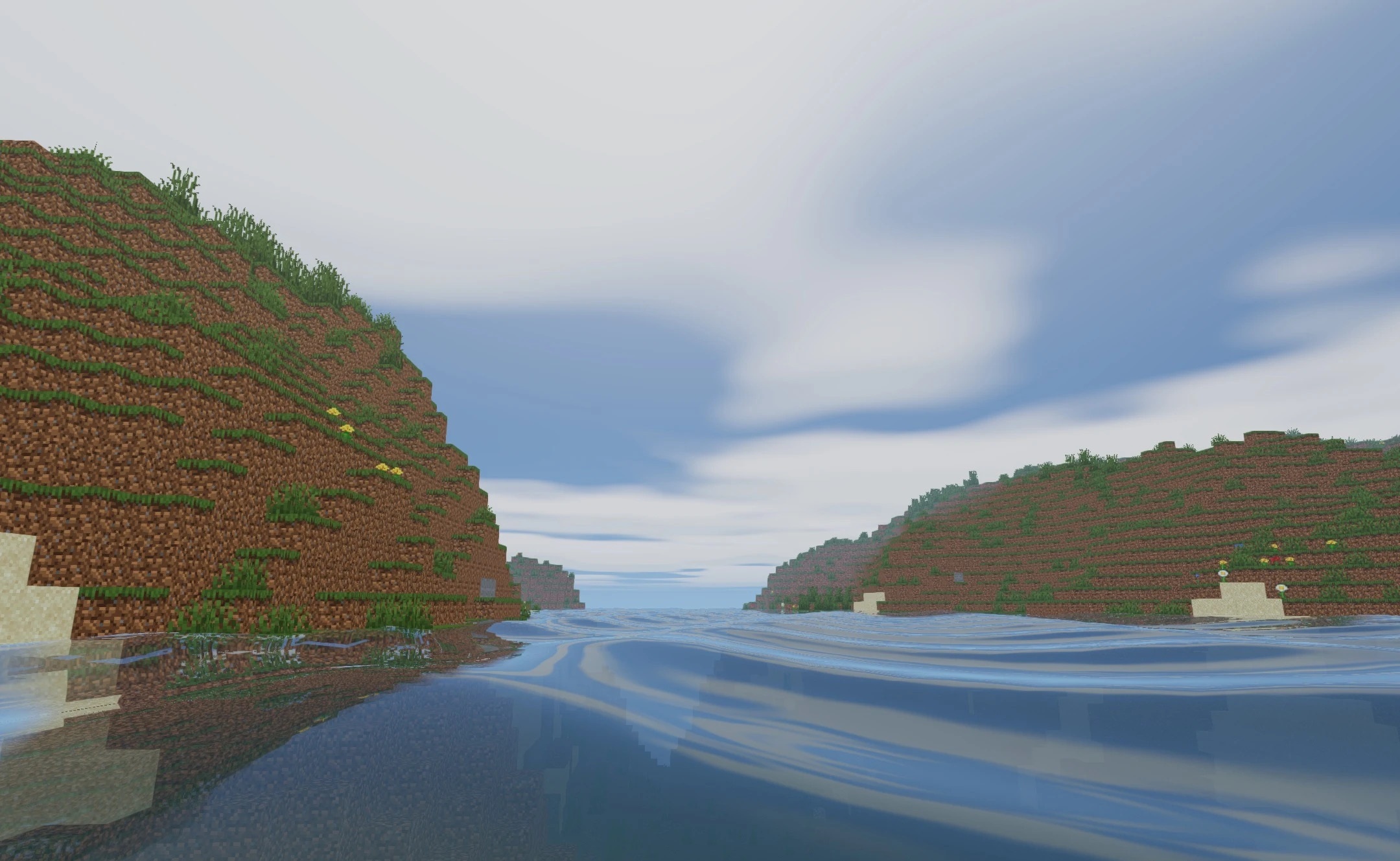
The soft, semi-realistic visuals in Natural Comfort Shaders are achieved without abandoning Minecraft’s classic atmosphere. Lighting spreads smoothly across blocks and the landscape, shadows become neater, and water gains a slight mirror-like effect as it moves. Torches, fire, and lanterns create a soft glow around them, making interiors look warmer and deeper.
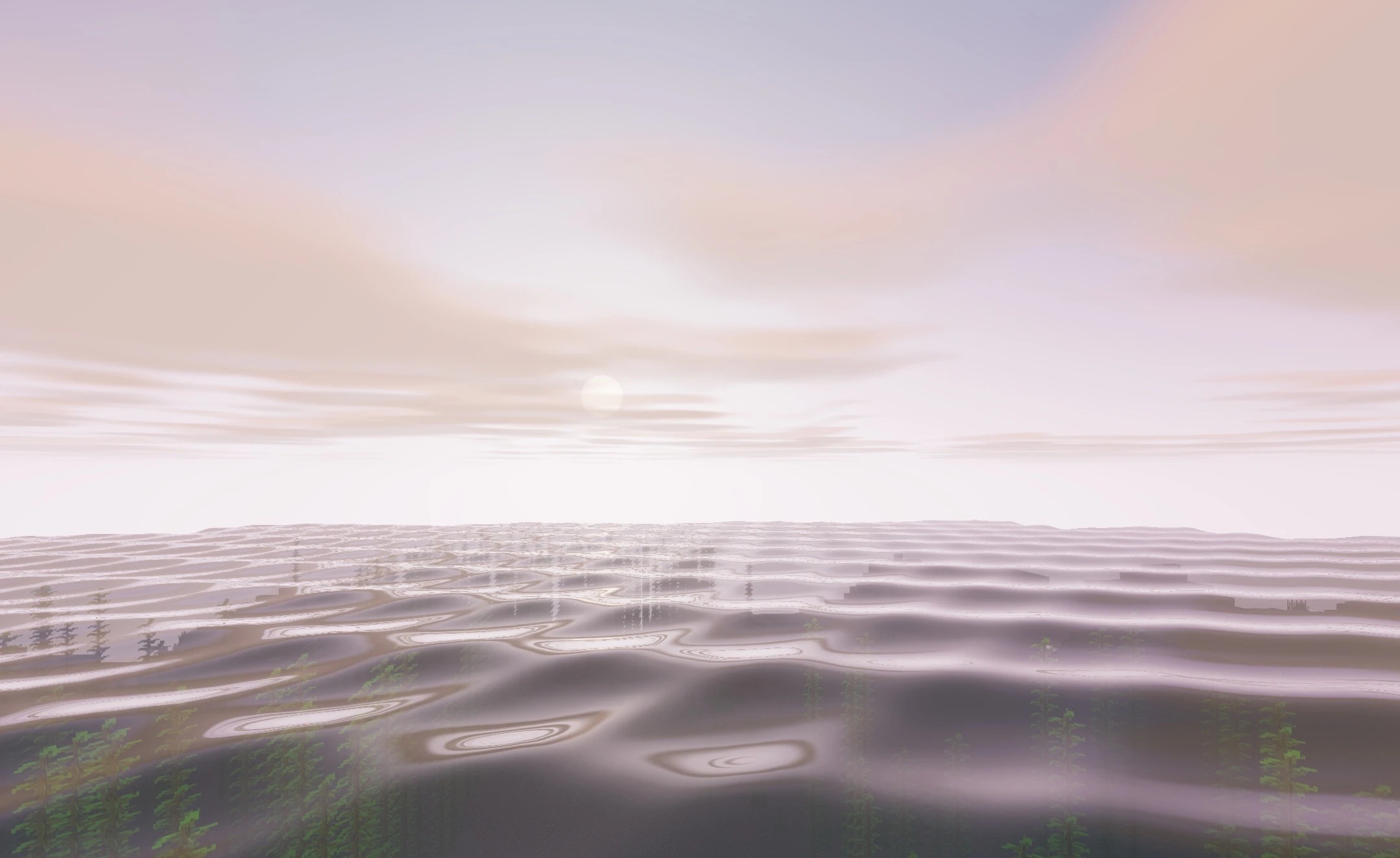
At the same time, standard colors and shapes remain recognizable, so the world does not turn into an entirely new visual system. The pack is designed for low- and mid-range computers and does not require a powerful graphics card for stable performance.
How to install a shader:
First step: download the shader package from the link below.
Second step: Unpack the downloaded archive and copy the Natural Comfort Shaders folder to c:\Users\User\AppData\Roaming\.minecraft\shaderpacks\(if this folder does not exist, create it yourself) (For Windows)
Third step: In the game, go to Settings, then to Graphics Settings. Select the "shaders" section and activate the shader pack of your choice.
Comments (0)