



Nexus Unbound Shaders for Minecraft 26.3
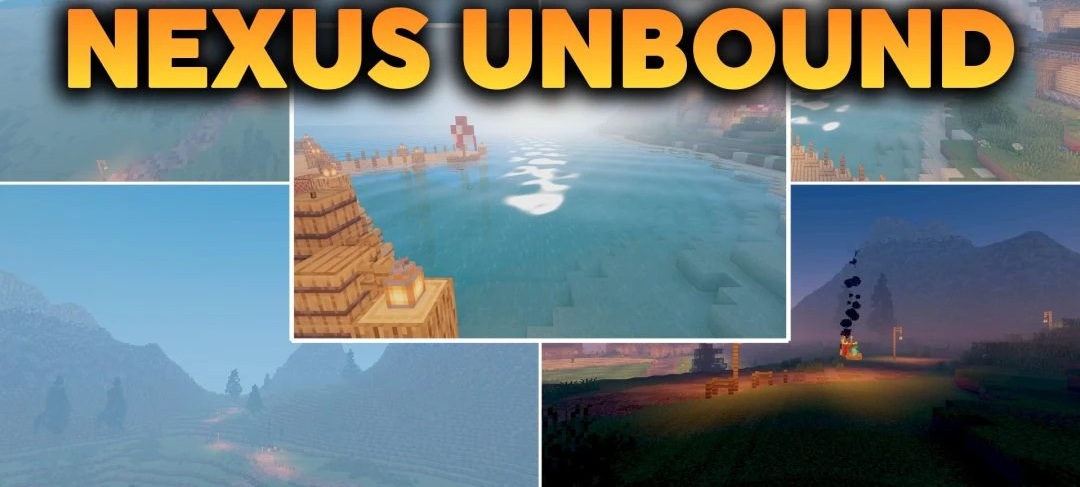
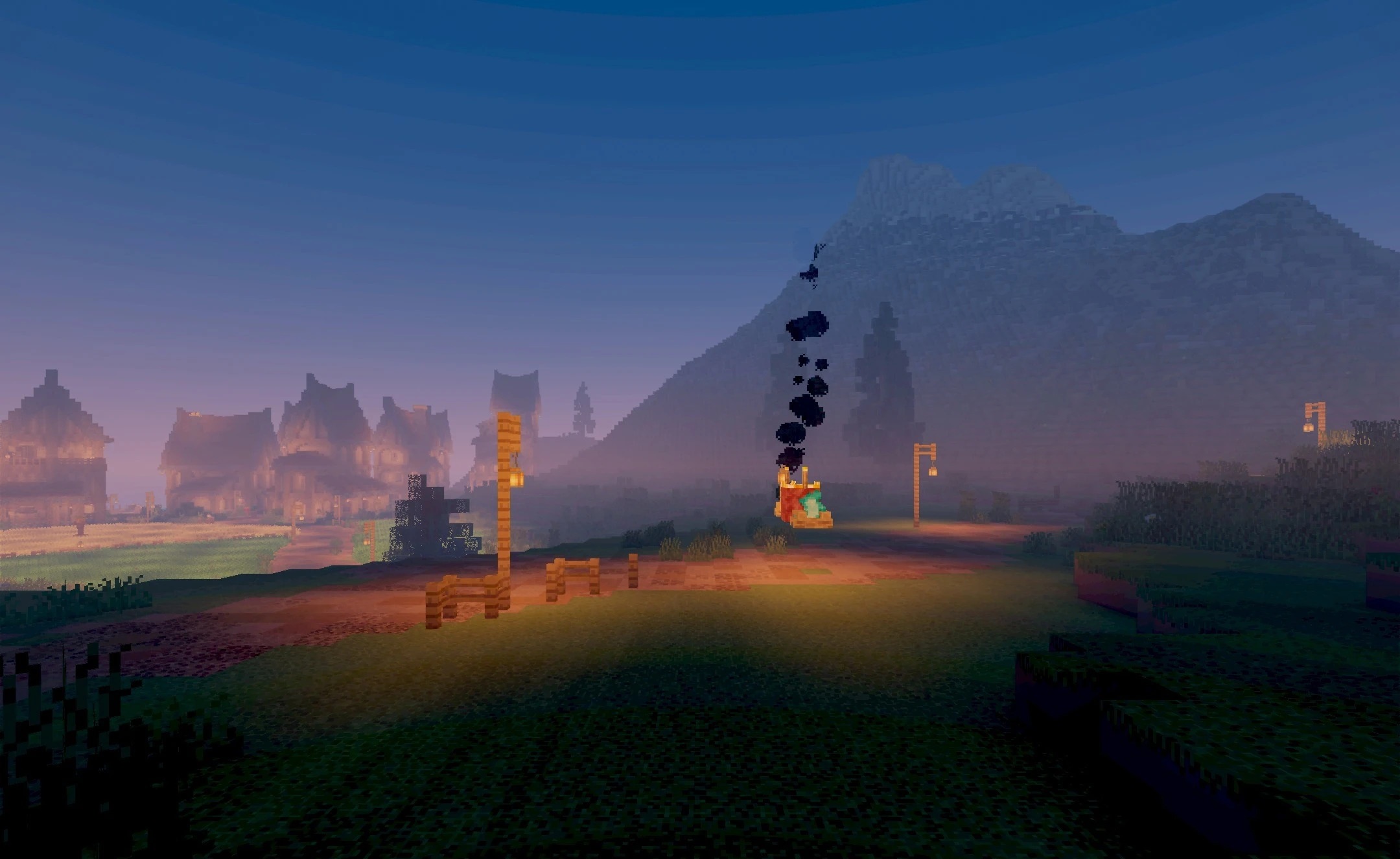
Modern lighting becomes the main change in Nexus Unbound Shaders. The pack reworks the behavior of sunlight and moonlight, causing blocks and terrain to gain more pronounced depth at different times of day. Shadows become sharper and follow the shapes of mobs, buildings, and other objects more accurately, while water gains transparency and light reflections from the sky.
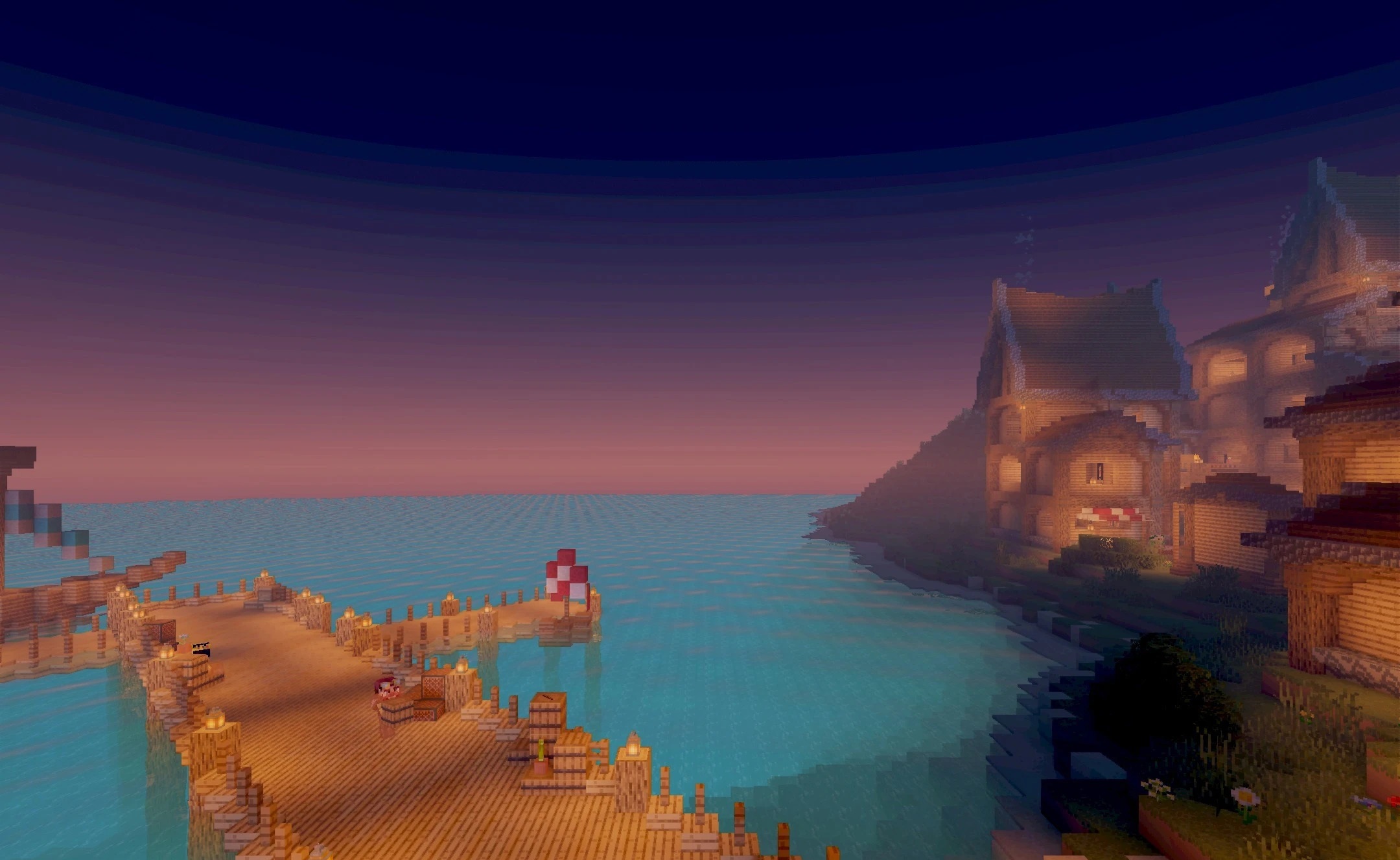
The color palette also changes: shades appear brighter while maintaining a natural direction without excessive saturation. The shader is still at an early stage of development, so its visual component continues to be updated.
How to install a shader:
First step: download the shader package from the link below.
Second step: Unpack the downloaded archive and copy the Nexus Unbound Shaders folder to c:\Users\User\AppData\Roaming\.minecraft\shaderpacks\(if this folder does not exist, create it yourself) (For Windows)
Third step: In the game, go to Settings, then to Graphics Settings. Select the "shaders" section and activate the shader pack of your choice.
Comments (2)