



OD Horizon Shaders for Minecraft 26.3
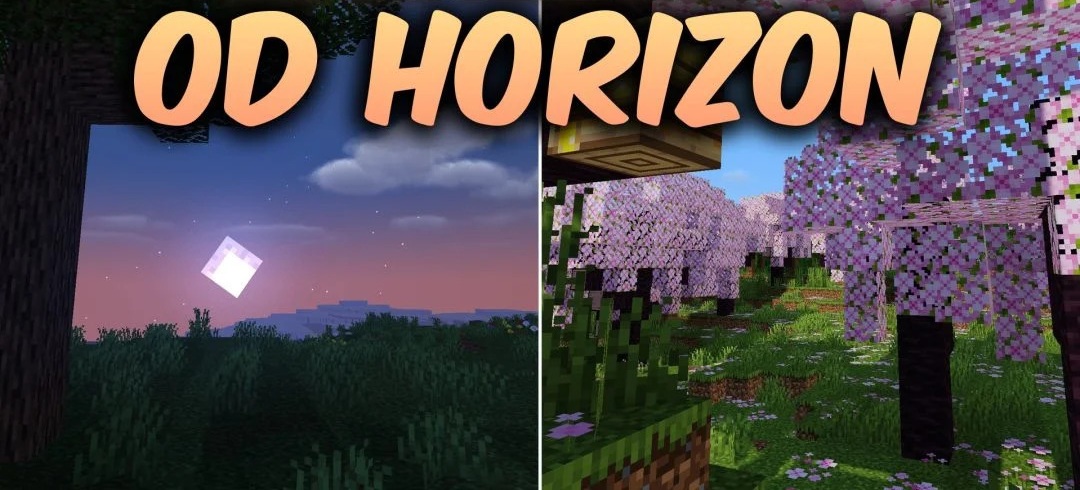
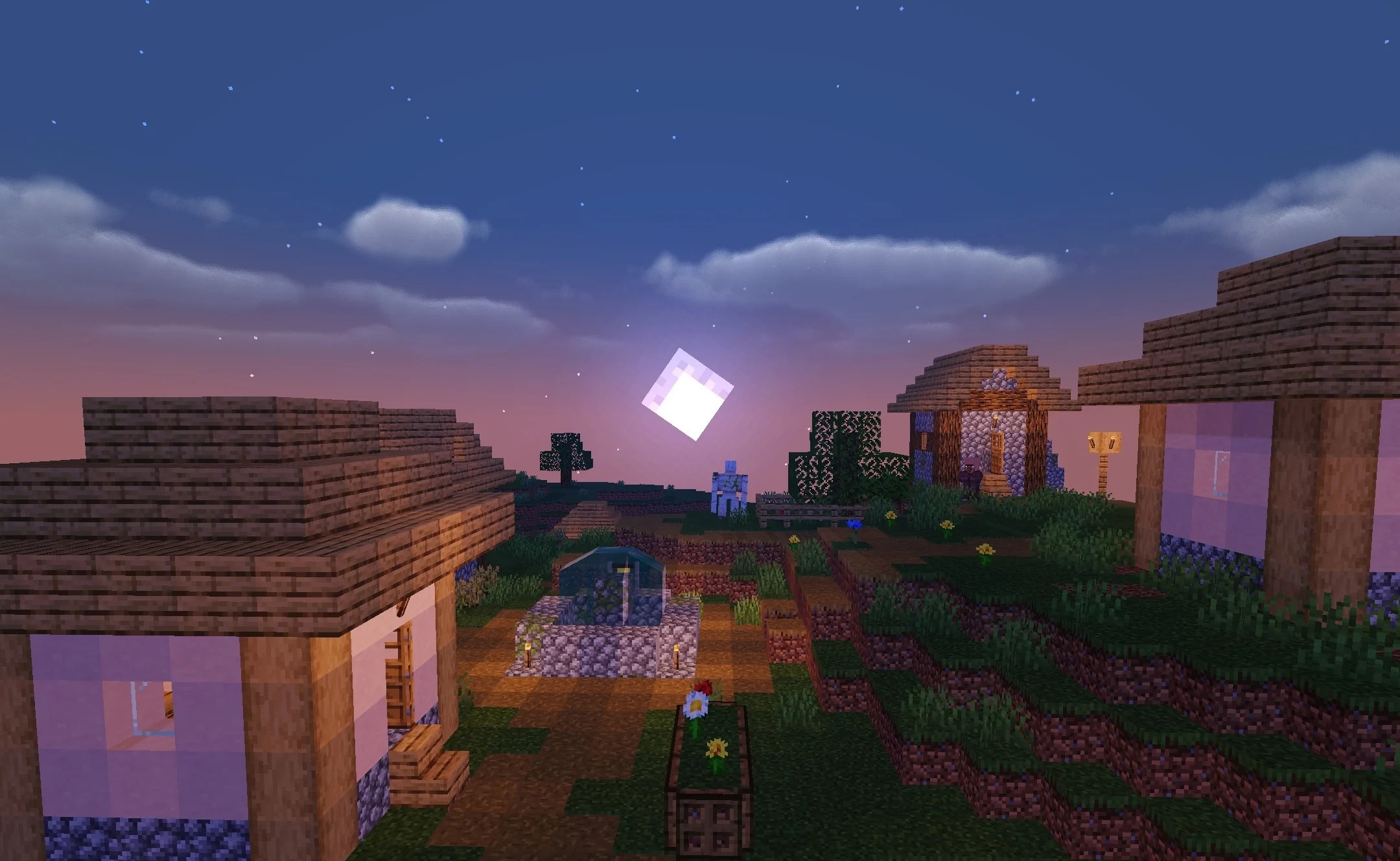
Colored lighting becomes one of the main features of OD Horizon Shaders. Different light sources receive their own shades and lighting directions, so illuminated areas differ from one another not only in brightness. At the same time, clear shadows from blocks and terrain appear, while vegetation receives smoother and more pleasant rendering.
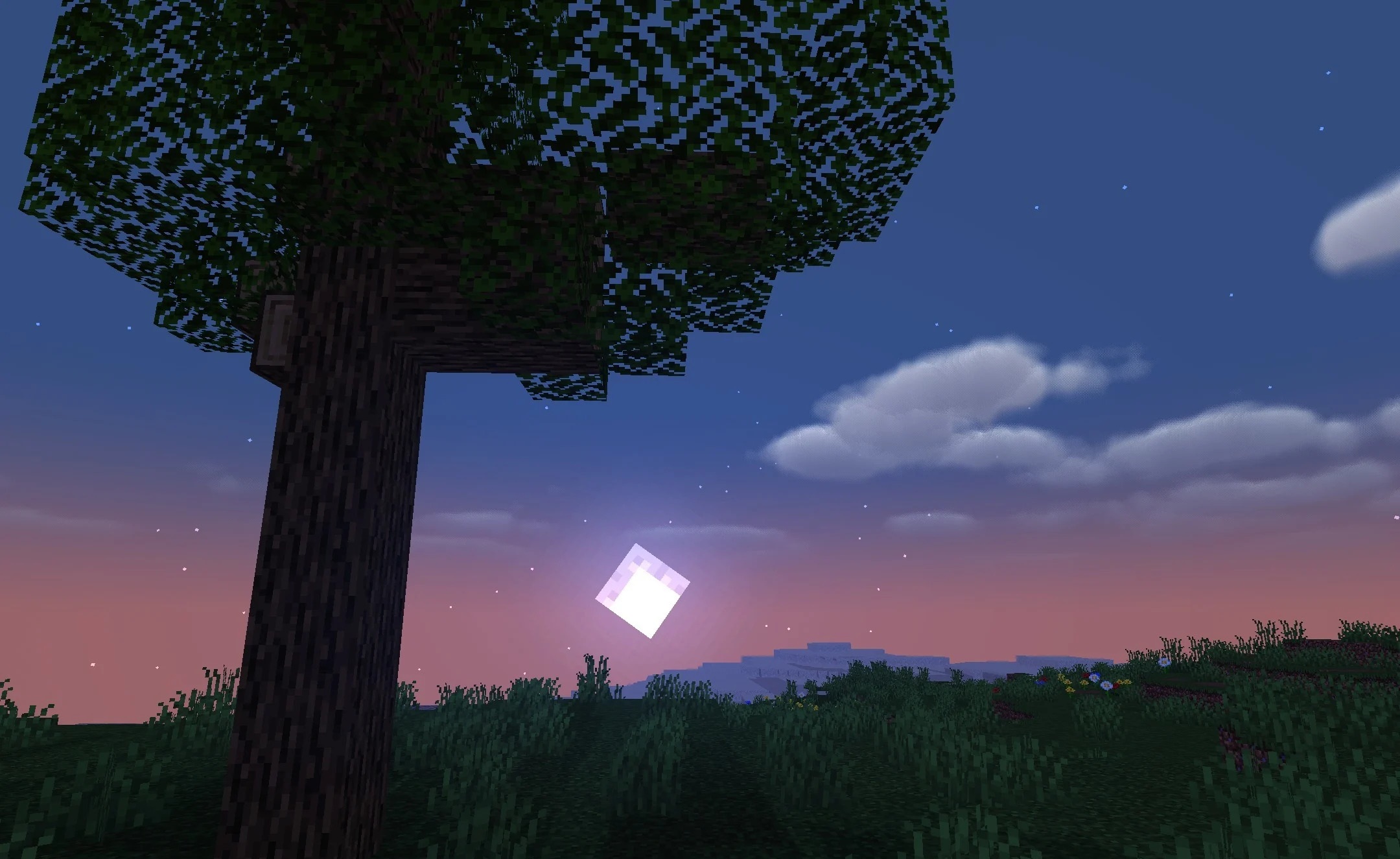
The shader preserves the standard artistic direction of Minecraft and does not attempt to completely replace it with realistic graphics. The effects are designed for low and medium settings, so the pack is focused on moderate system load and stable performance.
How to install a shader:
First step: download the shader package from the link below.
Second step: Unpack the downloaded archive and copy the OD Horizon Shaders folder to c:\Users\User\AppData\Roaming\.minecraft\shaderpacks\(if this folder does not exist, create it yourself) (For Windows)
Third step: In the game, go to Settings, then to Graphics Settings. Select the "shaders" section and activate the shader pack of your choice.
Comments (0)