



Oh Shiny! Shaders for Minecraft 26.3
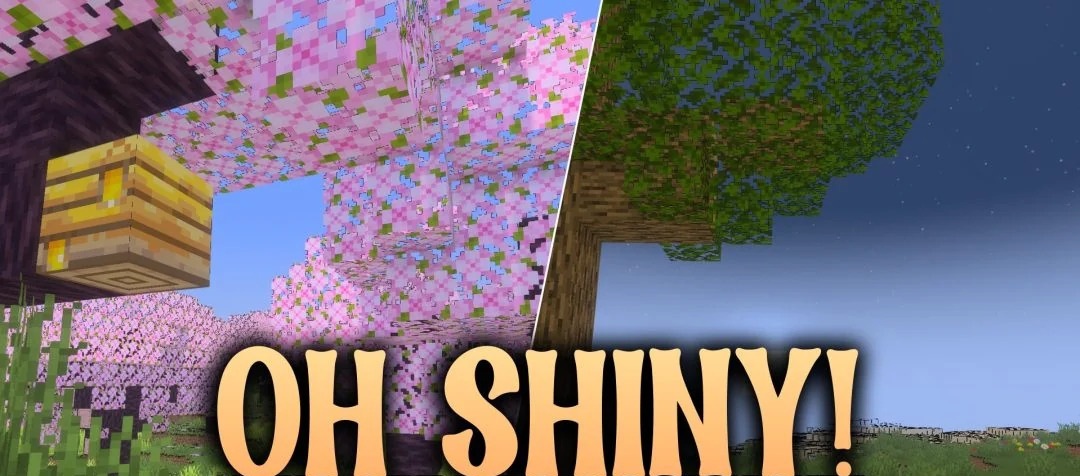
Torchlight takes on a warm glow in Oh Shiny! Shaders, while lava casts its own colors onto nearby surfaces. The pack builds on graphical techniques from Metallum Extra. Shadow edges have been softened, making the transition from lit areas to darker ones look more natural.
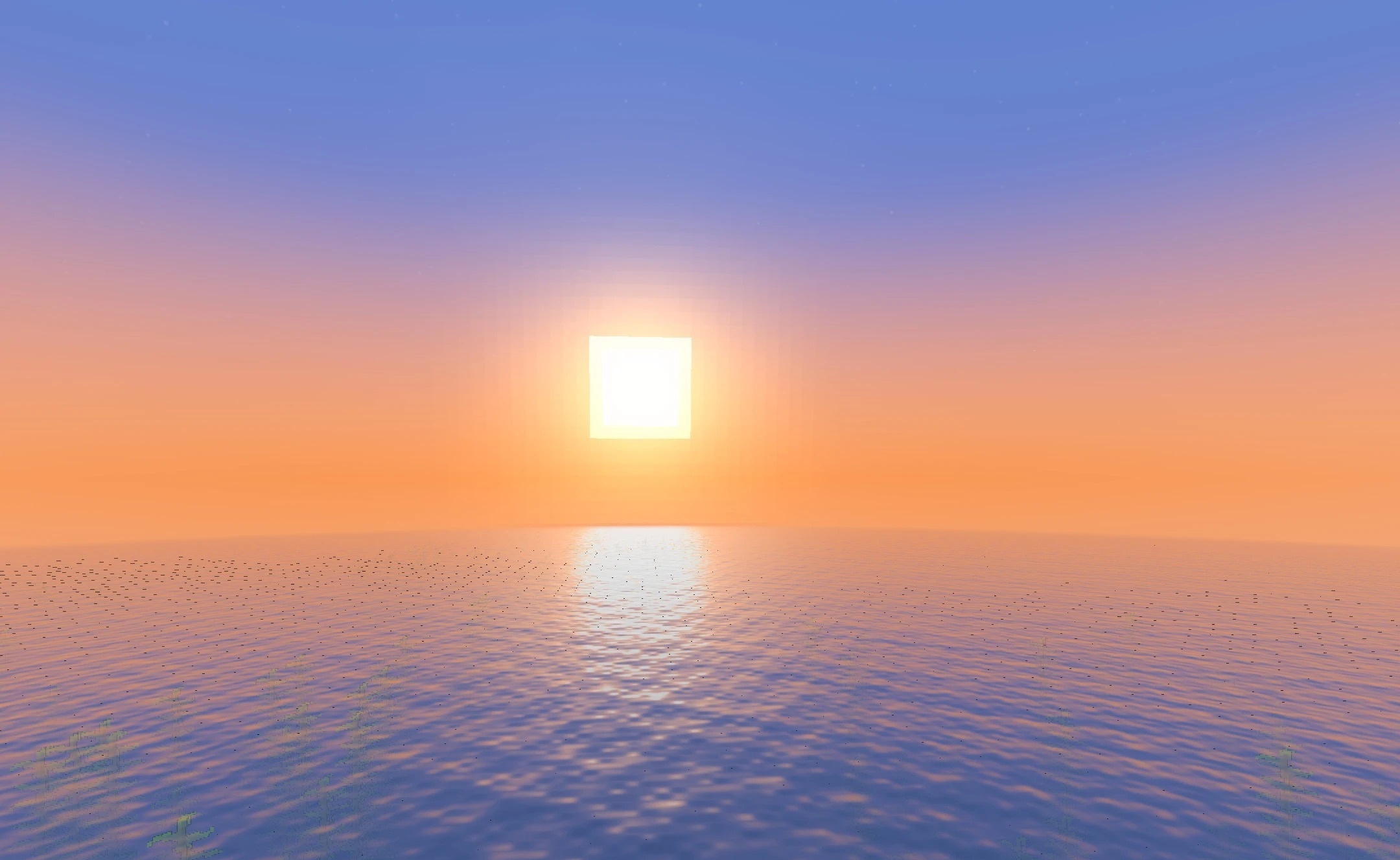
Rivers and lakes now reflect the surrounding landscape, and the sky has a more cinematic appearance as well. All of this makes the game look more realistic without changing the familiar blocky shapes of buildings and terrain. Most of the difference comes down to the lighting, the reflections, and how those effects behave in different conditions.
How to install the shader:
Step one: Download the shader pack using the link below.
Step two: Extract the downloaded archive and copy the folder to the following path: c:\Users\Пользователь\AppData\Roaming\.minecraft\shaderpacks\ (if this folder does not exist, create it yourself) (For Windows)
Step three: In the game, go to Settings, then Graphics Settings. Select the ‘Shaders’ section and enable the shader pack of your choice.
Comments (0)