



Overlook Shaders for Minecraft 26.3
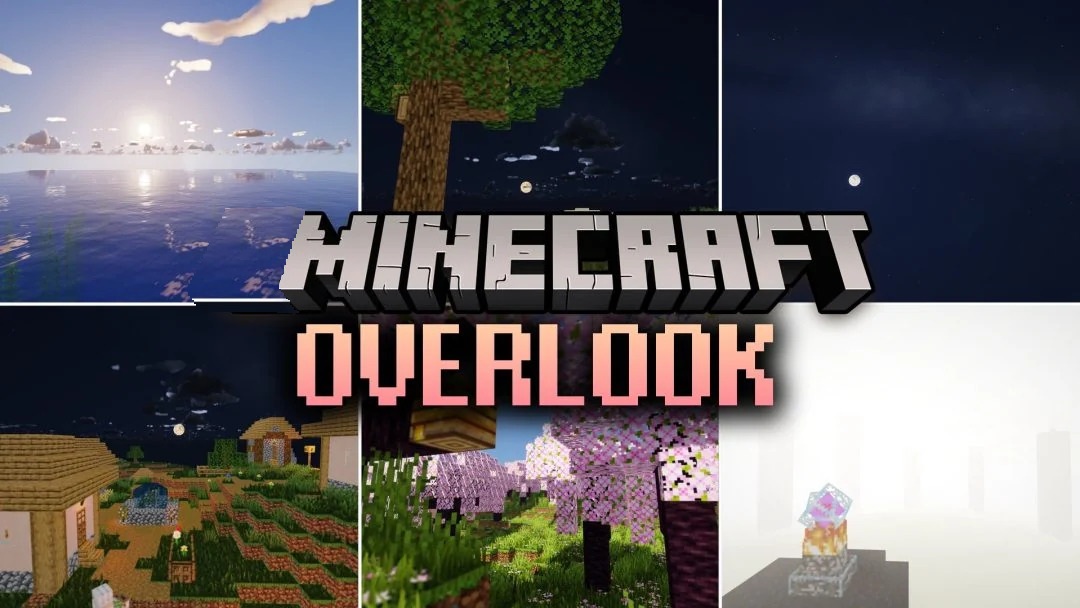
The biggest difference with Overlook Shaders becomes clear when you look into the distance. Thanks to Voxy LOD support, its visual changes extend beyond the nearby terrain to the landscape farther away. This helps prevent a jarring contrast between the objects right in front of you and the distant parts of the world.
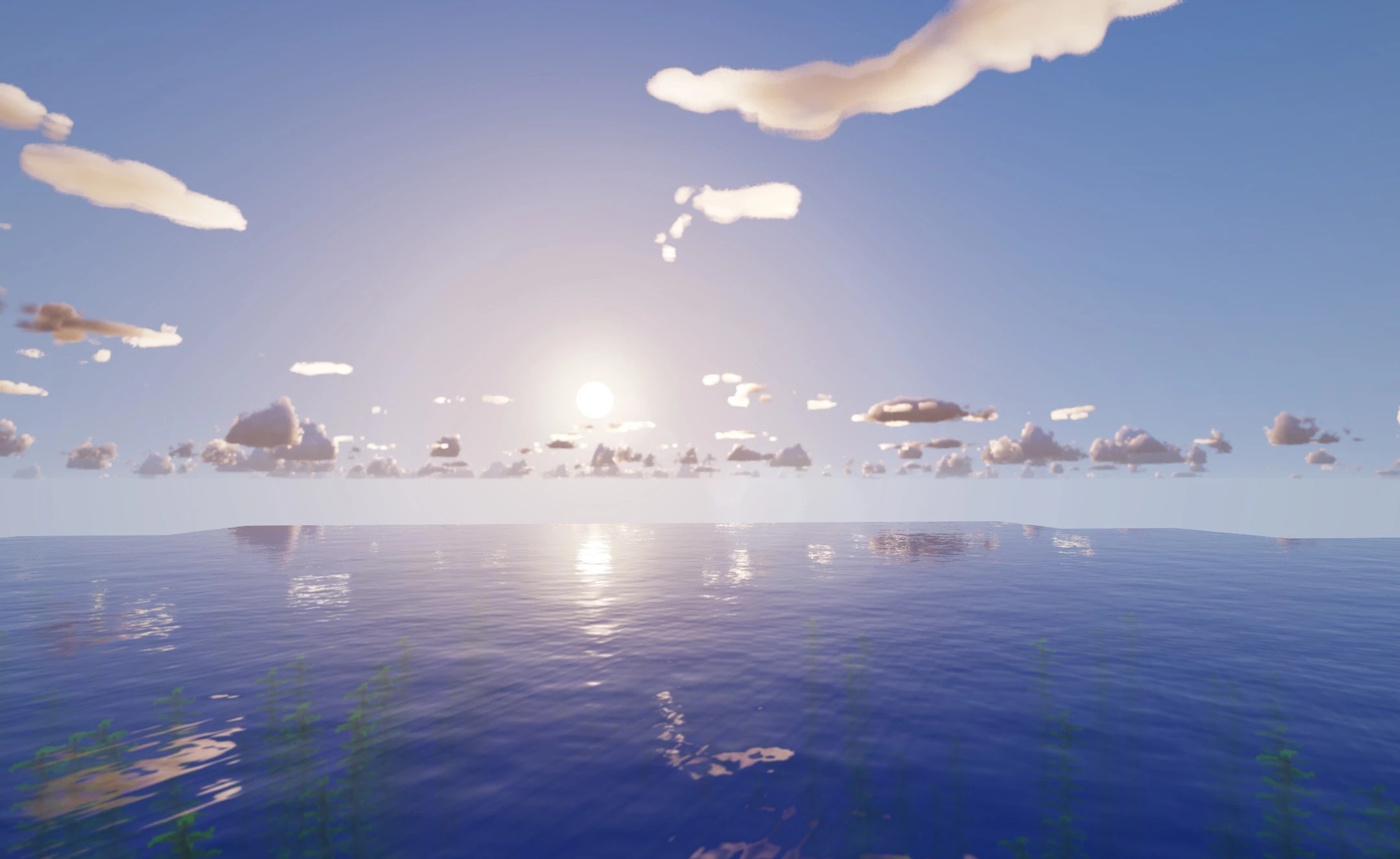
Plains gain three-dimensional grass, water reflects the surrounding scenery, and the sky looks more natural. Hills and mountains are especially good places to appreciate the result: you can see fields, forests, and distant slopes all at once. The pack pays as much attention to wide-open views as it does to effects close to the camera.
How to install the shader:
Step one: Download the shader pack using the link below.
Step two: Extract the downloaded archive and copy the folder to the following path: c:\Users\Пользователь\AppData\Roaming\.minecraft\shaderpacks\ (if this folder does not exist, create it yourself) (For Windows)
Step three: In the game, go to Settings, then Graphics Settings. Select the ‘Shaders’ section and enable your chosen shader pack.
Comments (0)