



Pixels Reimagined Shaders for Minecraft 26.3
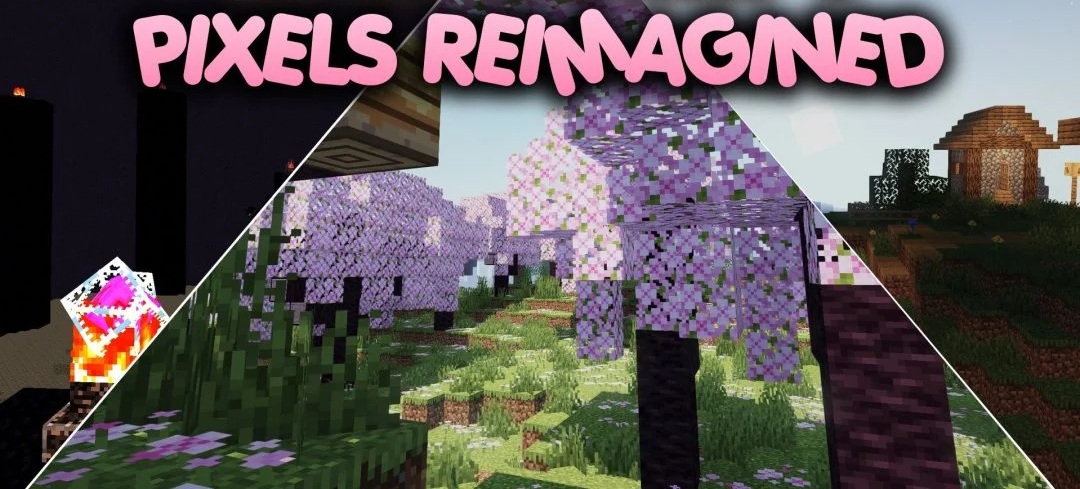
Small changes to lighting and color form the basis of Pixels Reimagined Shaders. The pack follows a Vanilla Plus approach: standard blocks, biomes, and Minecraft's overall aesthetic are preserved, while adjustments focus on ambient light and color balance.
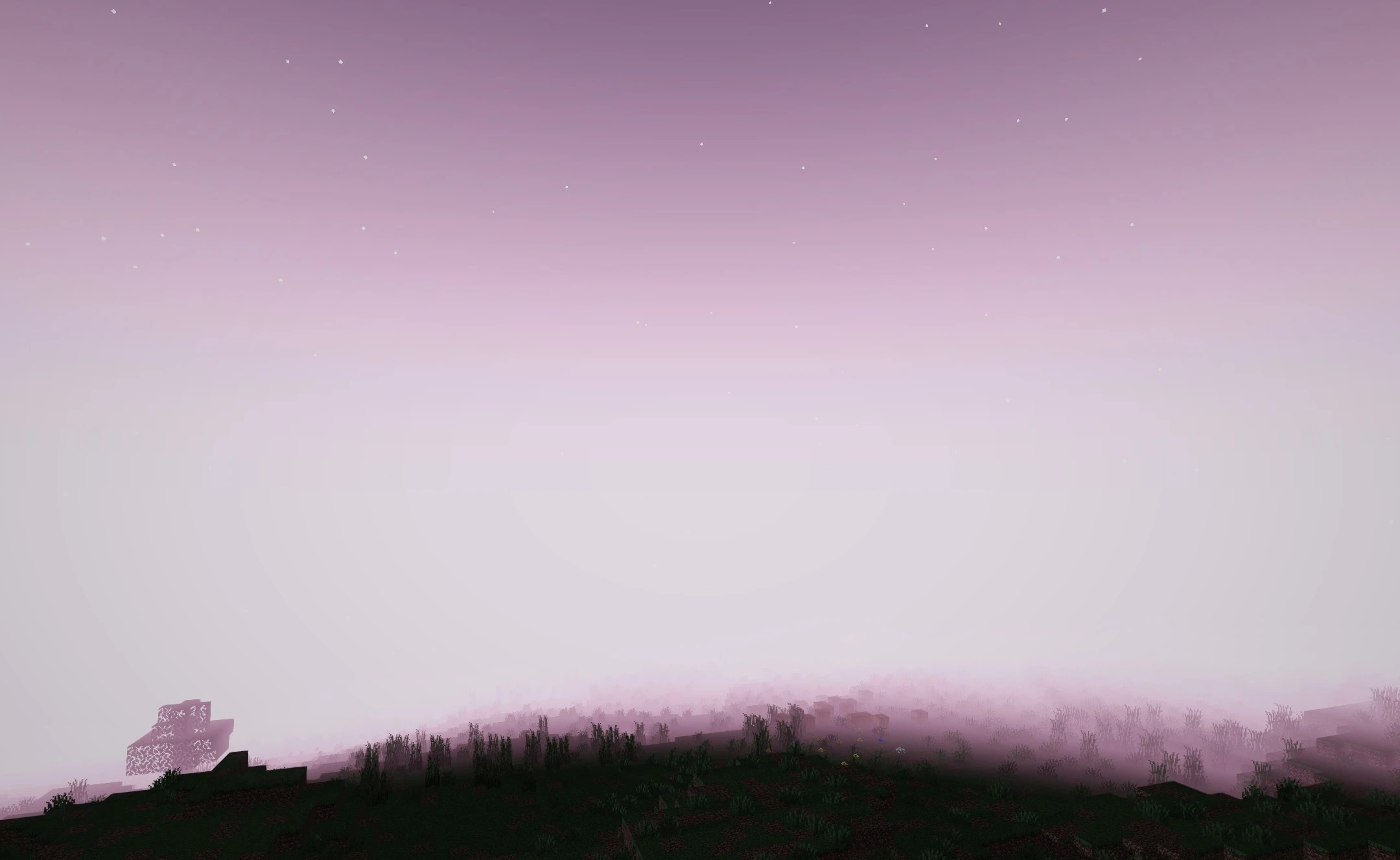
During the day, the world remains clear and bright; at night, it stays visible enough to explore without constant total darkness. Colors are slightly adjusted so that individual blocks stand out more clearly in different biomes, but the palette does not become overly saturated. The shader is designed for low computational demands and a stable frame rate on ordinary computers.
How to install a shader:
First step: download the shader package from the link below.
Second step: Unpack the downloaded archive and copy the Pixels Reimagined Shaders folder to c:\Users\User\AppData\Roaming\.minecraft\shaderpacks\(if this folder does not exist, create it yourself) (For Windows)
Third step: In the game, go to Settings, then to Graphics Settings. Select the "shaders" section and activate the shader pack of your choice.
Comments (0)