



Plasma Realistic Visual Shaders for Minecraft 26.3
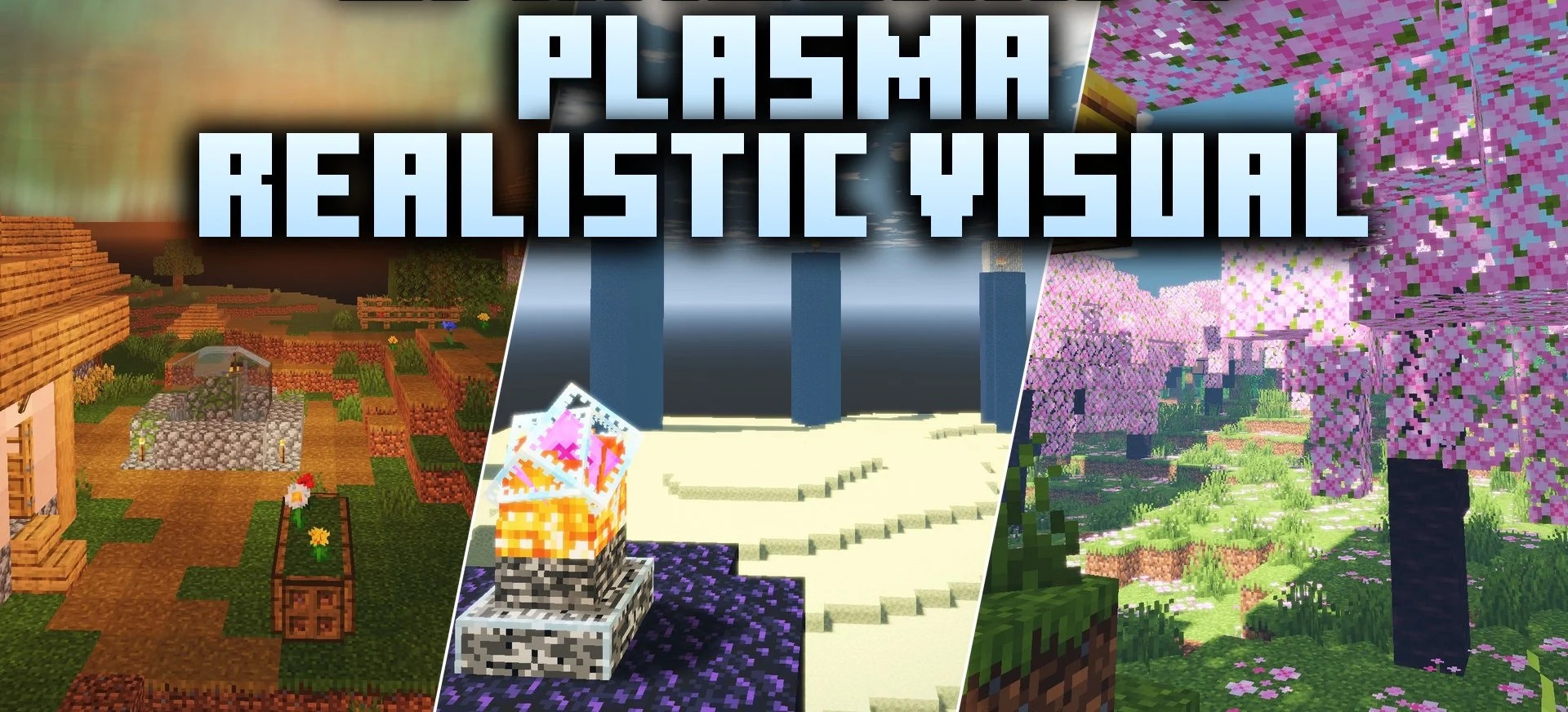
Cinematic lighting and reflective water become the central elements of Plasma Realistic Visual Shaders. The PBR system adds depth to surfaces and allows sunlight and ambient light to interact with blocks more realistically.
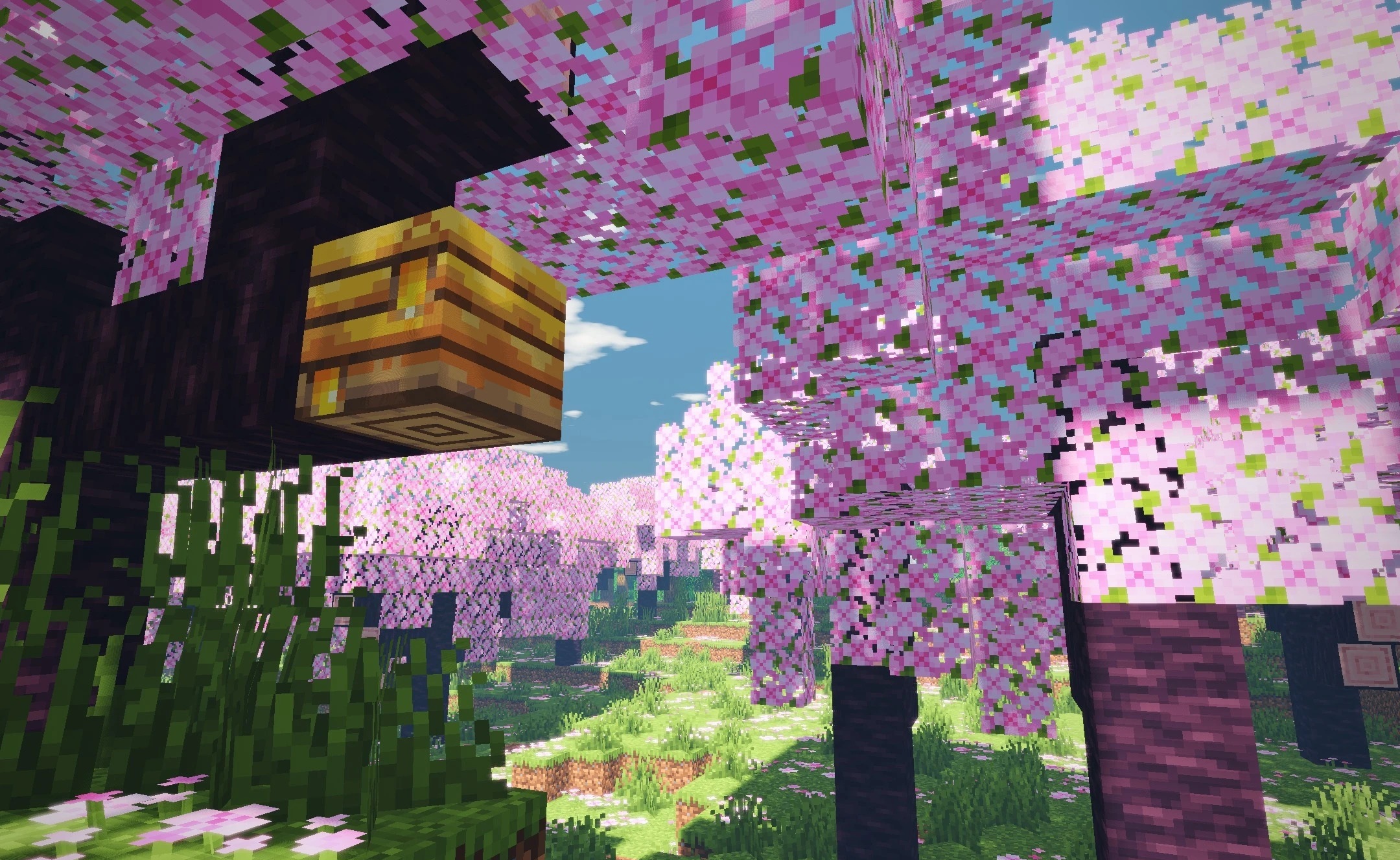
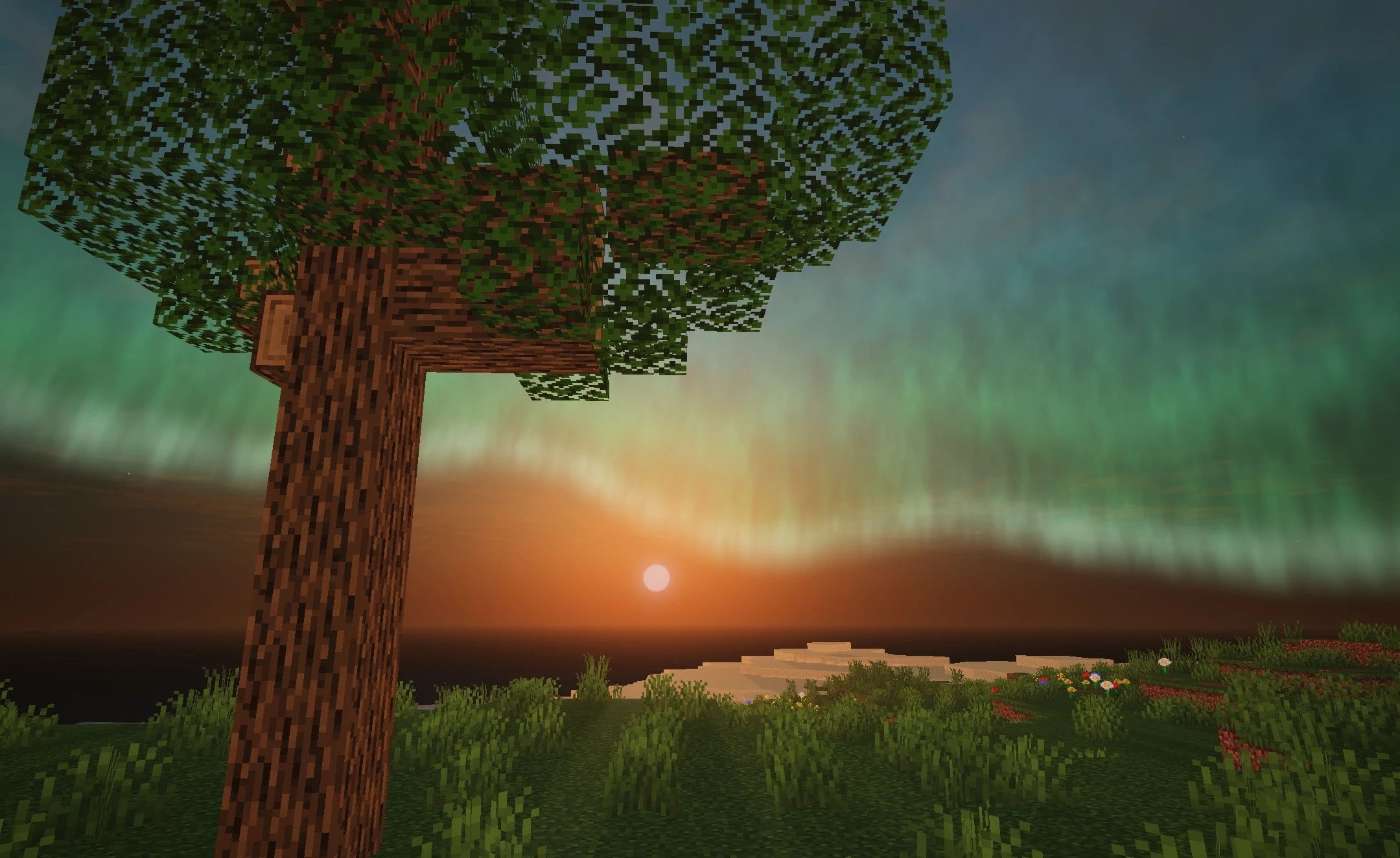
Lakes, rivers, and oceans reflect the sky, clouds, and surrounding terrain, making coastal scenes look much more three-dimensional. Clouds move across the world throughout the day and night, while the color of the sky gradually changes between morning, noon, and dusk. The shader works with Iris and Sodium, focusing on modern Java Edition rendering systems.
How to install a shader:
First step: download the shader package from the link below.
Second step: Unpack the downloaded archive and copy the Plasma Realistic Visual Shaders folder to c:\Users\User\AppData\Roaming\.minecraft\shaderpacks\(if this folder does not exist, create it yourself) (For Windows)
Third step: In the game, go to Settings, then to Graphics Settings. Select the "shaders" section and activate the shader pack of your choice.
Comments (0)