



Plasma Shaders for Minecraft 26.3
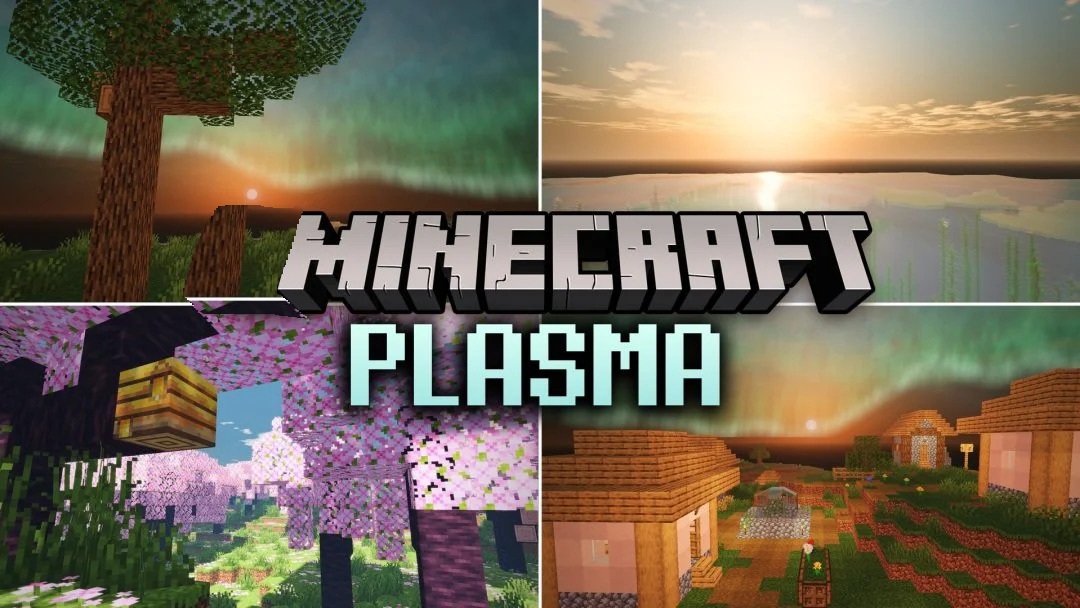
In Plasma Shaders, the way light behaves depends a great deal on the surface it hits. With PBR support and the right textures, stone, metal, and other materials all reflect light differently. Shadows bring out the shapes of buildings, trees, and uneven terrain.
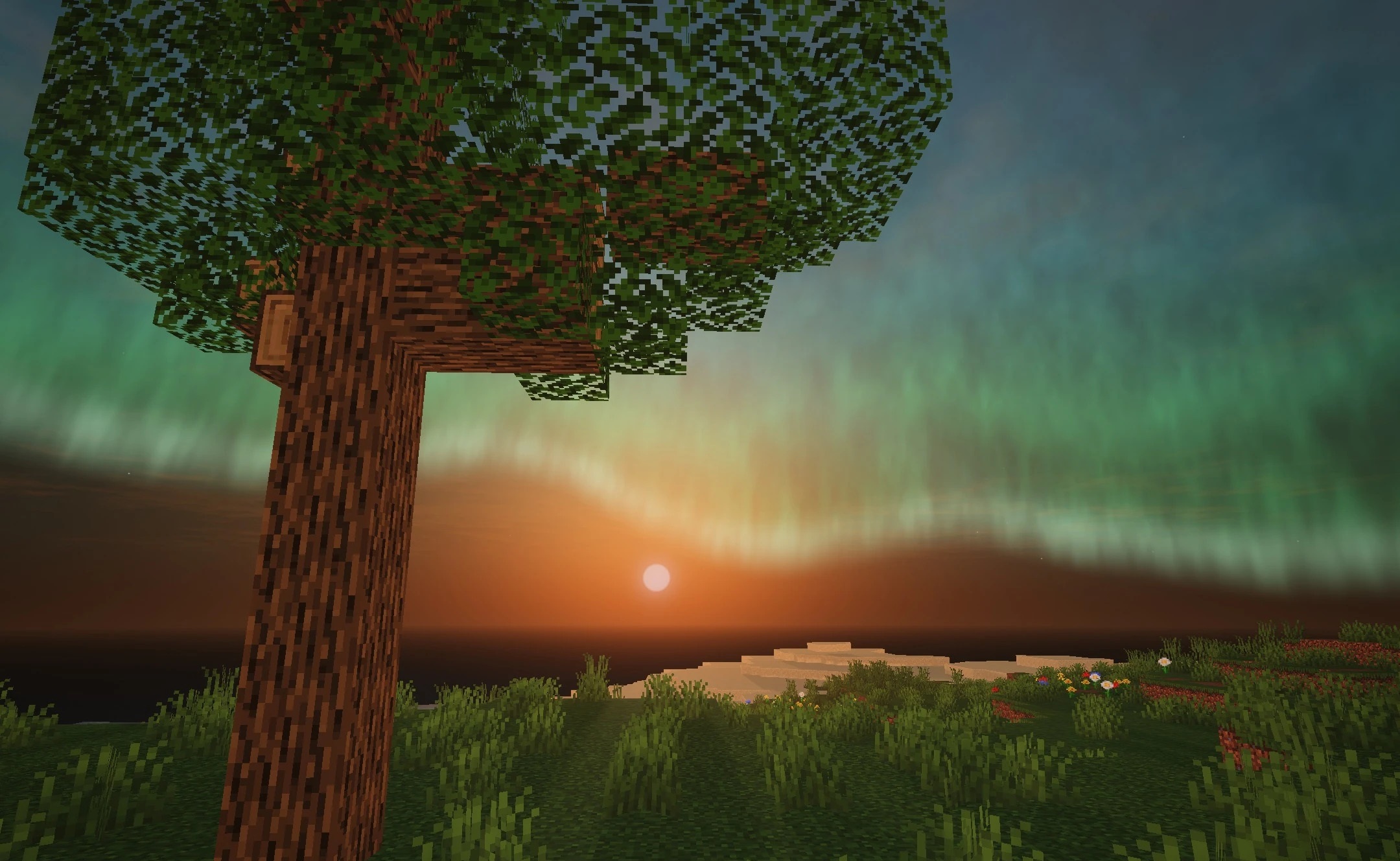
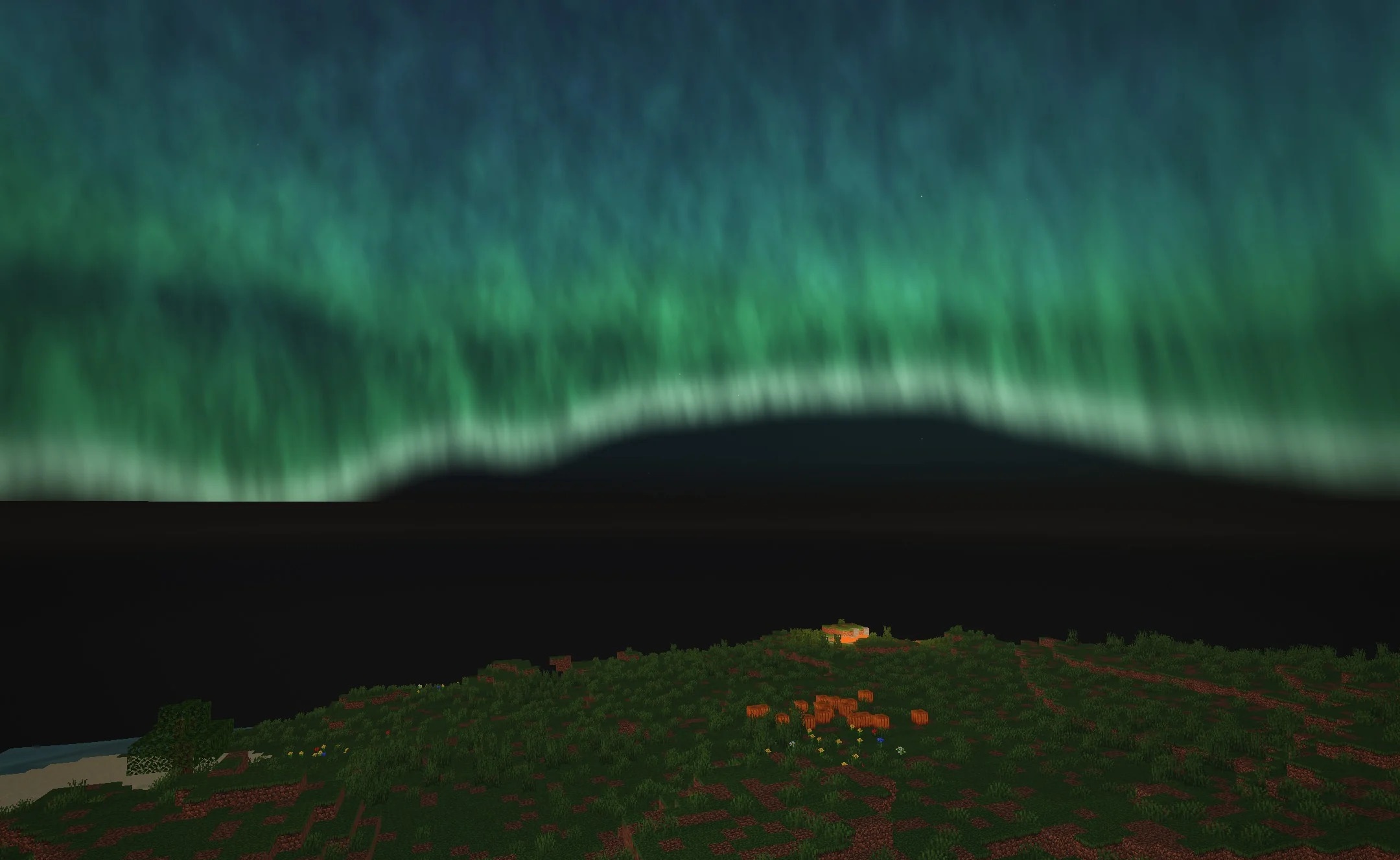
The water reflects the scenery around it, clouds gain more volume, and the sky takes on richer colors. Bright areas have a subtle glow, making the contrast between light and shade more noticeable. Grass and foliage benefit from the changes too, with a more defined appearance. Taken together, the pack combines physically based materials with a cinematic approach to the image.
How to install the shader:
Step one: Download the shader pack using the link below.
Step two: Extract the downloaded archive and copy the folder to the following path: c:\Users\Пользователь\AppData\Roaming\.minecraft\shaderpacks\ (if this folder does not exist, create it yourself) (For Windows)
Step three: In the game, go to Settings, then Graphics Settings. Select the ‘Shaders’ section and enable the shader pack of your choice.
Comments (0)