



PlusM1 Shaders for Minecraft 26.3
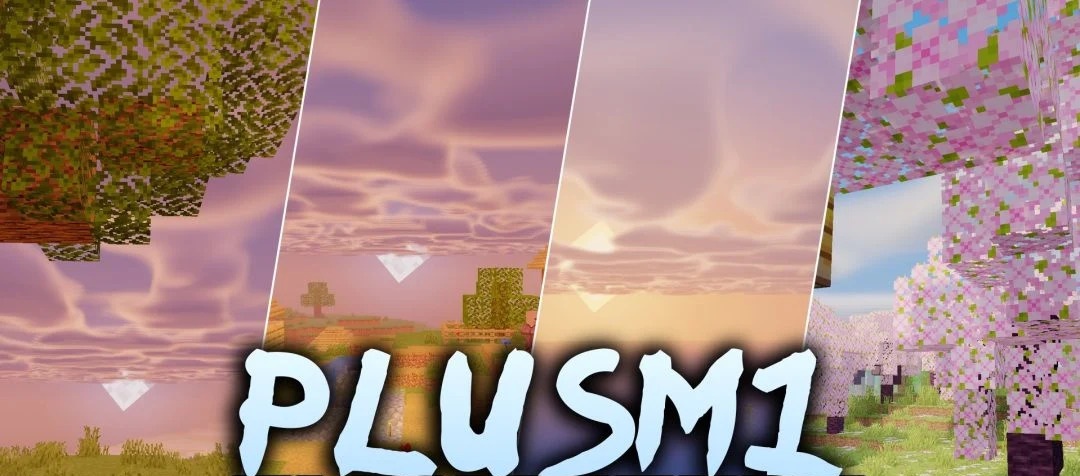
Colored lighting complements the vanilla style in PlusM1 Shaders without changing the blocks themselves beyond recognition. Lanterns and other light sources tint nearby surfaces, while sunlight and moonlight shadows become cleaner and more noticeable.
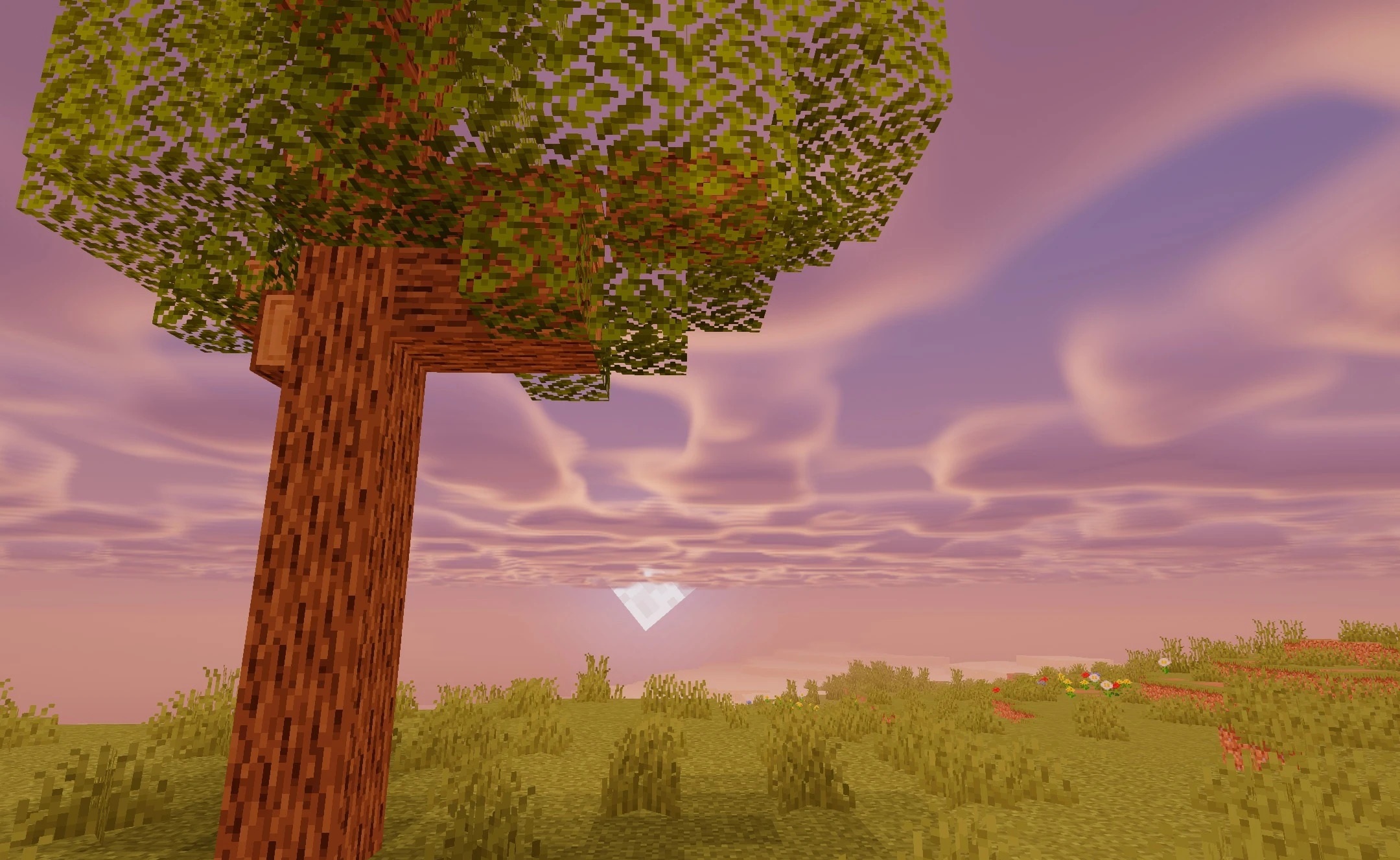
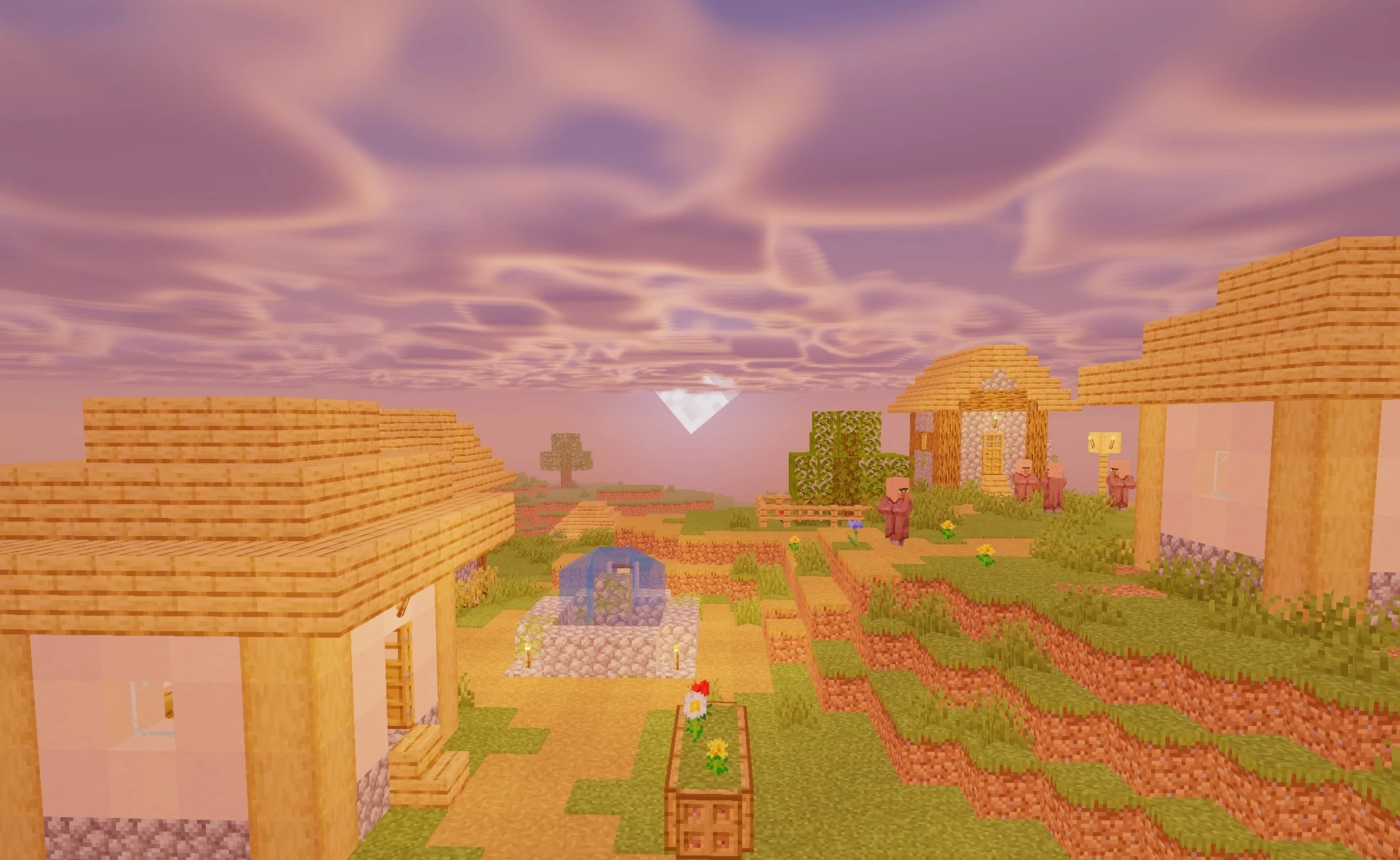
Weather conditions have a stronger effect on the atmosphere: rain, overcast skies, and thunderstorms change the character of the lighting and make the same landscapes look different. Leaves and plants receive slight fantasy-style adjustments but retain their original shapes and remain easy to distinguish. The pack is aimed at low and medium settings, so it does not require a powerful graphics card for stable performance.
How to install a shader:
First step: download the shader package from the link below.
Second step: Unpack the downloaded archive and copy the PlusM1 Shaders folder to c:\Users\User\AppData\Roaming\.minecraft\shaderpacks\(if this folder does not exist, create it yourself) (For Windows)
Third step: In the game, go to Settings, then to Graphics Settings. Select the "shaders" section and activate the shader pack of your choice.
Comments (0)